Stream Deck Module (15 Keys)
DIY Control Panel
Save up to 15%
| Quantity | 0-4 | 5-19 | 20-49 | 50-100 | 101+ |
|---|---|---|---|---|---|
| Discount | 0% | 5% | 10% | 15% | Contact us |
Subtotal
Save up to 15%
| Quantity | 0-4 | 5-19 | 20-49 | 50-100 | 101+ |
|---|---|---|---|---|---|
| Discount | 0% | 5% | 10% | 15% | Contact us |
Subtotal
Build it your way
Resell without paying royalties
Save time and cut costs


Use our SDK to build seamless plugins and dynamic UI controls. If you can imagine it, you can make it—right inside the Stream Deck ecosystem.
Bypass the Stream Deck app entirely. Our HID spec gives you direct access to hardware control—perfect for embedded systems, OEM solutions, and advanced maker projects.

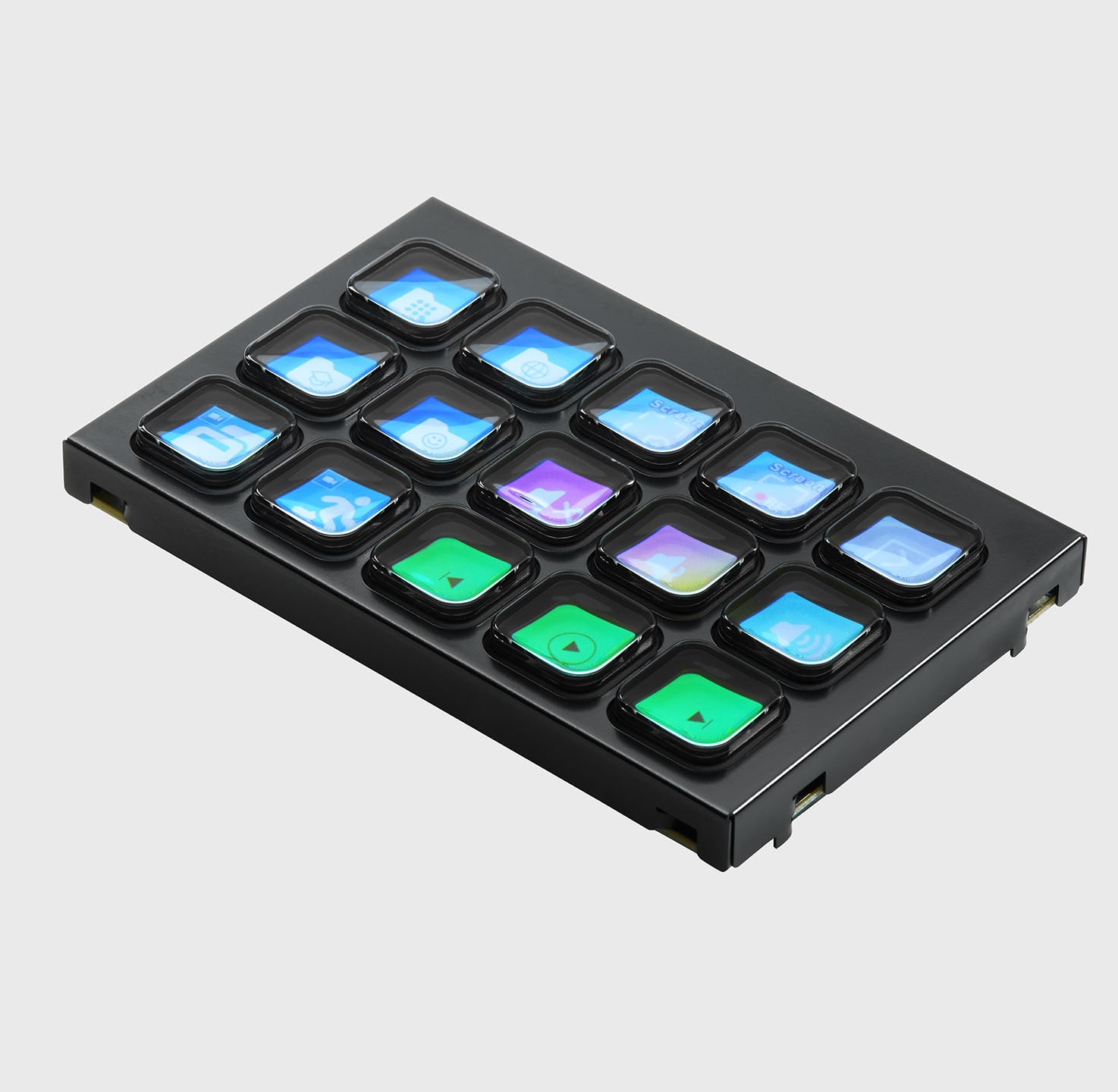
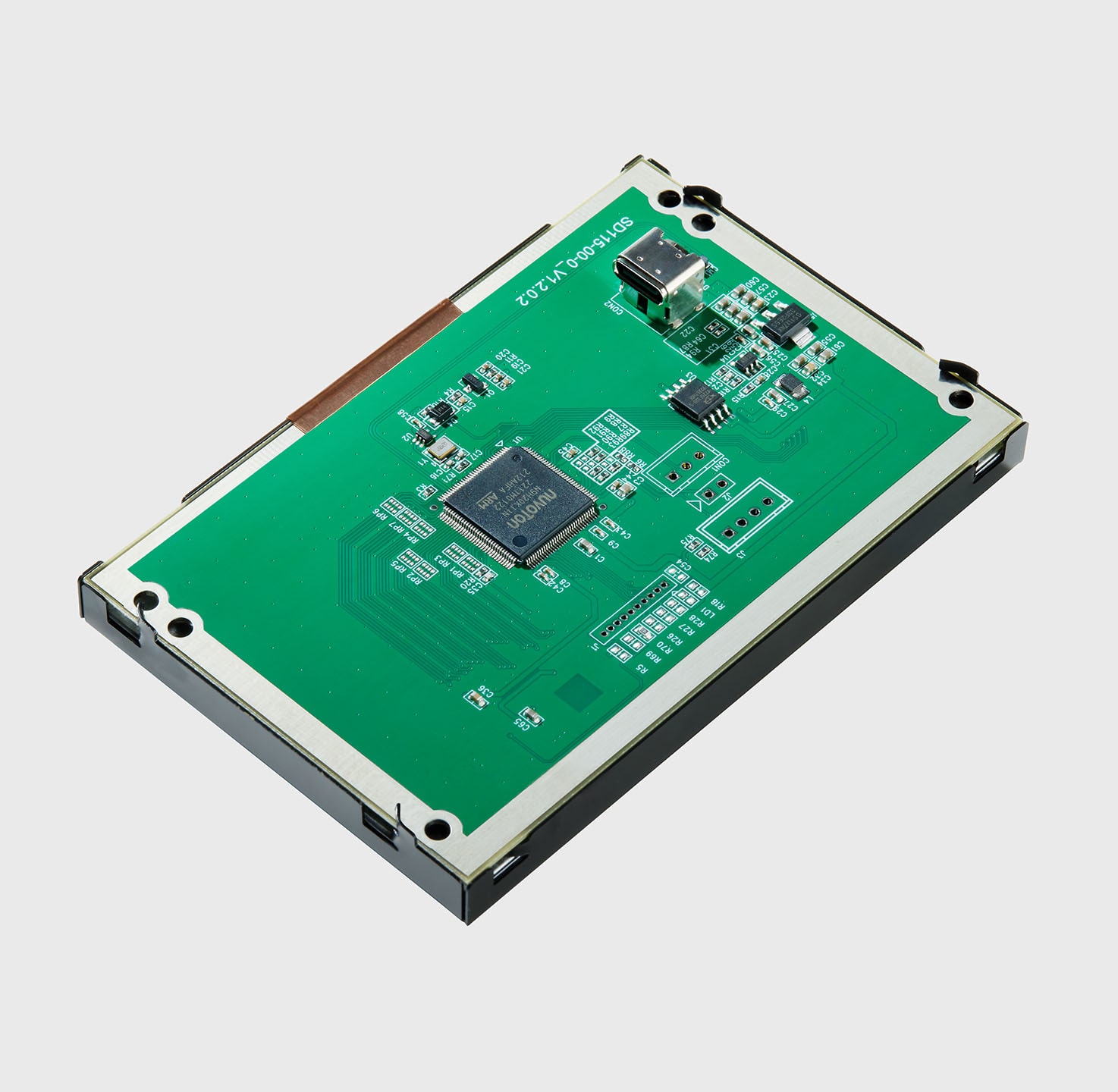
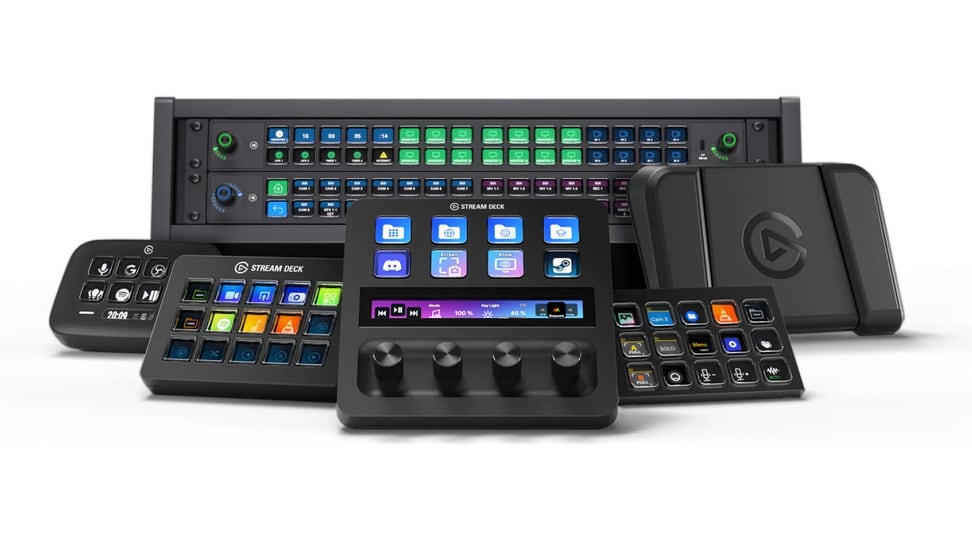
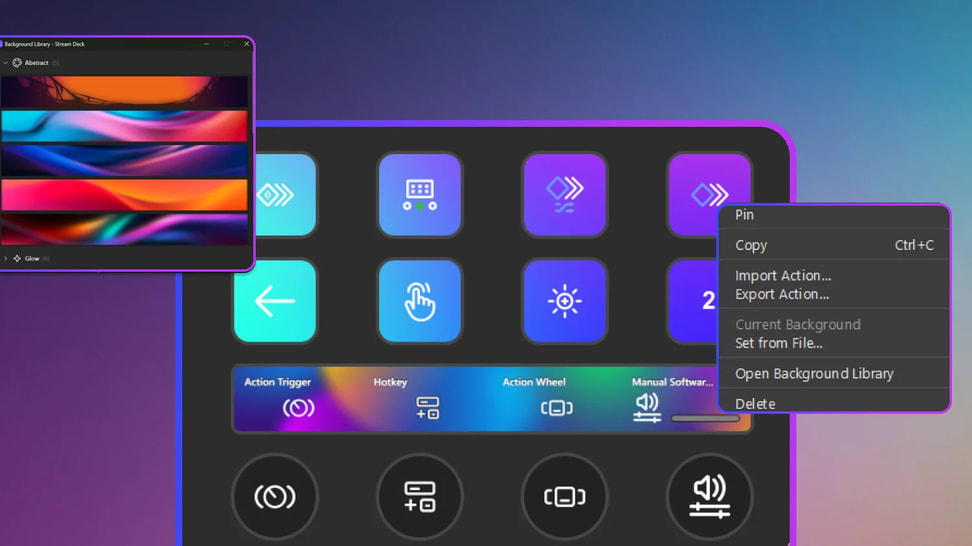
Stream Deck Modules give you the same powerful 6-, 15- or 32-key control deck as the original — but as bare modules ready to mount inside custom gear, racks or DIY projects.

Browse free (and paid) icon packs in the Elgato Marketplace — or upload your own — to give each key a unique look that matches your style and workflow.

Key Logic lets you assign up to three different actions to a single Stream Deck key — single-press, double-press, or press-and-hold — so you can trigger play/pause, skip track or previous track from the same button.

With its plugin library + hotkey flexibility, Stream Deck lets you streamline editing, streaming, design, or productivity in almost any application you use.

Elgato supplies everything you need: an SDK, documentation and tools — so you can start simple (e.g. a counter) and grow into powerful custom actions for Stream Deck.

Smart Profiles automatically switch your button layout based on which app you have open — so whether you're editing video, chatting, or streaming, the right controls always show up.

Whether you manage AV gear, editing suites, or broadcast stations — with Profiles at Scale you ensure every workstation starts with the same key layout and workflow.

Stream Deck lets you control apps either by sending keyboard shortcuts (hotkeys) or by using dedicated plugins. Use hotkeys when an app doesn't have a plugin — use plugins when you want deeper, more seamless integration.

No purchase needed: Stream Deck Mobile gives you six keys for free, with full plugin and hotkey support, so you can start automating, streaming or controlling apps immediately.

Though the names are nearly identical, their purpose couldn't be more different: Stream Deck accelerates creation and control; Steam Deck delivers gaming freedom and portability.

With the official Zoom plugin, Stream Deck puts all essential meeting controls — mute mic, toggle camera, start screen share, record, react, raise hand — onto customizable keys for instant, distraction-free control.

Stream Deck is now the first Zoom-certified personal-productivity device, meaning it's officially tested, approved and fully integrated for smooth, real-time control of Zoom meetings.

Camo Studio for iPad gains full Stream Deck support, letting you switch scenes, mute mic, toggle cameras or start recording — all with one tap, no screen-swiping while you're live.

Learn how folders help keep your Stream Deck layouts clean, scalable, and easy to navigate.
)/Stream-Deck-Module-15-In-The-Box-V2.png)
Our goal is to be 100% plastic-free. We're at 95% and counting. Since launching our first capture device in 2012, we’ve taken impressive strides not only in advancing our technology but also our packaging. Learn More