Skip to Main content
$129.99

Game Capture Neo

Great content made easy.

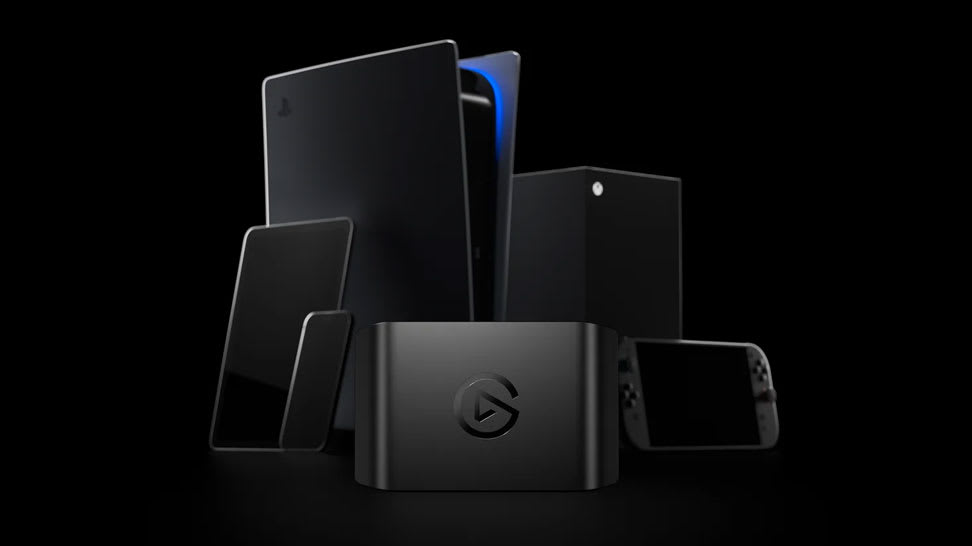
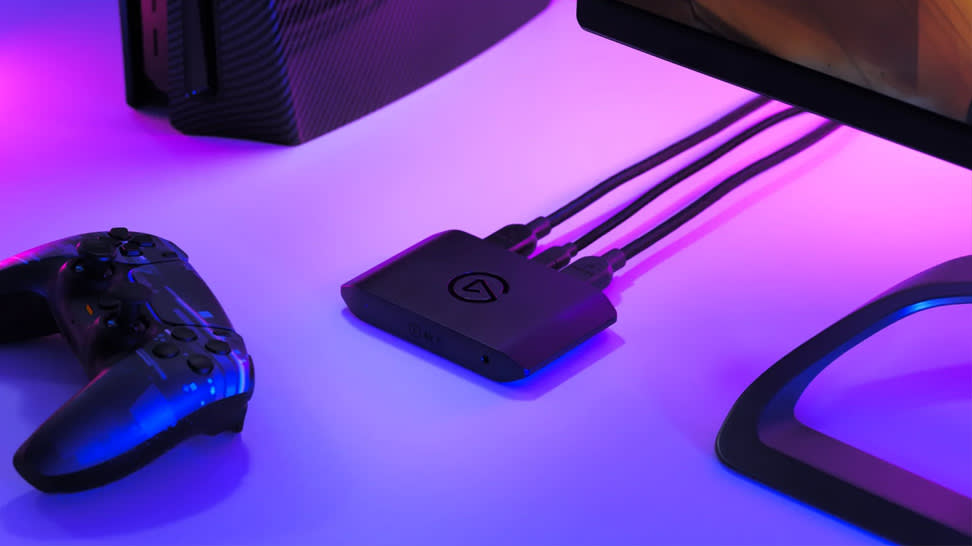
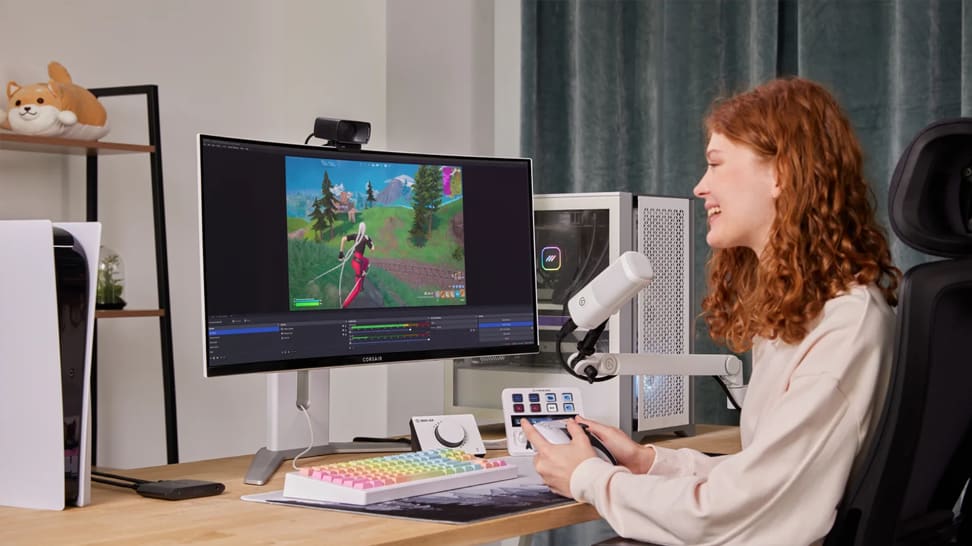
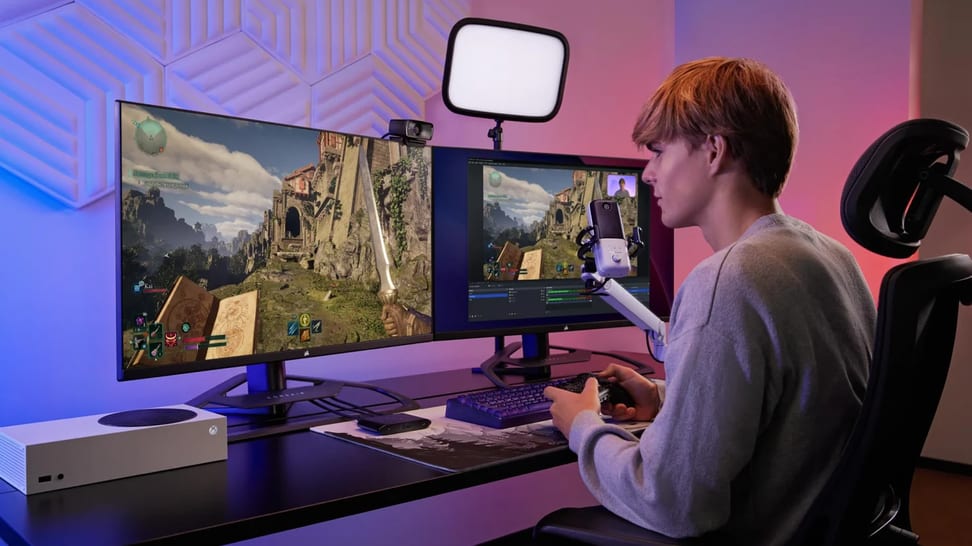
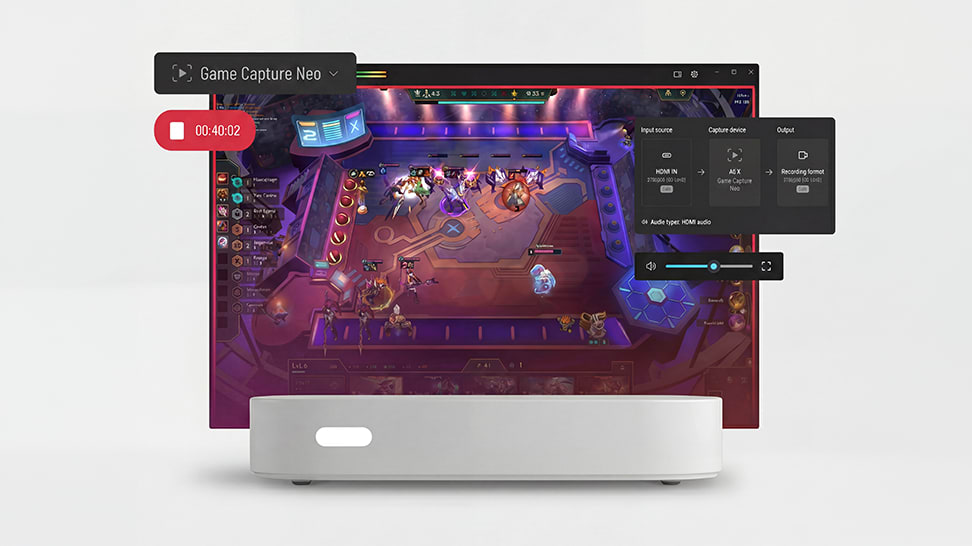
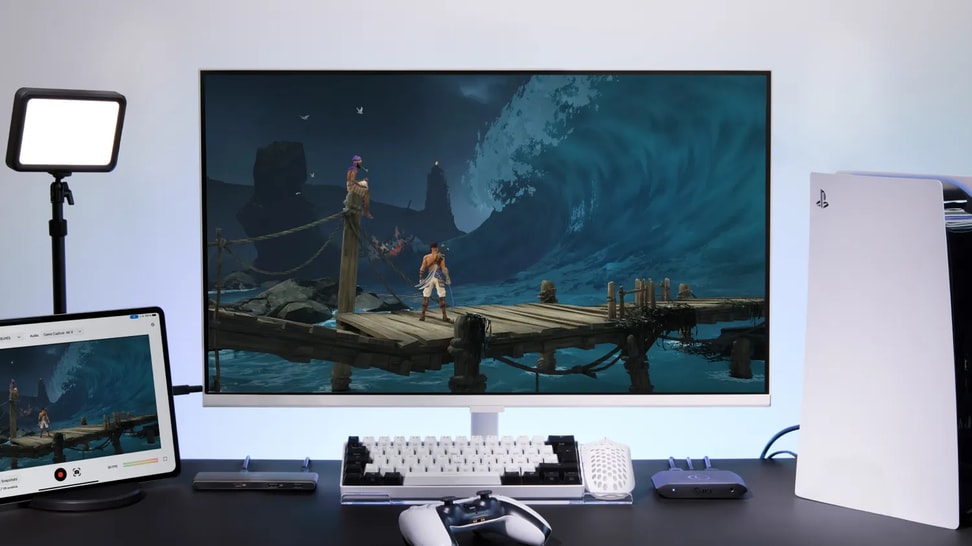
Introducing Game Capture Neo, a powerful device that turns you into a creator. It connects your console to your gaming screen and laptop or iPad1, so you can record or stream like a pro. Plus it works with any app, so you can start right away.


1. Requires 3rd party application like Camo Studio.

Awards

VGP Awards
VGP AWARD
Winning a VGP Award signifies recognition from industry experts and consumers for exceptional performance, design, and innovation in the audiovisual technology sector.
✨ Special Offer

ONE MONTH OF DISCORD NITRO

Available for new and returning Nitro users—must be 12+ months since you last had Nitro. Terms and conditions apply.

Better with friends

Build a bundle

Add more Neo for additional savings

Subtotal

$129.99
Step into the realm of content creation and play your heart out. With this mighty companion by your side, nothing can stop you from creating engaging experiences, building a community, and sharing your journey with the world.
Game Capture Neo Other Asset
Play, capture, share. Easy!

Capturing gameplay has never been this simple.

Iconic tech, good looks too.

Clean and unassuming, Game Capture Neo almost disappears on a desk. And yet, it packs the same tech that has empowered creators everywhere.

Go even further.

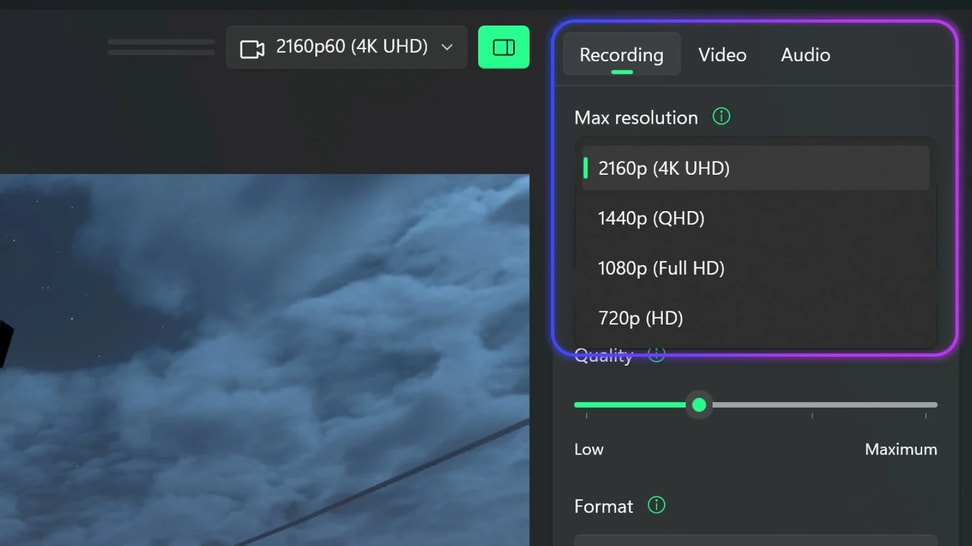
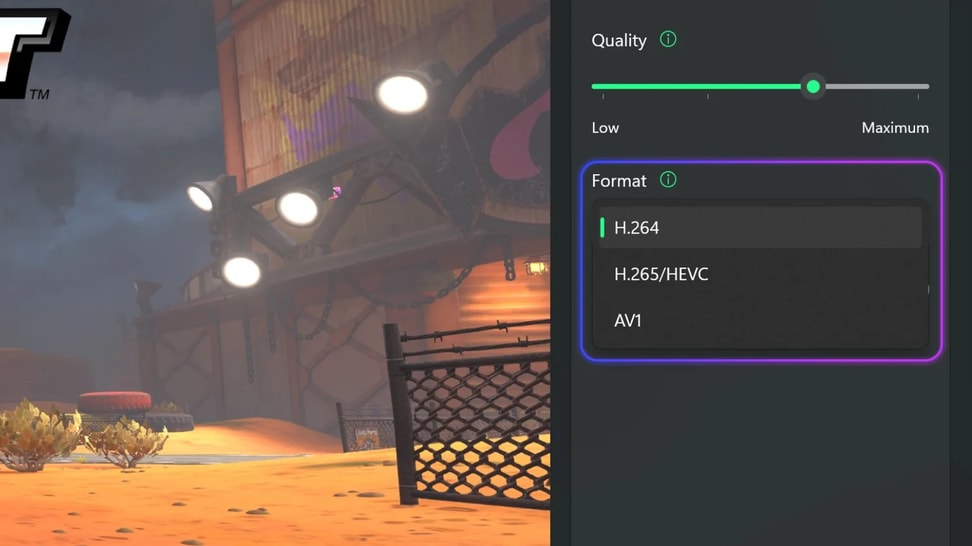
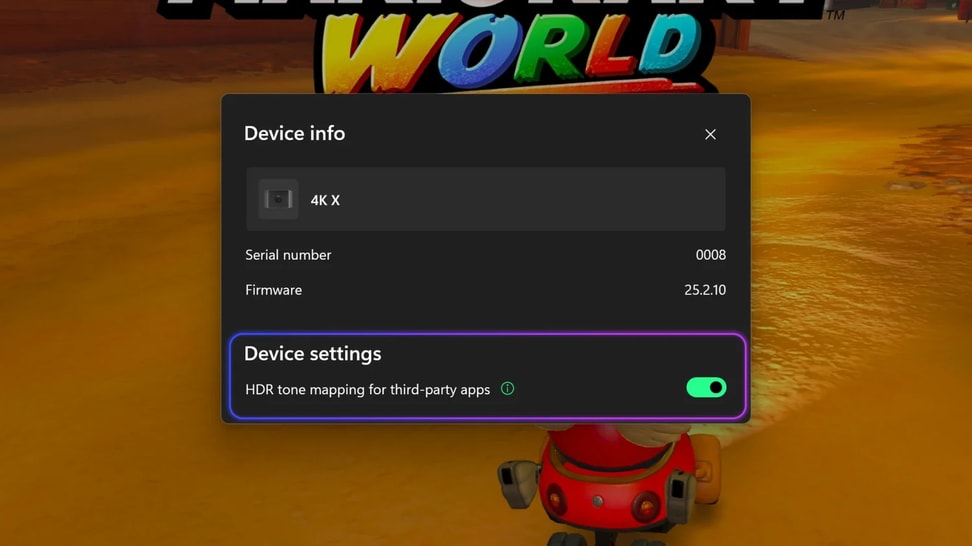
As your needs grow, Game Capture Neo has so much more to offer.

Easy to start, fun to master.

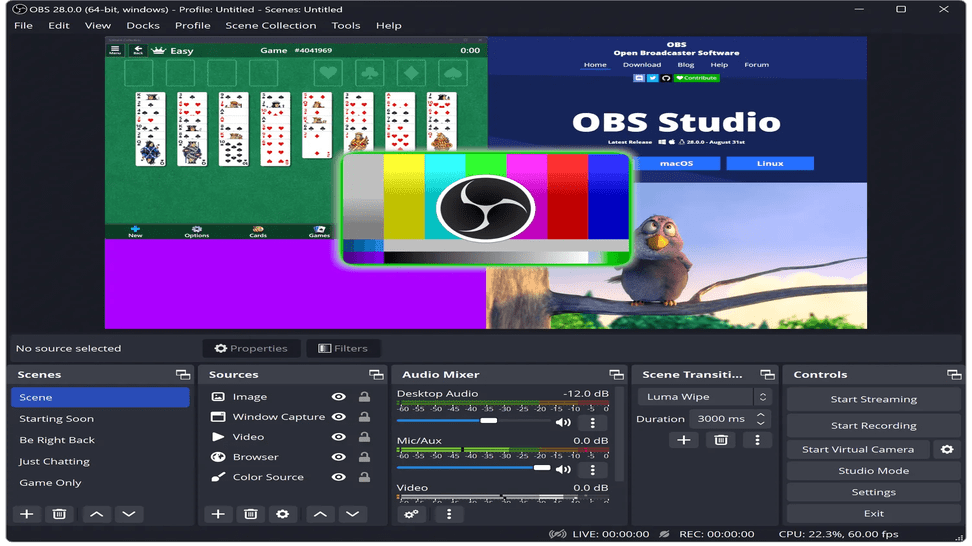
There’s an Elgato app.

But you can use any app.

Tap into pro capture.

Build your Neo bundle

Enjoy up to 20% off when you bundle more items.

Link to Category - Opens in a new Tab

DIVE DEEP

Learn how to capture, stream, and optimize your gameplay — with guides that make using Game Capture Neo simple on any platform.
What's the Difference Between Game Capture 4K S and Game Capture Neo

What's the Difference Between Game Capture 4K S and Game Capture Neo

Looking to get a new capture card? Here is the difference between Game Capture 4K S and Game Capture Neo.

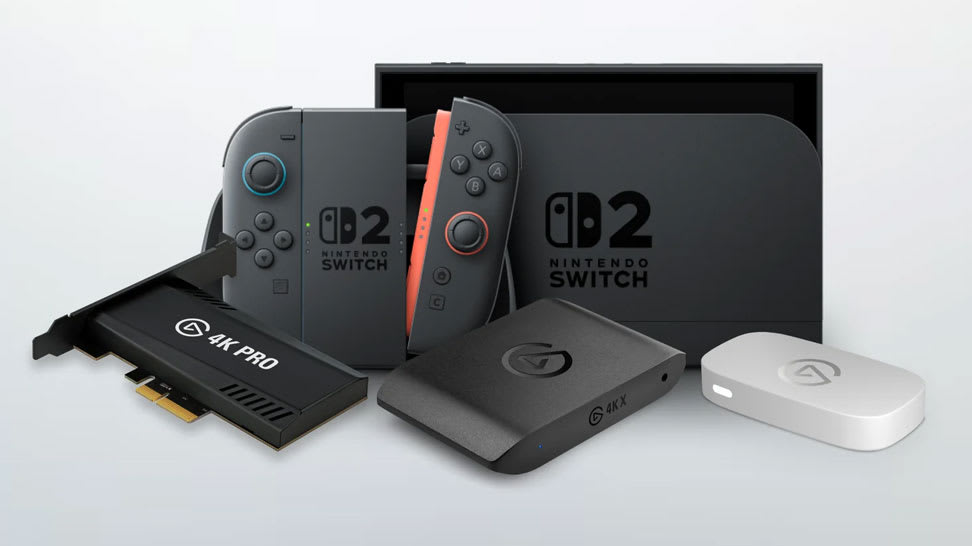
The Best Capture Card for Switch 2

The Best Capture Card for Switch 2

Find out which Elgato capture card fits your Nintendo Switch 2 setup — and how each delivers smooth, high-quality gameplay recording and streaming.

Stream or Record Switch 2 Gameplay

Stream or Record Switch 2 Gameplay

Learn how to capture and share your Nintendo Switch 2 gameplay using Elgato capture cards — perfect for streaming, recording, or creating content.

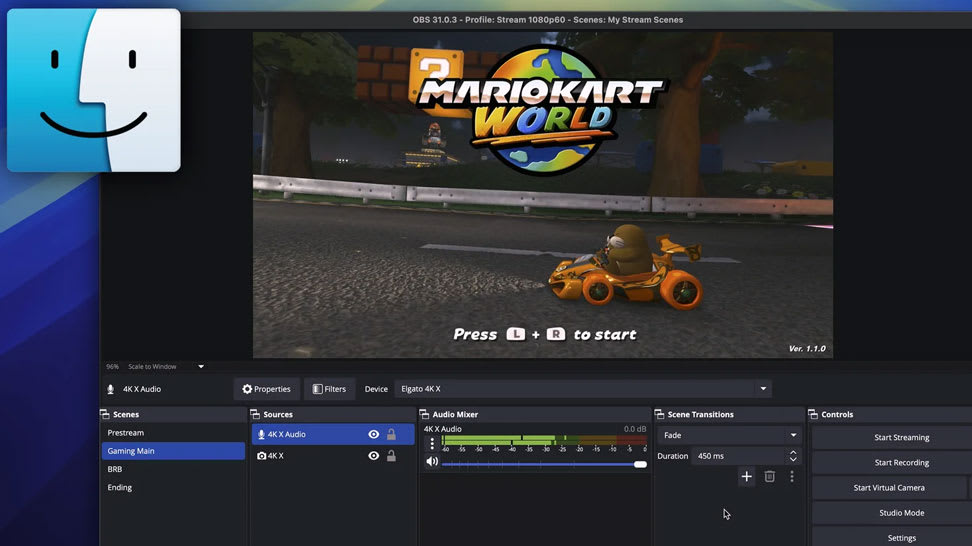
Capture Switch 2 on Mac

Capture Switch 2 on Mac

Learn how to connect your Nintendo Switch 2 to a Mac using Elgato capture hardware for smooth, high-quality gameplay recording and streaming.

Record HDR Gameplay

Record HDR Gameplay

Learn how to capture stunning HDR footage in OBS Studio using Elgato capture cards — for vibrant color, deep contrast, and pro-level results.

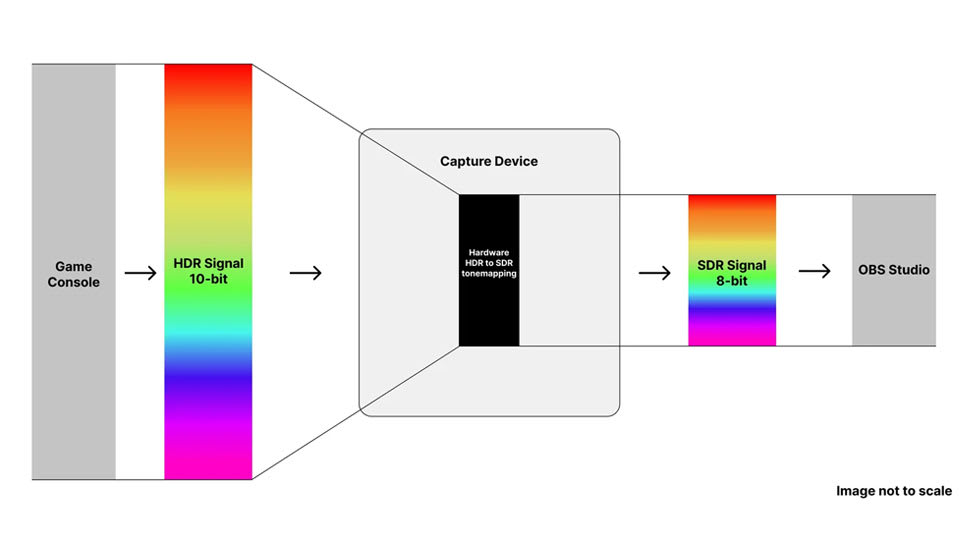
What Is HDR Tonemapping?

What Is HDR Tonemapping?

Understand how HDR tonemapping works and why it’s key to preserving detail, contrast, and color accuracy in your gameplay captures.

The Best Capture Cards for PS5

The Best Capture Cards for PS5

Explore which Elgato capture cards work best with PlayStation 5 — and how to record or stream your gameplay in smooth, stunning detail.

OBS Studio 32.0 — Streaming Made Easier

OBS Studio 32.0 — Streaming Made Easier

The new OBS Studio update brings a built‑in Plugin Manager, better audio handling, improved recording formats and NVIDIA RTX enhancements — making streaming or recording easier and more reliable.

Bring VST3 Effects Into OBS

Bring VST3 Effects Into OBS

OBS may only support older VST2 by default — but with atkAudio, you can load modern VST3 plugins and apply effects like noise reduction or equalization directly to your stream. Simple to set up, great audio.

OBS Studio 30.2 - New Multitrack Streaming and Hybrid MP4

OBS Studio 30.2 - New Multitrack Streaming and Hybrid MP4

Now you can stream multiple video/audio variants simultaneously and record in a crash-resistant Hybrid MP4 container. Add updated themes and Linux NVENC enhancements — a robust upgrade for streamers and content creators alike.

Stream or Record Cyberpunk 2077 on Switch 2

Stream or Record Cyberpunk 2077 on Switch 2

Hook up your Switch 2 via a capture card, open Elgato Studio or OBS Studio, and record or stream Cyberpunk 2077: Ultimate Edition in full 4K60. Simple setup — instant gameplay capture.

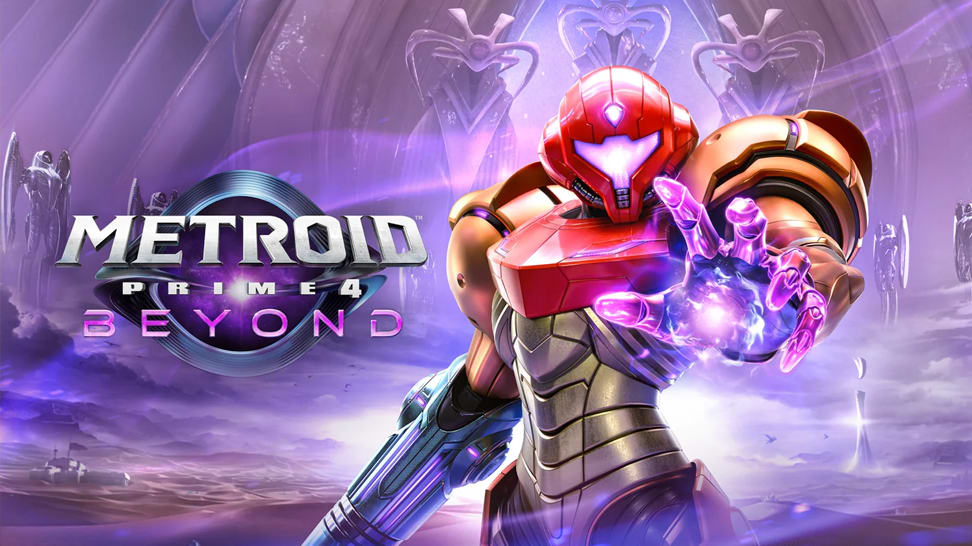
Stream or Record Metroid Prime 4: Beyond on Switch 2

Stream or Record Metroid Prime 4: Beyond on Switch 2

Dock your Switch 2, connect a capture card and HDMI cables, then open Elgato Studio or OBS — and you're ready to stream or record Metroid Prime 4: Beyond in 4K60 or 1080p120. Simple setup, cinematic results.

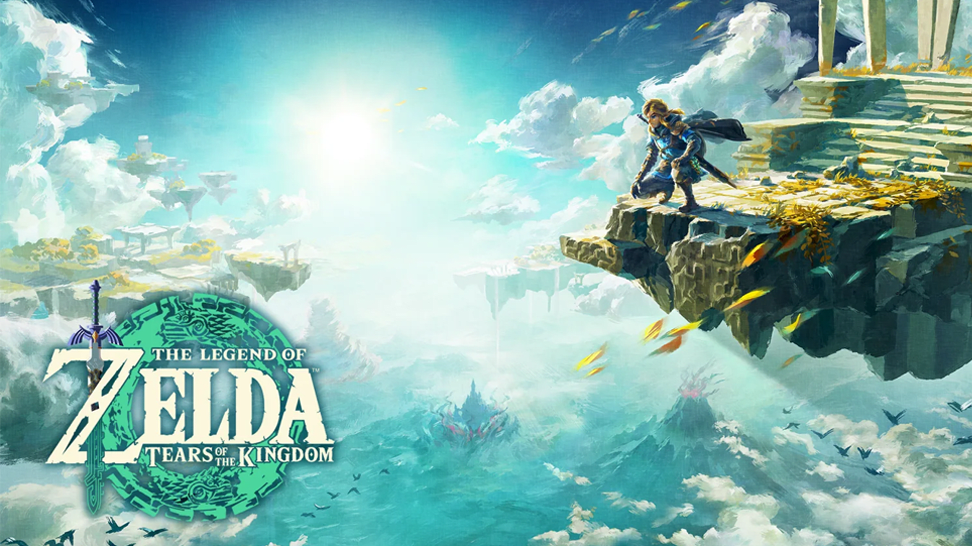
Stream or Record Zelda: Tears of the Kingdom on Switch 2

Stream or Record Zelda: Tears of the Kingdom on Switch 2

With a capture card and Elgato Studio (or OBS), it takes minutes to stream or record Zelda: Tears of the Kingdom on Switch 2 — up to 4K60 with HDR. From exploration to combat, capture every moment.

Stream or Record Mario Kart World on Switch 2

Stream or Record Mario Kart World on Switch 2

Dock your Switch 2, connect a capture card, then open Elgato Studio or OBS — and you're ready to stream or record Mario Kart World in full 4K60 HDR. Perfect for sharing races, highlights or live lap-action.

Don't Lose Your Streams — Archive Them Easily

Don't Lose Your Streams — Archive Them Easily

Many platforms delete VODs after a set time. By saving your livestream locally (via OBS), you'll always have a copy — ideal for editing, highlights or replay uploads.

Record Your Metroid Gameplay

Record Your Metroid Gameplay

Learn the exact steps to set up your Switch 2 for smooth, high-quality gameplay recording.

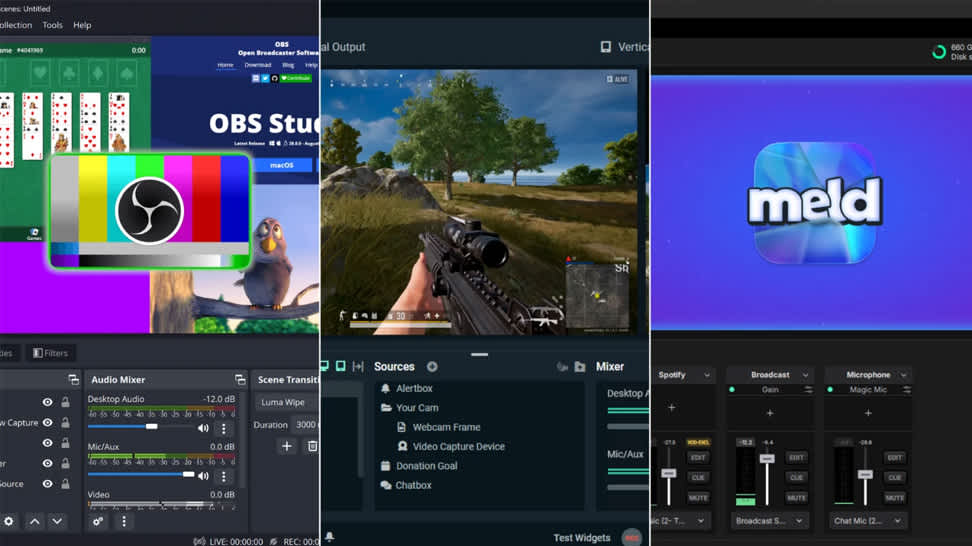
Choose Your Streaming Software

Choose Your Streaming Software

A clear guide to selecting the right streaming software—no matter your experience level.

Choose the Right Capture Card

Choose the Right Capture Card

Compare Elgato's capture card lineup and discover which model best fits your platform, resolution, and workflow.

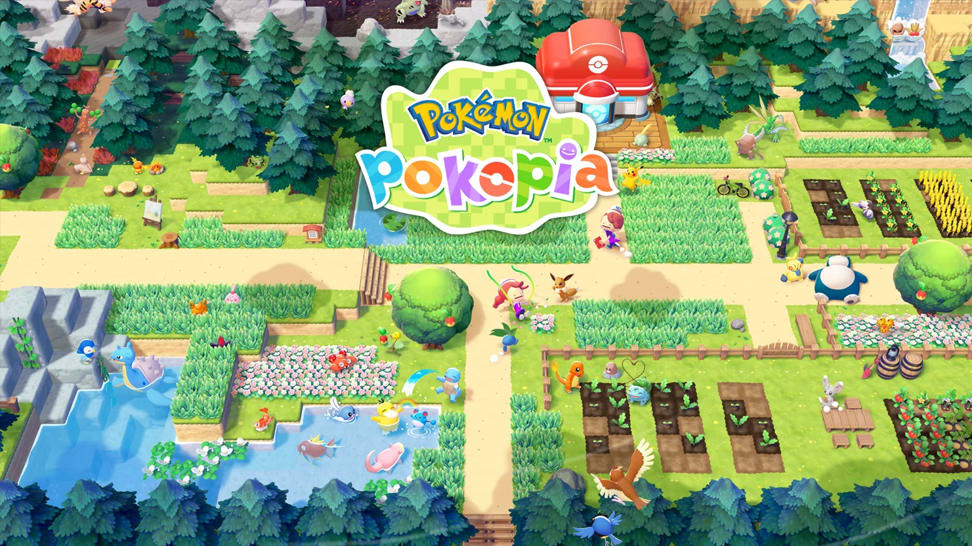
Learn how to record or stream Pokémon Pokopia

Learn how to record or stream Pokémon Pokopia

Learn how to record or stream Pokémon Pokopia with Nintendo Switch 2 using an Elgato capture card.

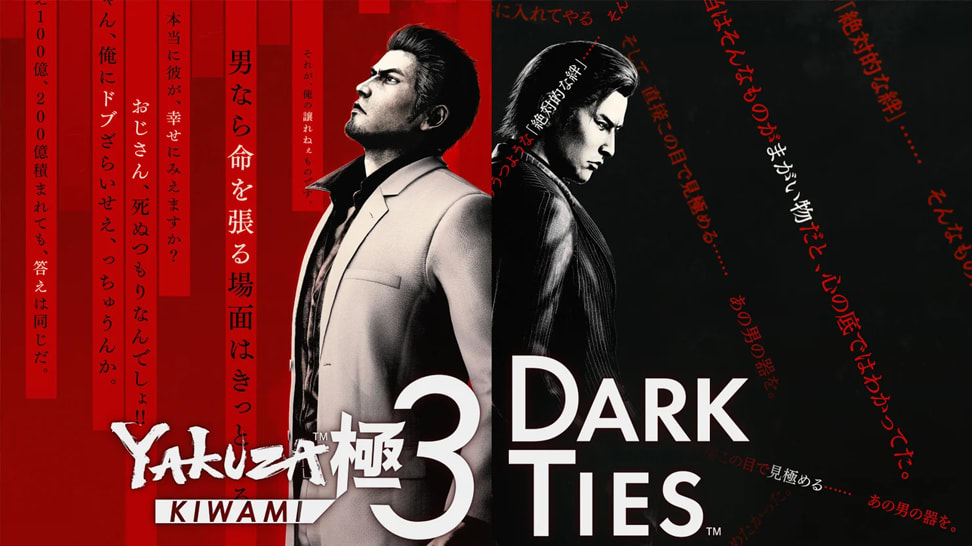
Learn how to record or stream Yakuza Kiwami 3 & Dark Ties

Learn how to record or stream Yakuza Kiwami 3 & Dark Ties

Learn how to record or stream Yakuza Kiwami 3 & Dark Ties on PS5, PS4, Xbox Series X|S, and Nintendo Switch 2.

What's new in OBS 32.1

What's new in OBS 32.1

Explore the latest OBS Studio update and see how new features and fixes can improve your streaming setup.