Skip to Main content
$249.99

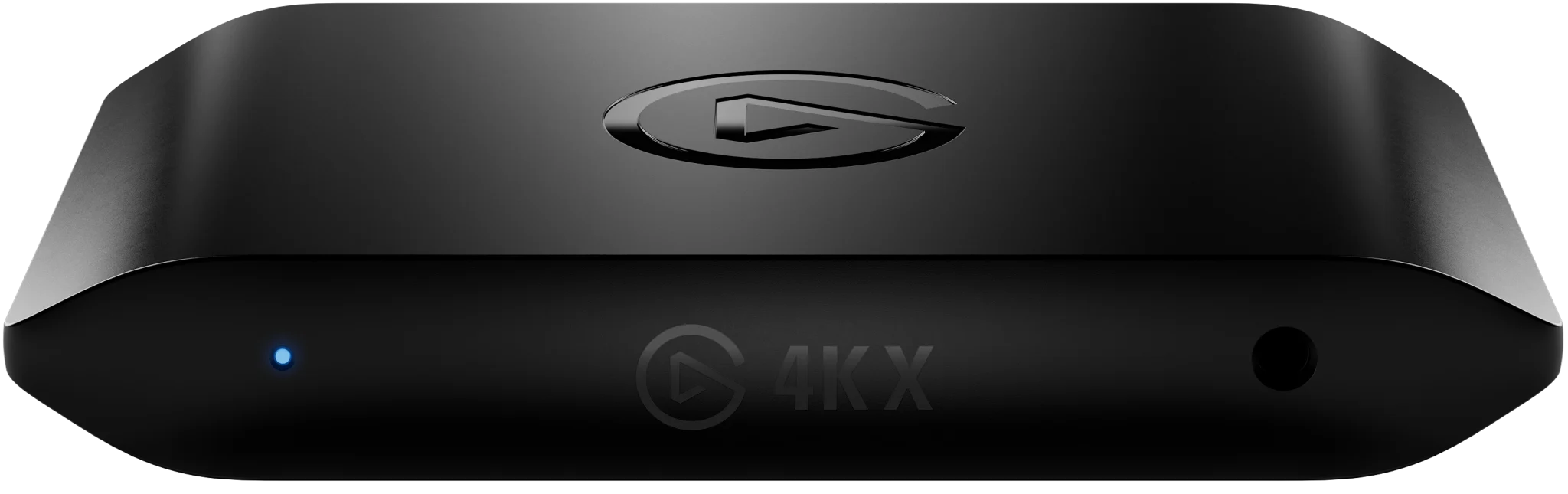
4K X

Superspeed game capture.

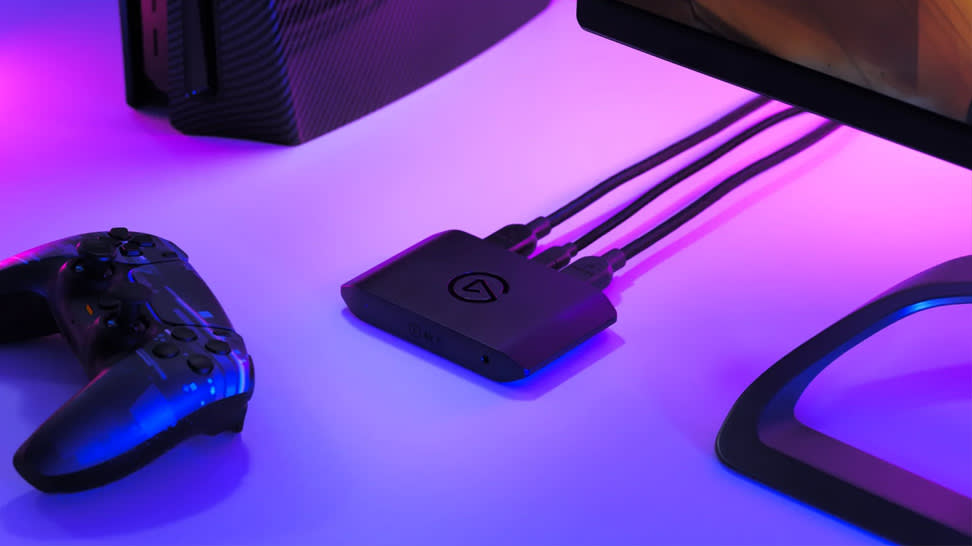
4K X is game capture at its best. Equipped with HDMI 2.1, our most powerful USB card lets you capture the latest titles up 4K at 144 frames per second – with ultra-low latency VRR passthrough for ultra-smooth frame rates, no compromises.

Awards

WINNER
Awarded Best Streaming Gear
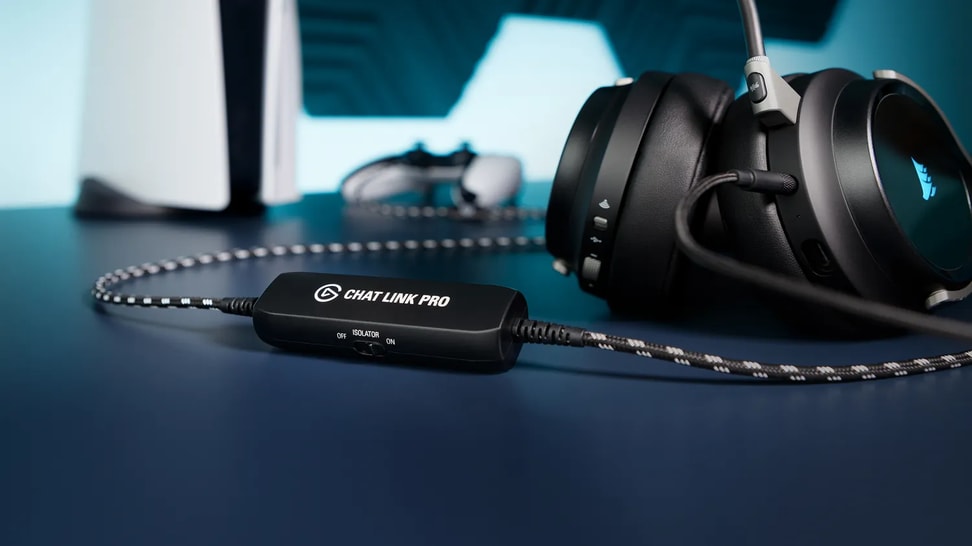
🔥 Free Chat Link Pro for every 4K X purchase

Save and get the full experience

✨ Special Offer

ONE MONTH OF DISCORD NITRO

Available for new and returning Nitro users—must be 12+ months since you last had Nitro. Terms and conditions apply.

Subtotal

$249.99
  • LuigiKid
    “From Game Capture HD to the 4K X, Elgato has once again succeeded in making game recording as easy and awesome as possible!”
  • HerthaBSC eSports
    “The 4K X immediately made our streams more professional and high-quality.”
  • Slethzockt
    "Finally, 4K HDR in full RGB color range thanks to HDMI 2.1 with the best tone mapping on the market!"
  • Harris Heller
    "I have one USB capture card that I keep in my backpack, always. It's this one. Look, I'll show you. *Opens backpack.* Yep, there it is."
  • Nilson
    "Elgato's Capture Cards are an essential part of my streaming setup and have been since 2016 to create content of the highest quality. They never let me down."
  • EposVox
    "I never would have believed a USB capture card would be the best capture card on the market, but here we are."
  • Tschuki
    "4K 120Hz? A content creator couldn't wish for more."
  • UnderwaterFrank
    "4K X works flawlessly with all the specs of my PS5 and Nintendo Switch. Just connect it and you can get started. This is the Elgato way."
  • Erd3nfeuer
    "4K X pushed my stream to the next level. This capture card is a must-have for every streamer!"
  • GeekyPastimes
    "I've been waiting for this for years. Finally I can use all the features of my consoles and display without compromises"
  • Debitor
    "It all started with the Game Capture HD, now I'm using the 4K X and I couldn't be happier."
  • RonnieRukusTV
    "Elgato knocked this one out of the park. If you're worried about a complicated install, don't. Thank you, Elgato!"
  • Windows Central
    "The Elgato 4K X is worth every penny, as it is the ultimate external capture card on the market right now."

Play without limits

Create on your terms

Make no compromises

4K X brings superspeed game capture to next-gen players. With high-resolution, high frame rate passthrough and capture, it's our most powerful USB capture card ever. Still, it sets up in a snap and gets out of your way. You won't even know it's there.

Up to 4K144

Capture & passthrough on native 4K144* monitors

HDMI 2.1

Higher resolutions, higher frame rates – like 4K120 or 1080p240

Plug & Play

Windows, Mac, iPad*.
HDMI 2.1 and USB-C cables included

HDR10

Deeper colors, darker shadows

Variable Refresh rate

Zero ghosting, stuttering, or screen tearing

Software compatible

Consoles, Handhelds, PCs, and more

Play what you want

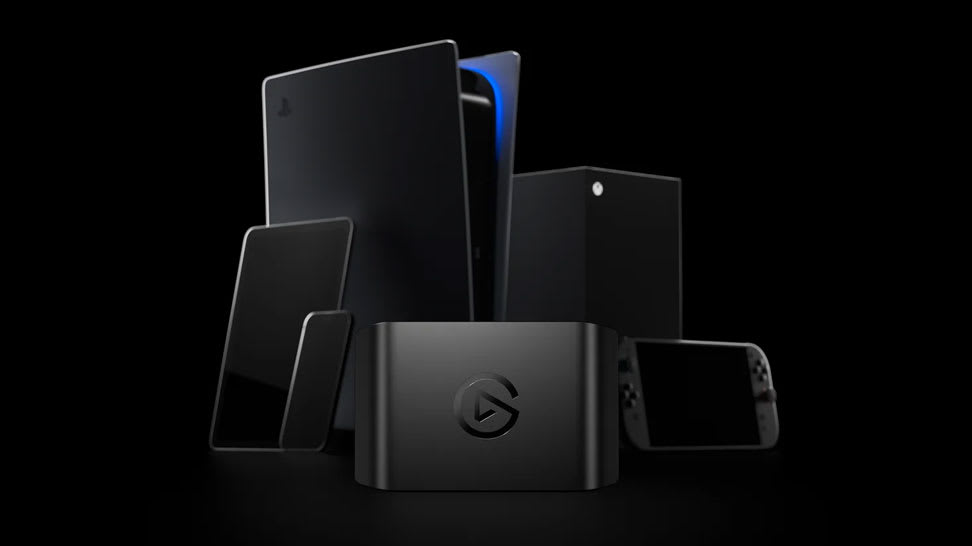
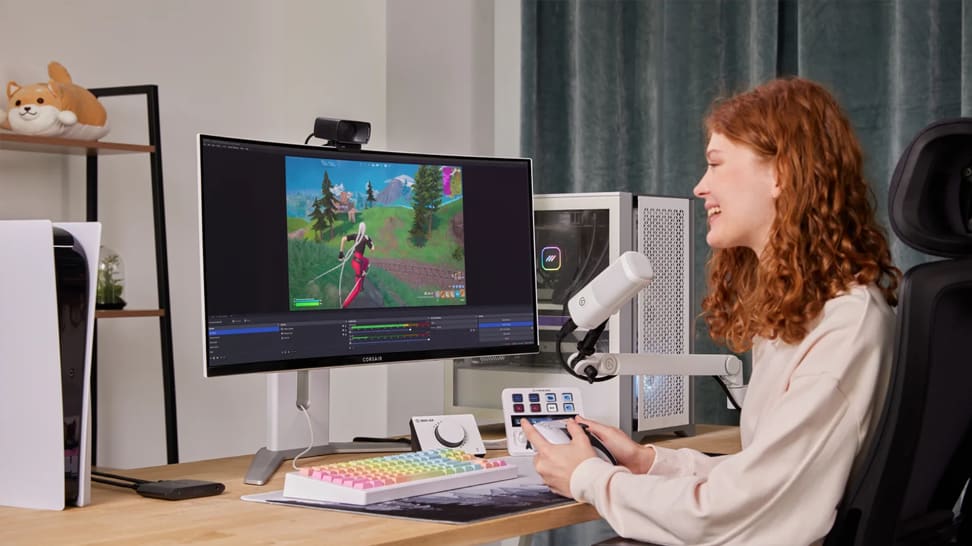
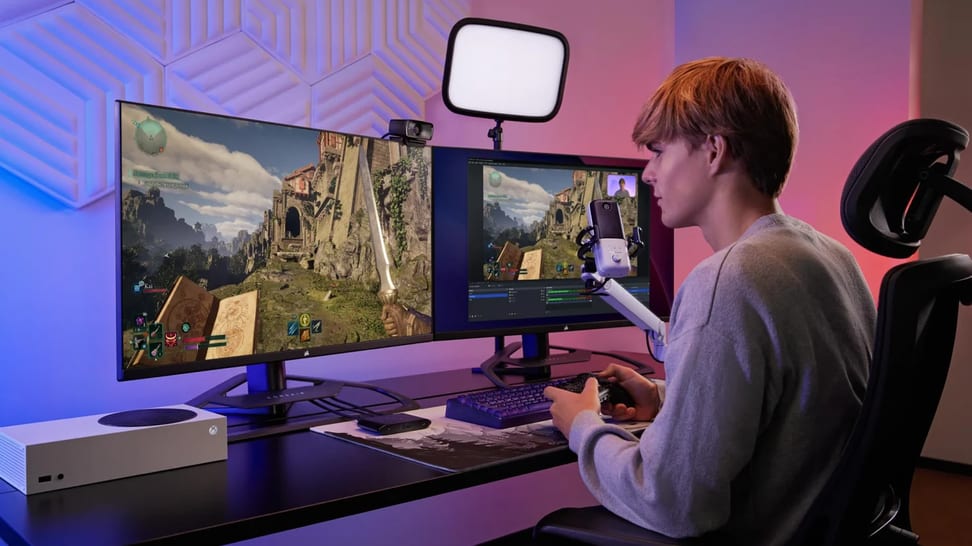
PlayStation 5/Pro, Xbox Series X, Switch, Steam Deck, ROG Ally, PC, Mac, even iPhone. 4K X works flawlessly with almost any gaming device.

CONNECT ANY SETUP

CONNECT ANY SETUP

Game on any device

Consoles, handhelds, PCs, iPhone, iPad

Capture on Any System

Laptop, PC, Mac, iPad
USB 3.2 Gen 2 connection for max performance.
USB 3.2 Gen 1 works with reduced resolution

PLAY ON ANY SCREEN

TVs, monitors, projectors
Up to 4K144* passthrough
*Limited to 4K120 on screens using Display Stream Compression (DSC)
Is my Console COMPATIBLE? 🧩

Stream your way

LogoIconLogoIconLogoIconLogoIcon

With any app

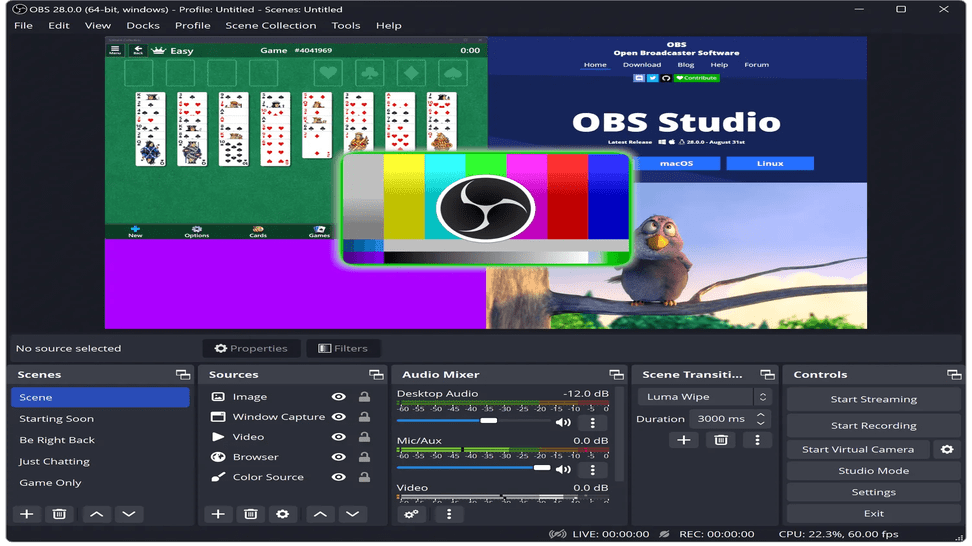
Just add 4K X as a source in OBS, Streamlabs Desktop, Twitch Studio, vMix, Meld Studio and more.

LogoIconLogoIconLogoIconLogoIcon

To any platform

Stream with overlays, chat interactions, and commentary to Twitch, YouTube, Discord, TikTok, Facebook Gaming — anywhere.

Supercharge your archive

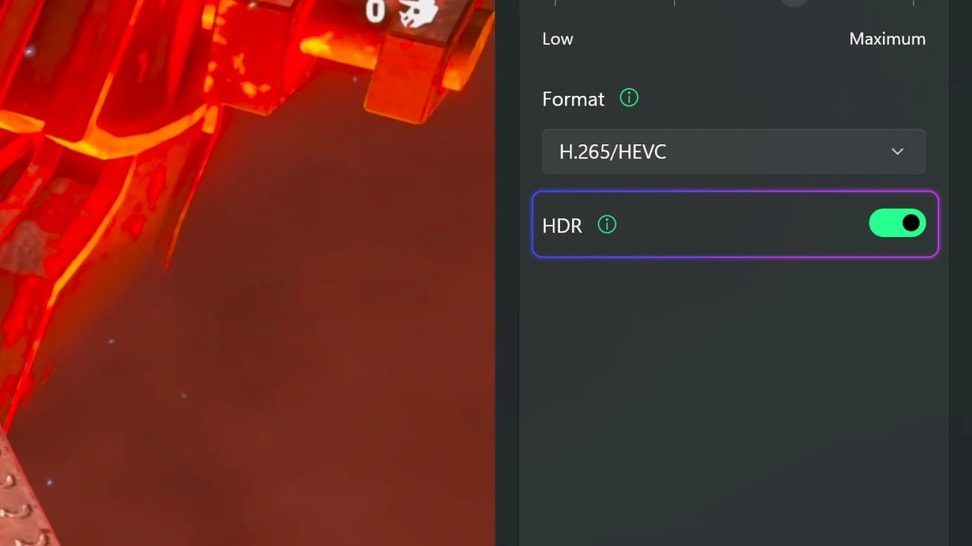
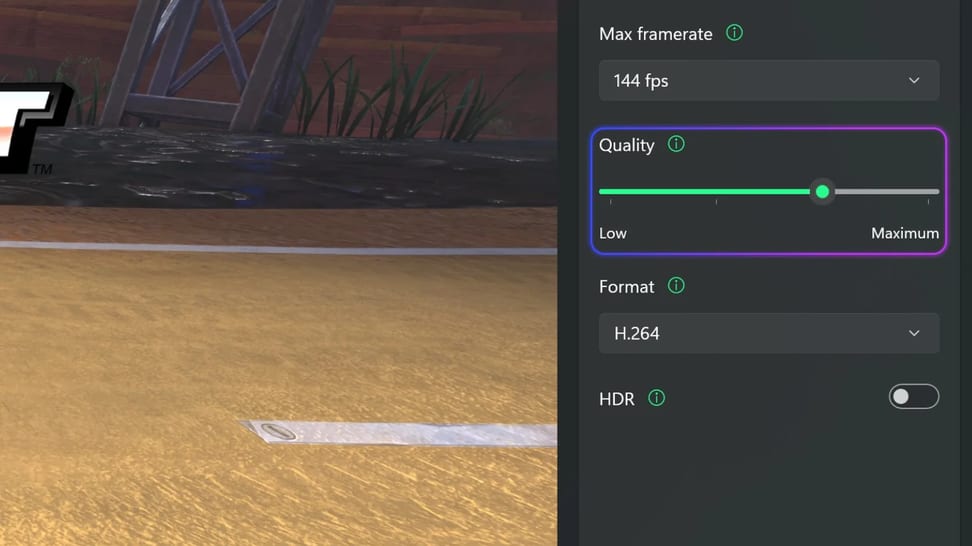
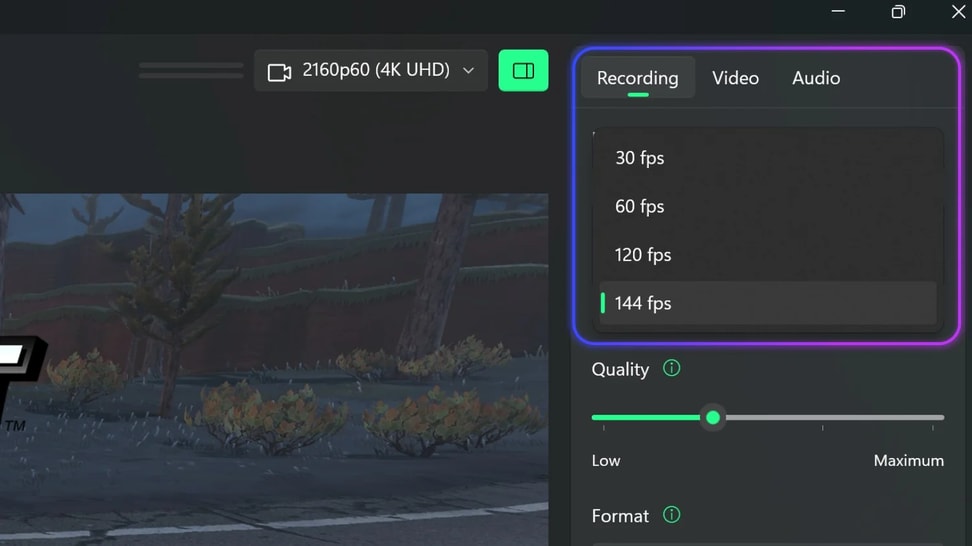
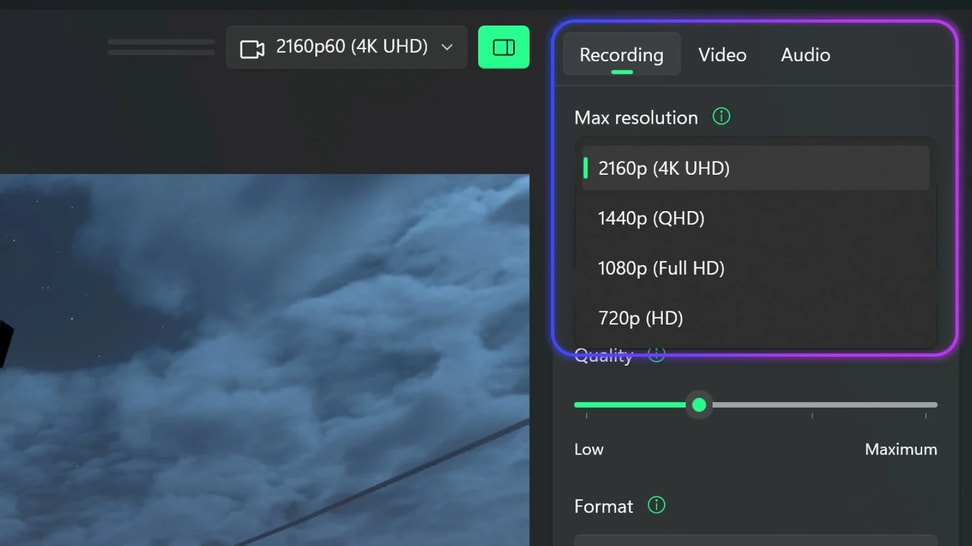
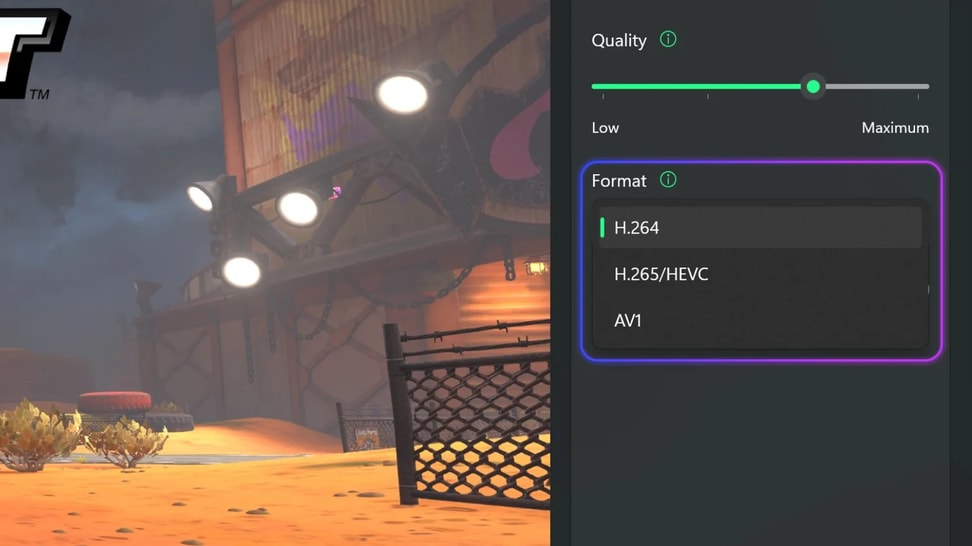
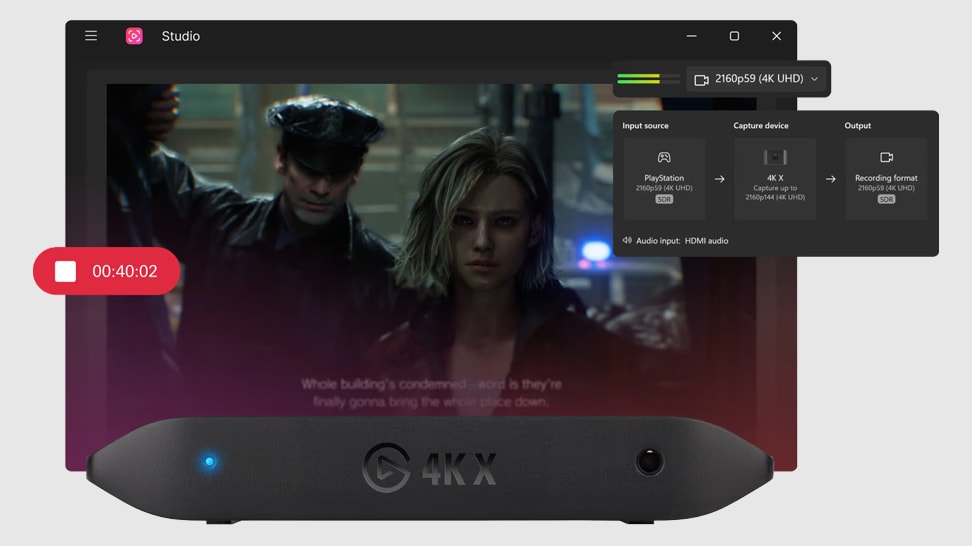
Elgato Capture software makes it incredibly easy to record high-fidelity gameplay, even while livestreaming in lower resolutions. Preserve your sessions in all their glorious detail. Catalog recordings in seconds. And export files for advanced editing in your favorite software.
WHAT QUALITY CAN YOU CAPTURE?
Find out in four steps with our Capture Quality Guide.
Get started
What is your source or input?
In other words, what do you want to capture?
Nintendo Switch 2
What resolution is your source set to?
In other words, what do you want to capture?
What resolution is your source set to?
You can find your console, handheld or PC’s current resolution in the video output settings.
What resolution is your source set to?
You can find your console, handheld or PC’s current resolution in the video output settings.
What resolution is your source set to?
In other words, what do you want to capture?
What frame rate is your source set to?
You can find your console, handheld or PC’s current frame rate in the video output settings.
What frame rate is your source set to?
You can find your console, handheld or PC’s current frame rate in the video output settings.
Are you playing in HDR or SDR?
HDR supports billions of colors and an expanded range of colors.
YOU CAN CAPTURE
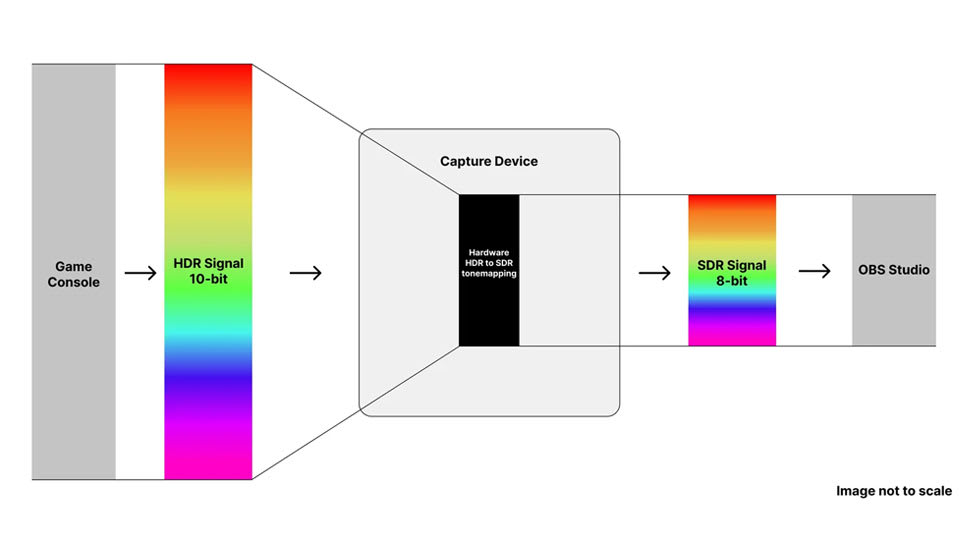
*Capture in lower resolutions and frame rates is always possible. HDR input can be tone mapped to SDR for capturing on-device.
What frame rate is your source set to?
You can find your console, handheld or PC’s current frame rate in the video output settings.

Your audience awaits

More people than ever are watching 4K content. With 4K X, produce the best they've ever seen. Immerse them in your world.

Capture Anywhere

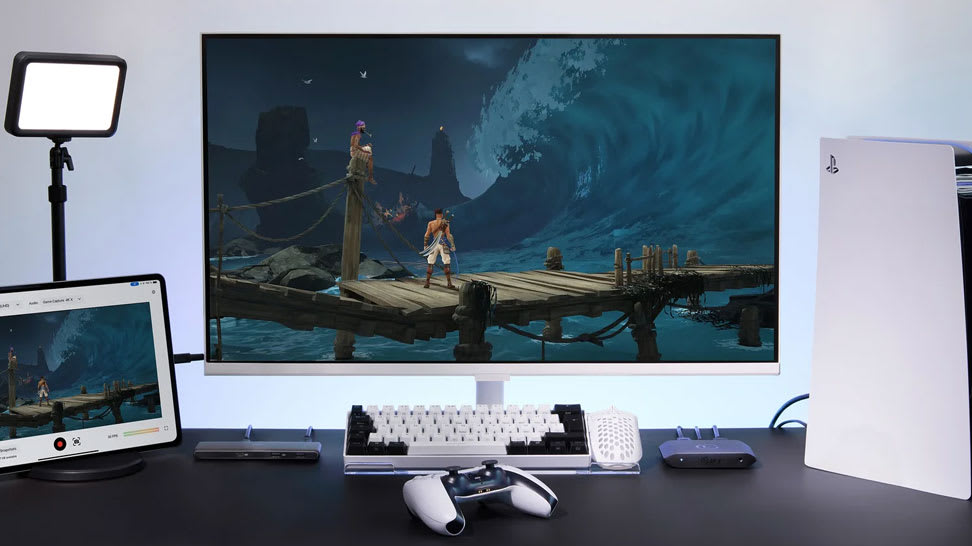
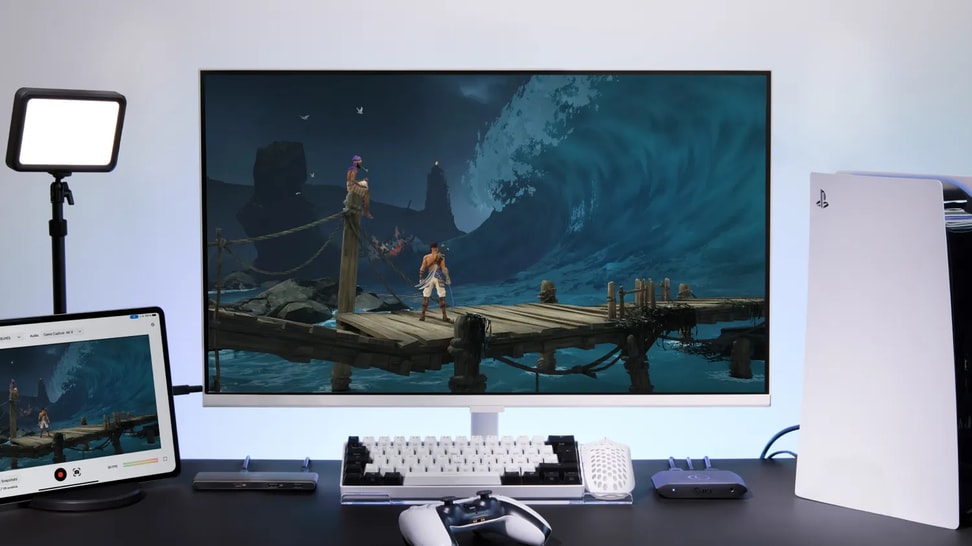
Pro setups don't come more compact and portable than this. For the first time ever, you can record gameplay to your iPad* using any Elgato USB capture card. Save clips and screenshots to your Photo Library, internal storage, even a USB SSD or SD card.
*iPad with USB-C port

Compare capture cards

Whether you want to capture console or PC games to your laptop, desktop, MacBook, or iPad, there's an Elgato capture card for you.

DIVE DEEP

From console setup to HDR capture, explore in-depth guides and comparisons to find the perfect Elgato card for your gameplay.
What's the difference between 4K S and 4K X

What's the difference between 4K S and 4K X

Looking to get a new capture card? Here is the difference between Game Capture 4K S and Game Capture 4K X.

What's the difference between Elgato Game Capture 4K X and 4K Pro

What's the difference between Elgato Game Capture 4K X and 4K Pro

Looking to get a new capture card? Here is the difference between Game Capture 4K X and Game Capture 4K Pro.

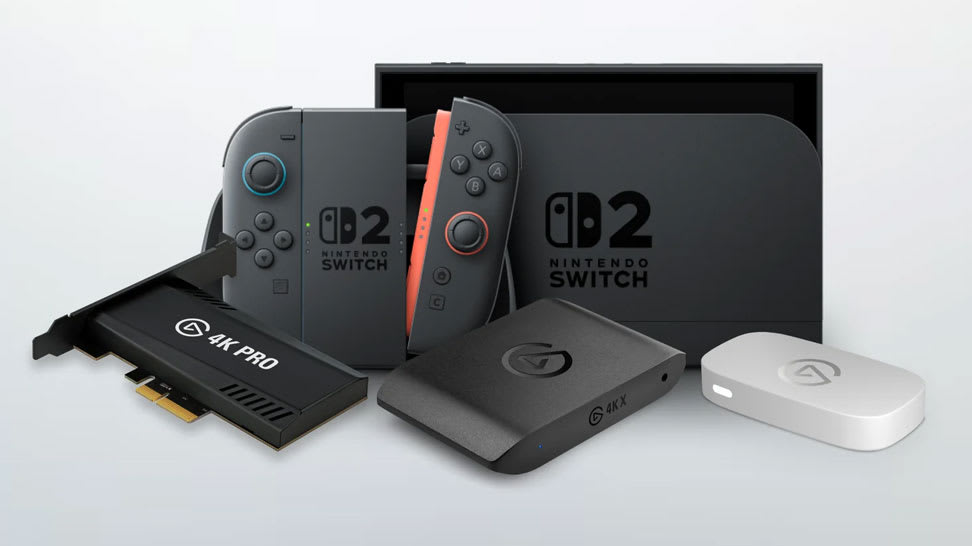
The Best Capture Card for Switch 2

The Best Capture Card for Switch 2

Find out which Elgato capture card fits your Nintendo Switch 2 setup — and how each delivers smooth, high-quality gameplay recording and streaming.

Stream or Record Switch 2 Gameplay

Stream or Record Switch 2 Gameplay

Learn how to capture and share your Nintendo Switch 2 gameplay using Elgato capture cards — perfect for streaming, recording, or creating content.

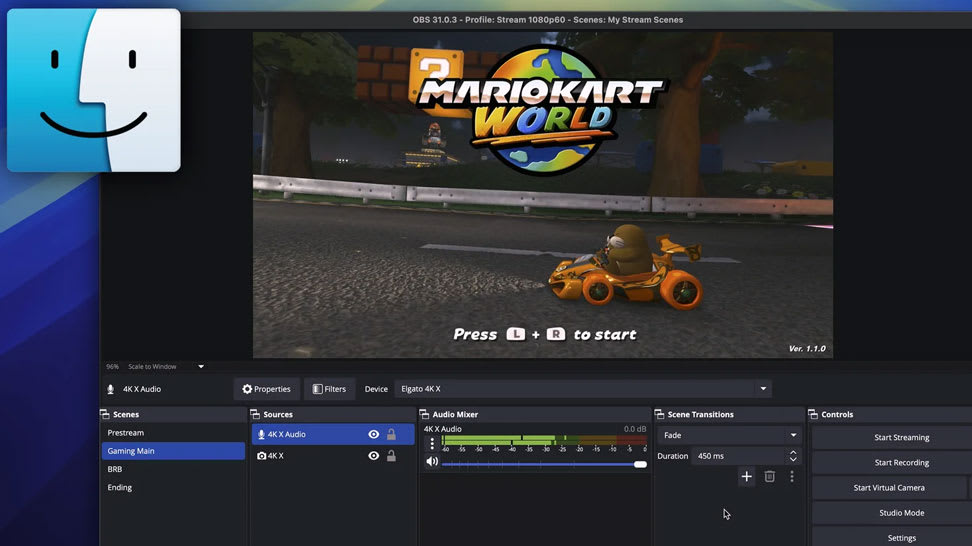
Capture Switch 2 on Mac

Capture Switch 2 on Mac

Learn how to connect your Nintendo Switch 2 to a Mac using Elgato capture hardware for smooth, high-quality gameplay recording and streaming.

Record HDR Gameplay

Record HDR Gameplay

Learn how to capture stunning HDR footage in OBS Studio using Elgato capture cards — for vibrant color, deep contrast, and pro-level results.

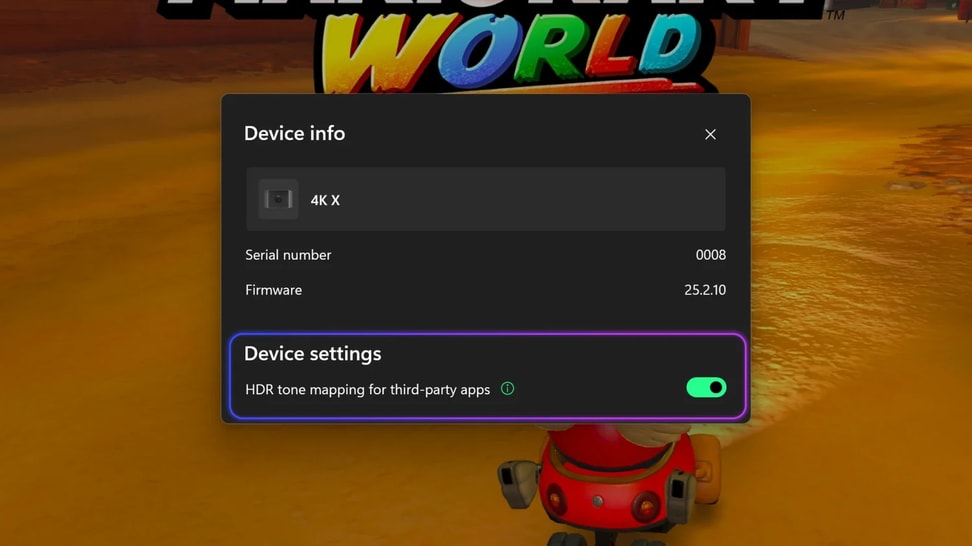
What Is HDR Tonemapping?

What Is HDR Tonemapping?

Understand how HDR tonemapping works and why it’s key to preserving detail, contrast, and color accuracy in your gameplay captures.

The Best Capture Cards for PS5

The Best Capture Cards for PS5

Explore which Elgato capture cards work best with PlayStation 5 — and how to record or stream your gameplay in smooth, stunning detail.

Record or Stream Kirby Air Riders Easily

Record or Stream Kirby Air Riders Easily

Use a capture card (like Elgato 4K X, 4K S or 4K Pro) to grab gameplay from your Switch 2 — then record or stream via Elgato Studio or OBS. It’s simple to set up and perfect for sharing races, highlights or full runs.

OBS Studio 32.0 — Streaming Made Easier

OBS Studio 32.0 — Streaming Made Easier

The new OBS Studio update brings a built‑in Plugin Manager, better audio handling, improved recording formats and NVIDIA RTX enhancements — making streaming or recording easier and more reliable.

Bring VST3 Effects Into OBS

Bring VST3 Effects Into OBS

OBS may only support older VST2 by default — but with atkAudio, you can load modern VST3 plugins and apply effects like noise reduction or equalization directly to your stream. Simple to set up, great audio.

OBS Studio 30.2 — New Multitrack Streaming & Hybrid MP4

OBS Studio 30.2 — New Multitrack Streaming & Hybrid MP4

Now you can stream multiple video/audio variants simultaneously and record in a crash-resistant Hybrid MP4 container. Add updated themes and Linux NVENC enhancements — a robust upgrade for streamers and content creators alike.

Capture Silksong Action with Elgato

Capture Silksong Action with Elgato

Hook up your console or PC with an Elgato capture card, open Elgato Studio or OBS, and capture Silksong gameplay in 4K60. Perfect for live streams or sharing epic runs and highlights.

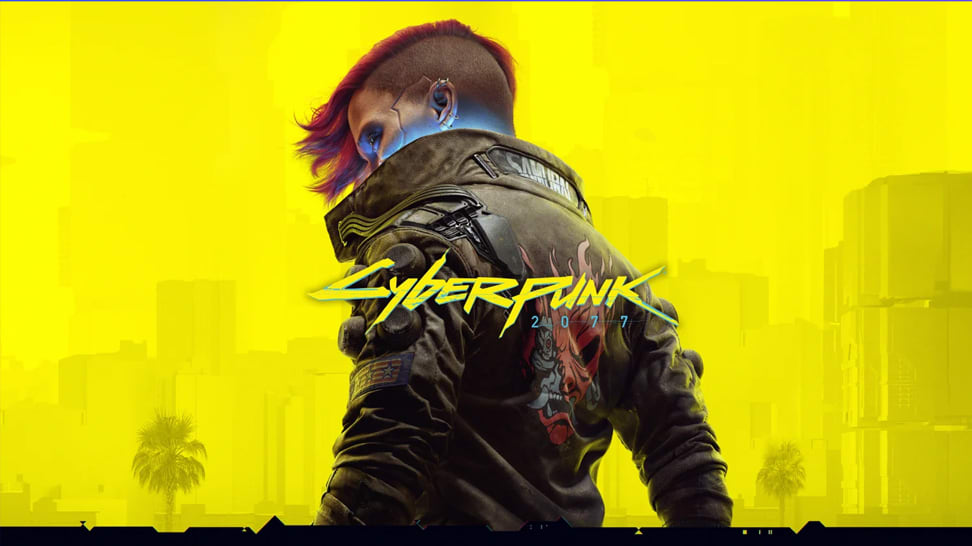
Stream or Record Cyberpunk 2077 on Switch 2

Stream or Record Cyberpunk 2077 on Switch 2

Hook up your Switch 2 via a capture card, open Elgato Studio or OBS Studio, and record or stream Cyberpunk 2077: Ultimate Edition in full 4K60. Simple setup — instant gameplay capture.

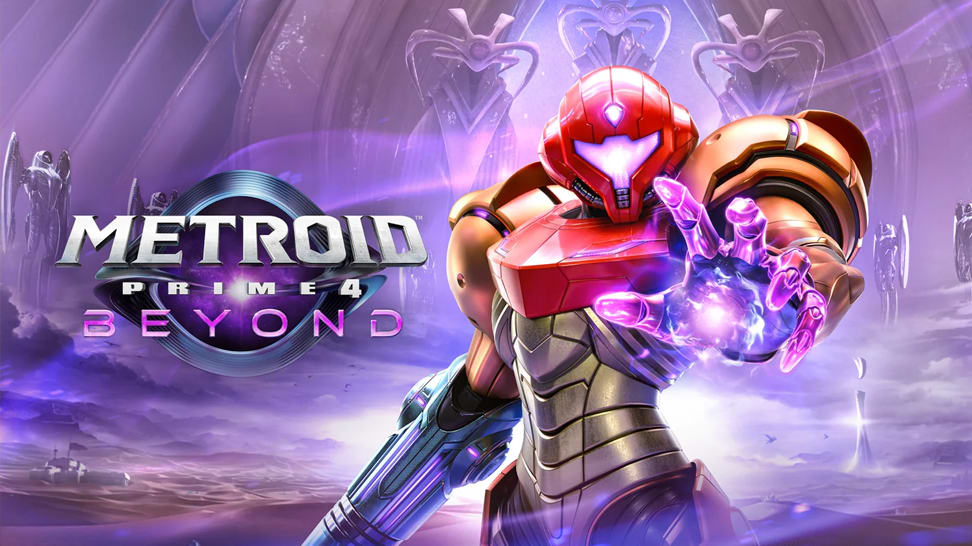
Stream or Record Metroid Prime 4: Beyond on Switch 2

Stream or Record Metroid Prime 4: Beyond on Switch 2

Dock your Switch 2, connect a capture card and HDMI cables, then open Elgato Studio or OBS — and you’re ready to stream or record Metroid Prime 4: Beyond in 4K60 or 1080p120. Simple setup, cinematic results.

Stream or Record Zelda: Tears of the Kingdom on Switch 2

Stream or Record Zelda: Tears of the Kingdom on Switch 2

With a capture card and Elgato Studio (or OBS), it takes minutes to stream or record Zelda: Tears of the Kingdom on Switch 2 — up to 4K60 with HDR. From exploration to combat, capture every moment.

Stream or Record Mario Kart World on Switch 2

Stream or Record Mario Kart World on Switch 2

Dock your Switch 2, connect a capture card, then open Elgato Studio or OBS — and you’re ready to stream or record Mario Kart World in full 4K60 HDR. Perfect for sharing races, highlights or live lap‑action.

Don't Lose Your Streams — Archive Them Easily

Don't Lose Your Streams — Archive Them Easily

Many platforms delete VODs after a set time. By saving your livestream locally (via OBS), you’ll always have a copy — ideal for editing, highlights or replay uploads.

Record Your Metroid Gameplay

Record Your Metroid Gameplay

Learn the exact steps to set up your Switch 2 for smooth, high-quality gameplay recording.

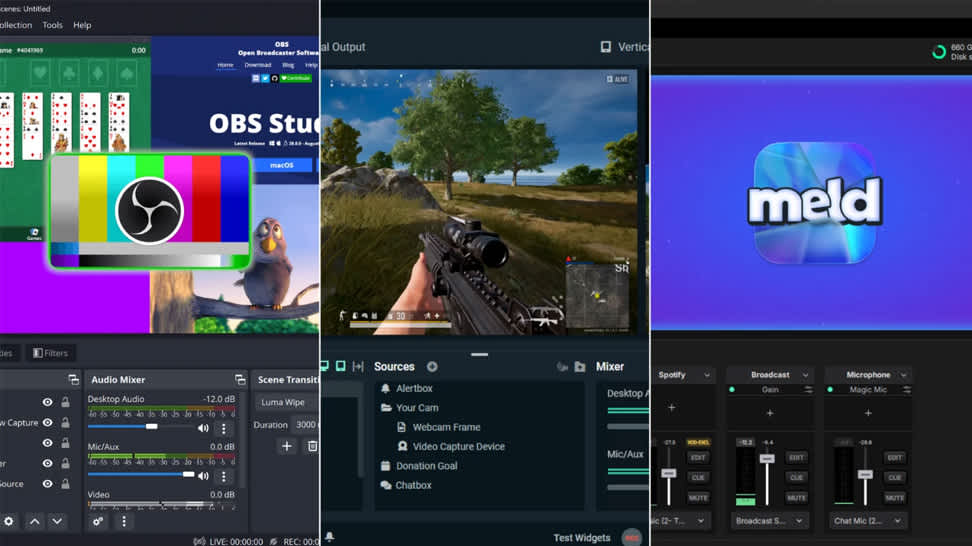
Choose Your Streaming Software

Choose Your Streaming Software

A clear guide to selecting the right streaming software—no matter your experience level.

Choose the Right Capture Card

Choose the Right Capture Card

Compare Elgato’s capture card lineup and discover which model best fits your platform, resolution, and workflow.

Learn how to record or stream Pokémon Pokopia

Learn how to record or stream Pokémon Pokopia

Learn how to record or stream Pokémon Pokopia with Nintendo Switch 2 using an Elgato capture card.

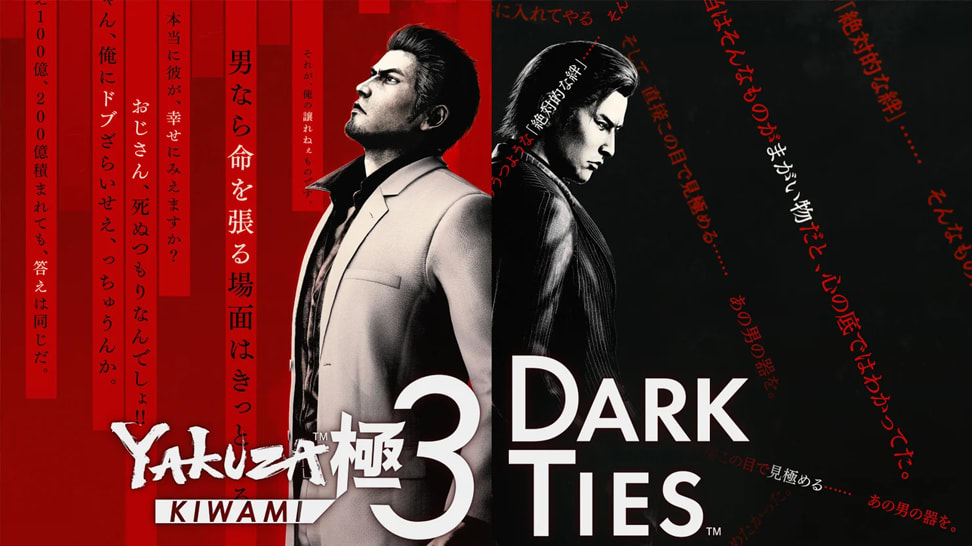
Learn how to record or stream Yakuza Kiwami 3 & Dark Ties

Learn how to record or stream Yakuza Kiwami 3 & Dark Ties

Learn how to record or stream Yakuza Kiwami 3 & Dark Ties on PS5, PS4, Xbox Series X|S, and Nintendo Switch 2.

What's new in OBS 32.1

What's new in OBS 32.1

Explore the latest OBS Studio update and see how new features and fixes can improve your streaming setup.