/Placeholders/LogoContainer.png)
WAVE LINK 3.0
SUPERCHARGE ANY MIC
UNLEASH YOUR SUPERPOWERS
LIMITLESS ROUTING
Send any audio source to any output mix
MIX SMARTER
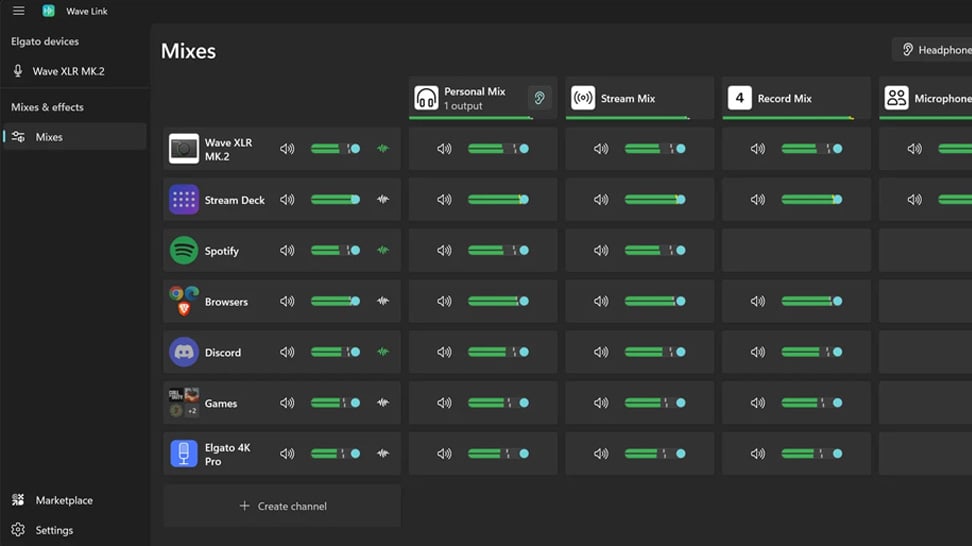
Wave Link is tailored to creators, not DJs. Instead of vertical channels, you get a clean horizontal matrix—sources on the left, mixes on the right—so you can see where every signal flows, and what happens along the way.
UP TO 5 MIXES
Enough for even the most complex workflows
AUDIO FOR EVERY DESTINATION
Send tailored mixes to stream, VOD, Discord, a second PC, or wherever your workflow needs them. Each mix gets its own routing, levels, effects, and label. The kind of granular control found in elite broadcast environments, now built into Wave Link.
APP VOLUME CONTROL
Group inputs in channels, each with their own levels
STACK & STREAMLINE
Group multiple apps and sources in single channels. For example, Zoom, Teams, and Discord in one—Spotify and Chrome in another. Even system sounds and alerts can be grouped. That way, you're always focused on what you’re making, not what you’re managing.
MULTI DEVICE INPUT
Mix mics, headsets, capture cards, and more
UNITE YOUR GEAR
Connect up to 4 Elgato Wave devices plus any third-party mics, interfaces, or capture cards. Use what you've got. Add what you want.
PRO-GRADE EFFECTS
Apply to any source, hardware or software
DIAL IN YOUR VOICE
Use VST3 (Windows) or AU (macOS), get from Elgato Marketplace, or bring your own.
STREAM DECK CONTROL
Adjust volume, mute inputs, trigger effects, and switch mixes in real time. All without leaving your workflow. Much like a physical mixing console, but without the limitations.
START SIMPLE
GROW TO PRO
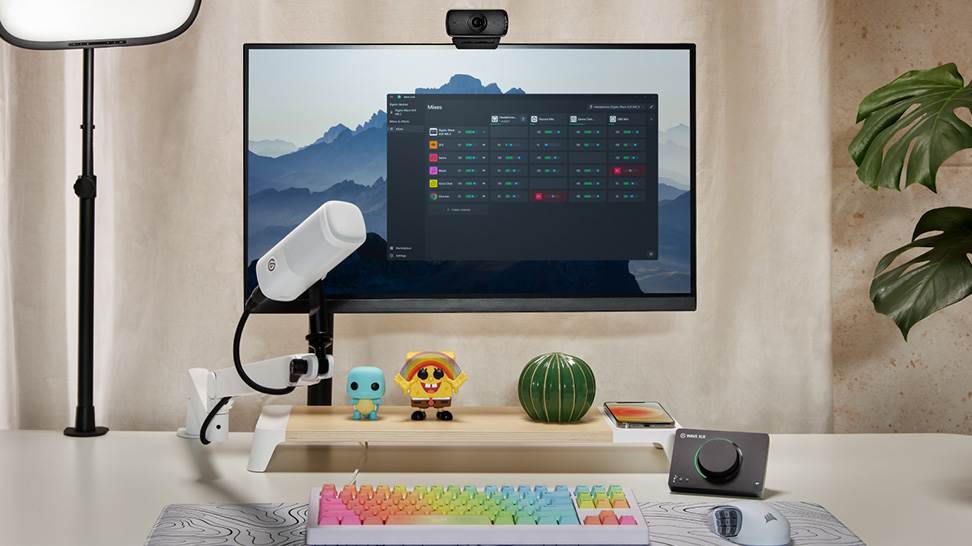
Software Overview
Mix, route, and apply effects to all your audio with Wave Link 3.0. Free for Windows and macOS and works with any mic.
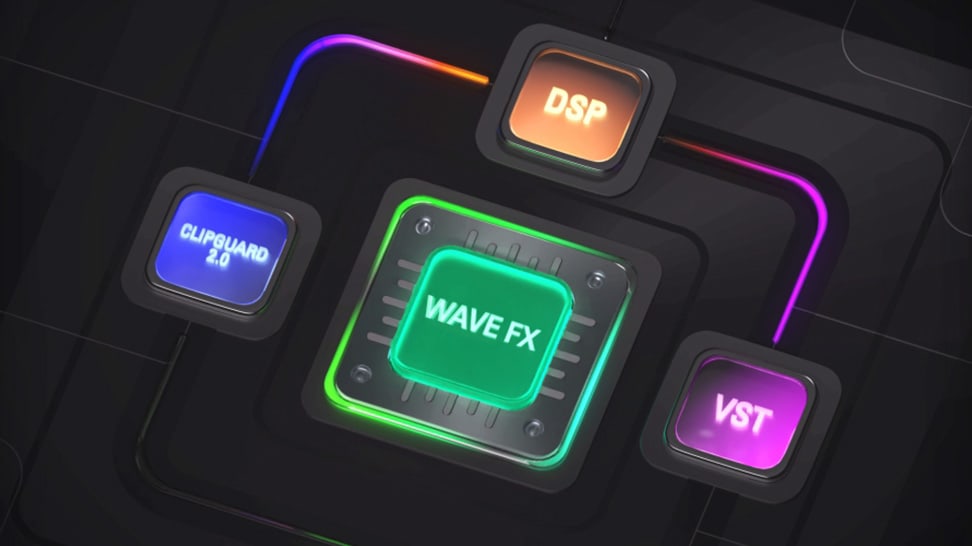
Wave FX: Studio-grade sound from your mic
Learn what Wave FX does for your audio. Clipguard 2.0, onboard DSP effects, and VST Inserts deliver consistent sound across all apps.

What Is Clipguard 2.0? How Elgato Prevents Audio Clipping
Learn how Clipguard 2.0 prevents audio distortion at the hardware level, so your stream or recording stays clean no matter what.

How to Install and Use Audio Effects from Marketplace
Learn which USB microphones, XLR setups, and audio interfaces are compatible with Wave Link—and how to start mixing right away.

Wave Link 3.0: Soundboard and Music for Voice Chat and Gaming
Learn how to play music and sound effects through in-game VOIP with Wave Link. Route any audio into proximity chat. Free on Windows and macOS.

Which Microphones work with Wave Link
Wave Link supports any USB mic, XLR interface, or headset your PC recognizes. Mix, route, and add effects. No Elgato hardware required.
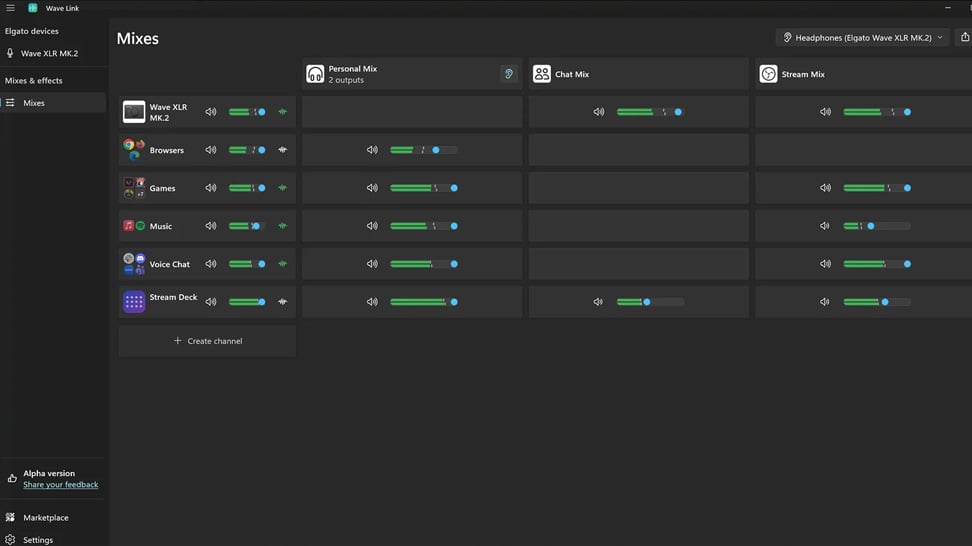
Wave Link 3.0: How to use it for Streaming
Learn how Wave Link 3.0 can improve your stream audio with independent mixes, voice effects, and app grouping. Free for any mic or setup.
How to make your Microphone sound better
Gain, positioning, and audio effects can transform a flat mic into broadcast-quality sound. Here's how.

Wave Link 3.0: How to use it for Productivity
Organize meetings, music, and notifications into separate channels you control. Wave Link 3.0 is free and works with any mic.

Wave Link Plugin for Stream Deck: Hands-On Control for Your Audio Mix
Control your entire audio mix from Stream Deck. Adjust volume, mute channels, toggle effects, and switch outputs with Wave Link plugin.
Voice Tune: What It Is and How to Use It
Voice Tune makes your audio sound more consistent and polished. Learn how it works and how to adjust it on compatible Wave devices.
What is VST Insert? Audio Effects That Work in Every App
Learn how VST Insert integrates audio effects into your hardware signal flow so every app gets the same processed mic audio.
Upgrading from Wave Link 2.0 to Wave Link 3.0
Moving from Wave Link 2.0 to 3.0? Here's what to expect, what to set up again, and how to get running quickly.
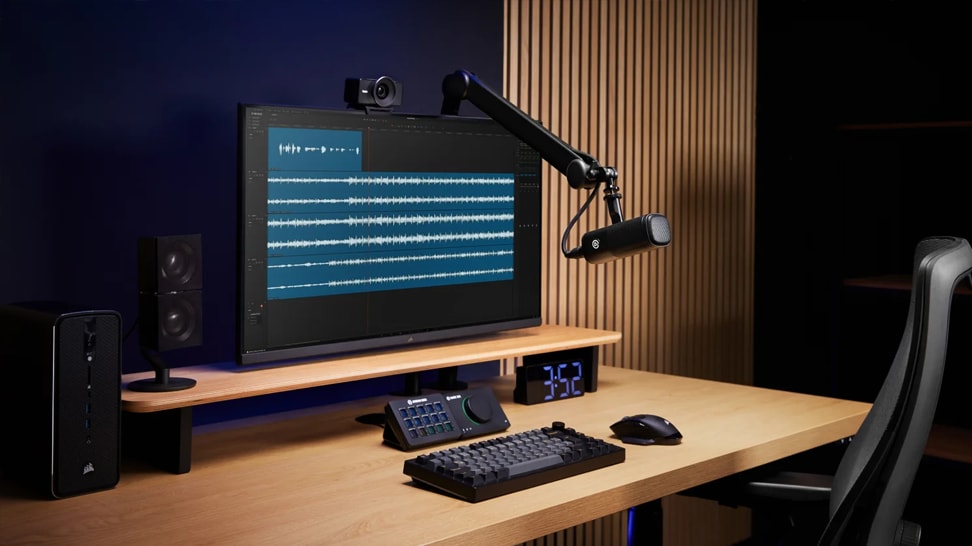
What does a compressor actually do?
Learn how compression balances your audio by reducing loud peaks and boosting quieter sounds—so your voice stays clear, consistent, and professional.

What is a Cloudlifter?
Learn how a Cloudlifter boosts low-output microphones with clean gain—giving you stronger, clearer audio without added noise.
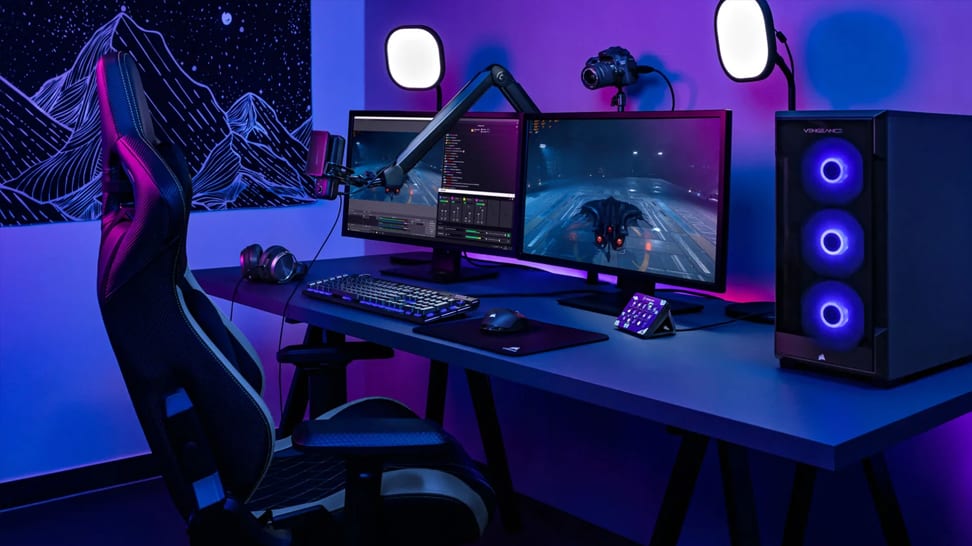
Play sounds through your mic
Trigger sound effects, memes, or voice clips directly through your microphone using Stream Deck—perfect for streams, chats, and calls.
FAQ
Is Wave Link 3.0 really free?
What is the main difference between Wave Link and other mixing apps?
Do I need Elgato hardware to use Wave Link?
Will Wave Link work with OBS or my streaming software?
What’s the difference between inputs and mixes?
How many mixes can I create?
Can I apply different effects to each mix?
How many inputs does Wave Link support?
What type of audio effects does Wave Link support?