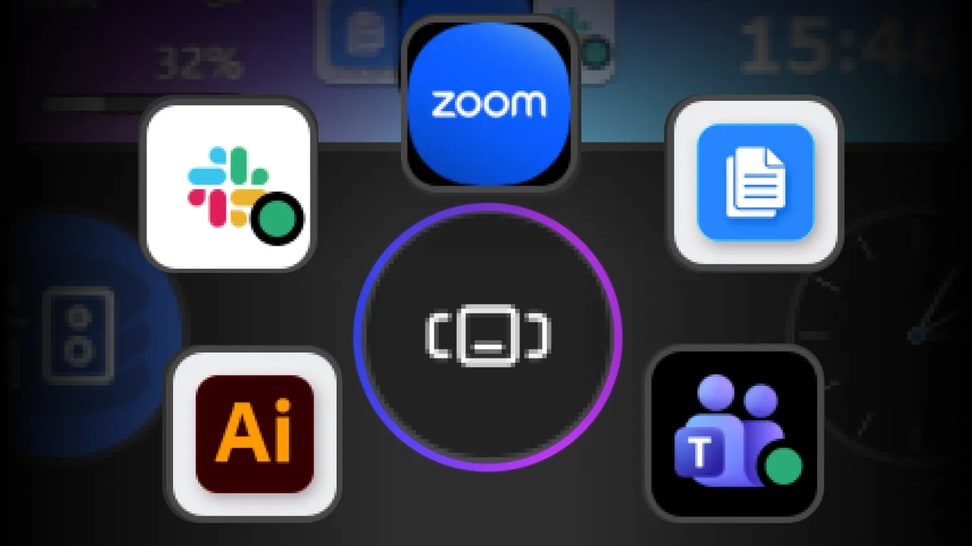
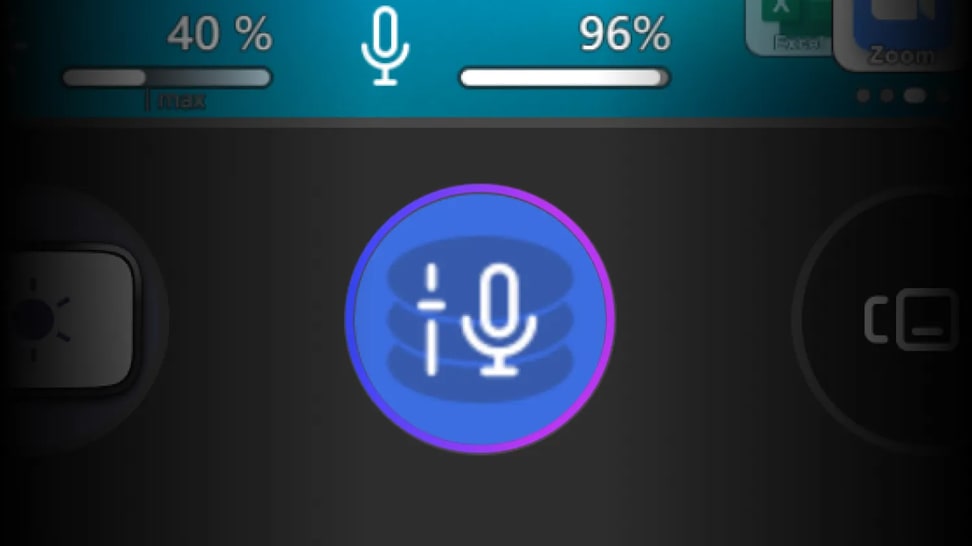
Some workflows are just bigger—more inputs, more information, more moving parts competing for your attention. Stream Deck + XL is built for environments that demand expansive control, bringing entire systems into a single interface. It's our biggest Stream Deck yet, designed to keep complex workflows clear and responsive.
This is control at full scale.
$349.99
Stream Deck + XL
Pro Control Surface
4.8
With dozens of customizable controls and endless integrations, Stream Deck + XL puts entire productions and systems under your command—all from one intuitive interface.
Awards
Recomended
"It is more capable, more versatile, and better prepared for environments where every second counts. For those managing complete systems from a single workstation, it represents a logical and very well-thought-out evolution."
Recomended
"It is more capable, more versatile, and better prepared for environments where every second counts. For those managing complete systems from a single workstation, it represents a logical and very well-thought-out evolution."
Subtotal
$349.99