Breezy Setup
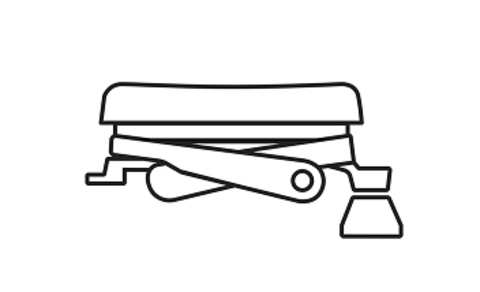
Scissor Keys
Tactile and Responsive
Make it yours
Essentials at a Glance
One keypress
YOUR WORKFLOW, YOUR WAY
Two Types, One Experience
CUSTOMIZE YOUR KEYS
UNLOCK THE INCREDIBLE
✨ VJing
🎶 Soundboard
🎛️ MIDI Control
📸 Photo Booth
📈 Stock Trading
🦾 IoT and Robotics
🌐 Network Monitoring
🖥️ 3D Design
DIVE DEEP

Sharper control at your fingertips
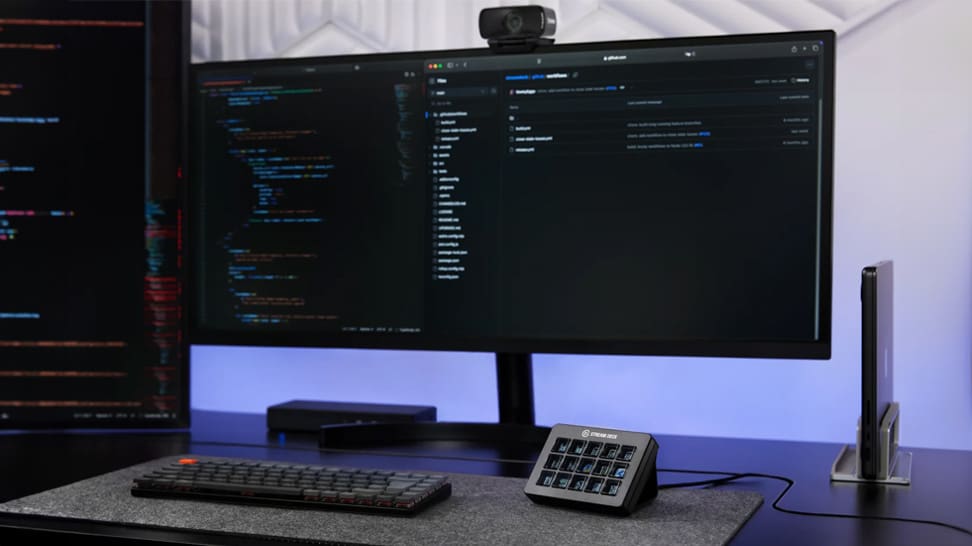
Discover how Stream Deck gets a whole new feel — scissor‑switch keys deliver crisp, consistent feedback and faster input, while keeping all the familiar power of the original Stream Deck.

Your workflow, your touch
Both versions deliver identical functionality — 15 programmable keys, drag‑and‑drop setup, plugin support — but Scissor Keys trades soft membrane taps for precise, responsive scissor‑switch clicks, ideal if you prefer a more tactile, keyboard‑like feel.

Make your Stream Deck truly yours
Browse free (and paid) icon packs in the Elgato Marketplace — or upload your own — to give each key a unique look that matches your style and workflow.

Do more with just one key
Key Logic lets you assign up to three different actions to a single Stream Deck key — single-press, double-press, or press-and-hold — so you can trigger play/pause, skip track or previous track from the same button.

Work smarter — across all apps
With its plugin library + hotkey flexibility, Stream Deck lets you streamline editing, streaming, design, or productivity in almost any application you use.

From idea to plugin — easy as that
Elgato supplies everything you need: an SDK, documentation and tools — so you can start simple (e.g. a counter) and grow into powerful custom actions for Stream Deck.

Let Stream Deck adapt to you
Smart Profiles automatically switch your button layout based on which app you have open — so whether you're editing video, chatting, or streaming, the right controls always show up.

Uniform control across the board
Whether you manage AV gear, editing suites, or broadcast stations — with Profiles at Scale you ensure every workstation starts with the same key layout and workflow.

Two paths to power — hotkeys or plugins
Stream Deck lets you control apps either by sending keyboard shortcuts (hotkeys) or by using dedicated plugins. Use hotkeys when an app doesn't have a plugin — use plugins when you want deeper, more seamless integration.

Try Stream Deck — 100 % free
No purchase needed: Stream Deck Mobile gives you six keys for free, with full plugin and hotkey support, so you can start automating, streaming or controlling apps immediately.

Control vs. Play — choose your purpose
Though the names are nearly identical, their purpose couldn't be more different: Stream Deck accelerates creation and control; Steam Deck delivers gaming freedom and portability.

Control Zoom with one tap
With the official Zoom plugin, Stream Deck puts all essential meeting controls — mute mic, toggle camera, start screen share, record, react, raise hand — onto customizable keys for instant, distraction-free control.

Zoom-ready. Meeting-ready.
Stream Deck is now the first Zoom-certified personal-productivity device, meaning it's officially tested, approved and fully integrated for smooth, real-time control of Zoom meetings.

Stream Deck — now for iPad video workflows
Camo Studio for iPad gains full Stream Deck support, letting you switch scenes, mute mic, toggle cameras or start recording — all with one tap, no screen-swiping while you're live.

Control Photoshop at a Tap or Turn
Use Stream Deck to automate tasks, jump between layers, switch tools or fine-tune hues — no menus needed. Creative work made fluid.

Dominate Tarkov with Stream Deck Shortcuts
Map in-game actions and hotkeys to Stream Deck buttons — check ammo, heal, drop loot or trigger voice lines with a single tap. Less fumbling, more focus on survival.

Control COD: Black Ops 7 with Stream Deck
Swap loadouts, call Scorestreaks, deploy upgrades or trigger emotes - all from custom Stream Deck keys. Instant control, no menu-diving.

Stream ARC Raiders in Style
Choose from themed Stream Deck layouts, overlays and capture setups to match the gritty sci-fi aesthetic - perfect for immersive streaming or recording.

Spook Up Your Stream Setup
Deck out your stream with Halloween-style icons, animated overlays and chilling transitions - fast to set up, and perfect for horror streams or October vibes.
Clean Desktop, One Click
Save your favorite window layout, then restore it instantly whenever you start streaming or editing - no dragging required. Window Mover snaps apps into place on Windows or macOS.

Simplify Your Streaming with Meld Studio
Meld Studio brings scene switching, audio mixing, clip-capture, multistream and more into one app - and with Stream Deck integration, you control your entire broadcast with a single tap.

Take Command in Helldivers 2 with Stream Deck
Map Stratagems - orbital strikes, eagle-calls, turrets and more - to Stream Deck buttons. With one tap, deploy gear or support fast and stay focused on the fight.
See the Sky from Your Desk
With Weather Plugin, your Stream Deck shows current temperature, sky conditions and upcoming weather instantly.

Farm Smarter - Not Harder
From tractors to telehandlers, AI helpers to map navigation - every action in Farming Simulator 25 becomes just a button-press away.

Give Your Stream a Cozy Pixel Makeover
Pixel Japan turns your OBS scenes into a warm, retro-pixel art haven - with animated screens, a matching webcam frame, custom alerts and seamless transitions.

Use Stream Deck with Minecraft - Simplify Your Controls
Connect Stream Deck to Minecraft using the available plugin or control-profile to map commands, shortcuts or macros - now you can manage builds, commands or tools with a single tap instead of memorizing hotkeys. Fast setup. Smooth gameplay.

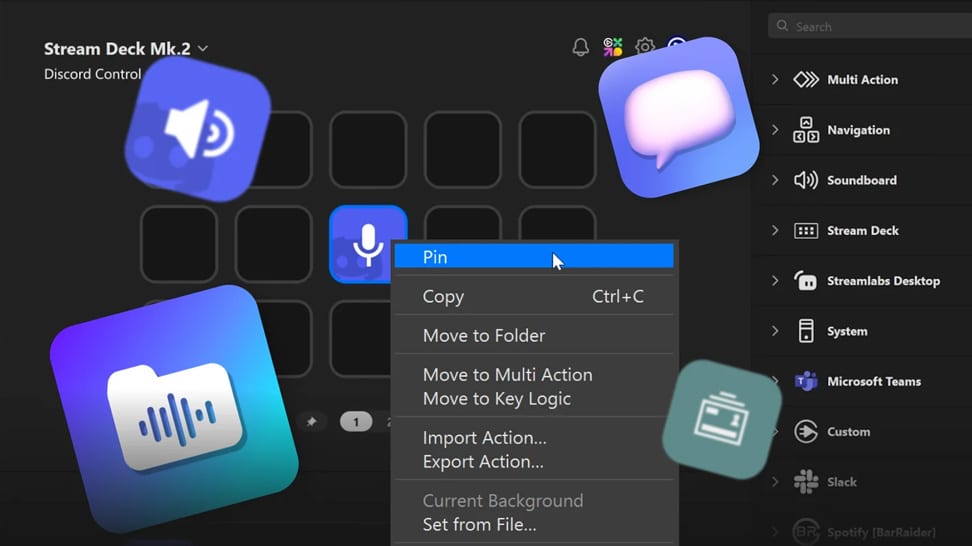
Turn Stream Deck Into Your Discord Command Center
Use the official Discord Plugin to manage voice channels, mic, video, audio devices or soundboards - with live status display and custom key layouts. Great for creators, communities, or anyone using Discord heavily.

Turn Your Phone Into a Free Stream Deck
Just download the Stream Deck Mobile app and instantly unlock a 6-key virtual deck - complete with plugins, macros, and support for streaming, video calls, music and more.

Time Zones at a Glance
Discover how the Clocks plugin helps you monitor multiple time zones right from your Stream Deck.

Switch Audio Instantly
Manage and switch between audio sources instantly using the Audio Switcher plugin for Stream Deck.

Organize with Folders
Learn how folders help keep your Stream Deck layouts clean, scalable, and easy to navigate.

Pinned Actions Explained
Learn how pinned actions keep essential controls visible across every Stream Deck profile.

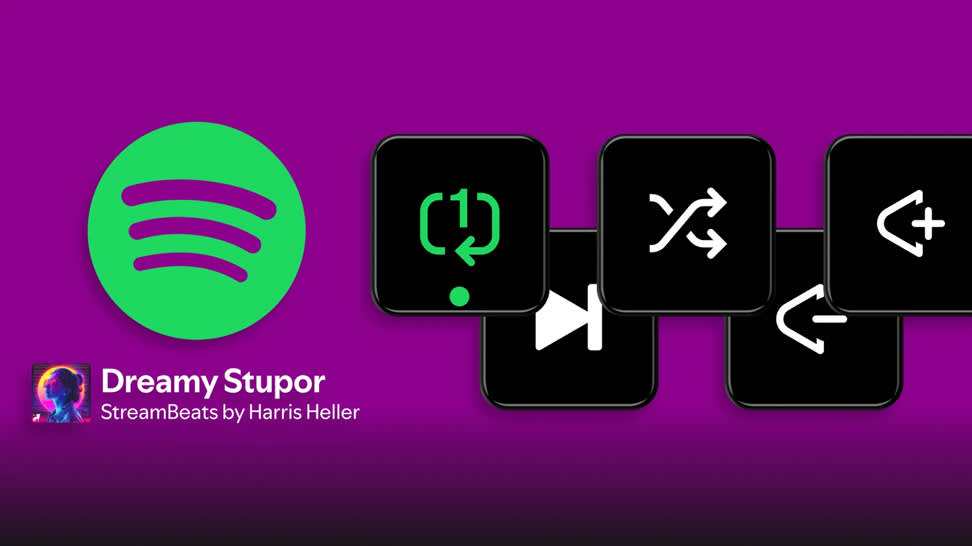
Spotify at Your Fingertips
Control playback, volume, and more on Spotify directly from Stream Deck.

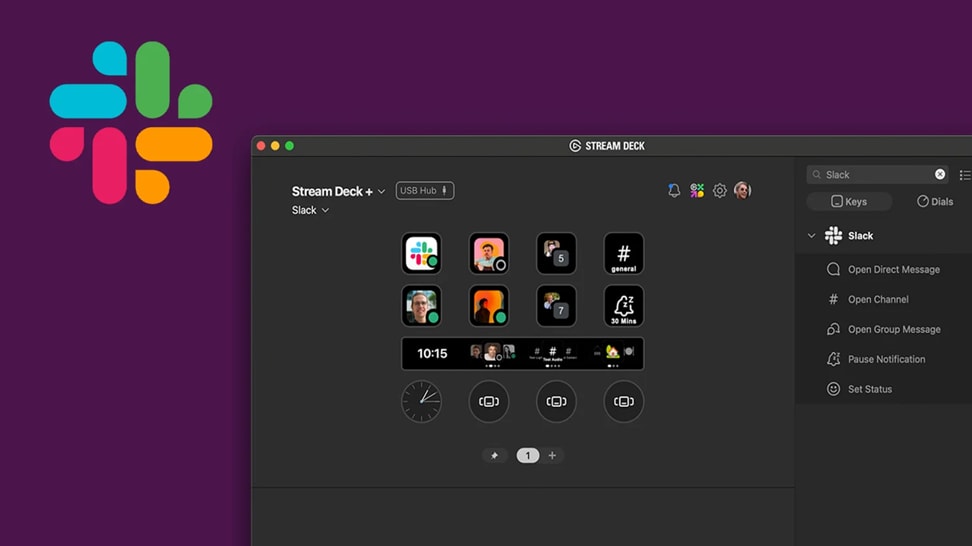
Work Faster in Slack
Send messages, update your status, and stay connected in Slack directly from Stream Deck.

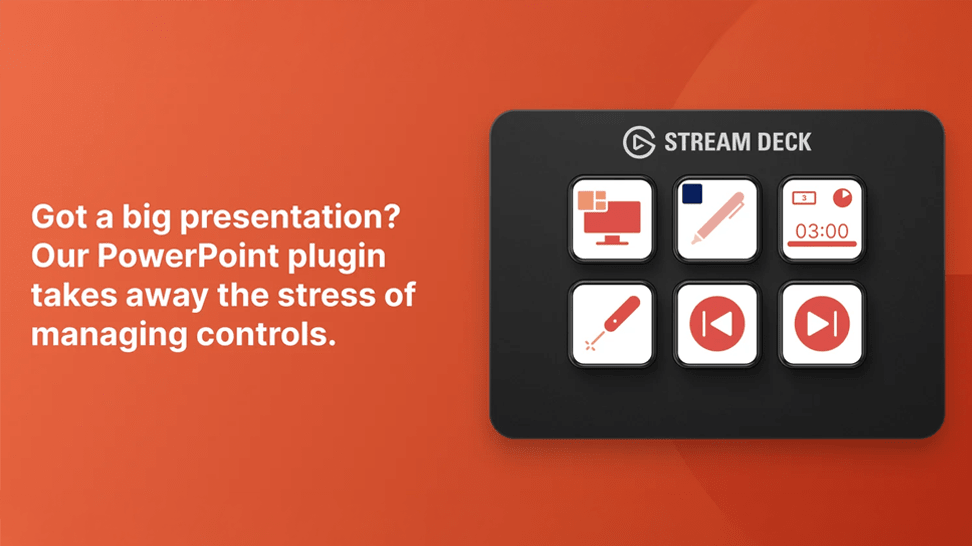
Present with Confidence
Use Stream Deck to manage PowerPoint seamlessly without touching your keyboard.

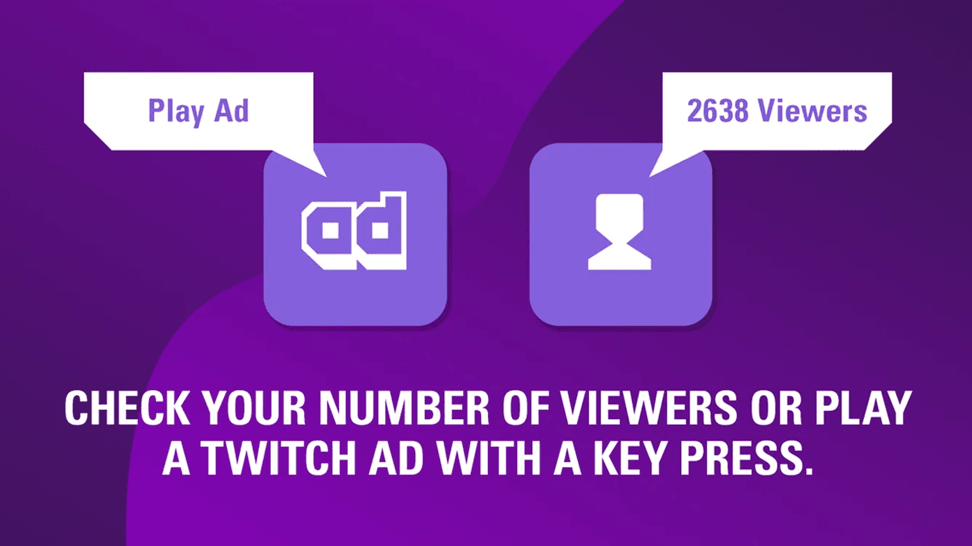
Live, Under Control
Discover the Twitch plugin and control your stream directly from Stream Deck.

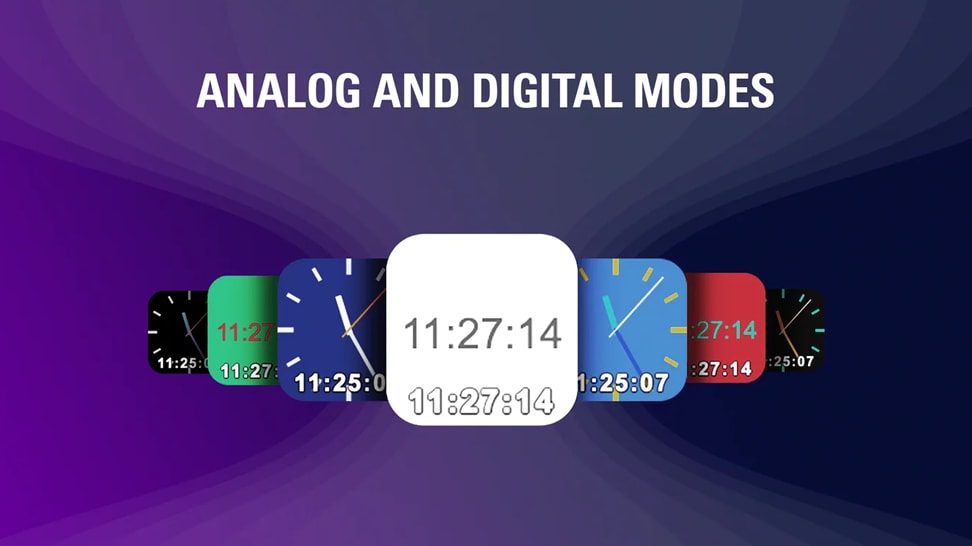
Time, at a Glance
Add a clean, customizable analog clock to your Stream Deck layout.
COMPARE
Basic info
Hardware
(4.6 x 3.3 x 1.0 in)
(without stand)
(3.3 × 2.4 × 2.3 in)
Software
Compatibility
Tech Specs
DIMENSIONS
118 x 84 x 30 mm / 4.6 x 3.3 x 1.2 in.WEIGHT
286 g (160 g without stand)KEY RESOLUTION
72 X 72 pxINTERFACE
USB 2.0CABLE
USB-C to USB-C, 90-degree connector, 150 cm / 59 inIn The Box
/Stream_Deck_Scissor_Keys_In_The_Box.png)
Conscious Packaging
Our goal is to be 100% plastic-free. We're at 95% and counting. Since launching our first capture device in 2012, we’ve taken impressive strides not only in advancing our technology but also our packaging. Learn More