Facecam Neo
Great video made easy.
4.3(60 reviews)
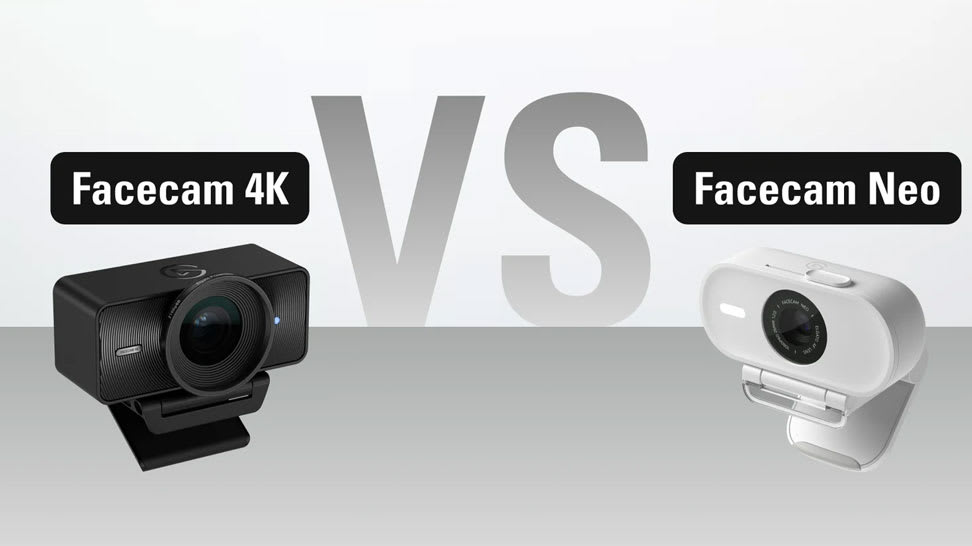
Meet Facecam Neo, a plug-’n-play webcam that captures everyday meetings, videos, and livestreams in oh-so smooth, "whoa that’s sharp" 1080p60 quality. It sets up in a snap, helping you look and feel your professional best.
Trusted & Awarded


Zoom Certified
Premium video and smart features—tested and certified by Zoom

/Facecam-_General_---Explorer---Article-4.jpg)
/Facecam-_General_---Explorer---Article-1.jpg)
/Facecam-_General_---Explorer---Article-2-.jpg)
/Facecam-_General_---Explorer---Article-3-.jpg)
/Explorer/Conferencing_Kit_Article_07c.jpg)
/In%20The%20Box/InTheBox_FacecamNeo_Package.jpg)
/In%20The%20Box/InTheBox_FacecamNeo.jpg)
/In%20The%20Box/InTheBox_MonitorMount.jpg)
/In%20The%20Box/InTheBox_USB_Cable.jpg)