Play without limits
Create on your terms
Make no compromises
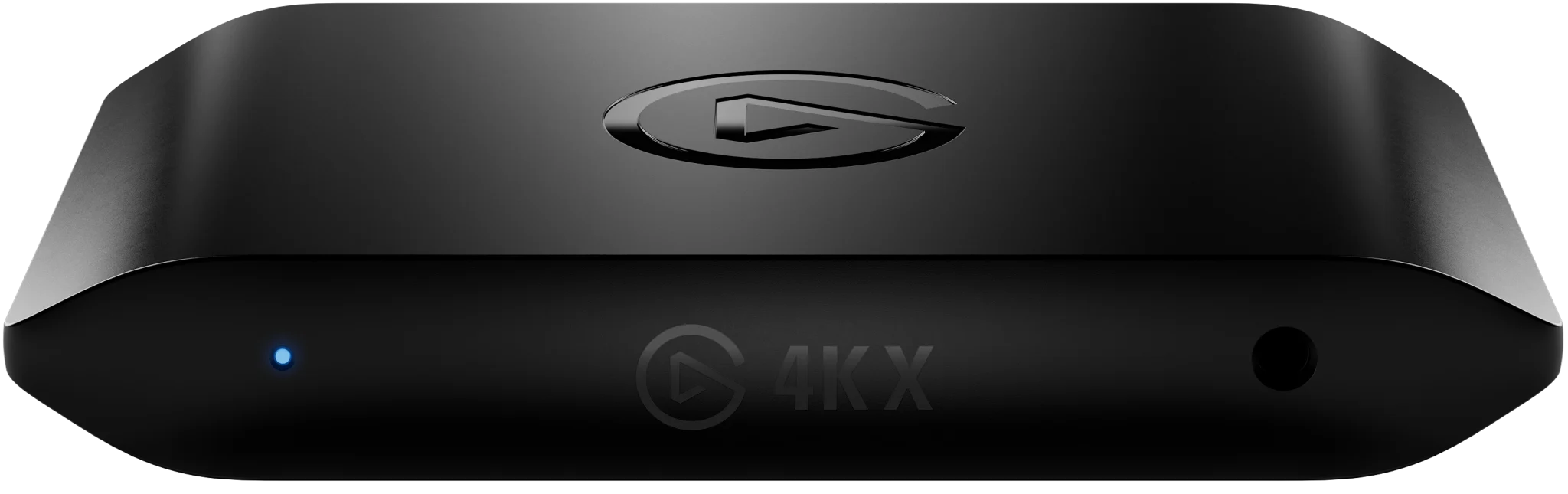
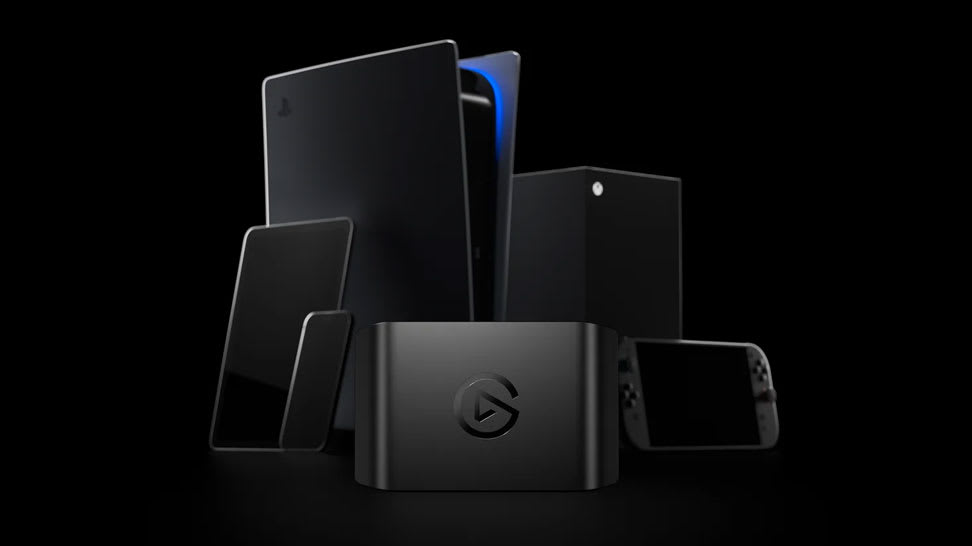
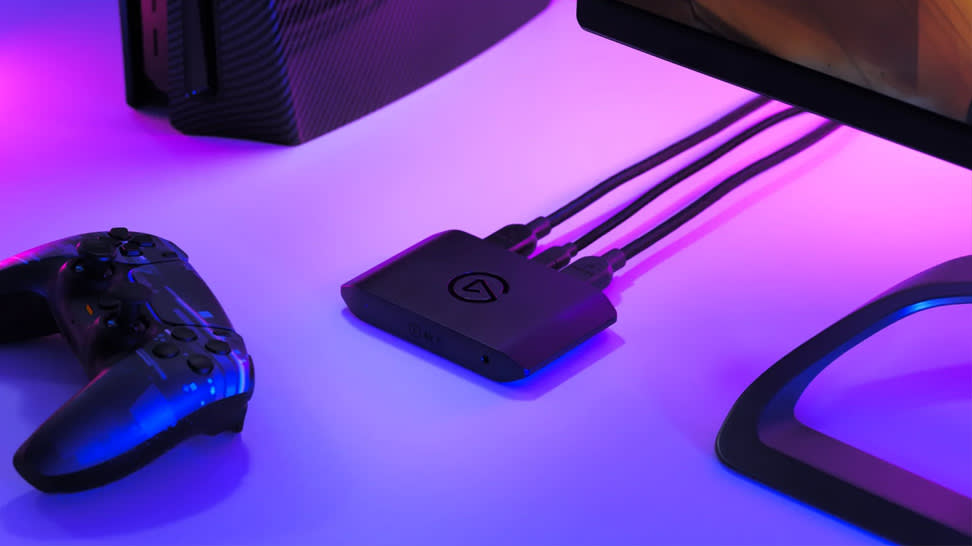
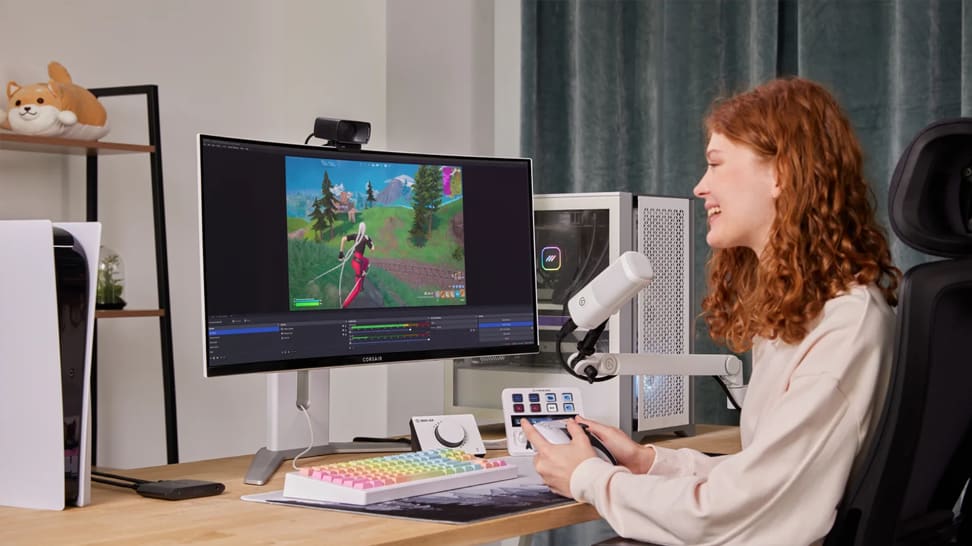
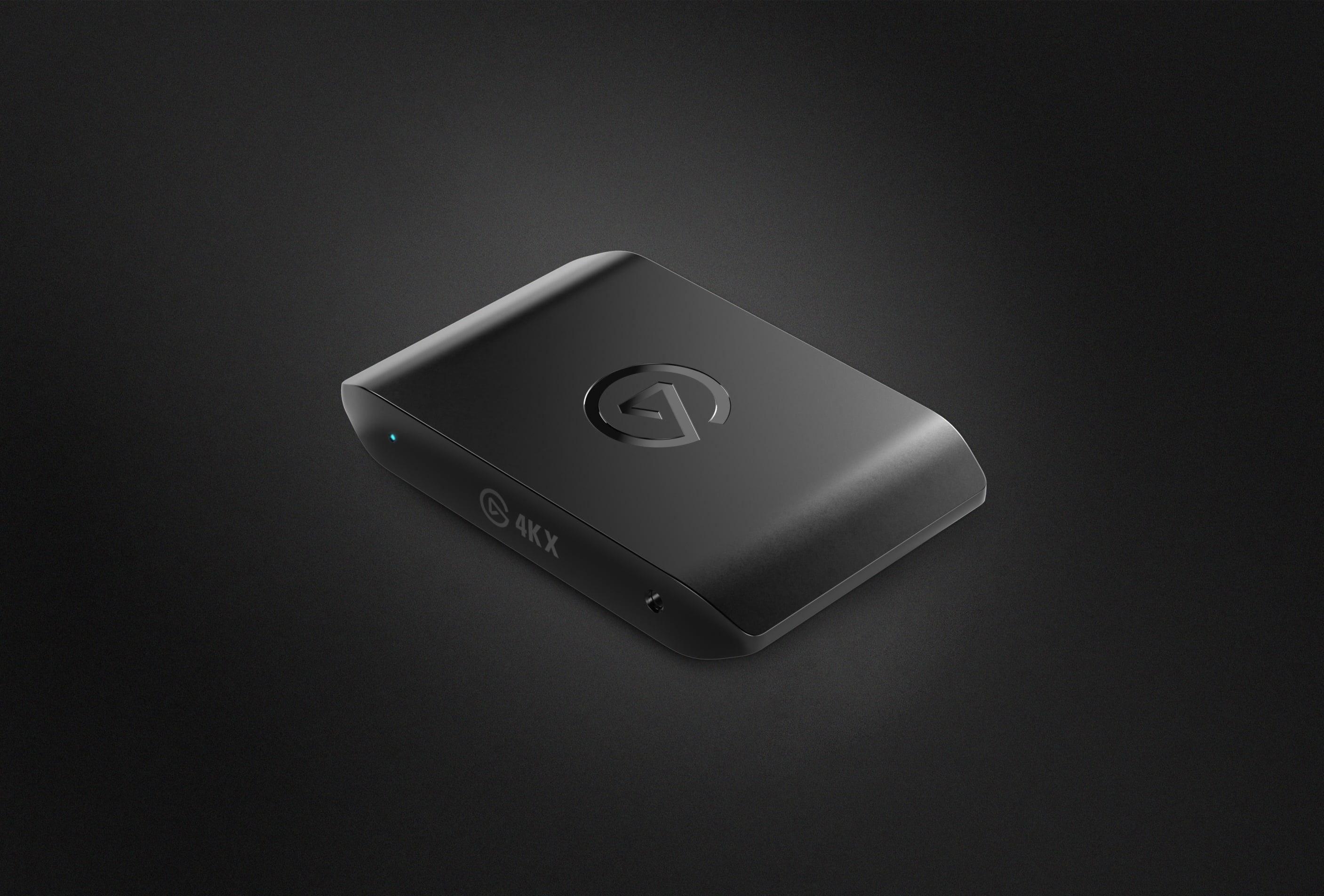
4K X brings superspeed game capture to next-gen players. With high-resolution, high frame rate passthrough and capture, it's our most powerful USB capture card ever. Still, it sets up in a snap and gets out of your way. You won't even know it's there.
Play what you want
CONNECT ANY SETUP
CONNECT ANY SETUP
Game on any device
Capture on Any System
USB 3.2 Gen 2 connection for max performance.
USB 3.2 Gen 1 works with reduced resolution
PLAY ON ANY SCREEN
Up to 4K144* passthrough
*Limited to 4K120 on screens using Display Stream Compression (DSC)
Stream your way


With any app
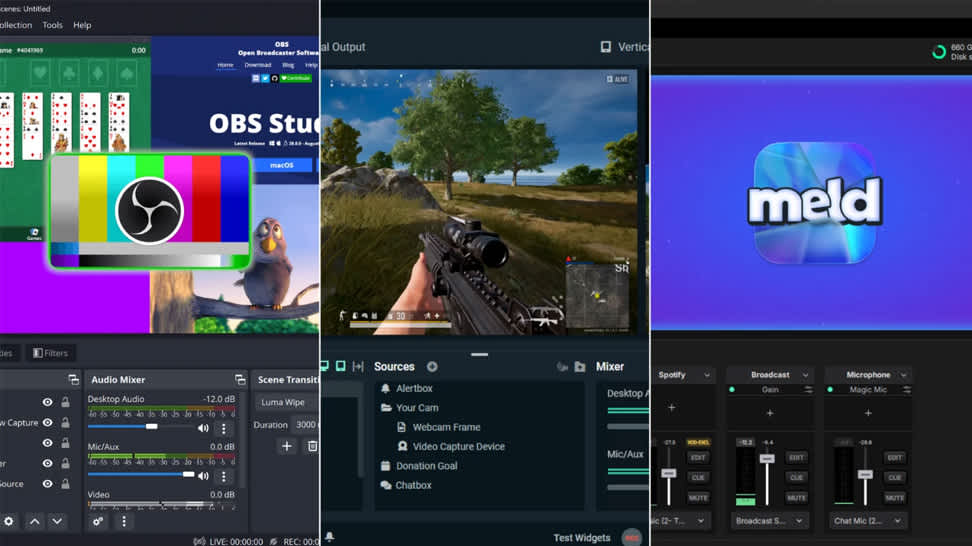
Just add 4K X as a source in OBS, Streamlabs Desktop, Twitch Studio, vMix, Meld Studio and more.


To any platform
Stream with overlays, chat interactions, and commentary to Twitch, YouTube, Discord, TikTok, Facebook Gaming — anywhere.
Supercharge your archive
Unlimited capture
Live Commentary
Ready To Edit
Flashback Recording
*Only on 4K Capture Utility software
Library
Stream Link
Your audience awaits
Capture Anywhere
Compare capture cards
Product Info
Passthrough
Capture
Connection
14KX - HDR cannot be captured at all resolution and frame rate combinations. Check here for detailed information.2HD60 X - HDR cannot be captured at all resolution and frame rate combinations. Check here for detailed information.34KS - HDR cannot be captured at all resolution and frame rate combinations. Check here for detailed information.
DIVE DEEP
/Explorer/Article_6.png)
What's the difference between 4K S and 4K X
Looking to get a new capture card? Here is the difference between Game Capture 4K S and Game Capture 4K X.
/Explorer/Article_11.png)
What's the difference between Elgato Game Capture 4K X and 4K Pro
Looking to get a new capture card? Here is the difference between Game Capture 4K X and Game Capture 4K Pro.

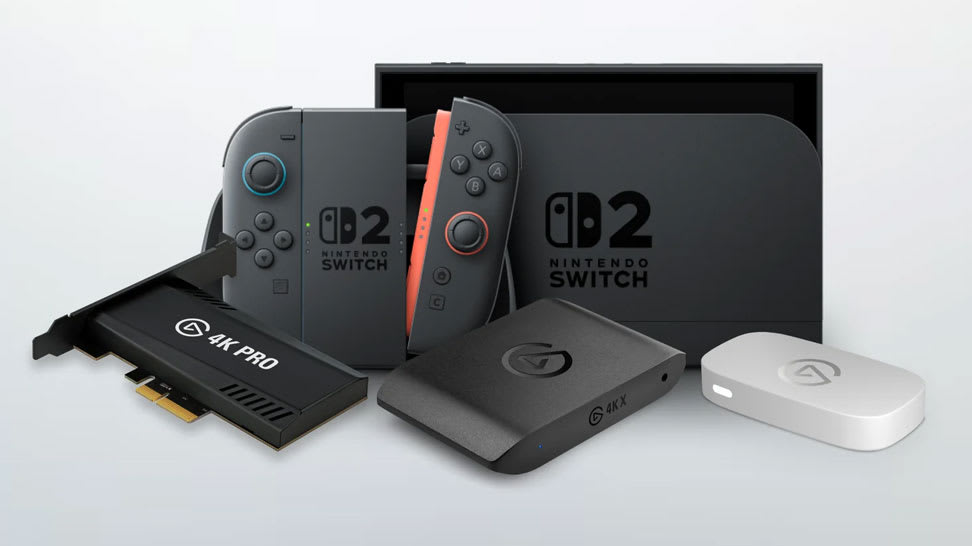
The Best Capture Card for Switch 2
Find out which Elgato capture card fits your Nintendo Switch 2 setup — and how each delivers smooth, high-quality gameplay recording and streaming.

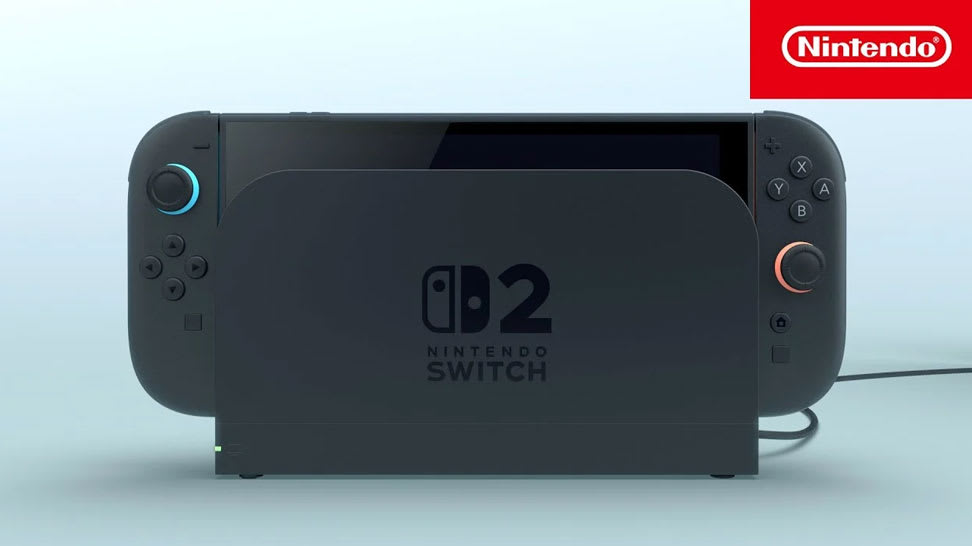
Stream or Record Switch 2 Gameplay
Learn how to capture and share your Nintendo Switch 2 gameplay using Elgato capture cards — perfect for streaming, recording, or creating content.

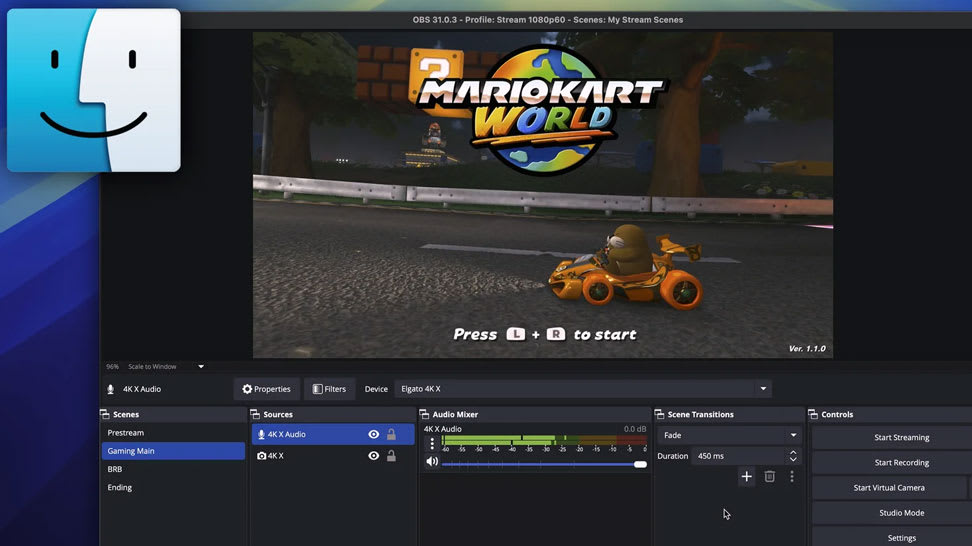
Capture Switch 2 on Mac
Learn how to connect your Nintendo Switch 2 to a Mac using Elgato capture hardware for smooth, high-quality gameplay recording and streaming.

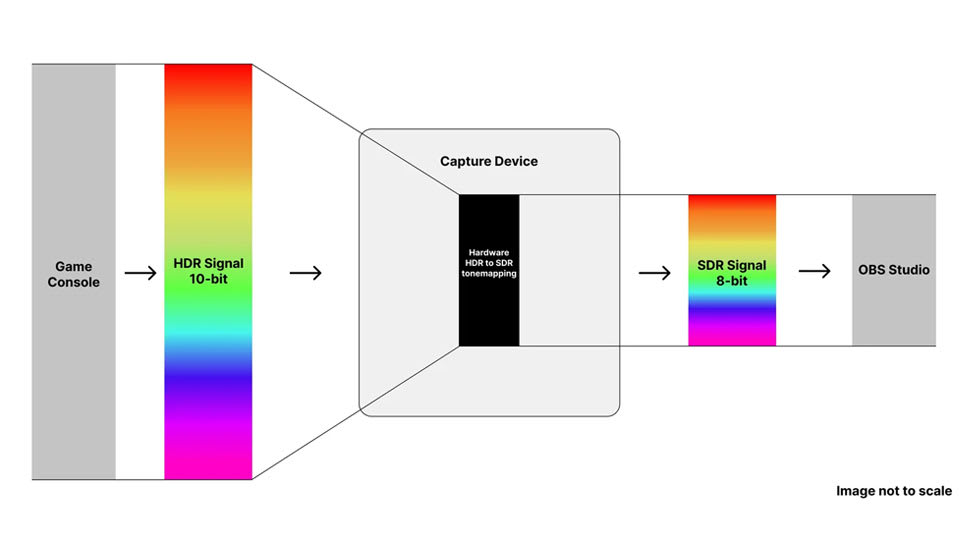
Record HDR Gameplay
Learn how to capture stunning HDR footage in OBS Studio using Elgato capture cards — for vibrant color, deep contrast, and pro-level results.

What Is HDR Tonemapping?
Understand how HDR tonemapping works and why it’s key to preserving detail, contrast, and color accuracy in your gameplay captures.

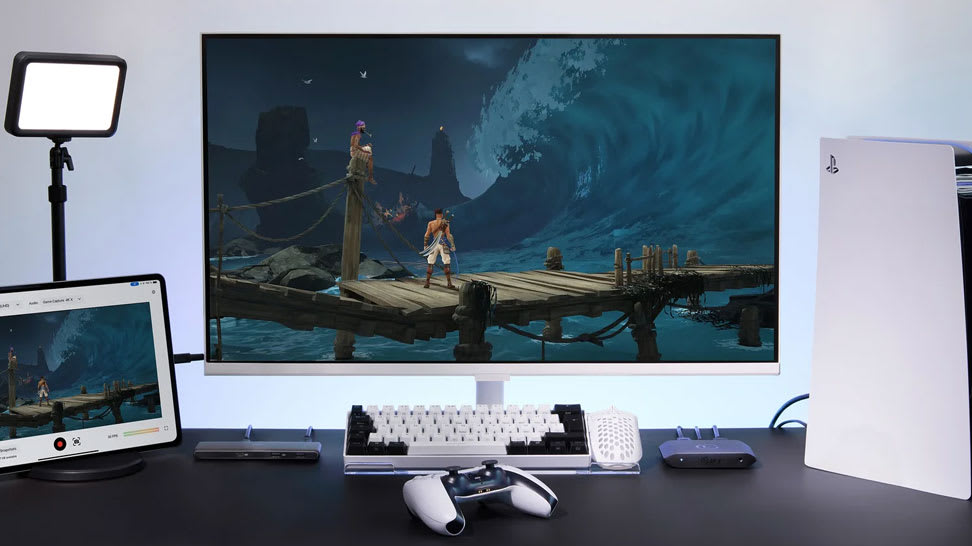
The Best Capture Cards for PS5
Explore which Elgato capture cards work best with PlayStation 5 — and how to record or stream your gameplay in smooth, stunning detail.

Record or Stream Kirby Air Riders Easily
Use a capture card (like Elgato 4K X, 4K S or 4K Pro) to grab gameplay from your Switch 2 — then record or stream via Elgato Studio or OBS. It’s simple to set up and perfect for sharing races, highlights or full runs.

OBS Studio 32.0 — Streaming Made Easier
The new OBS Studio update brings a built‑in Plugin Manager, better audio handling, improved recording formats and NVIDIA RTX enhancements — making streaming or recording easier and more reliable.

Bring VST3 Effects Into OBS
OBS may only support older VST2 by default — but with atkAudio, you can load modern VST3 plugins and apply effects like noise reduction or equalization directly to your stream. Simple to set up, great audio.

OBS Studio 30.2 — New Multitrack Streaming & Hybrid MP4
Now you can stream multiple video/audio variants simultaneously and record in a crash-resistant Hybrid MP4 container. Add updated themes and Linux NVENC enhancements — a robust upgrade for streamers and content creators alike.

Capture Silksong Action with Elgato
Hook up your console or PC with an Elgato capture card, open Elgato Studio or OBS, and capture Silksong gameplay in 4K60. Perfect for live streams or sharing epic runs and highlights.

Stream or Record Cyberpunk 2077 on Switch 2
Hook up your Switch 2 via a capture card, open Elgato Studio or OBS Studio, and record or stream Cyberpunk 2077: Ultimate Edition in full 4K60. Simple setup — instant gameplay capture.

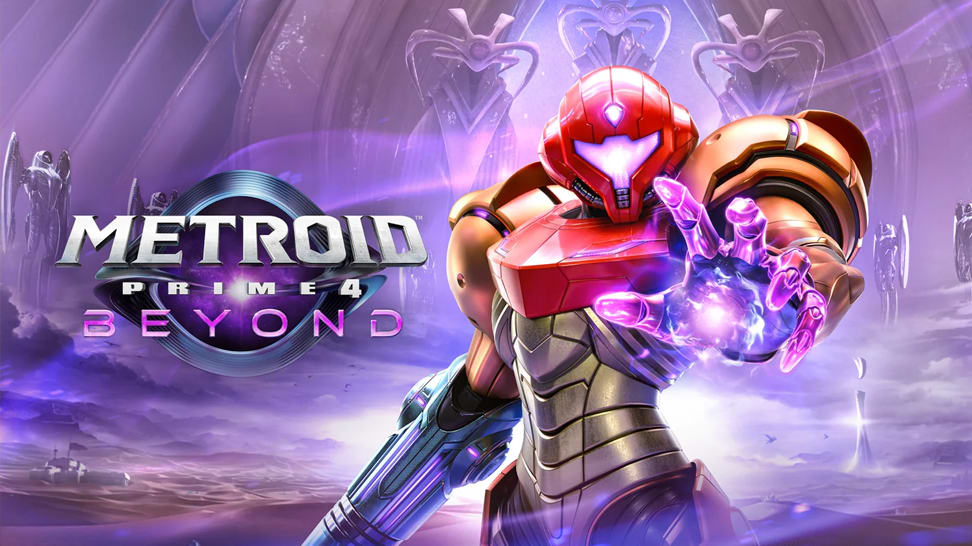
Stream or Record Metroid Prime 4: Beyond on Switch 2
Dock your Switch 2, connect a capture card and HDMI cables, then open Elgato Studio or OBS — and you’re ready to stream or record Metroid Prime 4: Beyond in 4K60 or 1080p120. Simple setup, cinematic results.

Stream or Record Zelda: Tears of the Kingdom on Switch 2
With a capture card and Elgato Studio (or OBS), it takes minutes to stream or record Zelda: Tears of the Kingdom on Switch 2 — up to 4K60 with HDR. From exploration to combat, capture every moment.

Stream or Record Mario Kart World on Switch 2
Dock your Switch 2, connect a capture card, then open Elgato Studio or OBS — and you’re ready to stream or record Mario Kart World in full 4K60 HDR. Perfect for sharing races, highlights or live lap‑action.

Don't Lose Your Streams — Archive Them Easily
Many platforms delete VODs after a set time. By saving your livestream locally (via OBS), you’ll always have a copy — ideal for editing, highlights or replay uploads.

Record Your Metroid Gameplay
Learn the exact steps to set up your Switch 2 for smooth, high-quality gameplay recording.

Choose Your Streaming Software
A clear guide to selecting the right streaming software—no matter your experience level.

Choose the Right Capture Card
Compare Elgato’s capture card lineup and discover which model best fits your platform, resolution, and workflow.

Learn how to record or stream Pokémon Pokopia
Learn how to record or stream Pokémon Pokopia with Nintendo Switch 2 using an Elgato capture card.

Learn how to record or stream Yakuza Kiwami 3 & Dark Ties
Learn how to record or stream Yakuza Kiwami 3 & Dark Ties on PS5, PS4, Xbox Series X|S, and Nintendo Switch 2.

What's new in OBS 32.1
Explore the latest OBS Studio update and see how new features and fixes can improve your streaming setup.
Tech Specs
INPUT
HDMI (unencrypted)OUTPUT
HDMI (lag-free passthrough)RECORDING & PASSTHROUGH RESOLUTION
up to 4K144View the full list of supported resolutions and fps here.HDR10 SUPPORT
HDR capture is currently only available on WindowsDIMENSIONS
112 x 72 x 18 mm / 4.4 x 2.8 x 0.7 inWEIGHT
91 g / 3.2 ozIn the Box
SKU: 10GBH9901

Conscious Packaging
Our goal is to be 100% plastic-free. We're at 95% and counting. Since launching our first capture device in 2012, we’ve taken impressive strides not only in advancing our technology but also our packaging. Learn More