AT A GLANCE
Bring everything
Wave FX Processor
Unclippable Voice
STUDIO PEDIGREE
STANDALONE MODE
STREAM DECK READY
Hardware
GIVE YOUR SETUP SUPERPOWERS
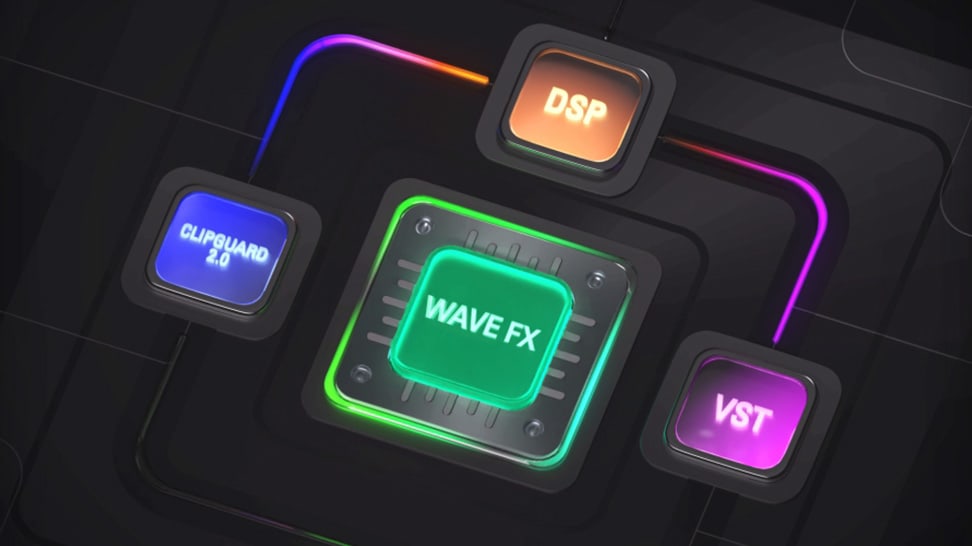
WAVE FX
The Pro in the Processor
Clipguard 2.0
DSP Effects
VST Inserts
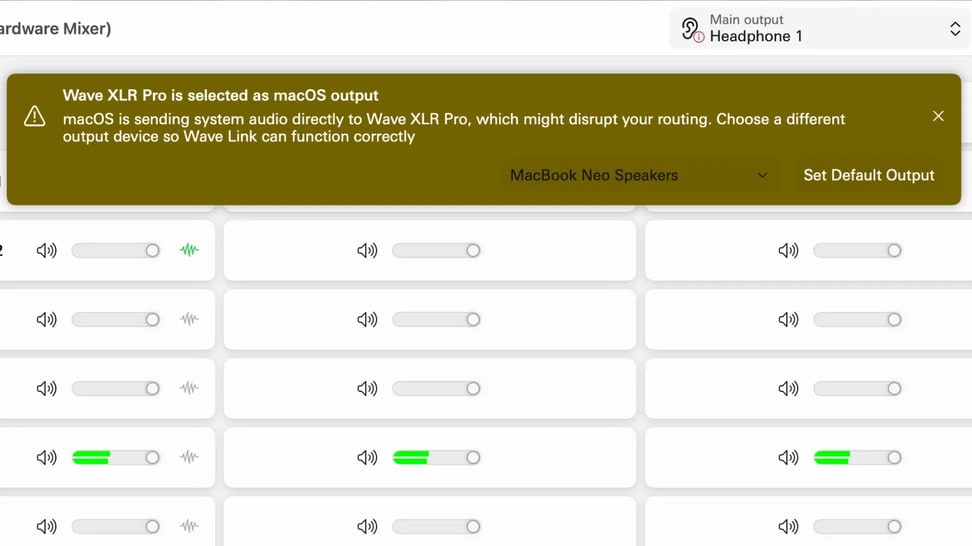
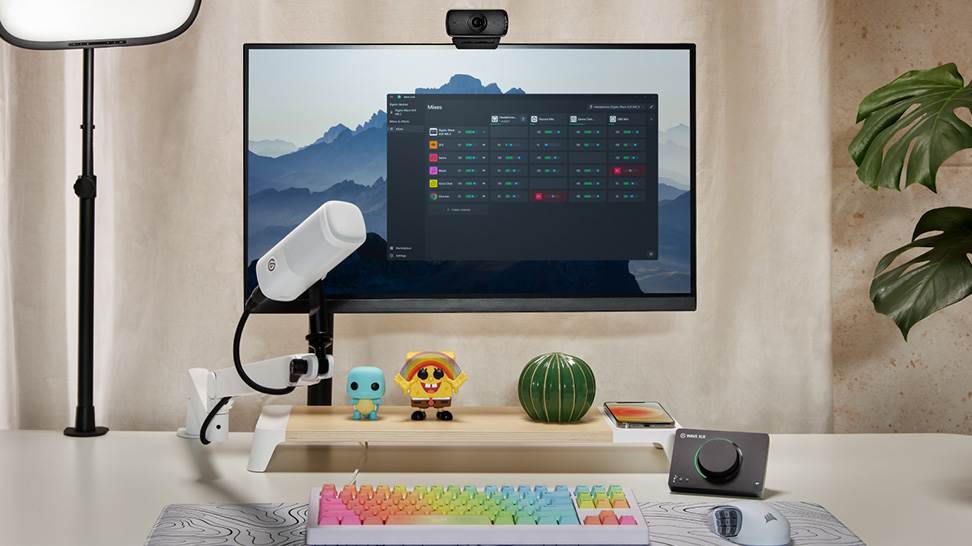
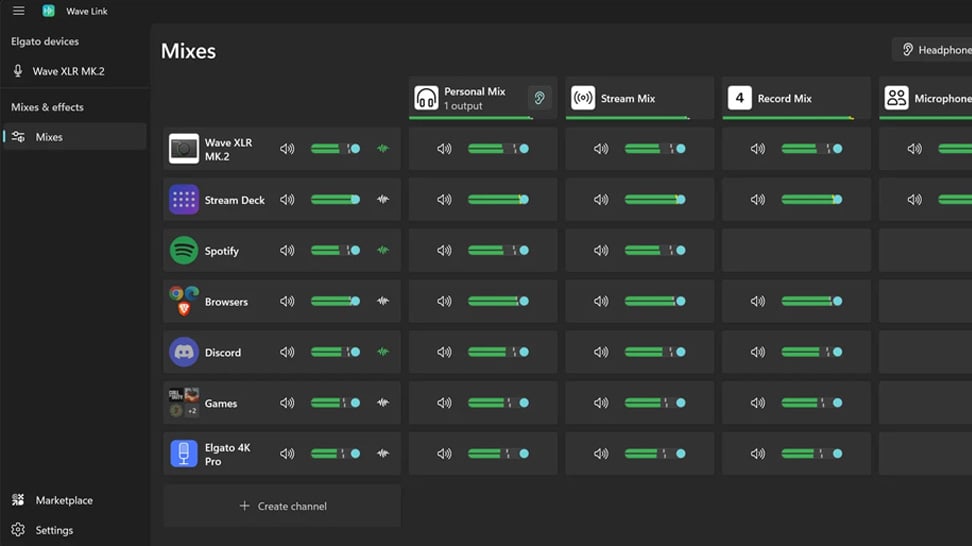
Wave Link
ONE APP FOR ALL YOUR AUDIO
Workflows
ANY SETUP IMAGINABLE
With stream deck
TACTILE CONTROL, PERFECTED
ECOSYSTEM
THIS IS WAVE
FROM THE BLOG

Give Your Setup Superpowers
Two mics, five mixes, eight onboard effects, and routing that handles any workflow. Meet Wave XLR Pro.

GoXLR vs Wave XLR Pro: What You Need to Know
Comparing GoXLR to Wave XLR Pro. Two XLR inputs, five mixes, VST support, and dual USB-C in one device.

Wave XLR Pro and Dual-PC Streaming, Explained
Connect your gaming and streaming PC through a single device. Here's how Wave XLR Pro handles audio routing across two machines.

Wave XLR Pro: What's the difference between USB Host and USB Aux
How USB Host, USB Aux, and line I/O work together on Wave XLR Pro.

How Elgato Wave XLR Pro's Standalone Mode Works
Wave XLR Pro can run without a PC — here's what Standalone Mode does, how to set it up, and when to use it.

How to connect your Console to Wave XLR Pro
Connect PlayStation 5, Xbox Series S|X, or Nintendo Switch to Wave XLR Pro. Which port to use, how to set it up, and how to route audio back to your console.

Software Overview
Mix, route, and apply effects to all your audio with Wave Link 3.0. Free for Windows and macOS and works with any mic.

Wave FX: Studio-grade sound from your mic
Learn what Wave FX does for your audio. Clipguard 2.0, onboard DSP effects, and VST Inserts deliver consistent sound across all apps.

What Is Clipguard 2.0? How Elgato Prevents Audio Clipping
Learn how Clipguard 2.0 prevents audio distortion at the hardware level, so your stream or recording stays clean no matter what.

How to Install and Use Audio Effects from Marketplace
Learn which USB microphones, XLR setups, and audio interfaces are compatible with Wave Link—and how to start mixing right away.

Wave Link 3.0: Soundboard and Music for Voice Chat and Gaming
Learn how to play music and sound effects through in-game VOIP with Wave Link. Route any audio into proximity chat. Free on Windows and macOS.

Which Microphones work with Wave Link
Wave Link supports any USB mic, XLR interface, or headset your PC recognizes. Mix, route, and add effects. No Elgato hardware required.

Wave Link 3.0: How to use it for Productivity
Organize meetings, music, and notifications into separate channels you control. Wave Link 3.0 is free and works with any mic.

Wave Link Plugin for Stream Deck: Hands-On Control for Your Audio Mix
Control your entire audio mix from Stream Deck. Adjust volume, mute channels, toggle effects, and switch outputs with Wave Link plugin.

Voice Tune: What It Is and How to Use It
Voice Tune makes your audio sound more consistent and polished. Learn how it works and how to adjust it on compatible Wave devices.

What is VST Insert? Audio Effects That Work in Every App
Learn how VST Insert integrates audio effects into your hardware signal flow so every app gets the same processed mic audio.

Upgrading from Wave Link 2.0 to Wave Link 3.0
Moving from Wave Link 2.0 to 3.0? Here's what to expect, what to set up again, and how to get running quickly.

What does a compressor actually do?
Learn how compression balances your audio by reducing loud peaks and boosting quieter sounds—so your voice stays clear, consistent, and professional.

What is a Cloudlifter?
Learn how a Cloudlifter boosts low-output microphones with clean gain—giving you stronger, clearer audio without added noise.

Play sounds through your mic
Trigger sound effects, memes, or voice clips directly through your microphone using Stream Deck—perfect for streams, chats, and calls.
FAQ
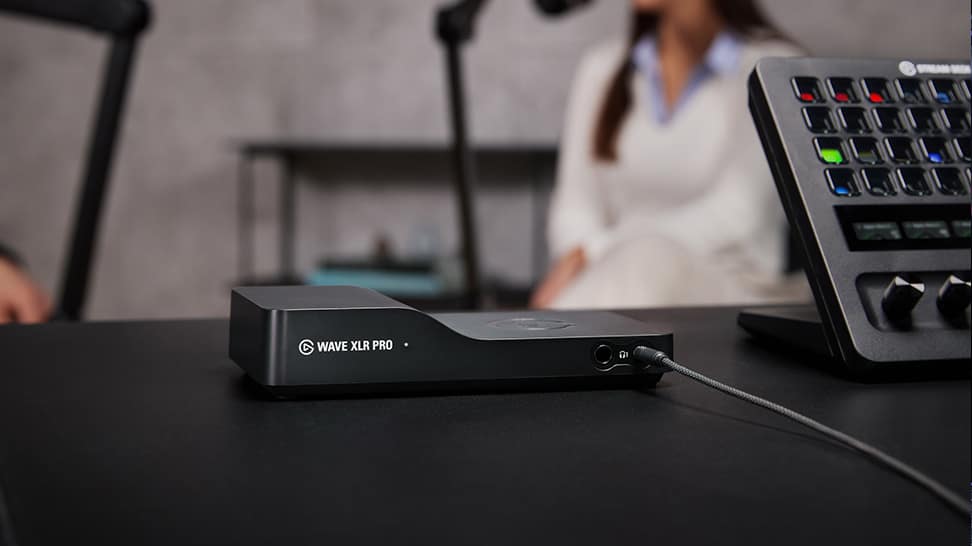
What is Wave XLR Pro?
How is it different from Wave XLR MK.2?
Do I need Wave Link?
What are the five mixes for?
Can I use my VST plugins?
What is Voice Tune?
What’s Channel Booster?
What is Auto Gain and how do I use it?
Can I hear my voice when using wired headphones?
Can I choose which effects I hear when monitoring?
What’s the difference between the two USB ports?
What’s Standalone Mode?
Can beginners use Wave XLR Pro?
Tech Specs
XLR INPUT 1/2
Frequency range: 20 - 20.000 HzDynamic range: 135 dBEquivalent Input Noise (EIN) (A-weighted): -130 dBV(A)Gain: 80 dB (digital)Phantom Power: 48 V, 7 mAMaximum input level: 6 dBVADC resolution and sample frequency: 24 bit; 48 kHzHEADPHONE OUTPUT 1/2
Maximum output level @16R: 50 mWMaximum output level @600R: 18 mWDAC resolution and frequency: 32 bit; 48 kHzLINE IN
Frequency range: 20 - 20.000 HzMaximum input level: 10 dBVLINE OUT
Frequency range: 20 - 20.000 HzMaximum output level: 10 dBVCONNECTORS
Microphone 1 (XLR, Mono)Microphone 2 (XLR, Mono)Headphone 1 (6.3 and 3.5 mm TRS Jack, Stereo)Headphone 2 (6.3 and 3.5 mm jack, Stereo)Line Input (3.5 mm TRS jack, Stereo)Line Output (3.5 mm TRS jack, Stereo)Host I/O (USB-C 2.0 High-Speed)Aux I/O (USB-C 2.0 Full-Speed)MOUNTING POINT
3/8” (housing) and 1/4” (adaptor)POWER CONSUMPTION
5 VDV 900 mA maxWEIGHT
385 gDIMENSIONS
97 × 185 × 37 mm (D x W x H)In The Box
SKU: 10MAM9901
/In%20The%20Box/Wave-XLR-Pro-In-The-Box-Shot.png)
Conscious Packaging
Our goal is to be 100% plastic-free. We're at 95% and counting. Since launching our first capture device in 2012, we’ve taken impressive strides not only in advancing our technology but also our packaging. Learn More