


有些工作流程就是更龐大——更多輸入來源、更多資訊,以及更多同時爭奪注意力的操作環節。Stream Deck + XL 專為需要大規模控制的環境而生,將整套系統整合至單一介面。這是我們至今最大的一款 Stream Deck,讓複雜的工作流程依然清晰、即時、可控。
這就是全尺度的專業控制。
Stream Deck + XL
專業控制介面
4.8(21 reviews)
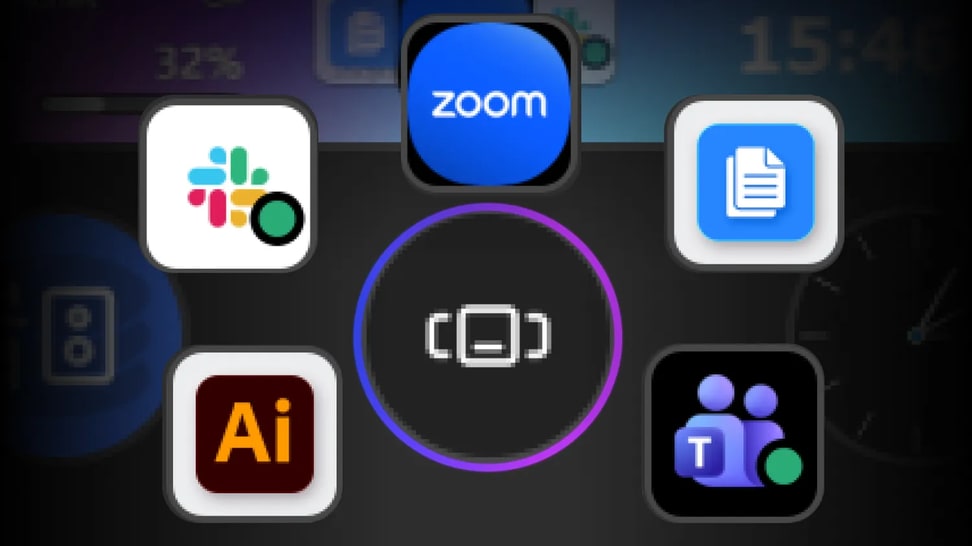
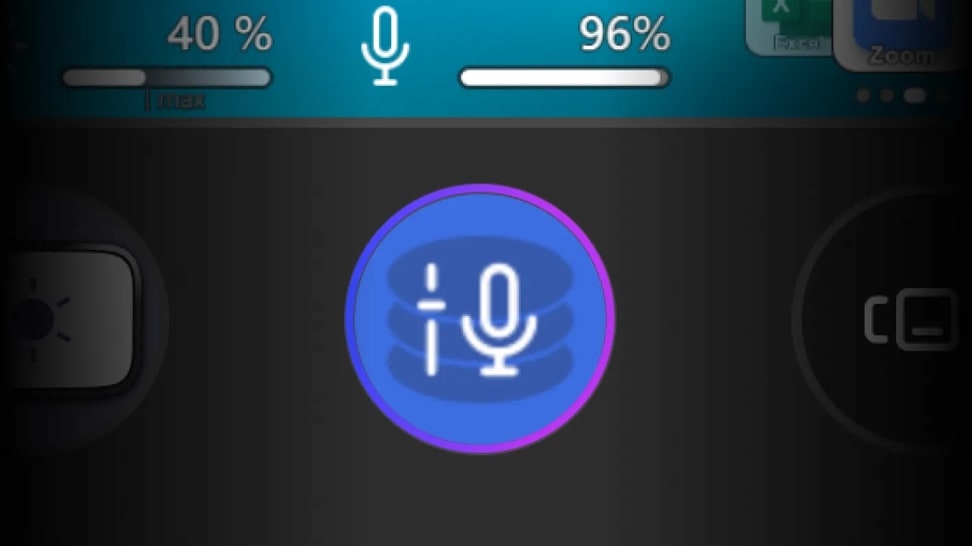
結合數十項可自訂控制與無限整合能力,Stream Deck + XL 讓你透過單一、直覺的介面,全面掌控整個製作流程與系統。
獎項
Recomended
"It is more capable, more versatile, and better prepared for environments where every second counts. For those managing complete systems from a single workstation, it represents a logical and very well-thought-out evolution."
Recomended
"It is more capable, more versatile, and better prepared for environments where every second counts. For those managing complete systems from a single workstation, it represents a logical and very well-thought-out evolution."

/Explorer/Stream-Deck-Plus-XL-Article_1.jpg)
/Explorer/Stream-Deck-Plus-XL-Article_2.jpg)

/In%20The%20Box/Stream-Deck-Plus-XL-In-The-Box-Shot-V2.png)