自由創作
無限暢玩
無需妥協
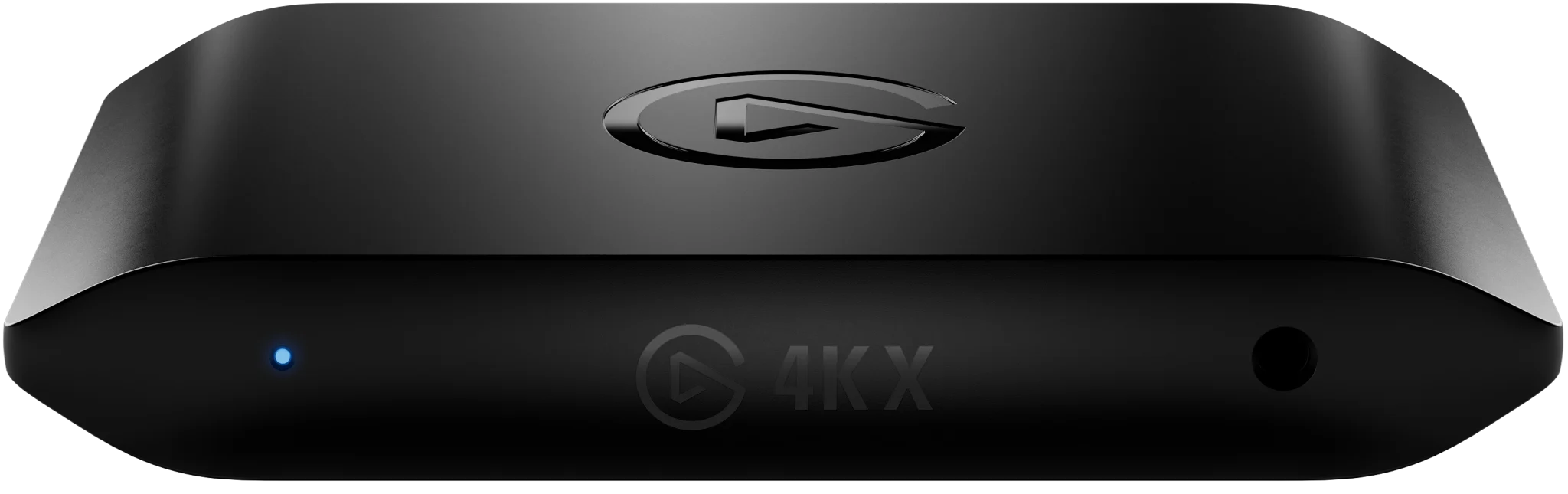
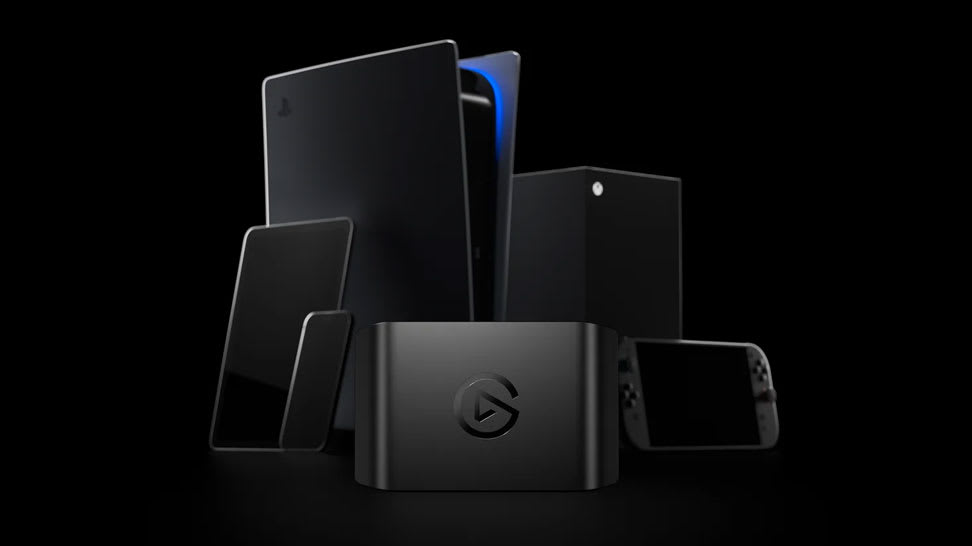
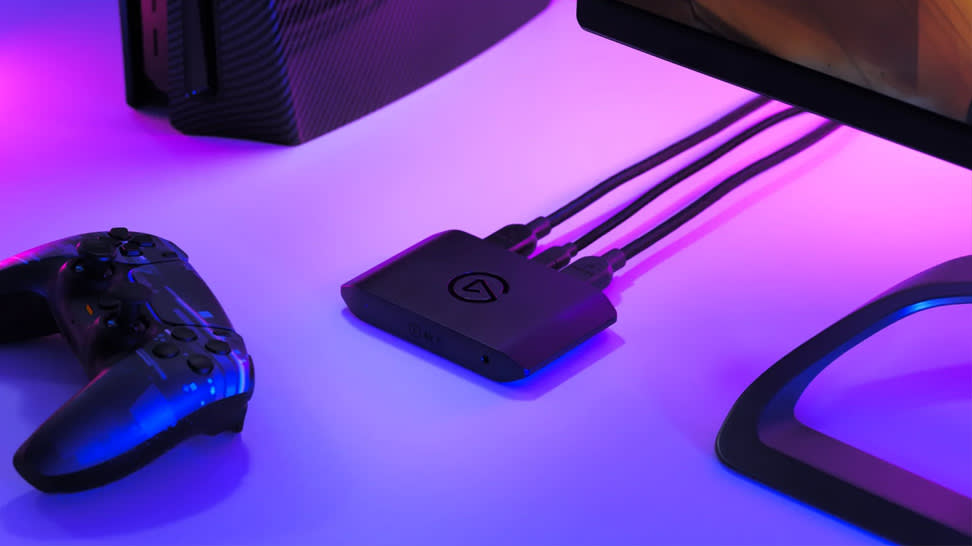
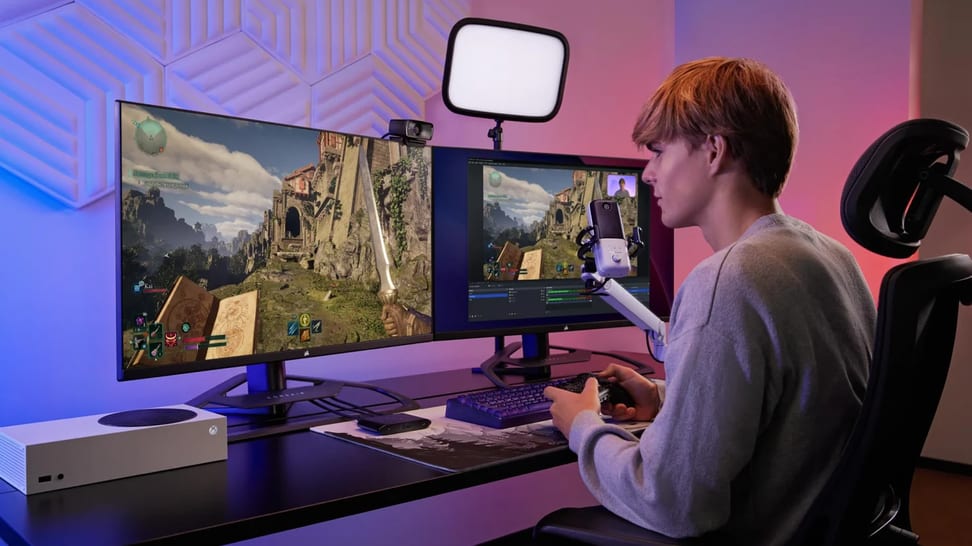
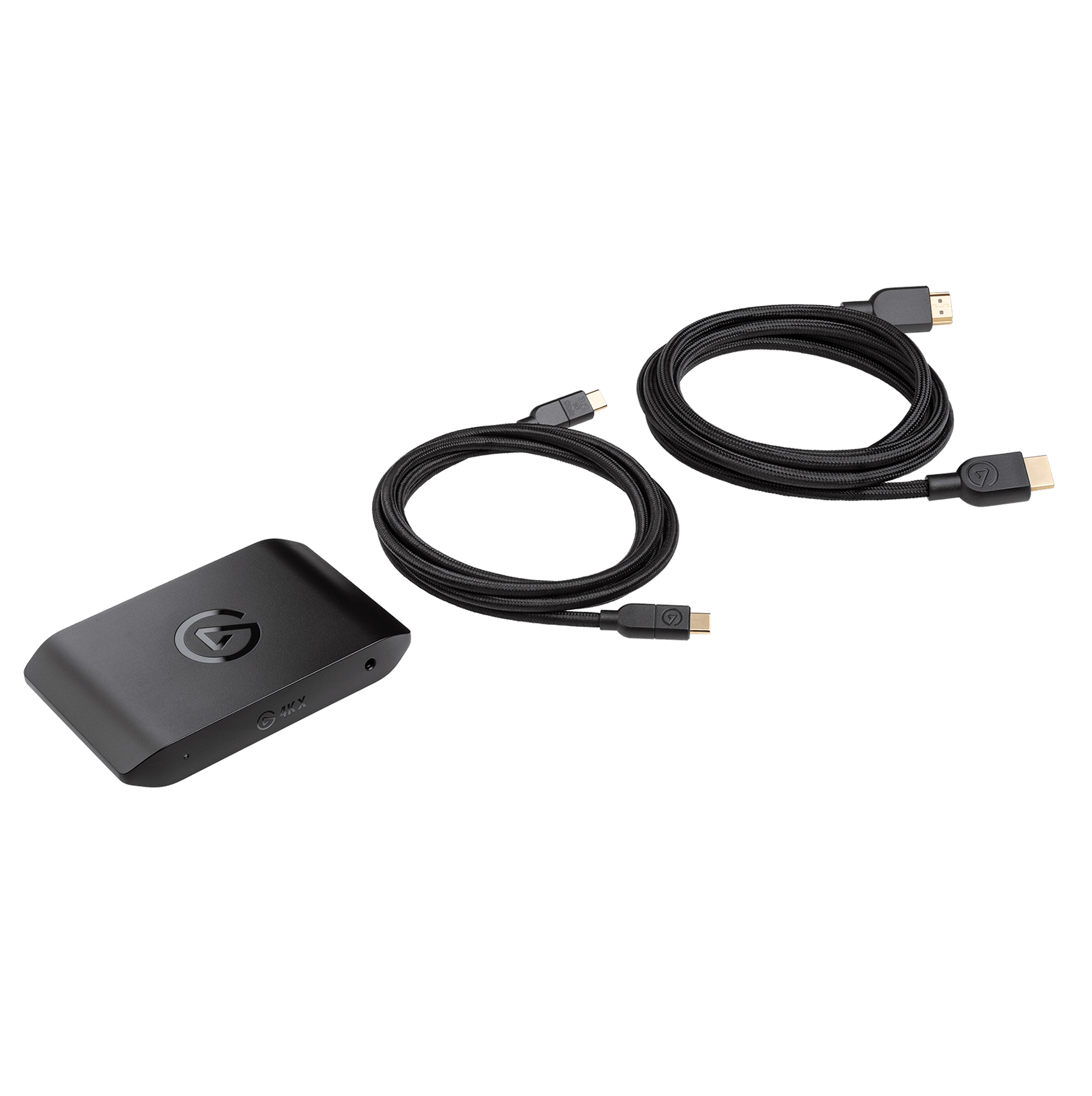
4K X 為次世代玩家帶來超高速遊戲擷取。 高解析度、高影格速率 passthrough 和擷取,是我們迄今為止最強大的 USB 擷取卡。 設置依舊簡單迅速,設計仍然精巧細緻,低調融入您的環境, 讓您幾乎忽略其存在。
隨意暢玩
連接任何設備
連接任何設備
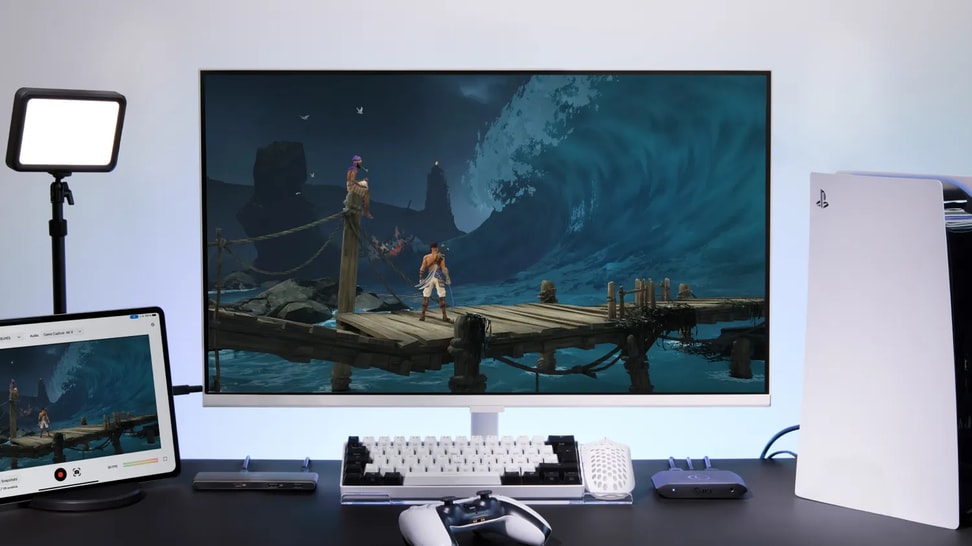
在任何裝置上玩遊戲
擷取至任何系統
USB 3.2 Gen 2 連接可達最佳效能
USB 3.2 Gen 1 以降低的解析度作業
在任何螢幕上玩遊戲
高達 4K144* passthrough
*限使用影像壓縮傳輸(DSC)技術的螢幕上的 4K120
隨心所欲直播


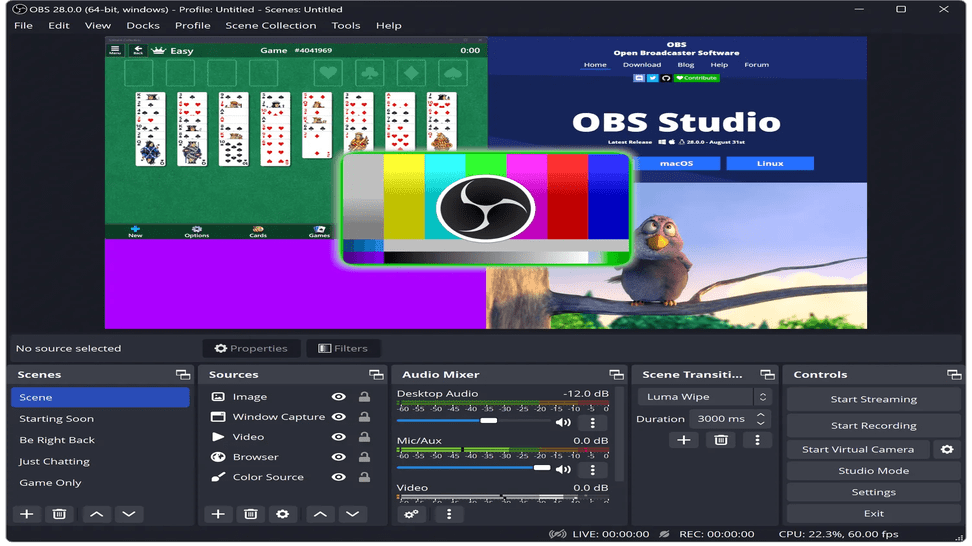
使用任何應用程式
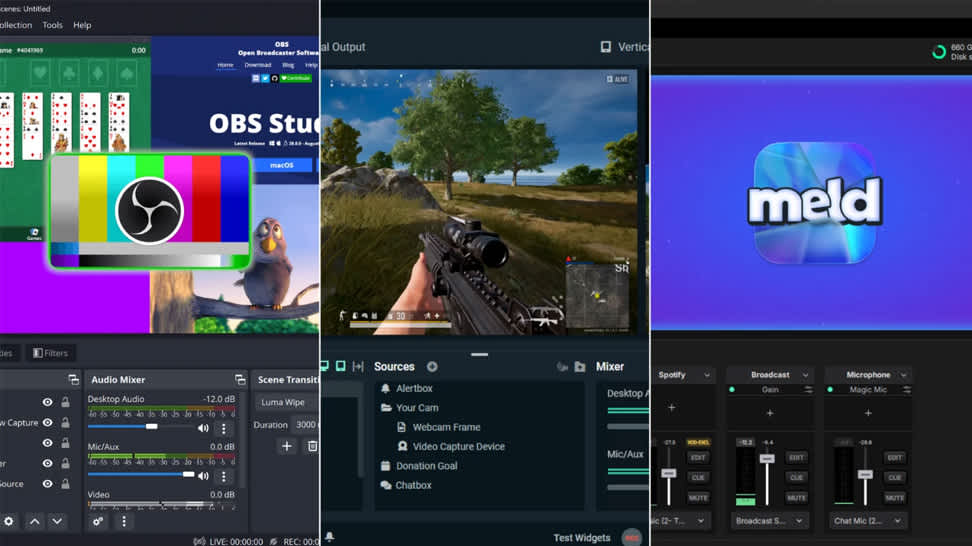
只需在 OBS、Streamlabs Desktop、Twitch Studio、vMix、Meld Studio 等應用程式中將 4K X 添加為來源即可。


在任何平台上直播
添加疊層、聊天互動和解說,並在 Twitch、YouTube、Discord、TikTok、Facebook Gaming 等任何平台直播。
提升檔案管理能力
無限擷取
實況評論
便於剪輯
倒回錄製
*僅適用於 4K Capture Utility 軟體
檔案庫
Stream Link
您的觀眾迫不及待
隨時隨地,隨心擷取
比較各款擷取卡
Product Info
Passthrough
Capture
Connection
14KX - HDR cannot be captured at all resolution and frame rate combinations. Check here for detailed information.2HD60 X - HDR cannot be captured at all resolution and frame rate combinations. Check here for detailed information.34KS - HDR cannot be captured at all resolution and frame rate combinations. Check here for detailed information.
深入探索
/Explorer/Article_6.png)
4K S 與 4K X 的差異是什麼?
想購買新的擷取卡?以下是 Game Capture 4K S 與 Game Capture 4K X 的差異。
/Explorer/Article_11.png)
Elgato Game Capture 4K X 與 4K Pro 的差異是什麼?
想購買新的擷取卡?以下是 Game Capture 4K X 與 Game Capture 4K Pro 的差異。

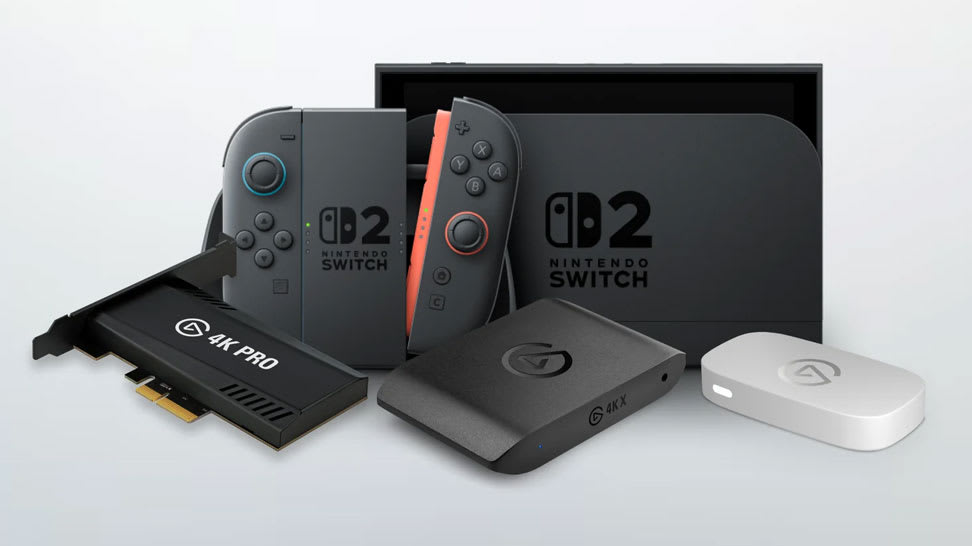
Switch 2 最佳擷取卡
了解哪款 Elgato 擷取卡適合你的 Nintendo Switch 2 設定——以及每款如何實現流畅、高畫質的游戲錄製與直播。

直播或錄製 Switch 2 游戲畫面
學習如何使用 Elgato 擷取卡錄製並分享你的 Nintendo Switch 2 游戲畫面——非常適合直播、錄製或內容創作。

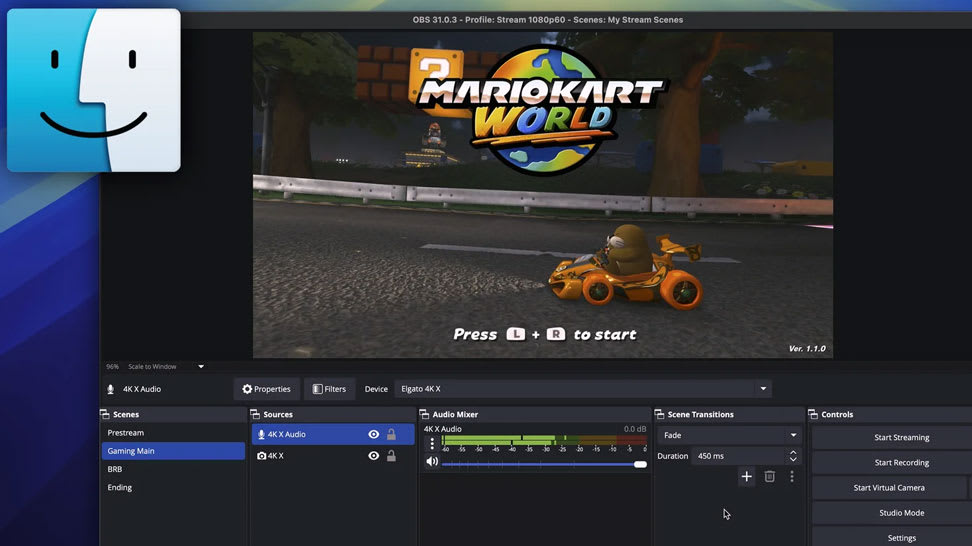
在 Mac 上擷取 Switch 2
學習如何使用 Elgato 擷取硬體將 Nintendo Switch 2 連接到 Mac,實現流畅、高畫質的游戲錄製與直播。

錄製 HDR 游戲畫面
學習如何使用 Elgato 擷取卡在 OBS Studio 中錄製精彩純的 HDR 影片——色彩鮮亮、層次深度豐富,達到專業級效果。

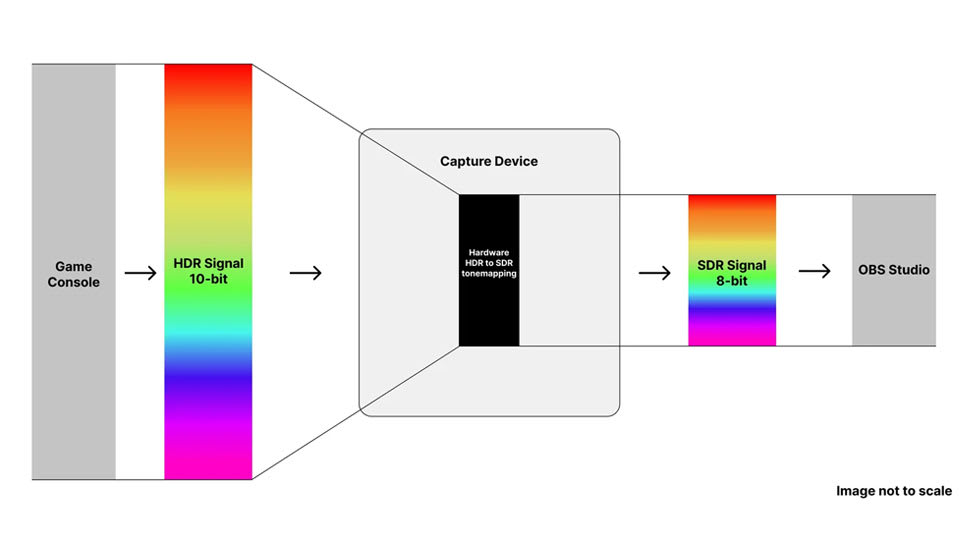
什麼是 HDR 色調映射?
了解 HDR 色調映射的工作原理,以及為何它是在游戲錄製中保留細節、層次感與色彩準確性的關鍵。

PS5 最佳擷取卡
探索哪款 Elgato 擷取卡與 PlayStation 5 配合最佳——以及如何流畅、高畫質地錄製或直播游戲畫面。

輕鬆錄製或直播 Kirby Air Riders
使用擷取卡(如 Elgato 4K X、4K S 或 4K Pro)從 Switch 2 擷取游戲畫面,再透過 Elgato Studio 或 OBS 錄製或直播。設定簡單,極適合分享競賽、精彩片段或完整遊戲。

OBS Studio 32.0 — 直播更加簡單
全新的 OBS Studio 更新帶來內建外掛程式管理器、更優質的音訊處理、改進的錄製格式及 NVIDIA RTX 強化功能——讓直播與錄製更加簡單可靠。

將VST3效果導入OBS
OBS may only support older VST2 by default — but with atkAudio, you can load modern VST3 plugins and apply effects like noise reduction or equalization directly to your stream. Simple to set up, great audio.

OBS Studio 30.2 — 新多軌串流與混合MP4
Now you can stream multiple video/audio variants simultaneously and record in a crash-resistant Hybrid MP4 container. Add updated themes and Linux NVENC enhancements — a robust upgrade for streamers and content creators alike.

用Elgato擷取Silksong精彩畫面
Hook up your console or PC with an Elgato capture card, open Elgato Studio or OBS, and capture Silksong gameplay in 4K60. Perfect for live streams or sharing epic runs and highlights.

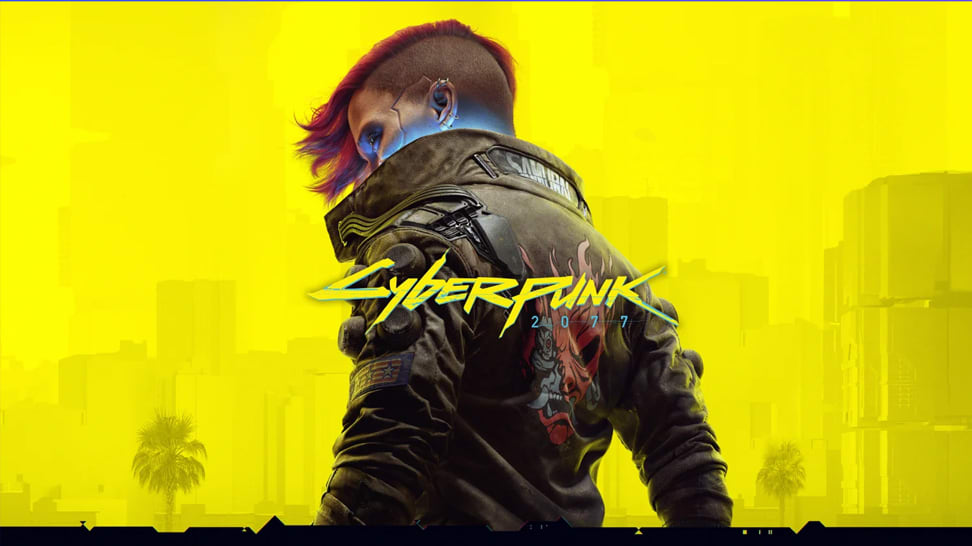
在Switch 2上直播或錄製Cyberpunk 2077
Hook up your Switch 2 via a capture card, open Elgato Studio or OBS Studio, and record or stream Cyberpunk 2077: Ultimate Edition in full 4K60. Simple setup — instant gameplay capture.

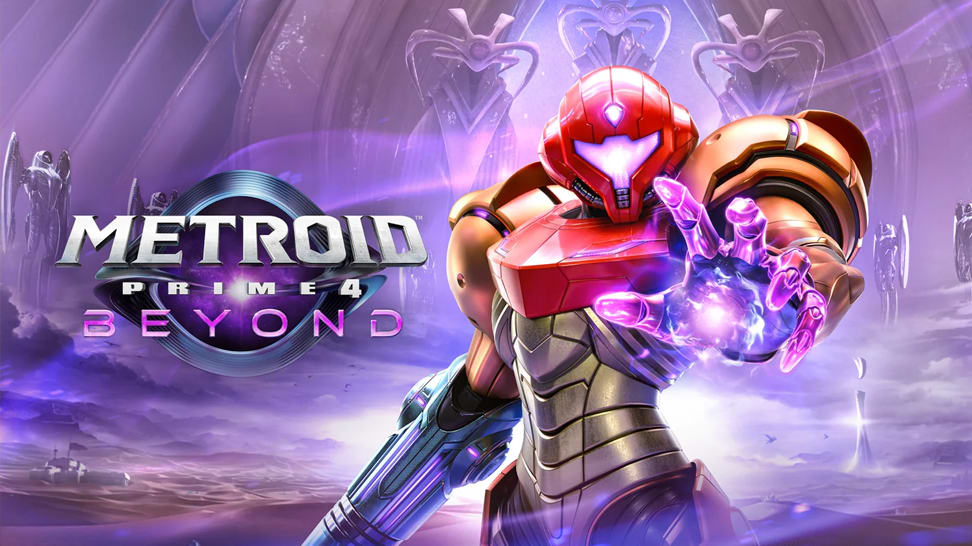
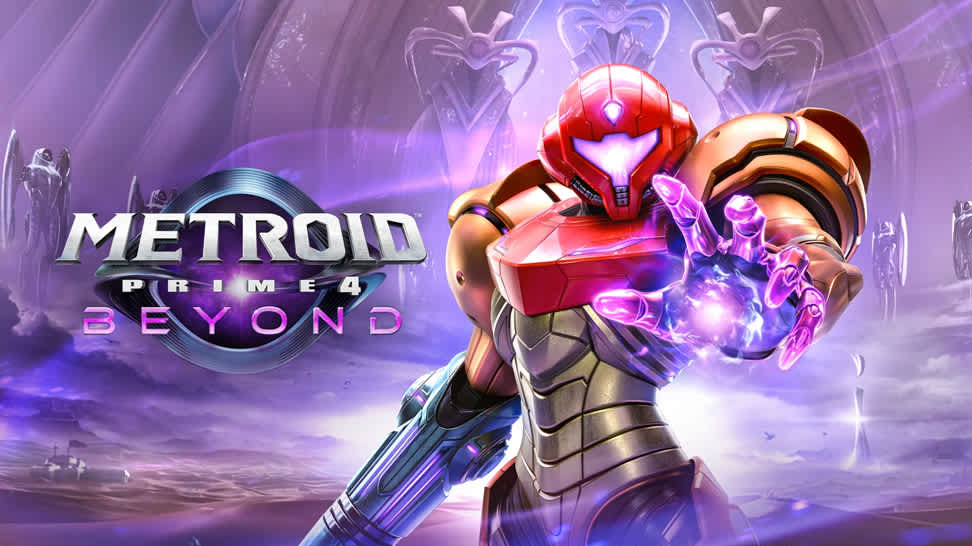
在Switch 2上直播或錄製Metroid Prime 4: Beyond
Dock your Switch 2, connect a capture card and HDMI cables, then open Elgato Studio or OBS — and you’re ready to stream or record Metroid Prime 4: Beyond in 4K60 or 1080p120. Simple setup, cinematic results.

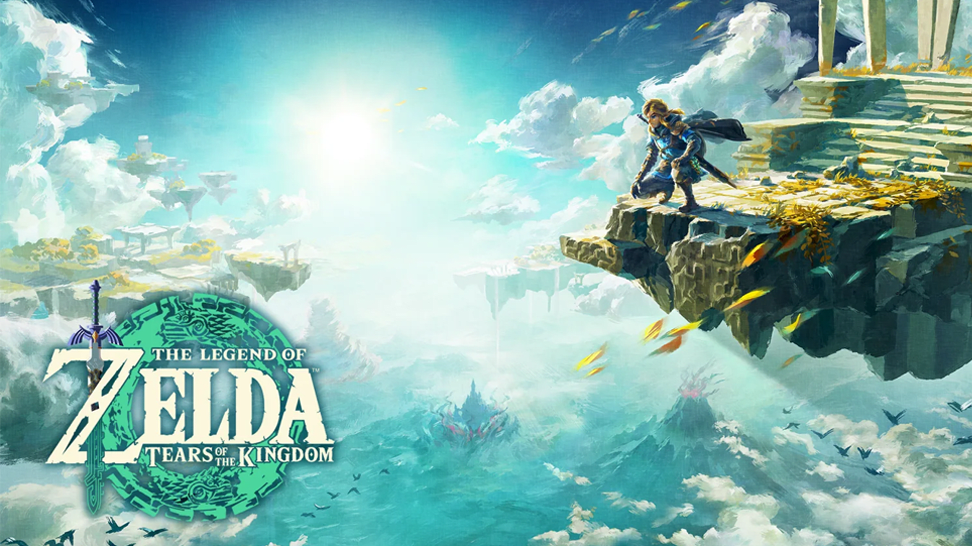
在Switch 2上直播或錄製泽达:王國之淚
With a capture card and Elgato Studio (or OBS), it takes minutes to stream or record Zelda: Tears of the Kingdom on Switch 2 — up to 4K60 with HDR. From exploration to combat, capture every moment.

在Switch 2上直播或錄製Mario Kart World
Dock your Switch 2, connect a capture card, then open Elgato Studio or OBS — and you’re ready to stream or record Mario Kart World in full 4K60 HDR. Perfect for sharing races, highlights or live lap‑action.

不要遺失直播—軽鬆將其儲存
Many platforms delete VODs after a set time. By saving your livestream locally (via OBS), you’ll always have a copy — ideal for editing, highlights or replay uploads.

錄製你的Metroid遊戲畫面
Learn the exact steps to set up your Switch 2 for smooth, high-quality gameplay recording.

選擇你的直播軟體
A clear guide to selecting the right streaming software—no matter your experience level.

選擇正確的擷取卡
Compare Elgato’s capture card lineup and discover which model best fits your platform, resolution, and workflow.

學習如何錄製或直播 Pokémon Pokopia
了解如何使用 Elgato 擷取卡配合 Nintendo Switch 2 錄製或直播 Pokémon Pokopia。

學習如何錄製或直播 Yakuza Kiwami 3 & Dark Ties
了解如何在 PS5、PS4、Xbox Series X|S 與 Nintendo Switch 2 上錄製或直播 Yakuza Kiwami 3 & Dark Ties。

OBS 32.1 有什麼新功能
探索最新的 OBS Studio 更新,了解新功能與修復如何提升你的直播設備。

什麼是擷取卡?
了解擷取卡如何讓你將主機和其他裝置的遊戲畫面錄製或串流至你的電腦。

你需要擷取卡嗎?
從主機或 PC 串流?了解擷取卡在什麼情況下重要、什麼情況下不需要,以及需要時該如何選擇。

擷取 Forza Horizon 6
在 Xbox 或 PlayStation 5 上擷取 Forza Horizon 6 所需的一切——硬體設定、軟體設定與 Stream Deck 客製化。

Elgato Studio HDR 錄製
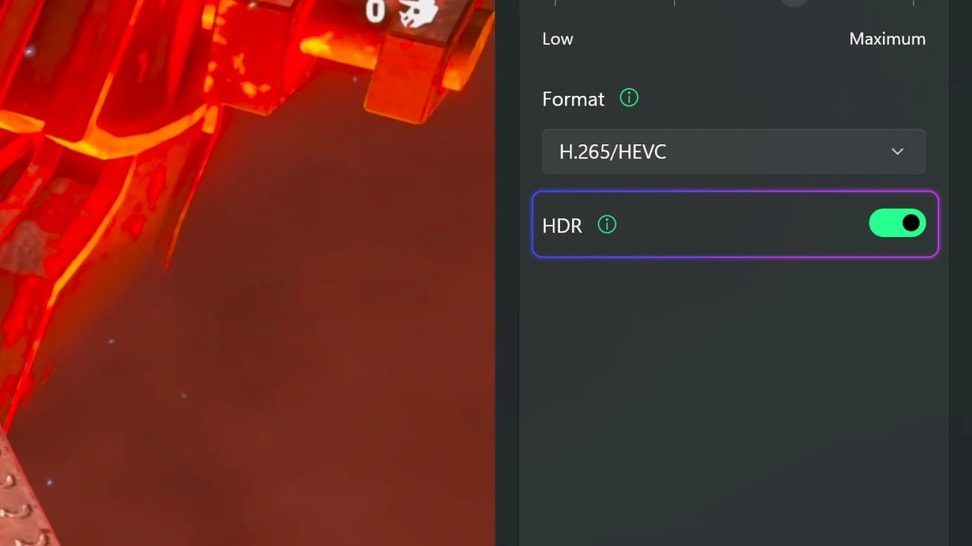
了解 Elgato Studio 中的 HDR 錄製功能,以及它如何在錄製中保留更豐富的色彩、更亮的高光和更多細節。

Elgato Studio 錄製品質
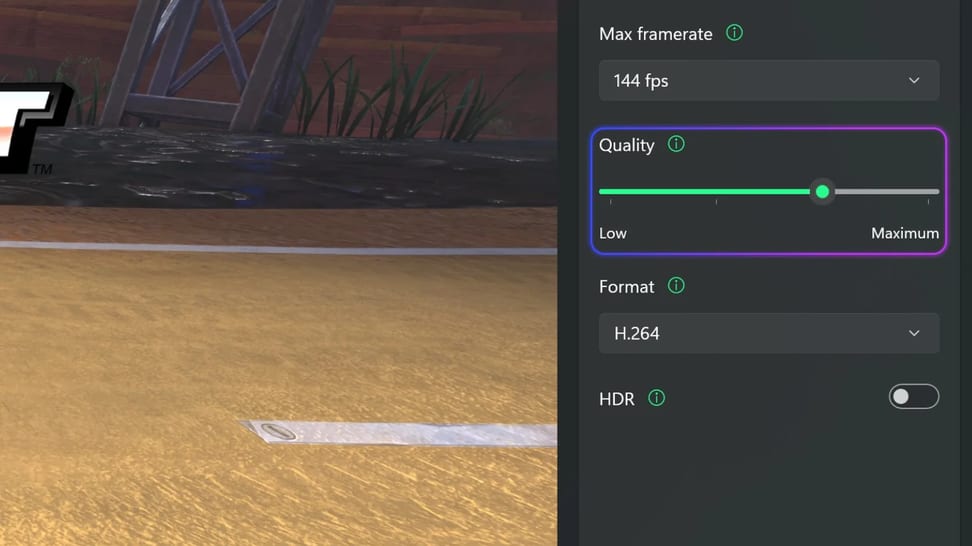
了解 Elgato Studio 中的錄製品質設定功能,以及它如何影響錄製的檔案大小、細節和儲存空間。

Elgato Studio 最大幀率
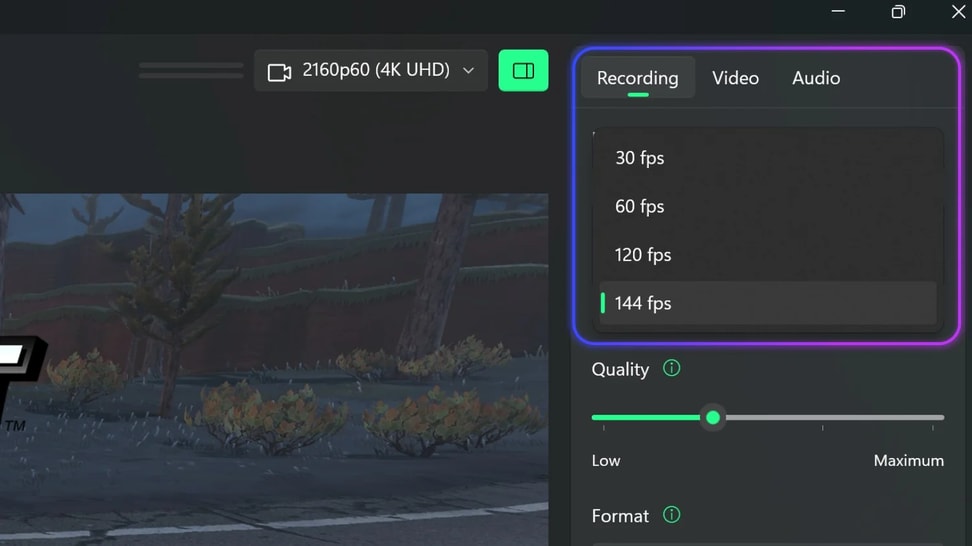
了解 Elgato Studio 中的最大幀率設定功能,以及如何在 30、60、120 和 144 fps 之間進行選擇。

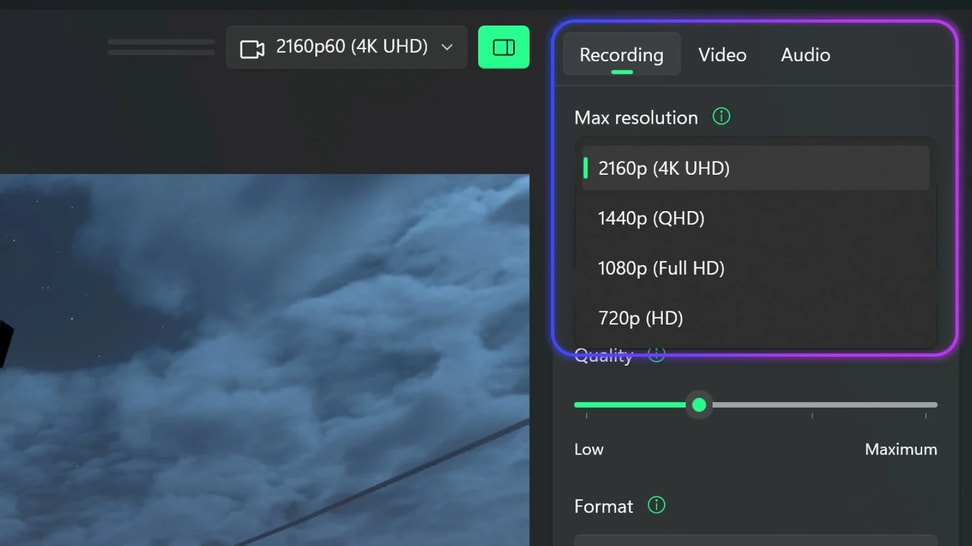
Elgato Studio 最大解析度
了解 Elgato Studio 中的最大解析度設定功能,以及如何在 4K、1440p、1080p 和 720p 之間進行選擇。

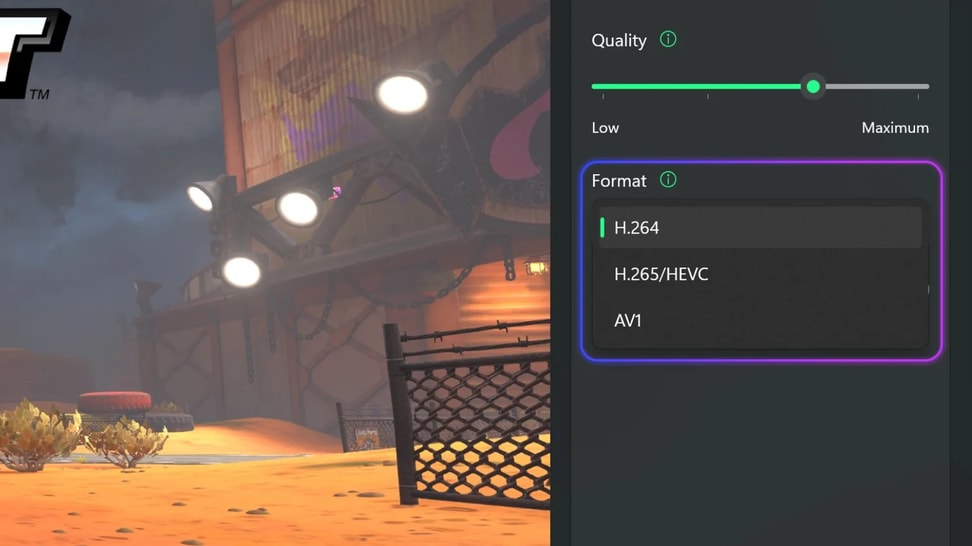
Elgato Studio 錄製格式
了解在 Elgato Studio 中使用哪種錄製格式。比較 H.264、HEVC 和 AV1 在相容性、檔案大小和 HDR 支援方面的差異。

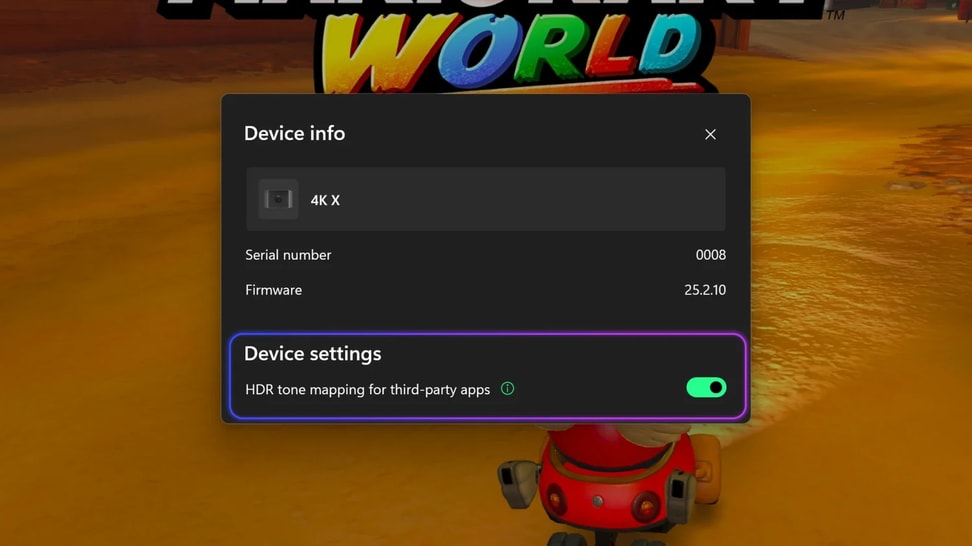
Elgato Studio 色跾映射
了解 Elgato Studio 中色跾映射開關的功能,以及它如何幫助第三方應用程式顯示 HDR 來源。

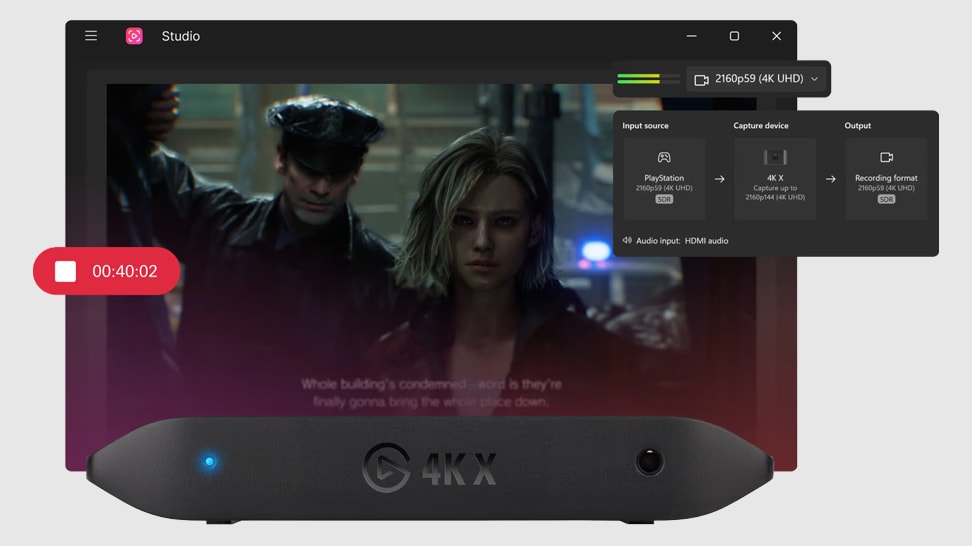
Elgato Studio — 軟體概觀
了解如何設定和使用 Elgato Studio,在 Windows 和 macOS 上預覽、錄製和擷取遊戲畫面。
技術規格
輸入
HDMI (無加密)輸出
HDMI (無延遲 passthrough)錄製 & Passthrough 解析度
最高 4K144查看完整支援的解析度列表支援 HDR10
HDR 擷取目前僅支援 Windows 系統尺寸
112 x 72 x 18 公釐 / 4.4 x 2.8 x 0.7 英吋重量
91 公克 / 3.2 盎司包裝箱內容物
SKU: 10GBH9901

环保包装
我们已经实现了95%零塑料,距离100%目标仍有一步之遥,我们还在继续努力。自从2012年发布第一款采集设备以来,在革新技术的同时,我们还在不断改进我们的包装。了解更多