Key Light Air MK.2
15 吋 LED 面板
4.9(33 reviews)
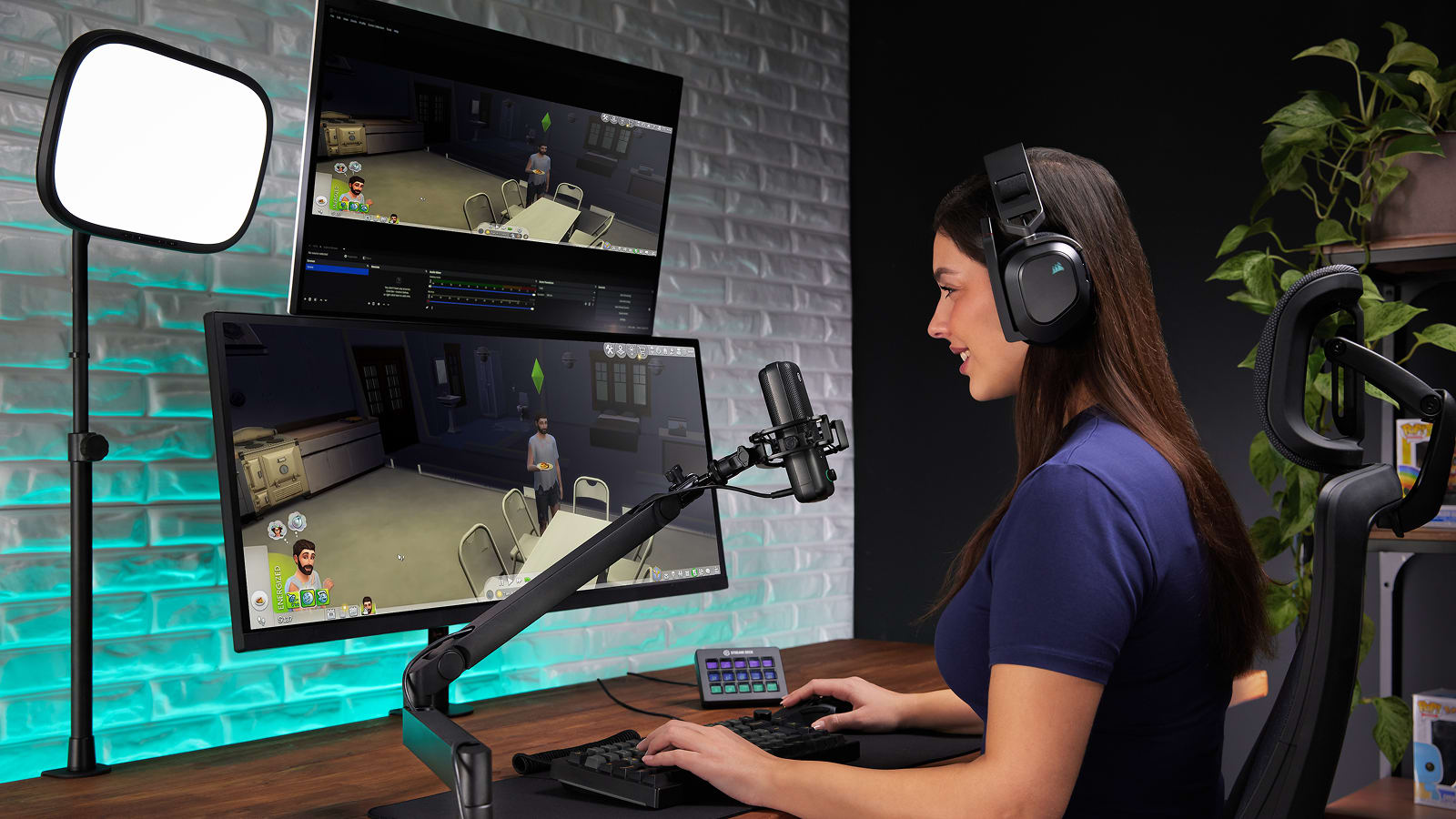
專為以桌面為工作室的創作者打造的明亮柔和光源。透過 USB-C 供電與機身觸控操作,最高可達 2100 lm。Key Light Air 放在你需要的地方,依你的方式運作。
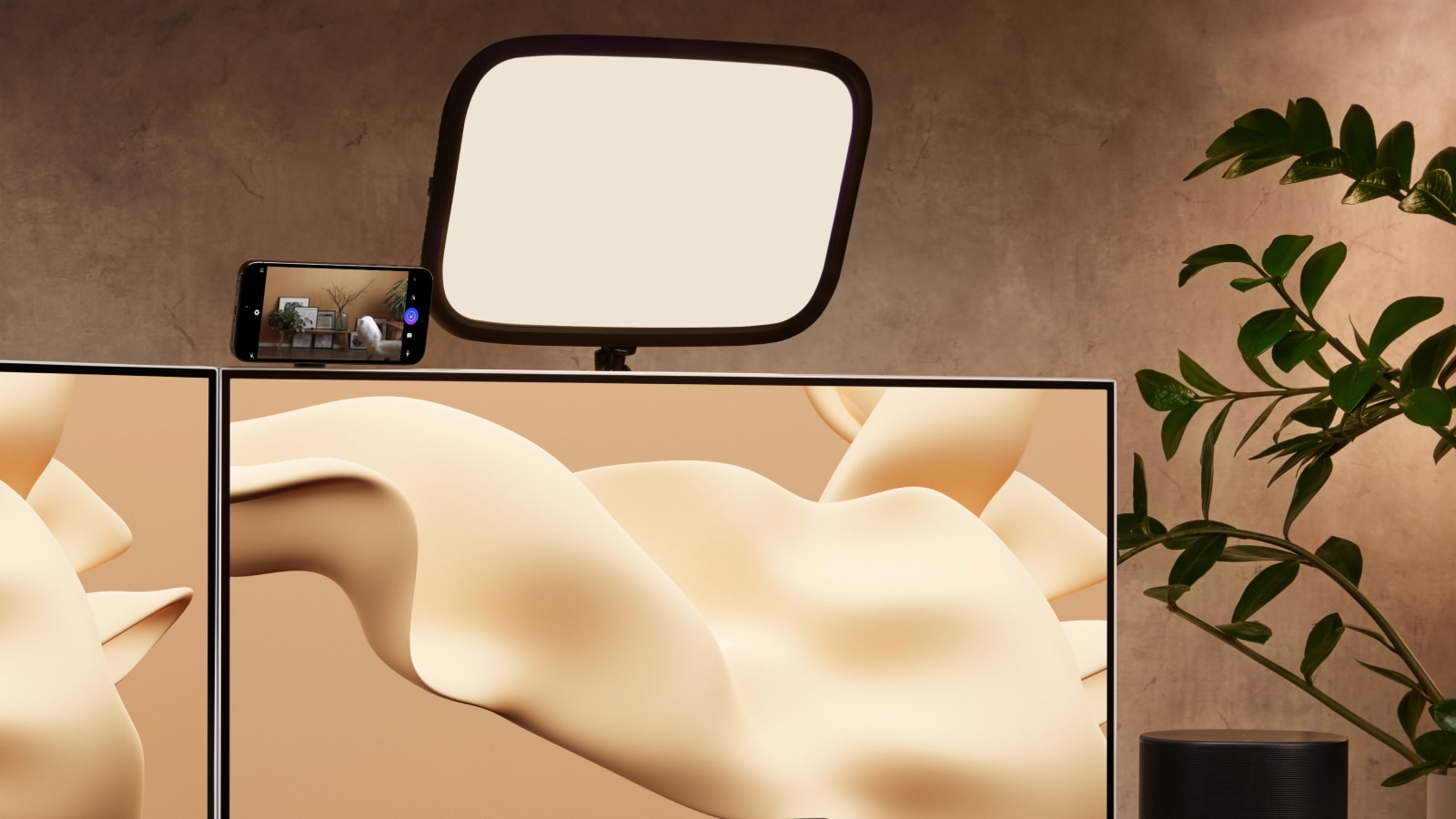
能放進其他面板放不下的位置。
No visible LEDs. Just soft, even light.
背面的 MagSafe 讓你在數秒內於不同設備組合間移動。
*MagSafe 支架僅供示意,不含在包裝內,Elgato 亦不販售。
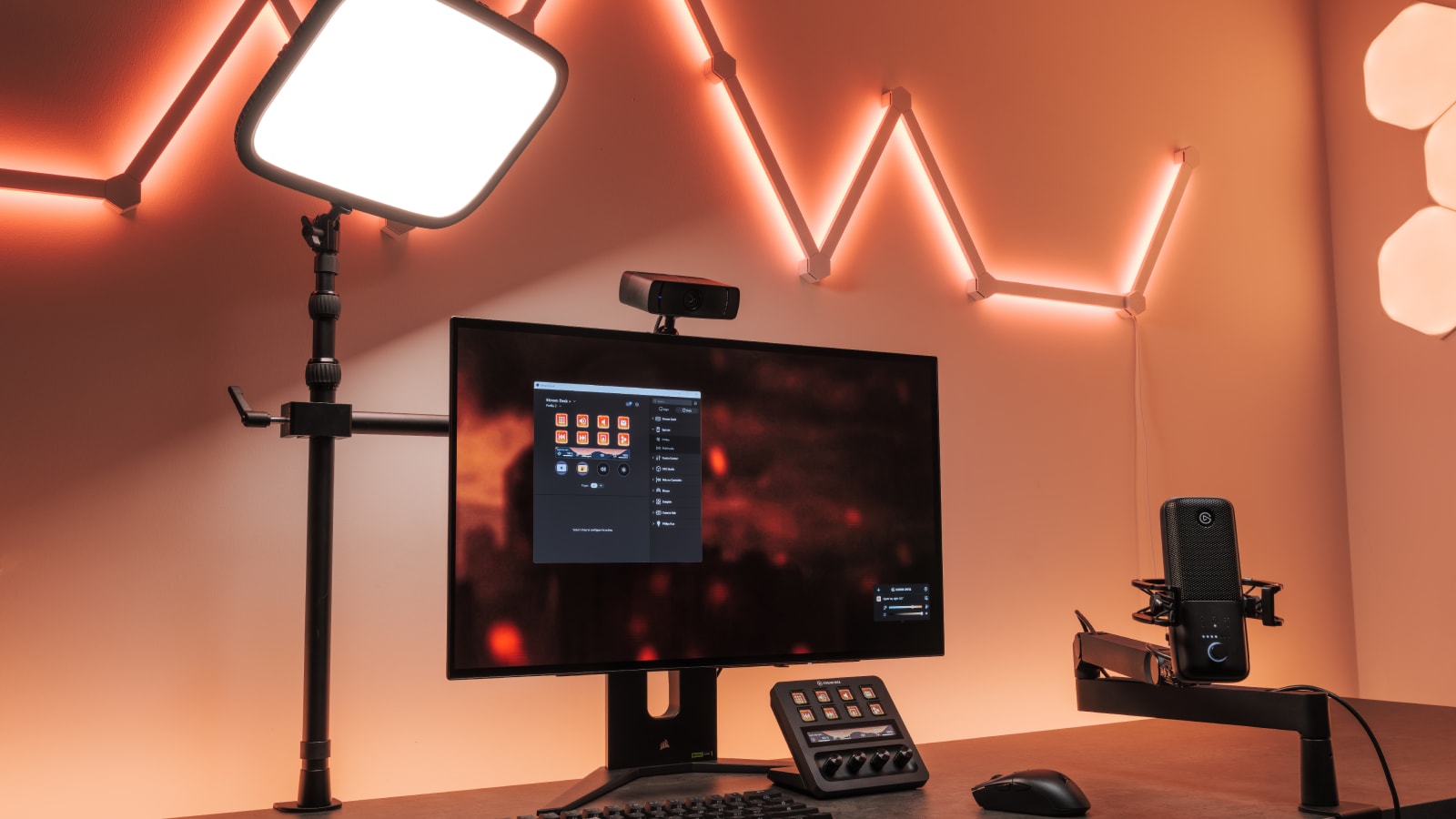
夾在桌緣,讓其餘空間保持整潔。
減少溢光,增加掌控。觀看實際效果。

Improve how you look on camera with Key Light Air MK.2, a mid-sized LED panel with USB-C power, touch controls, and a clamp-on desk mount.
Not sure which Key Light fits your desk? Compare Key Light Neo, Key Light Air MK.2, and Key Light by brightness, size, and mounting.
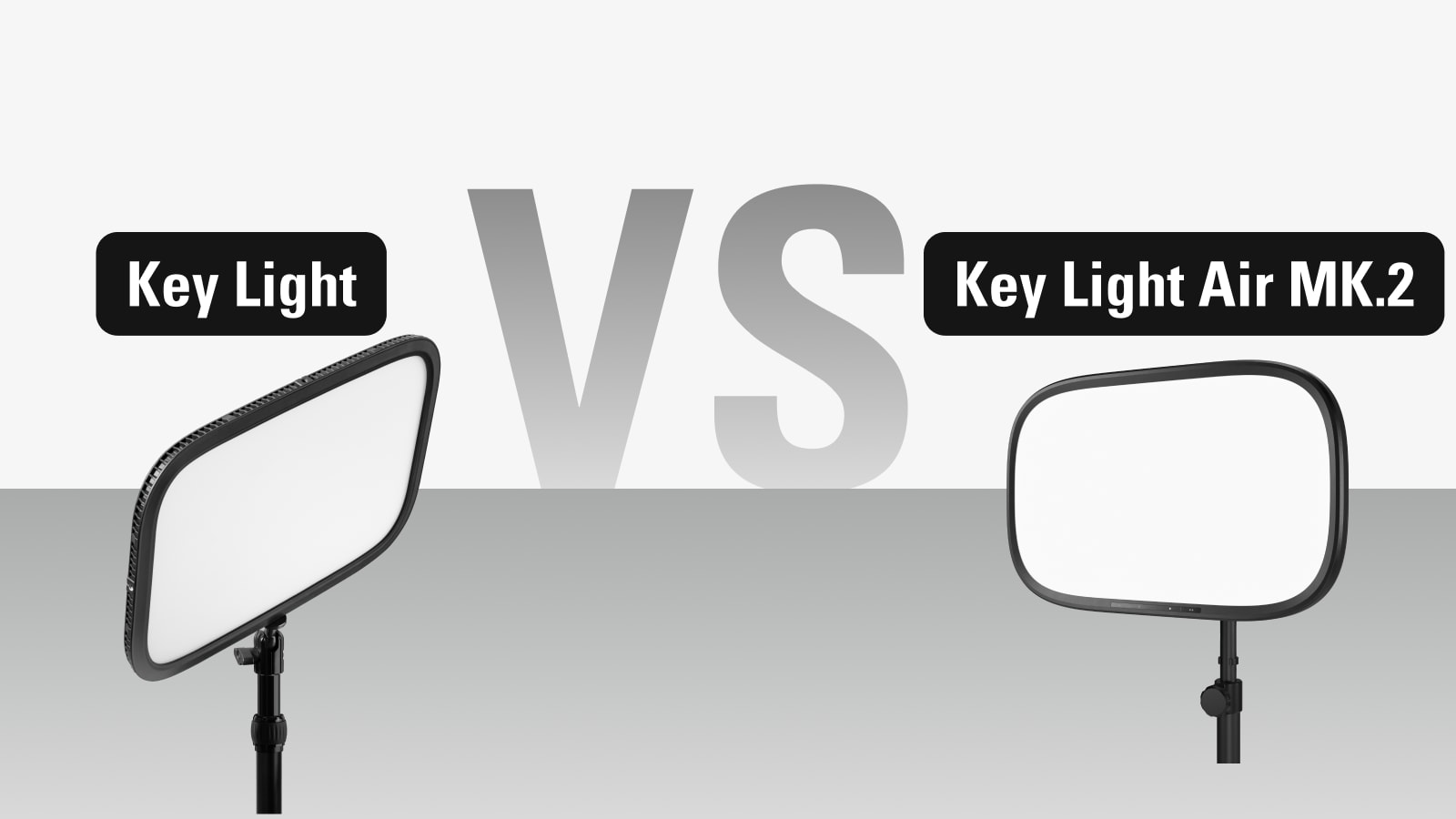
Key Light Air MK.2 與 Key Light:比較亮度、功率、尺寸與安裝方式,找到適合你設備的燈具。

了解 Key Light Air MK.2 如何在 Key Light Air 的基礎上升級:更高亮度、USB-C 供電、觸控功能,以及全新桌夾式安裝座。
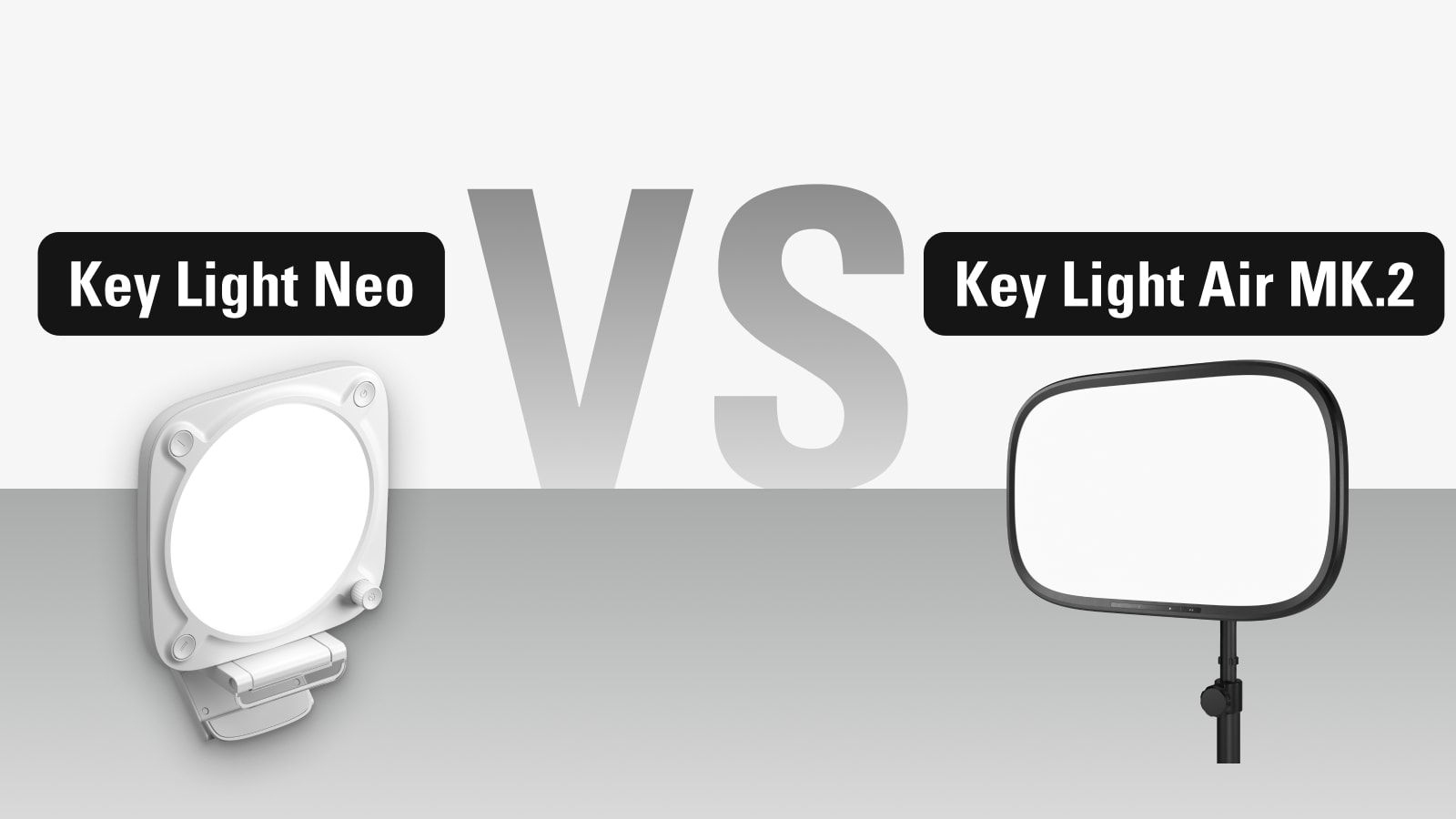
Key Light Air MK.2 vs Key Light Neo: compare brightness, size, and mounting to find the right light for video calls or your desk.

Learn what a focus grid does and how it gives you more control over where your light lands on camera.
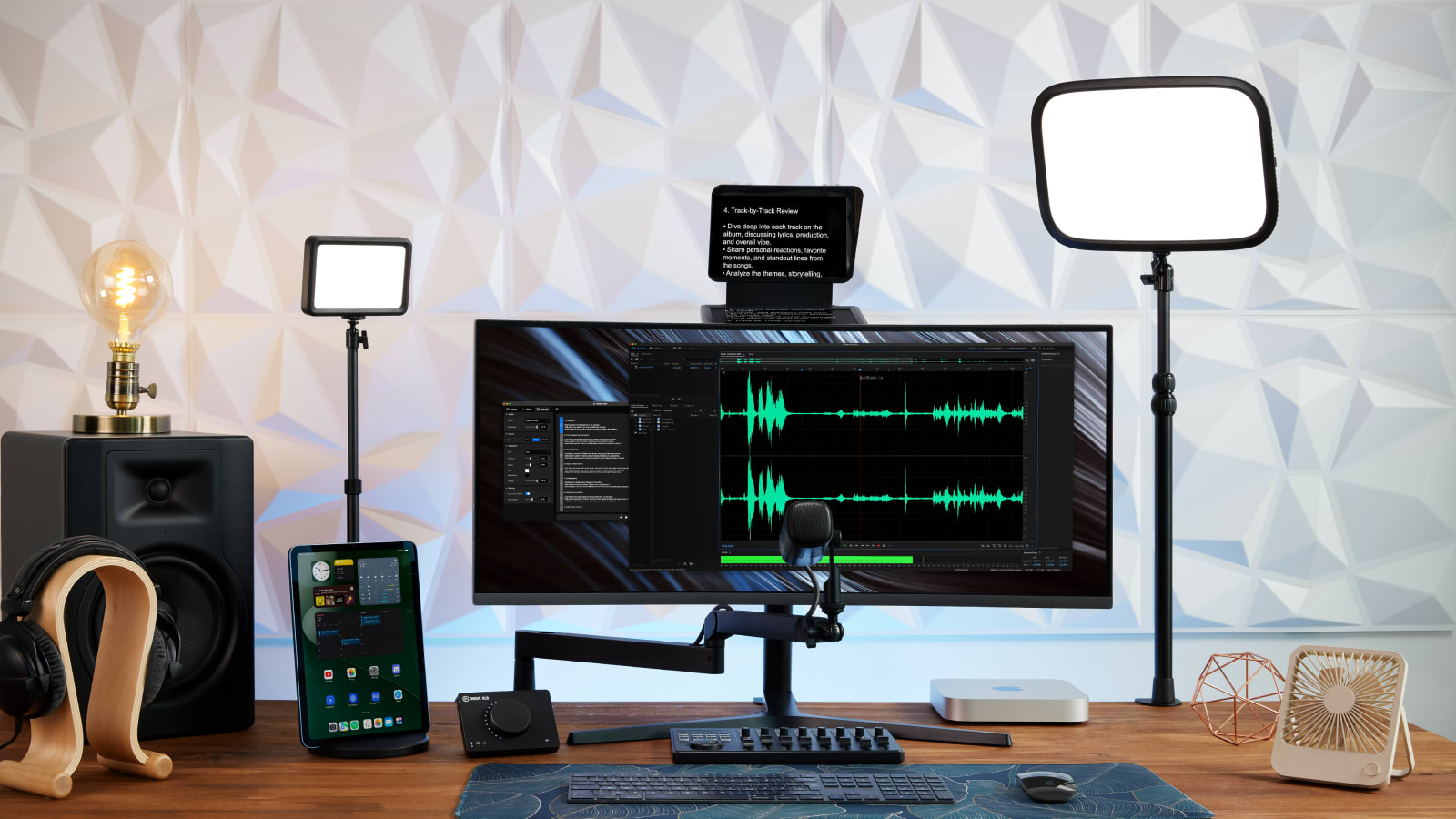
流明用於衡量燈板能發出多少光線。以下說明如何運用流明範圍,為你的設備選擇合適的 Elgato Key Light 型號。
What is color temperature and why does it matter for streaming and video calls? A simple guide to Kelvin, white balance, and lighting setup.
Learn to control Key Light brightness and color temperature from Stream Deck keys, dials, or a free mobile option.
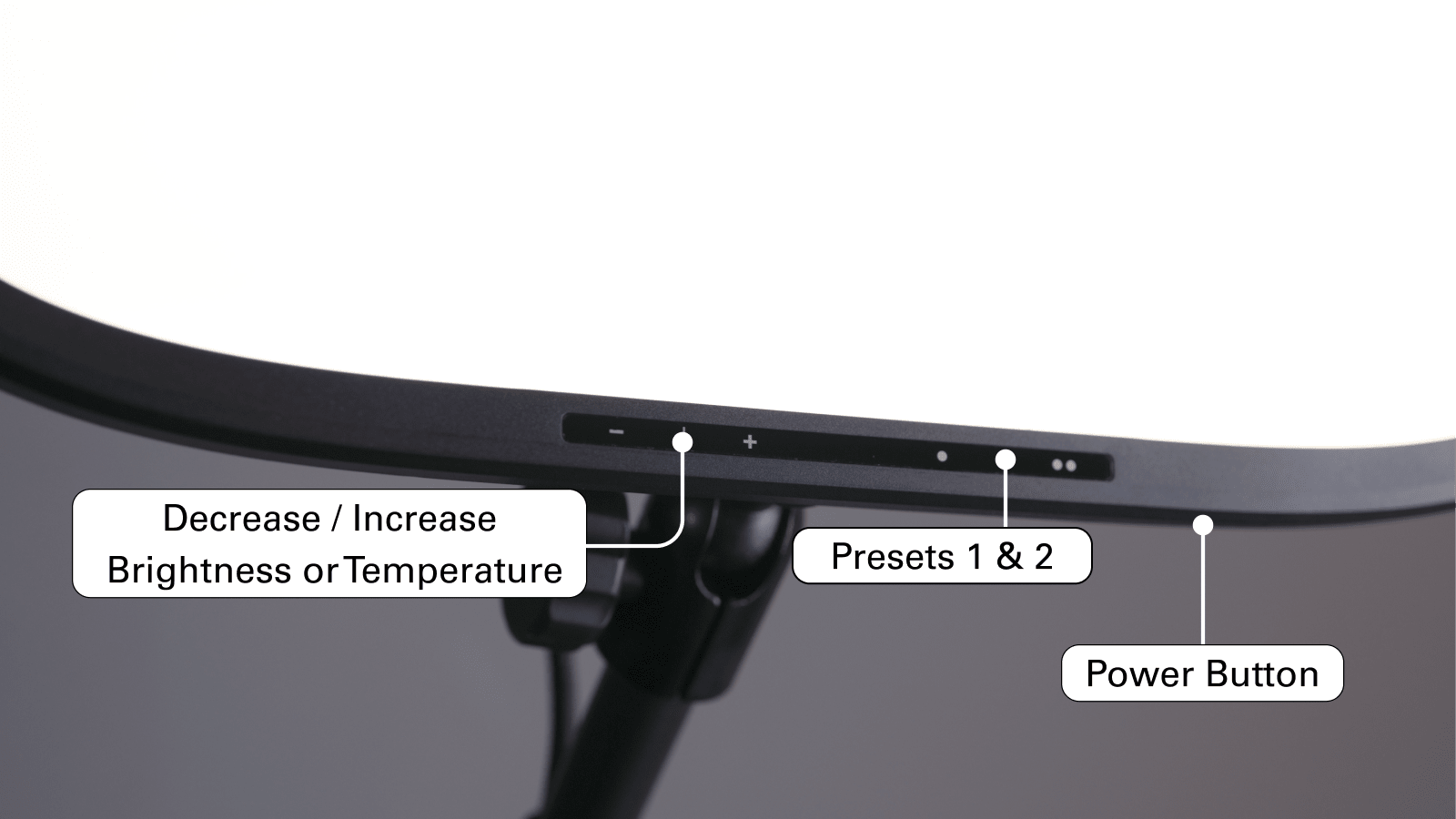
使用 Key Light Air MK.2 內建的觸控功能,直接調整亮度、色溫並儲存預設,不需App或Wi-Fi。
Quick start guide for setting up and using Elgato Key Light Air MK.2.
The most common ones are here.
Can’t find what you’re looking for? Our support team is here to help.
Contact supportKey Light Air 與 Key Light Air MK.2 有什麼不同?
是否隨附電源變壓器?
我需要電源變壓器嗎?
我可以透過 MagSafe 為燈具供電嗎?
P30 Power Supply 在我的地區買得到嗎?
我需要幾盞燈?
我一定要用支架嗎?
夾具適合我的桌子嗎?
要放在哪裡才能達到最佳效果?
需要特殊軟體嗎?
我需要 Wi-Fi 才能操控嗎?
我可以在燈上調整什麼?
可以用於旅行或外景拍攝嗎?
| 電源 | 亮度 | 百分比 |
| 27W+ | 約 2100 lm | 100% |
| 20W+ | 約 1270 lm | 80% |
| 15W+ | 約 750 lm | 60% |
| 7.5W+ | 約 400 lm | 40% |
| 低於 7.5W | 約 180 lm | 20% |


