When you're live, every second spent switching apps or hunting for a shortcut is a second you're not focused on your stream. Stream Deck keeps your most-used controls on keys that are always visible, so you can manage your broadcast without breaking your flow.
OBS Studio
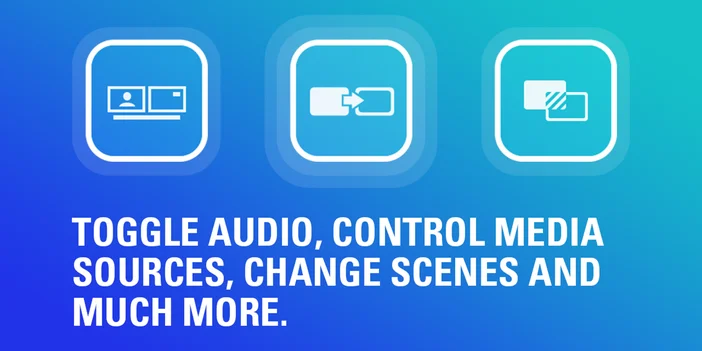
If you stream with OBS Studio, this is an essential install. It connects Stream Deck directly to OBS so you can manage your entire broadcast without touching your keyboard or clicking through menus.
Key actions include:
- Switch scenes with a single tap
- Start or stop streaming and recording
- Show or hide sources on the fly
- Save a replay buffer clip
- Toggle Studio Mode for safe scene transitions
- Mute or unmute individual audio sources
Keys update in real time to reflect your current scene and recording state, so you can always see what's active at a glance.
Want to learn more? Check out the OBS Studio plugin spotlight.
Streamlabs Desktop
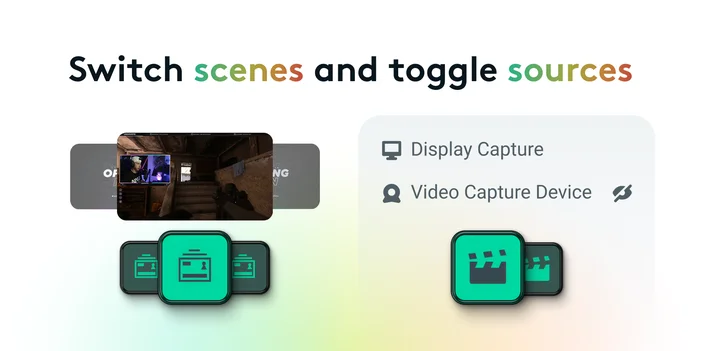
If Streamlabs Desktop is your streaming app of choice, this plugin brings your broadcast controls onto Stream Deck. Scene switching, recording, and audio muting all happen without pulling you out of what you're doing.
Key actions include:
- Start and stop your stream with a tap
- Switch scenes during a live session
- Mute or unmute audio channels instantly
- Start and stop recordings
Twitch
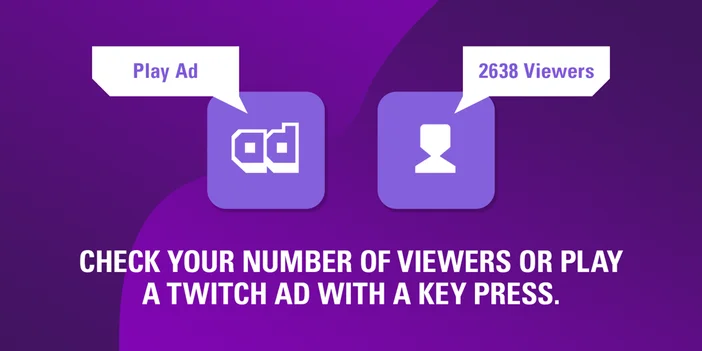
Managing your Twitch channel mid-stream usually means tabbing out. Twitch plugin keeps those controls on your keys so you can handle channel management without leaving what you're doing.
Key actions include:
- Run an ad break for a preset length
- Update your stream title and category
- Toggle chat modes (emote only, follower only, sub only, slow mode)
- Create a clip of the last 90 seconds
- Add a stream marker to flag key moments
- Display your live viewer count on a key
Want to learn more? Check out the Twitch plugin spotlight.
YouTube
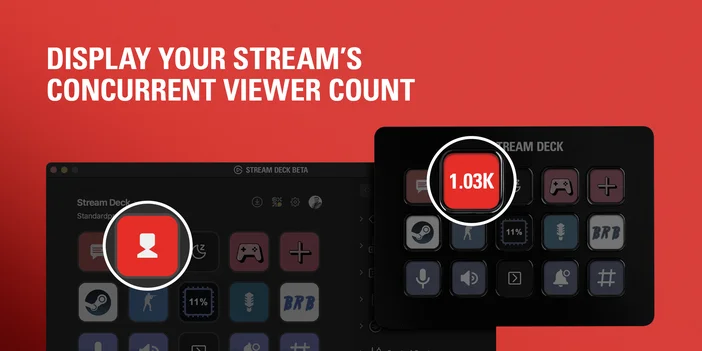
YouTube plugin puts your live stream controls on Stream Deck, so you can manage your channel without opening a browser or leaving your game.
Key actions include:
- Start and stop your live stream
- Display your live viewer count in real time
- Post a preset chat message with a single tap
- Run an ad break
- Open your stream dashboard directly
Viewer count updating live on a key means you can keep an eye on numbers without opening a browser tab.
Discord
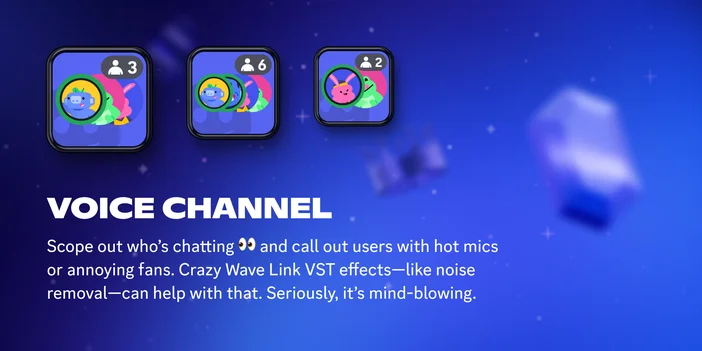
Keep up with your community and squad without leaving your game. The Discord plugin puts the controls you need most right on your keys.
Key actions include:
- Mute and unmute your microphone instantly
- Deafen yourself when you need a break
- Push to talk with a dedicated key
- Switch between voice channels
- Join or leave calls
Having mute and deafen on dedicated keys is useful mid-game, when you need to react quickly without losing focus.
Want to learn more? Check out the Discord plugin spotlight.
Spotify
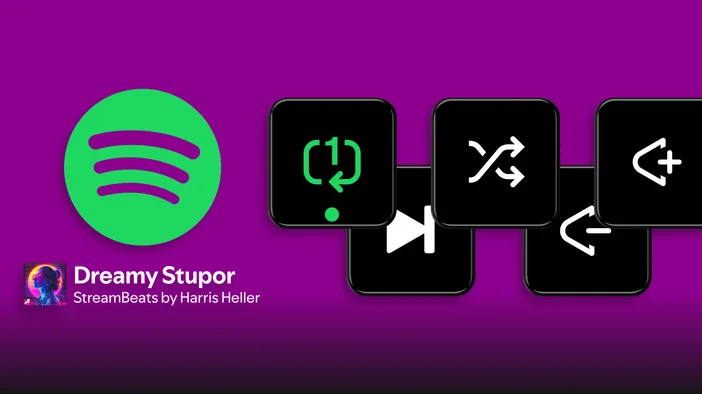
Keep your music under control without leaving your game or app. Spotify plugin for Stream Deck puts playback, volume, and shuffle on your keys and dials, so you can manage what's playing without alt-tabbing or reaching for your mouse.
Key actions include:
- Playback Control: Play, pause, or toggle playback on your current device
- Shuffle: Turn shuffle on or off with a single tap
- Repeat: Cycle through repeat modes: off, playlist, or single track
- Volume: Adjust Spotify volume by a custom step amount
Keys update in real time to show playback status, shuffle and repeat states, and what's currently playing, so you always have a quick read on what's on without opening the app.
Want to learn more? Check out the Spotify plugin spotlight.
Wave Link
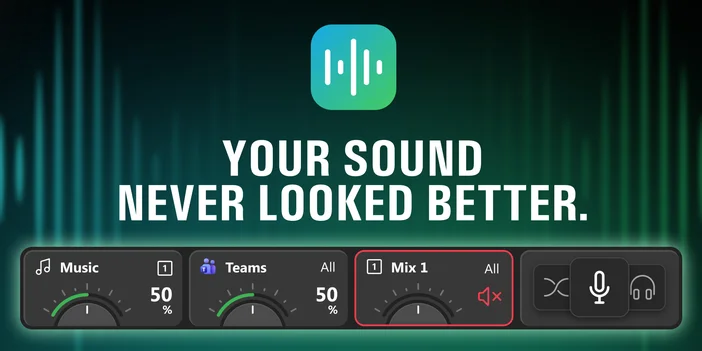
If you use Wave Link to manage your audio mix, Wave Link plugin turns Stream Deck into a hands-on mixing surface. Instead of opening Wave Link to adjust levels, everything is right on your keys and dials.
Key actions include:
- Adjust volume for any input or output mix
- Mute individual channels instantly
- Toggle effects on and off
- Switch between mixes in real time
- Monitor audio levels directly on your keys
On Stream Deck + and Stream Deck + XL, dials give you tactile volume control across every channel, similar to a physical mixer.
For more on what it can do with Stream Deck, check out our full Wave Link plugin.
Where to find more
These plugins cover the most common streaming needs, but there's plenty more to explore. Elgato Marketplace has hundreds of plugins for things like scene transitions, overlays, chat tools, and soundboards.
Don't have a Stream Deck yet? Stream Deck Mobile gives you six free keys on your phone or tablet, so you can try out any of these plugins today.
Browse the full collection at Elgato Marketplace or install directly from within Stream Deck app.
PRODUCTS IN ARTICLE