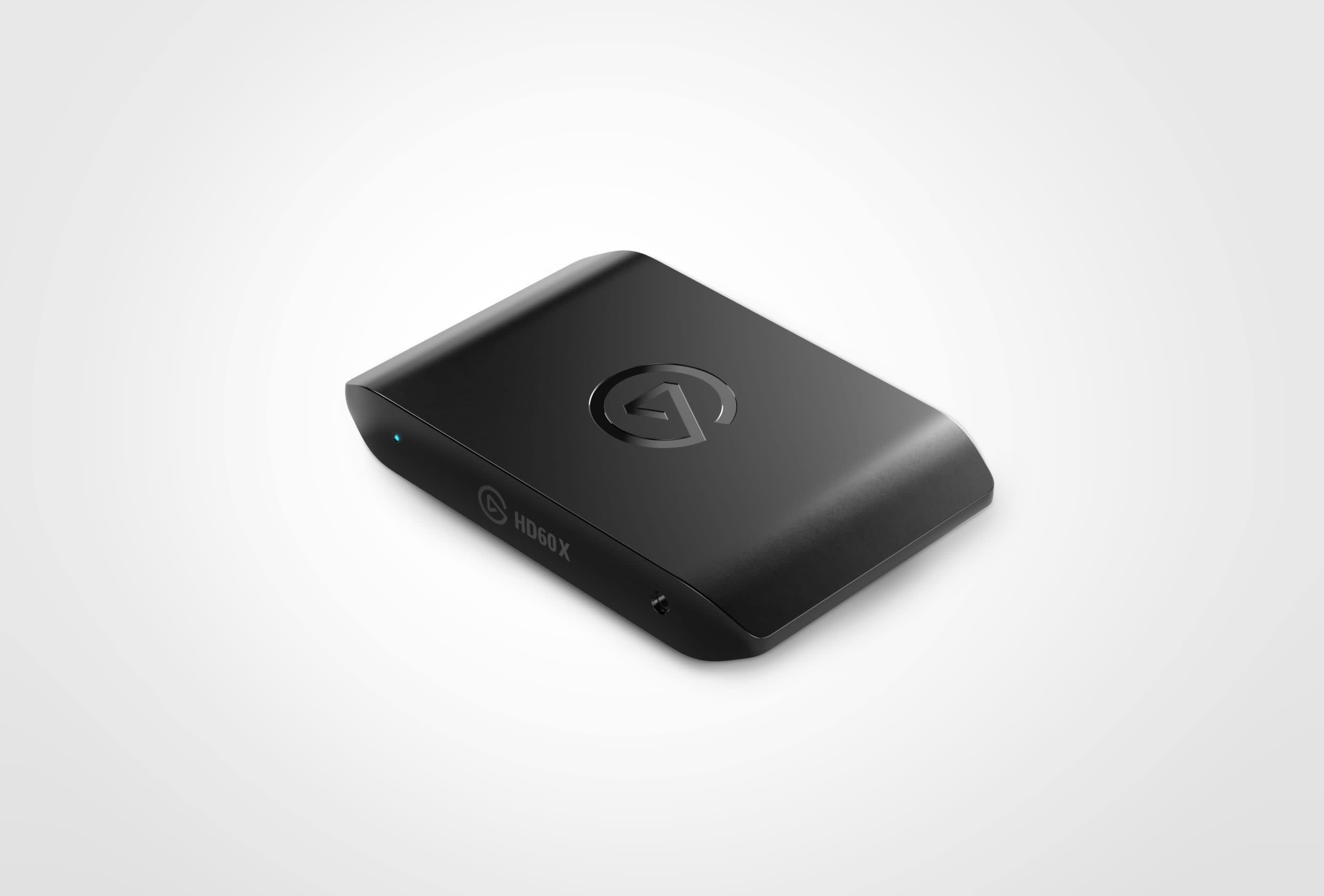
HD60 X Awaits
Your Console's Best Friend

Plug And Play
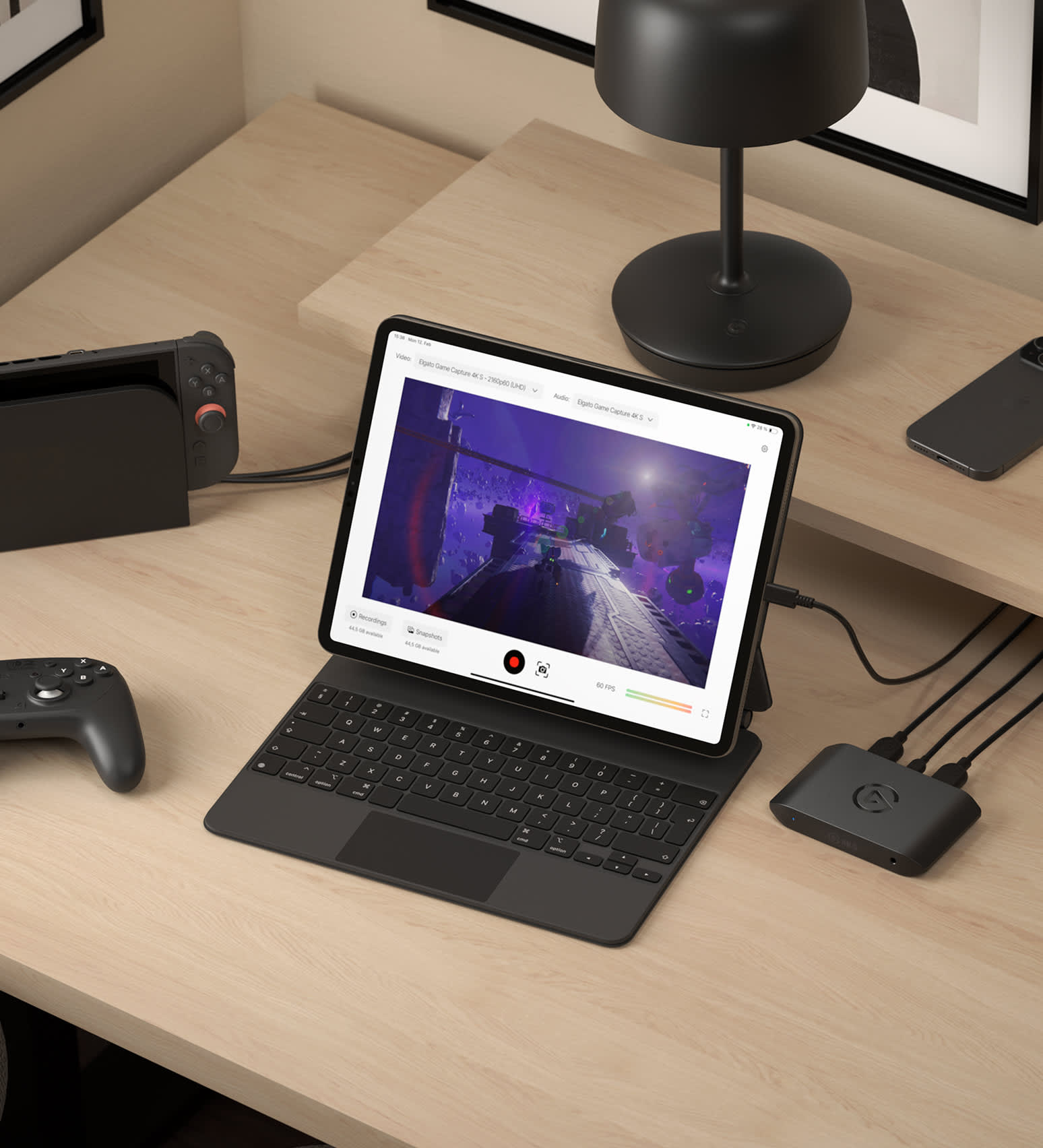
HD60 X connects to your console and sends raw video to both your gaming screen and streaming PC. Setup is a breeze. HDMI and USB-C cable included.
Powerful passthrough
Play your favorite titles as intended with up to 4K60 HDR10 passthrough. Or enjoy high frame rates when gaming in 1440p120 or 1080p240.

VRR Gameplay
Variable Refresh Rate is one of the greatest technologies to hit screens and consoles. HD60 X gets out of your way for next-gen gaming without lag or screen tearing.
Your Streaming Enabler
Stream From Any System
Windows? Mac? Laptop? Desktop? No problem. No subscriptions. No limitations. HD60 X ties into your setup perfectly.
Stream with any app
Select HD60 X as a source in apps like OBS, XSplit, Streamlabs, Streamyard, Twitch Studio, Restream and more. Even Zoom or Microsoft Teams. No setup required.
Stream to any platform
Twitch, YouTube, Facebook Gaming, and more. Free yourself from restrictions.
Instant Gameview
Your Recording Powerhouse
UNLIMITED CAPTURE
GAMEPLAY, CUTSCENES, SOUNDTRACK, CHAT.
Stream Link
CLEAN FOOTAGE FOR EDITING IN POST-PRODUCTION.
Flashback Recording
Forget to hit record?
HDR10 Enabled
Make your content shine.
Next-Gen Encoding

Record straight to your hard drive.
Live Commentary
Put your microphone to work.
Ready To Edit
Unleash your creativity.
Personal Library
Organize your archive using powerful tools.


Who Is HD60 X For?

Who Is HD60 X For?
HD60 X Not Your Fit?
DIVE DEEP
/Explorer/Article_5.png)
What is the Difference Between 4K S and HD60 X
Looking to get a new capture card? Here is the difference between Game Capture 4K S and Game Capture HD60 X.

The Best Capture Card for Switch 2
Find out which Elgato capture card fits your Nintendo Switch 2 setup — and how each delivers smooth, high-quality gameplay recording and streaming.

Stream or Record Switch 2 Gameplay
Learn how to capture and share your Nintendo Switch 2 gameplay using Elgato capture cards — perfect for streaming, recording, or creating content.

Capture Switch 2 on Mac
Learn how to connect your Nintendo Switch 2 to a Mac using Elgato capture hardware for smooth, high-quality gameplay recording and streaming.

Record HDR Gameplay
Learn how to capture stunning HDR footage in OBS Studio using Elgato capture cards — for vibrant color, deep contrast, and pro-level results.

What Is HDR Tonemapping?
Understand how HDR tonemapping works and why it’s key to preserving detail, contrast, and color accuracy in your gameplay captures.

OBS Studio 32.0 — Streaming Made Easier
The new OBS Studio update brings a built‑in Plugin Manager, better audio handling, improved recording formats and NVIDIA RTX enhancements — making streaming or recording easier and more reliable.

Bring VST3 Effects Into OBS
OBS may only support older VST2 by default — but with atkAudio, you can load modern VST3 plugins and apply effects like noise reduction or equalization directly to your stream. Simple to set up, great audio.

OBS Studio 30.2 - New Multitrack Streaming and Hybrid MP4
Now you can stream multiple video/audio variants simultaneously and record in a crash-resistant Hybrid MP4 container. Add updated themes and Linux NVENC enhancements — a robust upgrade for streamers and content creators alike.

Stream or Record Cyberpunk 2077 on Switch 2
Hook up your Switch 2 via a capture card, open Elgato Studio or OBS Studio, and record or stream Cyberpunk 2077: Ultimate Edition in full 4K60. Simple setup — instant gameplay capture.

Stream or Record Metroid Prime 4: Beyond on Switch 2
Dock your Switch 2, connect a capture card and HDMI cables, then open Elgato Studio or OBS — and you're ready to stream or record Metroid Prime 4: Beyond in 4K60 or 1080p120. Simple setup, cinematic results.

Stream or Record Zelda: Tears of the Kingdom on Switch 2
With a capture card and Elgato Studio (or OBS), it takes minutes to stream or record Zelda: Tears of the Kingdom on Switch 2 — up to 4K60 with HDR. From exploration to combat, capture every moment.

Stream or Record Mario Kart World on Switch 2
Dock your Switch 2, connect a capture card, then open Elgato Studio or OBS — and you're ready to stream or record Mario Kart World in full 4K60 HDR. Perfect for sharing races, highlights or live lap-action.

Don't Lose Your Streams — Archive Them Easily
Many platforms delete VODs after a set time. By saving your livestream locally (via OBS), you'll always have a copy — ideal for editing, highlights or replay uploads.

Record Your Metroid Gameplay
Learn the exact steps to set up your Switch 2 for smooth, high-quality gameplay recording.

Choose Your Streaming Software
A clear guide to selecting the right streaming software—no matter your experience level.

Choose the Right Capture Card
Compare Elgato's capture card lineup and discover which model best fits your platform, resolution, and workflow.

Learn how to record or stream Pokémon Pokopia
Learn how to record or stream Pokémon Pokopia with Nintendo Switch 2 using an Elgato capture card.

Learn how to record or stream Yakuza Kiwami 3 & Dark Ties
Learn how to record or stream Yakuza Kiwami 3 & Dark Ties on PS5, PS4, Xbox Series X|S, and Nintendo Switch 2.

What's new in OBS 32.1
Explore the latest OBS Studio update and see how new features and fixes can improve your streaming setup.

What is a capture card?
Learn how a capture card lets you record or stream gameplay from consoles and other devices to your computer.
Tech Specs
INPUT
HDMI (unencrypted)OUTPUT
HDMI (lag-free passthrough) up to 2160p60, 1440p120, 1080p240, VRR, HDRCAPTURE RESOLUTIONS
2160p30, 1440p60, 1080p60, 1080p30, 1080i, 720p60, 576p, 480pView full list of supported resolutionsHDR 10-bit passthrough (up to 4K60) / capture (up to 1080p60)(HDR capture is currently only available on Windows)DIMENSIONS
112 x 72 x 18 mm / 4.4 x 2.8 x 0.7 inWEIGHT
91 g / 3.2 ozIn The Box

Conscious Packaging
Our goal is to be 100% plastic-free. We're at 95% and counting. Since launching our first capture device in 2012, we’ve taken impressive strides not only in advancing our technology but also our packaging. Learn More