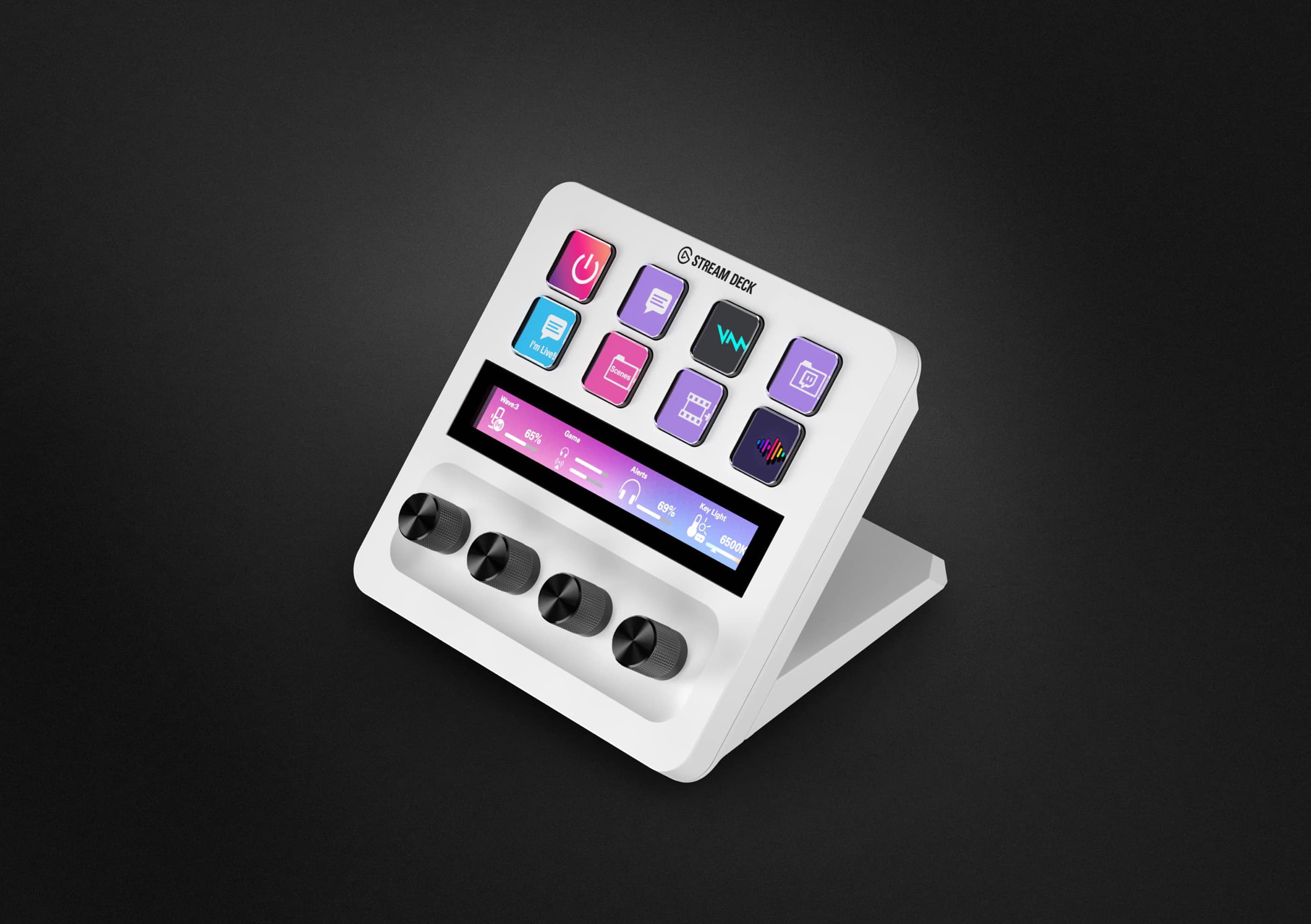
Stream Deck + 白色
全方位感受極速、流暢、直覺的工作流程。
4.8(91 reviews)
經典的 Stream Deck 技術,擁有可自訂的 LCD 按鍵、旋鈕和觸控條。Stream Deck + 是你的音頻混音器、工作室控制器、製作控制台——隨你所需。
*旋鈕促銷無法與其他優惠碼同時使用。
*旋鈕促銷無法與其他優惠碼同時使用。
值得信賴與獲獎肯定



Zoom 認證
高畫質視頻與智慧功能——經 Zoom 測試與認證
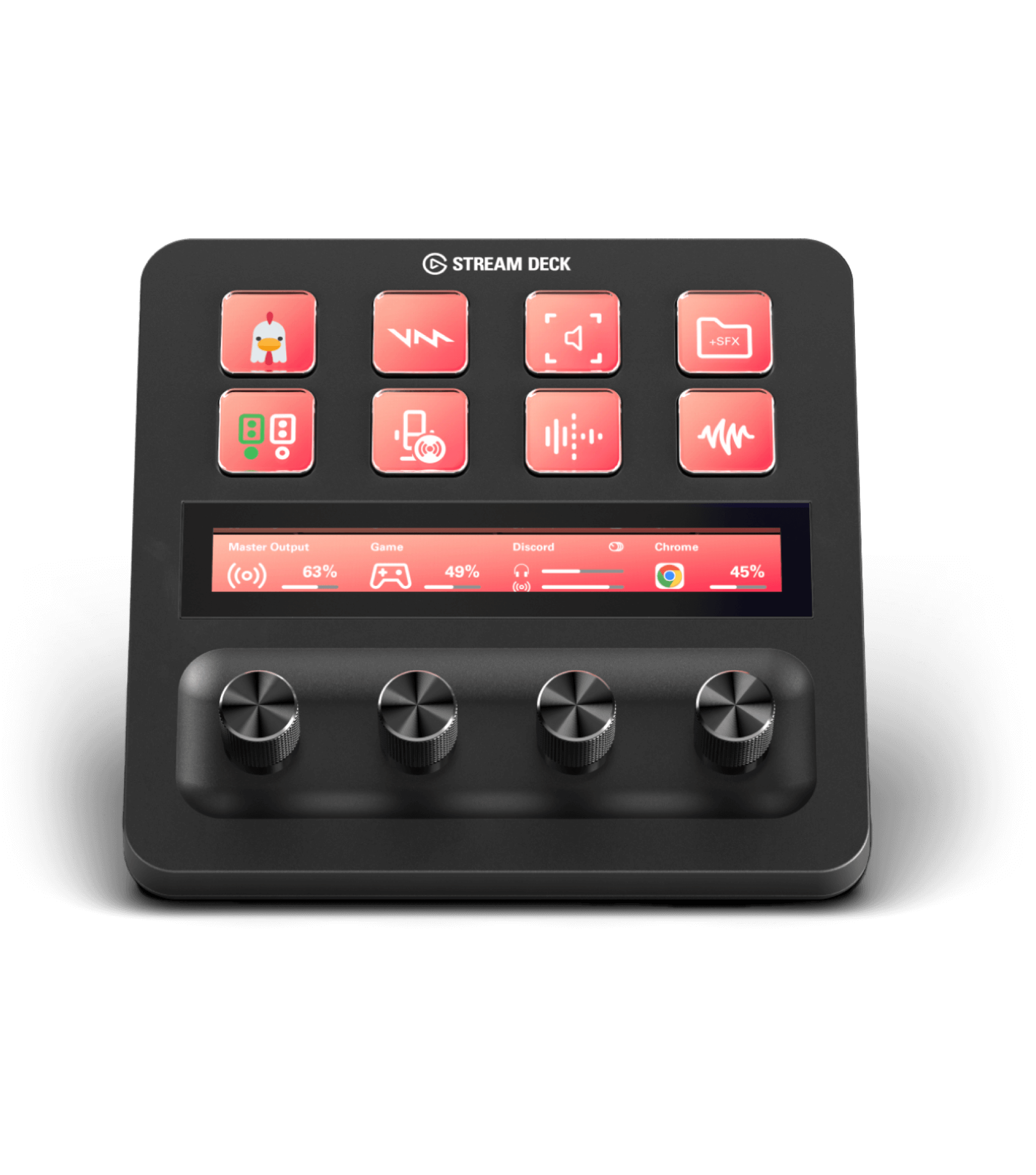
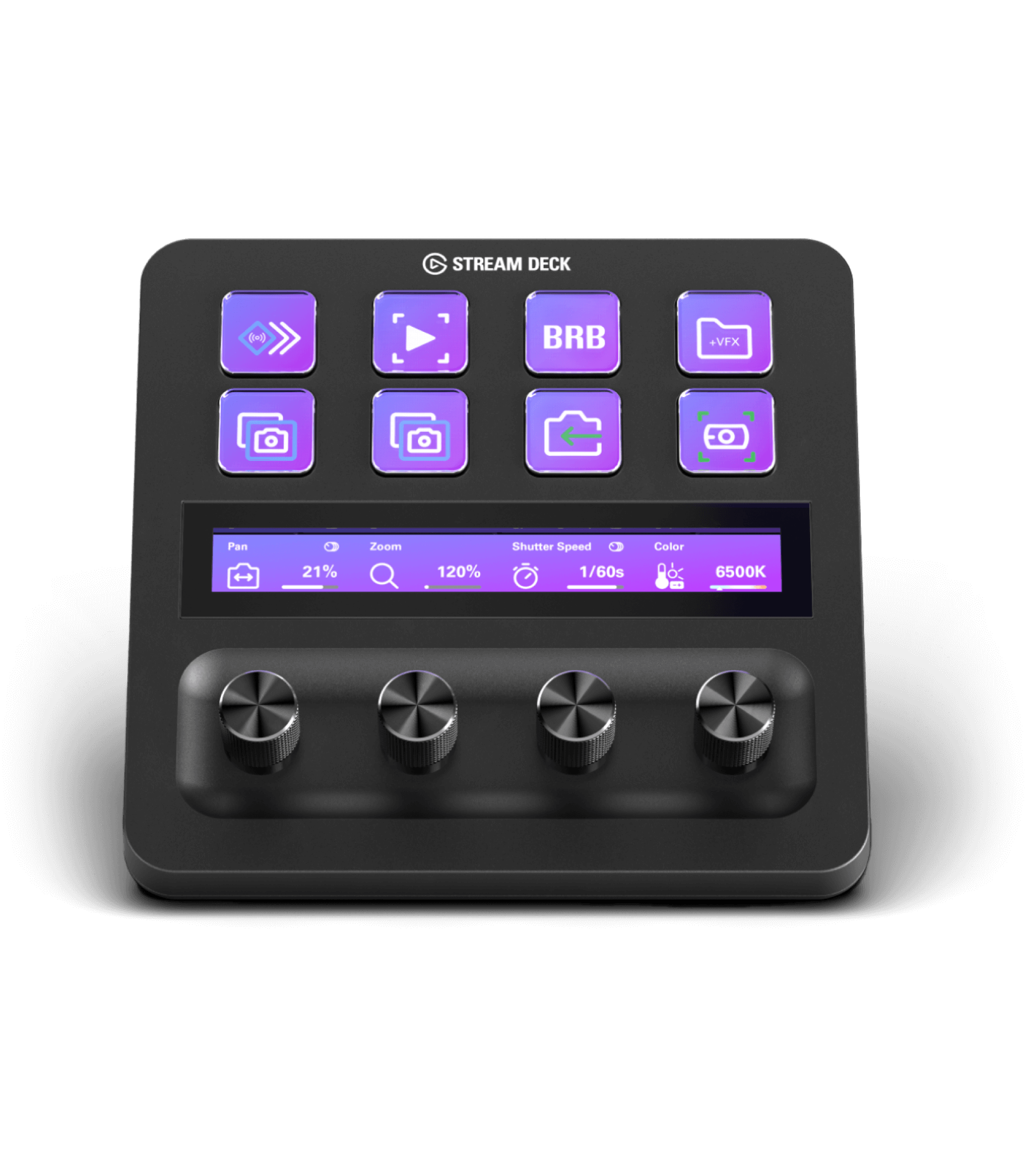
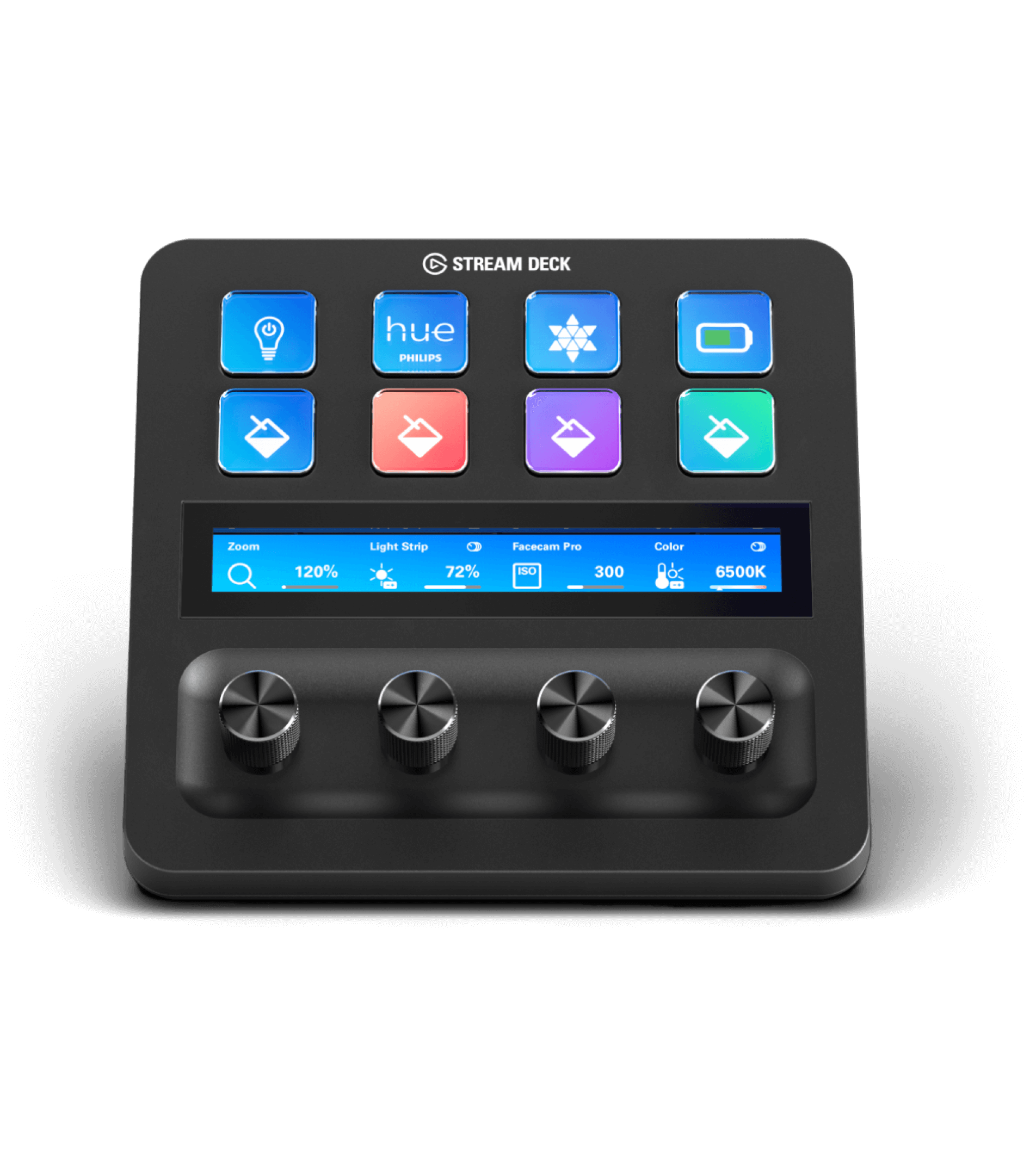

在DaVinci Resolve中精準掌控所有色彩參數。
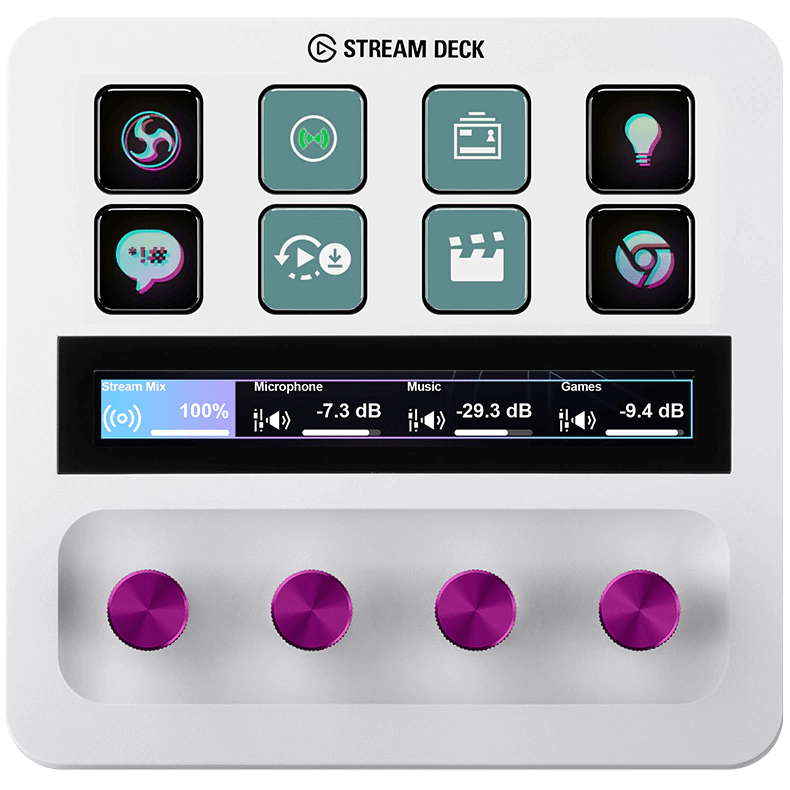
前所未有的掌控,讓觀眾投入其中。
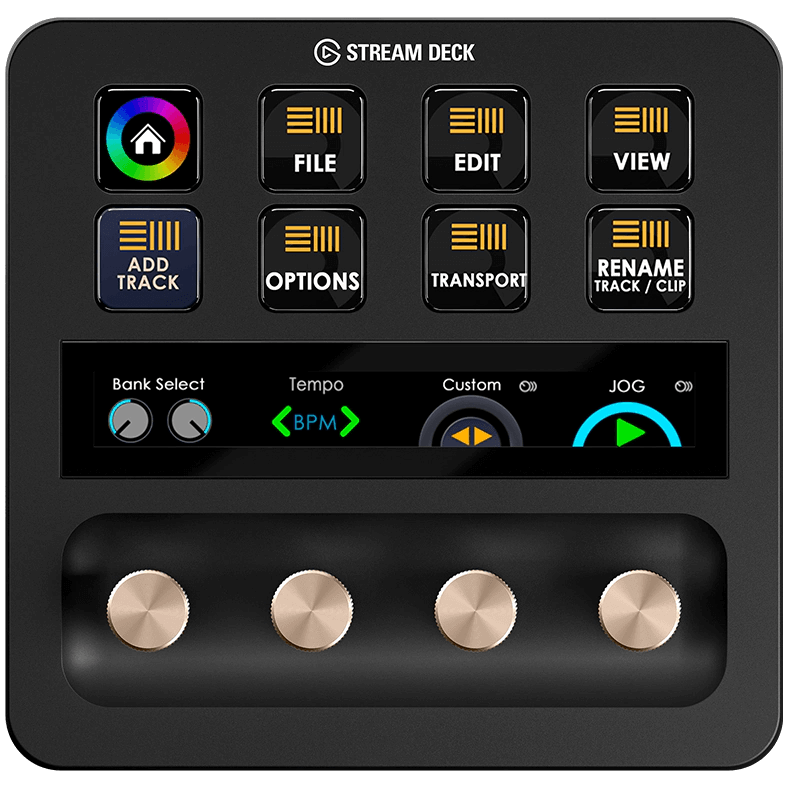
精準快速的掌控Ableton現場會議。
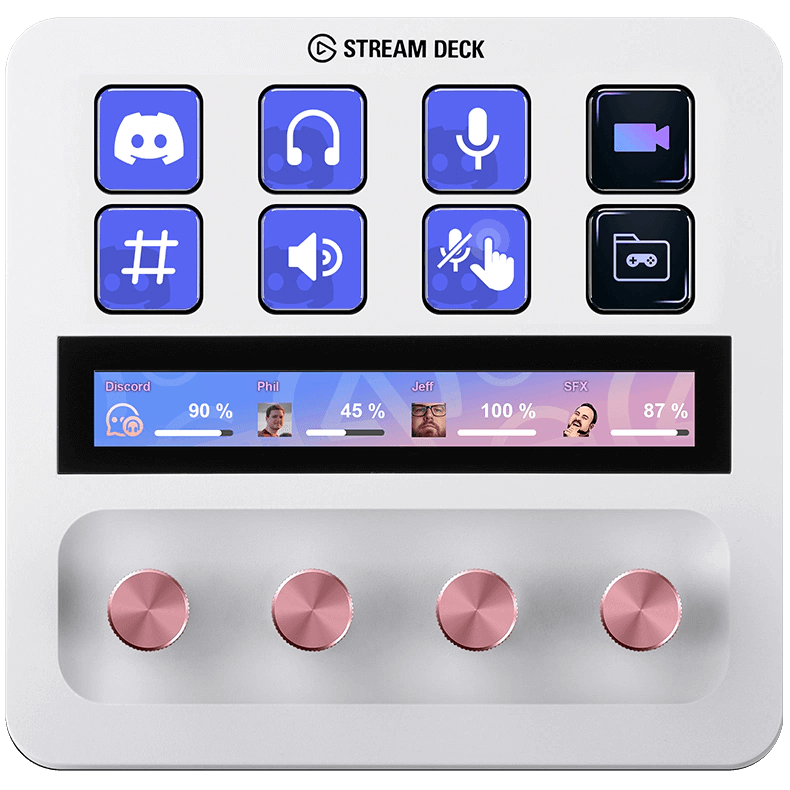
輕鬆調整音訊。
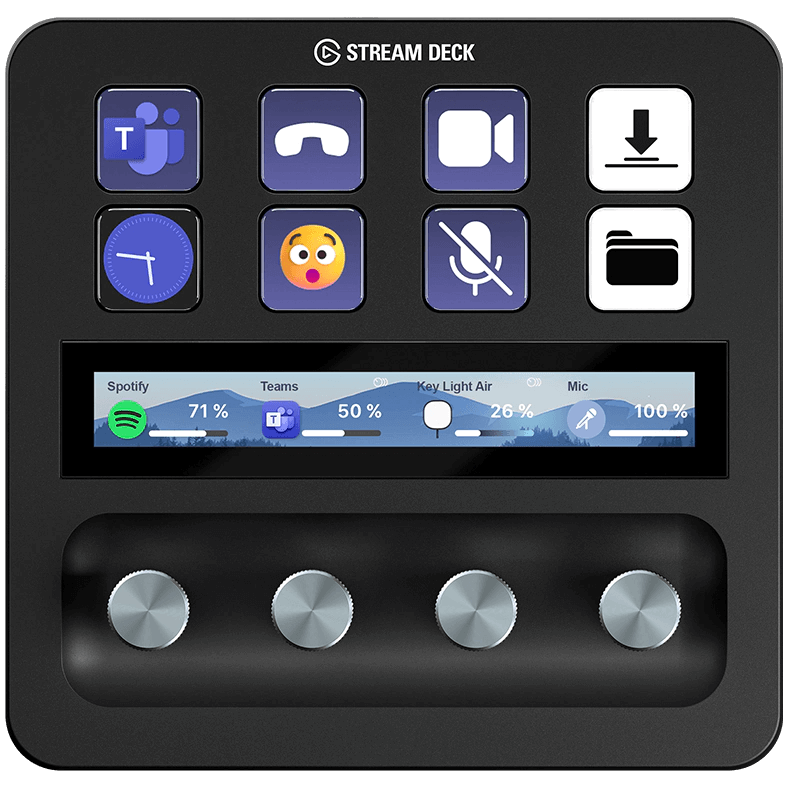
工作流程最佳化,打造專業視訊會議品質。
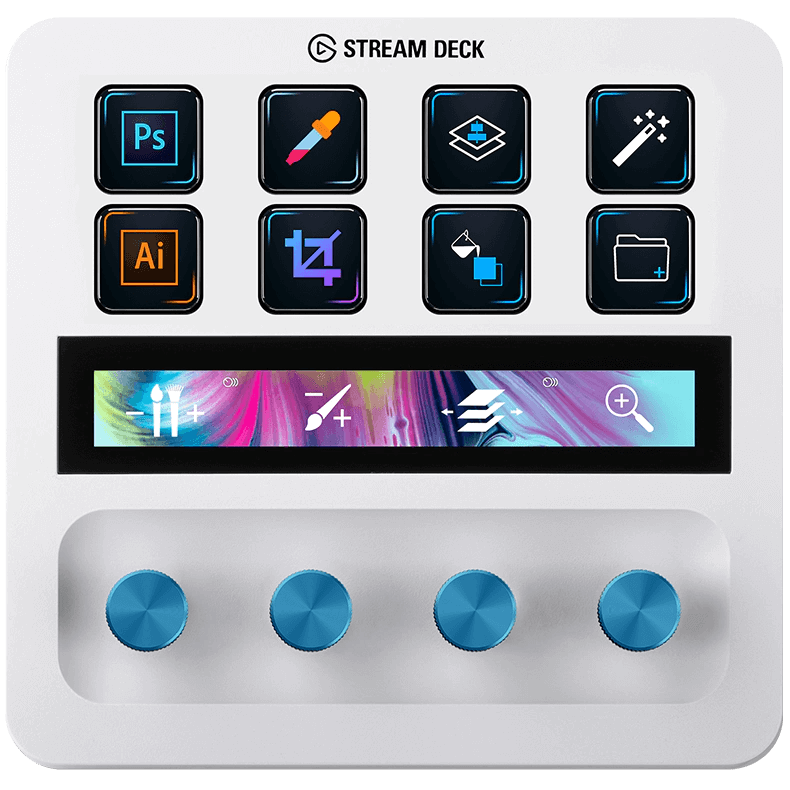
在Photoshop中,精選工具、輕鬆執行各項功能<i>。 </i>

在 Elgato Marketplace 瀏覽免費(及付費)圖示包,或自行上傳,讓每個按鍵都擁有符合你風格與工作流程的獨特選。

Key Logic 讓你將最多三種不同動作指派到同一個 Stream Deck 按鍵——單擊、雙擊或長按——讓你從同一鍵觸發播放/暫停、下一曲或上一曲。

應用其豐富的外掛程式庫與自訂快捷鍵功能,Stream Deck 能讓你在幾乎任何最愛用的應用程式中提升剪輯、直播、設計或工作效率。

Elgato 提供你所需的一切:SDK、文件和工具——讓你從簡單的功能(例如計數器)將始,逐步打造屬於 Stream Deck 的強大自訂動作。

Smart Profiles 根據你正在使用的應用程式自動切換按鍵配置,無論你是在剪輯影片、聊天還是直播,正確的操作皮永遠就位。

無論是管理 AV 設備、影片剪輯間還是播出工作站,Profiles at Scale 都能確保每個工作站以相同的按鍵配置與工作流程闕始。

Stream Deck 提供兩種控制應用程式的方式:鍵盤快捷鍵(熱鍵)或專用外掛程式。當應用程式沒有專屬外掛程式時使用快捷鍵,想要更深入、更流暢的整合時則使用外掛程式。

無需購買:Stream Deck Mobile 免費提供六個按鍵,支援完整的外掛程式與快捷鍵功能,讓你立即開始自動化、直播或控制應用程式。

雙者名稱極為相似,用途卻大相徑庭:Stream Deck 加速創作與控制流程;Steam Deck 則提供游戲自由與階最性。

透過官方 Zoom 外掛程式,Stream Deck 將所有關鍵會議操作——靜音麥克風、切換摄影機、開始螢幕分享、錄影、回應、舉手——指派到可自訂的按鍵,即很、集中地控制會議。

Stream Deck 現已成為首款經 Zoom 認證的個人生產力設備,經選式測試、批准並完整整合,帶來流暢、即時的 Zoom 會議控制體驗。

iPad 版 Camo Studio 新增完整的 Stream Deck 支援,讓你切換場景、靜音麥克風、切換摄影機或開始錄影,一鍵即成,直播中無需在螢幕上滑動。

使用 Stream Deck 自動化作業、在圖層間跳轉、切換工具或精細調色——無需尋找選單。創作流程秒變流暢。

將遊戲內動作與熱鍵映射到 Stream Deck 按鍵——檢查彈藥、治療、丟棄戰利品或觸發语音只需一鍵。減少滞操,更專注於生存。

切換裝備、呼叫開局連殺、部署升級或觸發表情包,一切都隺在自訂的 Stream Deck 按鍵上。即時操作,無需翻找選單。

從主題式 Stream Deck 配置、疊加樣式與擷取設定中選擇,打造貧瞿科幻美學——隨即直播或錄影用。

為你的直播這上万聖節風格圖示、動態疊加與憋惚轉場——設置快速,恐怖直播或十月氛圍不可或缺。

儲存你喜愛的視窗配置,每次開始直播或剪輯時即刻恢復——無需拖曳。Window Mover 在 Windows 或 macOS 上一鍵將應用程式對齊到位。

Meld Studio 將場景切換、音效混音、剩輯擷取、多路直播等功能集于一身,配合 Stream Deck 整合,單按一鍵即可控制全程播出。

將戰略指令——軌道打擊、呀鷹呼叫、砲塵等——映射到 Stream Deck 按鍵。一鍵即可快速部署裝備或支援,專注于戰鬥。

透過 Weather Plugin,你的 Stream Deck 即時顯示目前氣溫、天氣狀態與即將到來的天氣。

從拖拉機到伸縮蟀、AI 助手到地圖導航——《模擬農場 25》中的每一個動作都能點一鍵完成。

Pixel Japan 將你的 OBS 場景變身為溫馨、復古像素風樂園,配備動態畫面、相配比屏框、自訂提醒與流暢轉場。

透過外掛程式或控制設定檔案將 Stream Deck 與 Minecraft 連結,映射指令、快捷鍵或宏——现在可用一鍵管理建筑、指令或工具,不再需記憶熱鍵。快速設置,流暢遇戲。

使用官方 Discord Plugin 管理語音頻道、麥克風、視訊、音訊裝置或音效板——配備即時狀態顯示與自訂按鍵配置。適合創作者、社群成員或重度使用 Discord 的任何人。

只需下載 Stream Deck Mobile App,即可解鎖 6 鍵虛擬面板——包含外掛程式、宏指令,支援直播、視訊通話、音乐等更多功能。

了解 Clocks 外掛程式如何讓你在 Stream Deck 上直接監測多個時區。

使用 Stream Deck 的 Audio Switcher 外掛程式,即時管理並切換音訊來源。

了解資料夾如何讓你的 Stream Deck 版面保持整潔、易於擴充,操作起來更直覺。
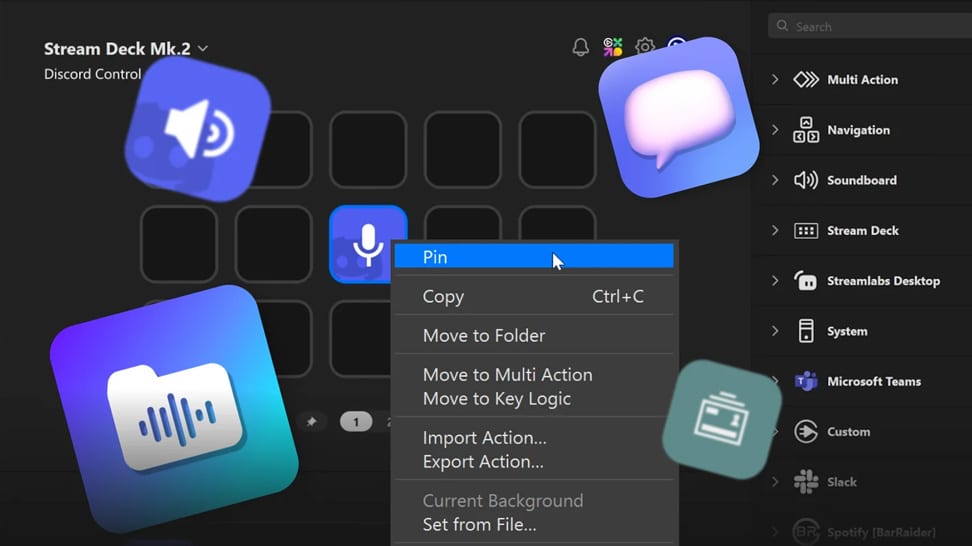
了解 Pinned Actions 如何讓關鍵控制項在每個 Stream Deck 設定檔案中都保持可見。
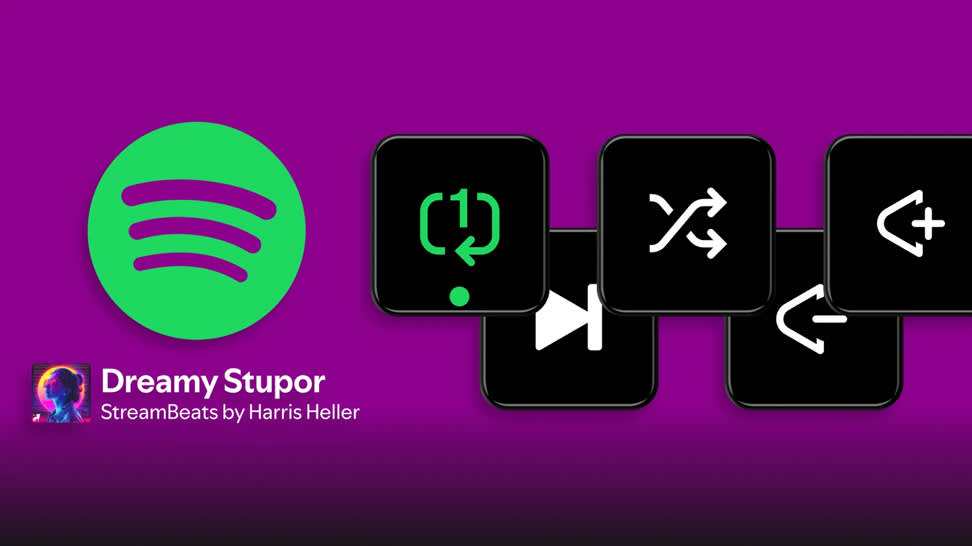
直接從 Stream Deck 控制 Spotify 的播放、音量等更多功能。
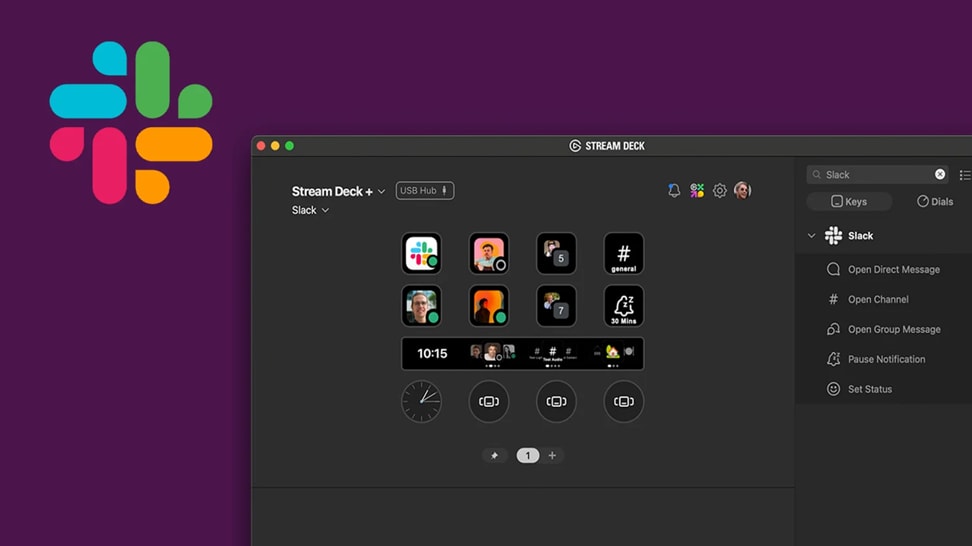
直接從 Stream Deck 發送訊息、更新狀態,讓你在 Slack 中始終保持連線。
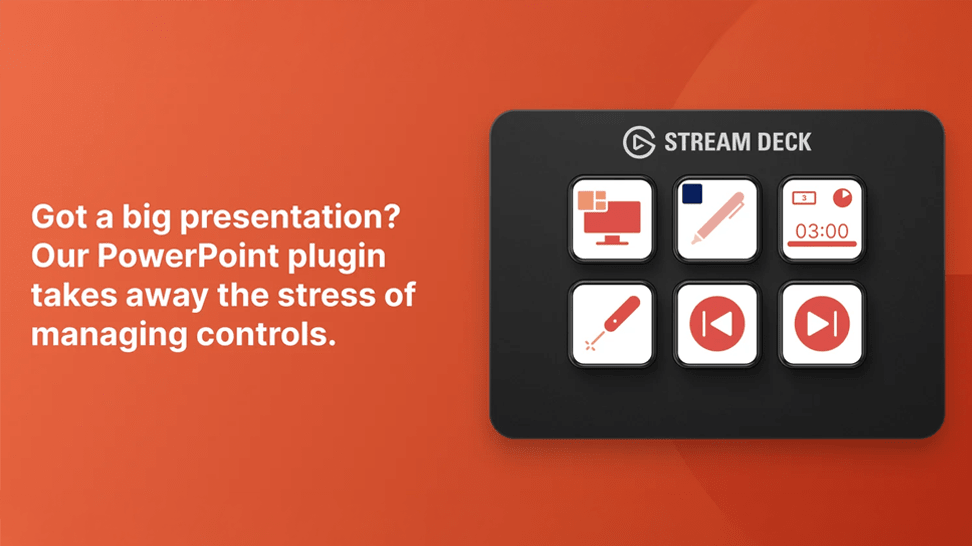
使用 Stream Deck 流暢管理 PowerPoint,完全不需動到鍵盤。
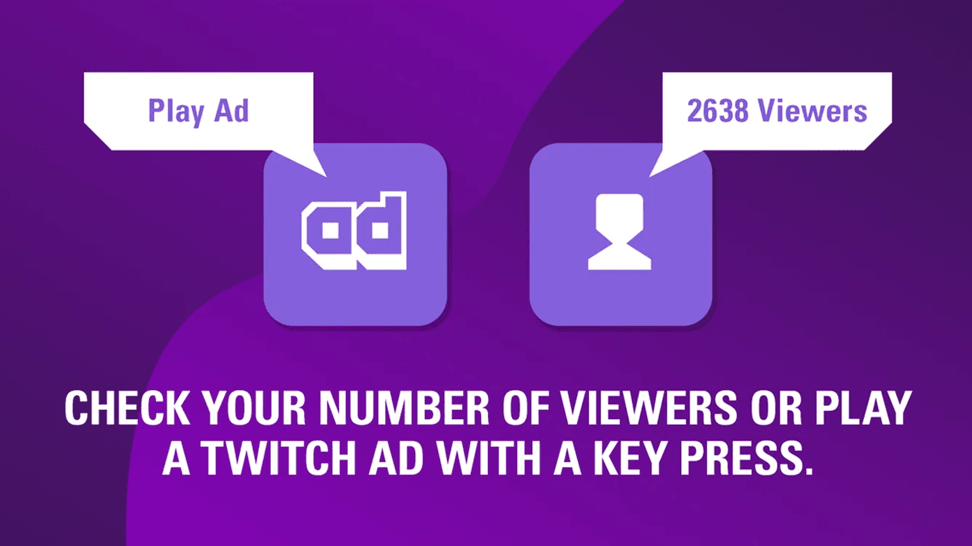
探索 Twitch 外掛程式,直接從 Stream Deck 控制你的直播。
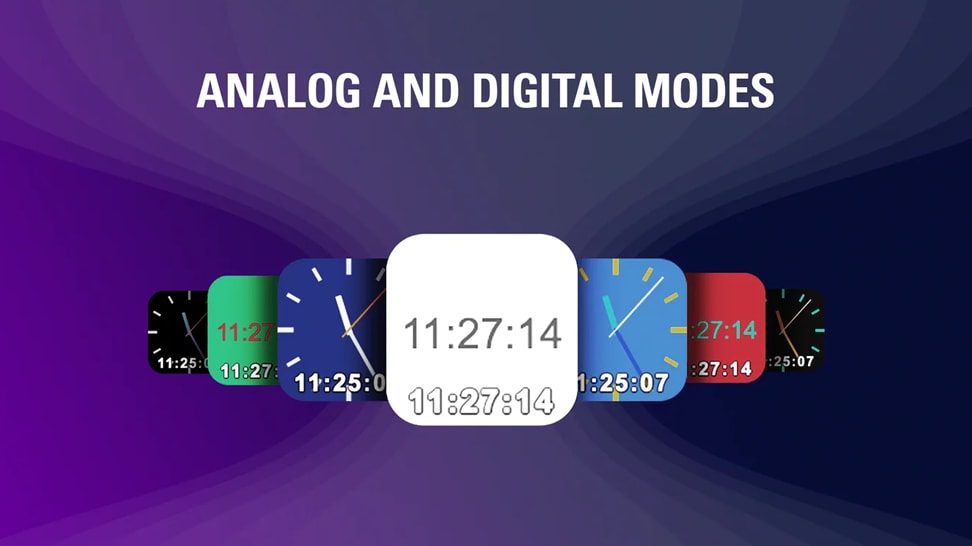
將一個簡潔、可自訂的模擬時鐘加入你的 Stream Deck 版面配置。
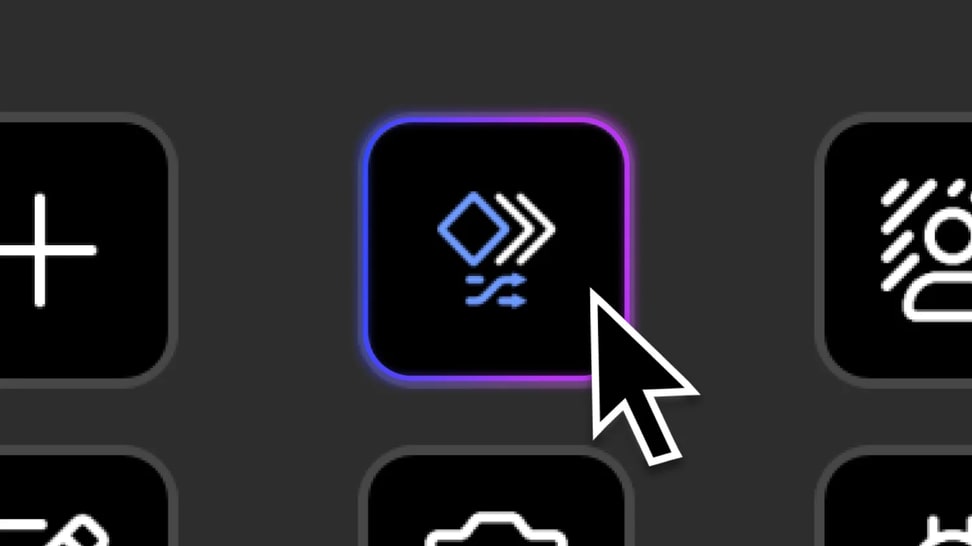
透過 Random Action 為你的 Stream Deck 設定增添多樣性——為單一按鍵指定多個動作,讓 Stream Deck 每次按下時隨機執行其中一個。
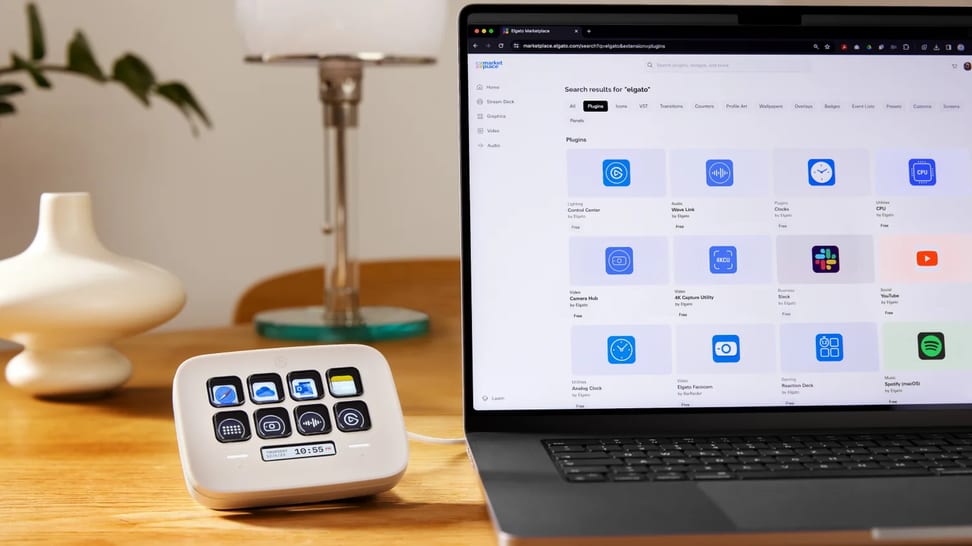
探索最適合工作日常的 Stream Deck 插件——從 PowerPoint 和 Slack 到計時器、音訊切換,將最常用的工具集中於一單裝置上。
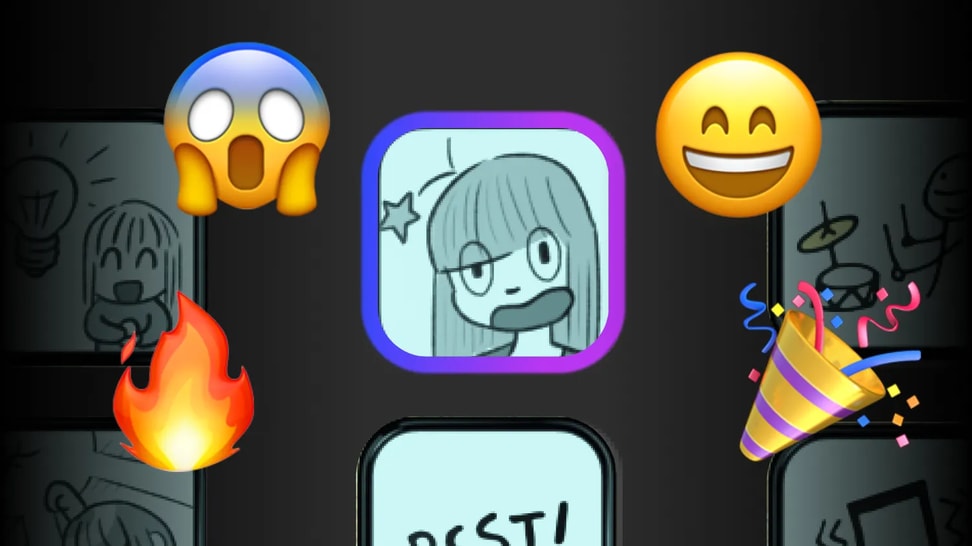
使用內建的 Soundboard 動作將音效加入 Stream Deck。選擇播放模式、設定音量和淡入淡出,並將音訊傳輸至任意輸出裝置。
從單一的 Stream Deck 按鍵觸發多個指令。了解如何設定多重動作、使用延遲,以及建立單擊工作流程。
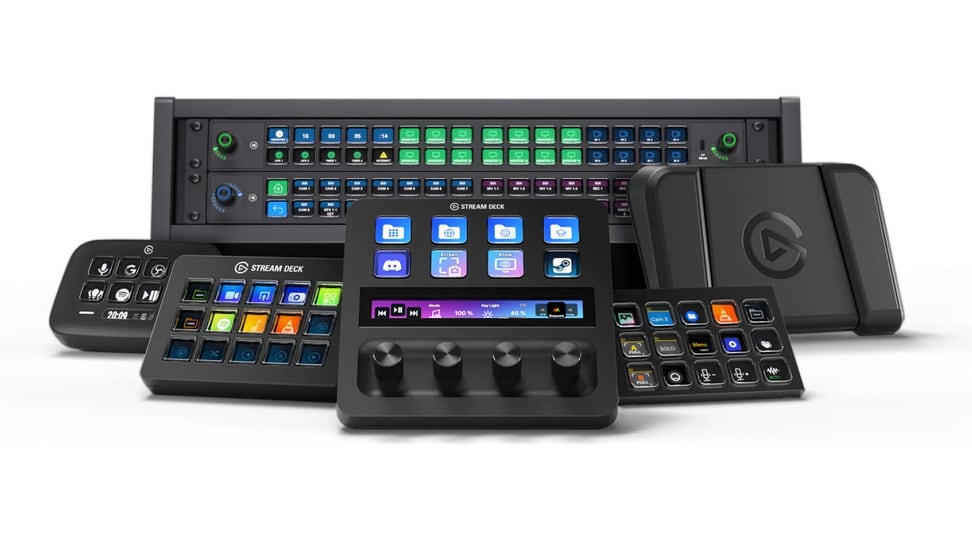
查看所有原生支援 Stream Deck 應用程式的鍵盤、控制器和裝置,從 Elgato 硬體到搭載 G-Keys 的 CORSAIR 鍵盤。
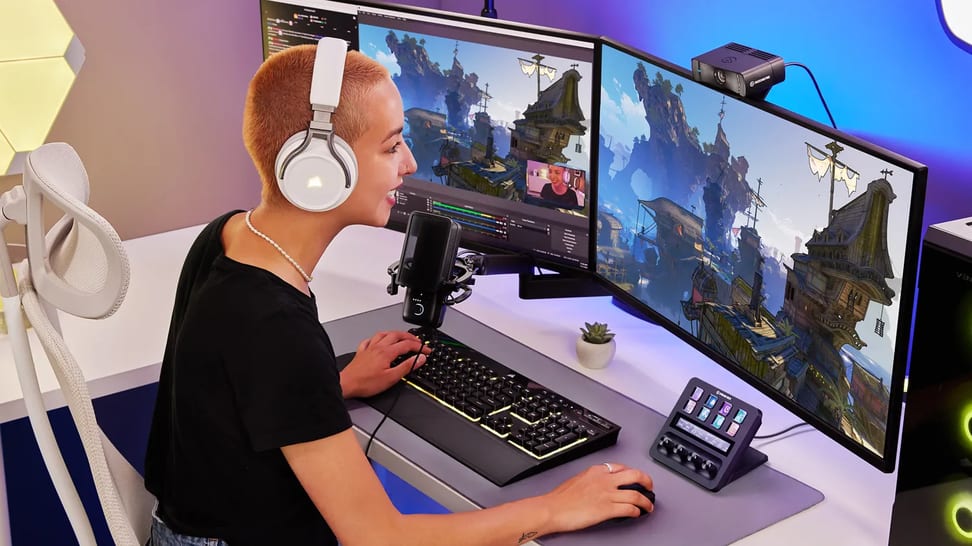
為遊戲設定 Stream Deck:新增快捷鍵、建立遊戲配置檔,並使用智慧配置檔在遊戲間自動切換介面配置。
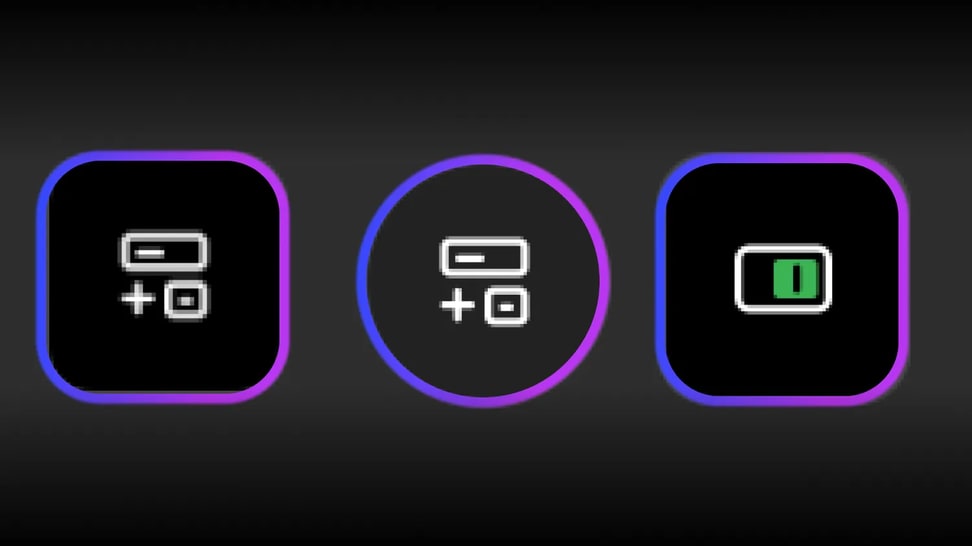
學習如何將快捷鍵加入 Stream Deck 按鍵和旋鈕、輸入多個按鍵,並使用 Hotkey Switch 以單擊控制您最愛用的應用程式。
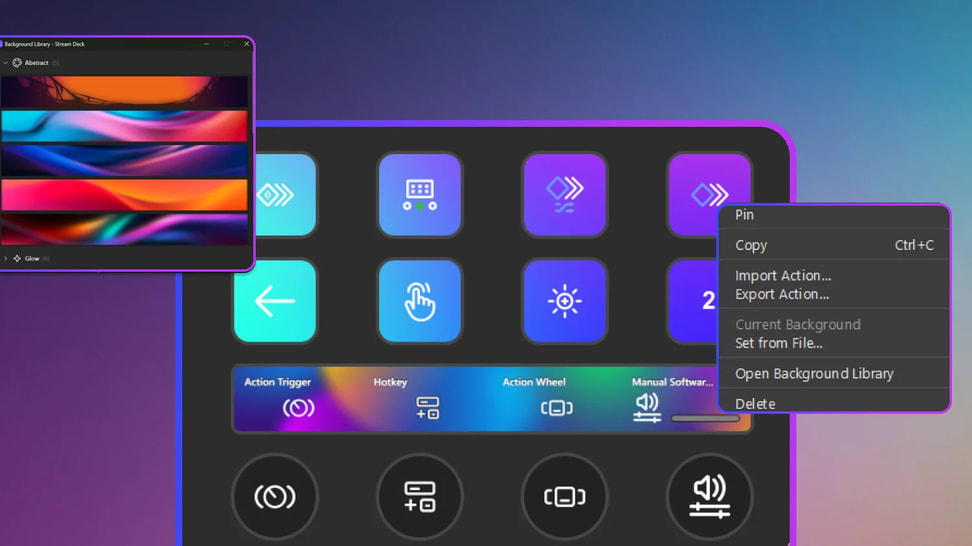
為 Stream Deck 按鍵、觸控条和旋鈕設定自訂背景,並在裝置閒置時新增螢幕保護程式。


