With major PlayStation 5 releases on the horizon, now is a good time to make sure your capture setup is ready. Games like Grand Theft Auto VI are built for big moments, and you'll want to capture them all.
Whether you plan to record walkthroughs, stream launch-day gameplay, capture high-quality footage, or create clips, the right capture card can make your PS5 setup much more flexible.
In this guide, we’ll break down our top capture cards by features, performance, and ease of setup.
Choosing the Best Capture Card for PS5

When choosing a capture card, consider the most important features of your setup. Some things to consider are:
- Frame rate and resolution – Want to record or stream in 4K60, 1440p120, or 1080p120? Some capture cards even support 1080p240.
- Support for HDR and VRR – Support for more vibrant colors and contrast with smooth gameplay.
- Connectivity – From USB to PCIe, choosing the proper connection helps with cable management and performance.
- Audio recording – Need to capture game and party chat? Some cards include a 3.5mm aux port, while others do not.
4K X – Best for Frame Rates (Call of Duty, Apex Legends, etc)
4K is perfect for gamers or creators who want high refresh rate capture and passthrough for competitive and fast-action games.
Capture true 4K at 144 FPS or even 1080p240, ensuring smooth and responsive gameplay.

Why it's great:
- Next-gen capture: Up to 4K at 144* frames per second.
- VRR passthrough: Enjoy smooth gameplay with zero screen tearing.
- Onboard tonemapping: Play in HDR10 while capturing SDR.
- 3.5mm TRS stereo line-in port: Use a Chat Link Pro cable to record both game and party chat audio.
- Plug and play: Windows, Mac, iPad (with USB-C port)
- Ultra-low latency: USB 3.2 Gen 2 keeps your capture real-time and synced even when external.
* Capture and passthrough limited to 4K120 on monitors using Display Stream Compression (DSC)
For more information on 4K X, click here.
4K Pro – Best for Desktop Setups
For those who want a minimalist PS5 setup with 4K60 HDR10 recording, high-bitrate capture, and HDMI 2.1 support. Say goodbye to HDMI cluttering on your desk while enjoying high-quality captures.
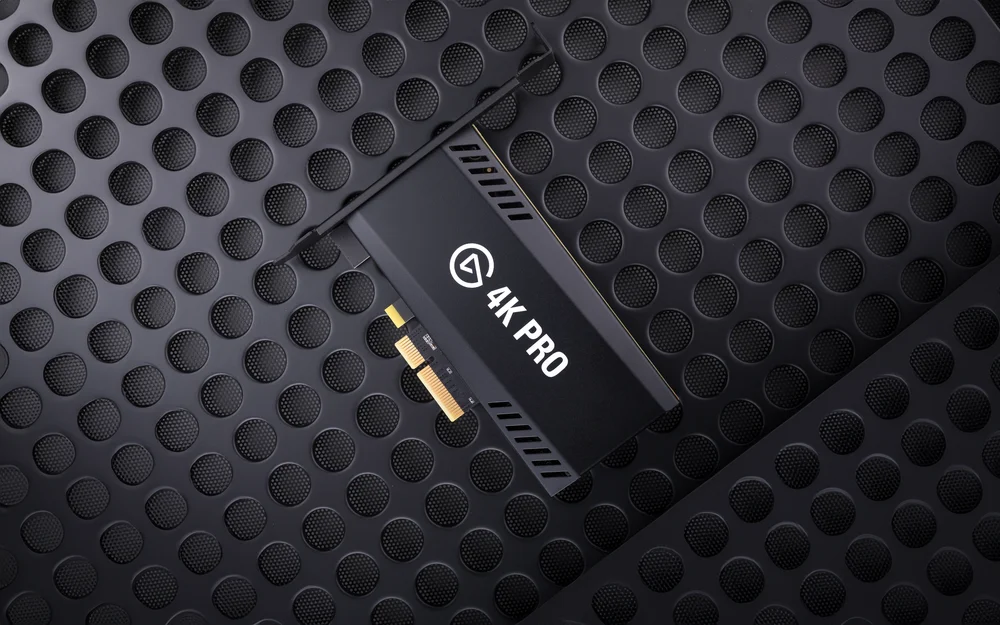
Why it's great:
- Pure gameplay: Play in 8K60 HDR10 from your PlayStation 5 Pro while capturing 4K60 HDR10.
- HDMI 2.1 in/out: Record high frame rates up to 240fps in 1080p resolution.
- VRR passthrough: Enjoy smooth gameplay with zero screen tearing.
- Ultra-low latency: Your broadcast and gameplay, perfectly synced.
- Onboard tonemapping: 10-bit HDR gameplay, SDR capture.
- Cleaner Setup: Installed right into your desktop for less cables.
For more information on 4K Pro, click here.
4K S – Best for Accessibility
Great choice for creators who want a simple, external way to capture PS5 gameplay in 4K60 without building a full desktop capture setup.
It is portable, easy to set up, and designed for streamlined 4K workflows. Connect your PS5 to 4K S, connect 4K S to your display, then record or stream from your computer using Elgato Studio, OBS Studio, or other compatible software.
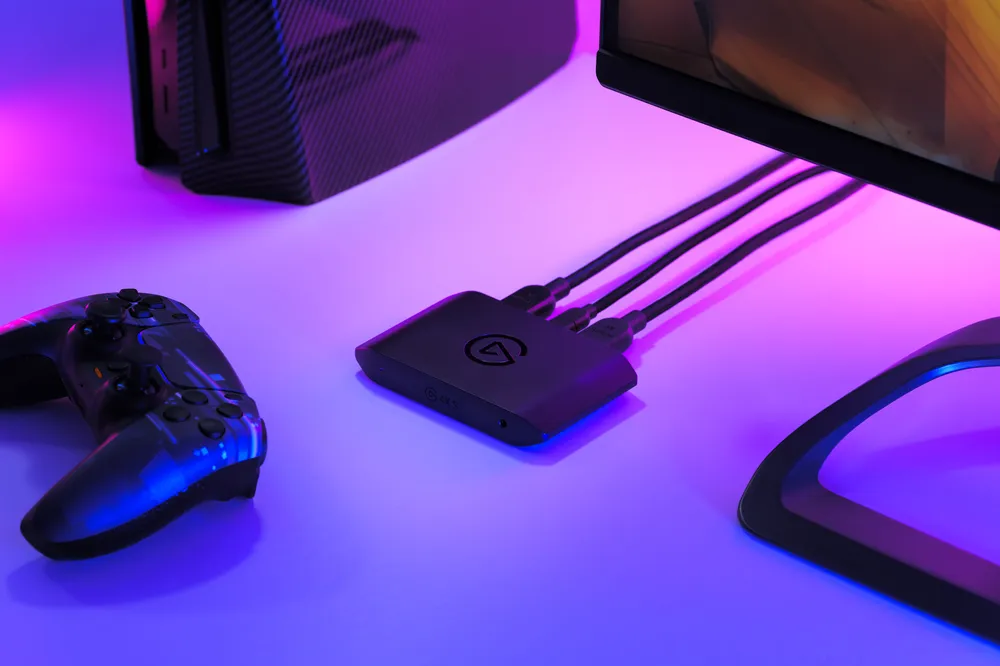
Why it's great:
- 4K60 capture: Record crisp PS5 gameplay in up to 4K60 SDR.
- 4K60 passthrough: Play in up to 4K60 with HDR and VRR passthrough on supported setups.
- HDR support: Supports HDR10 passthrough up to 4K60 and HDR capture up to 1080p60 on Windows.
- 3.5mm TRS stereo line-in port: Use a Chat Link Pro cable to capture game and party chat audio
- External USB-C setup: Easy to connect, move, and use with laptops or desktops.
Choose 4K S if you want a straightforward external capture card for 4K60 PS5 recording. For more information on 4K S, click here.
Start Capturing Like a Pro
Whether you're chasing resolution, high refresh rates, HDR recording, or a simple plug-and-play experience, there's a capture card built for your setup. Pick the one that fits your needs and start recording, streaming, and sharing your gameplay without limits.
PRODUCTS IN ARTICLE
Stay up to date with Elgato. Get our latest News, Guides, and Product Updates in your Google feeds.
Add Elgato as a preferred source