Grand Theft Auto VI launches November 19, 2026 on PlayStation 5 and Xbox Series X or S, with no PC release currently announced. That means plenty of moments worth capturing: first reactions, cinematic drives, chaotic chases, multiplayer fun, story missions, and clips that are too good to lose.
A capture card lets you record or stream console gameplay to your computer while you keep playing on your TV or monitor. But which capture card is the right choice for your GTA VI setup?
The best option depends on how you play, what computer you use, and how much performance you want from your display.

4K X: Best for premium external capture
4K X is the best choice for those who want a high-end external setup.
It connects to your computer over USB-C, so it works well with a laptop or desktop. It also supports HDMI 2.1, which is important for players with newer high-refresh-rate TVs or monitors.
Why it's great:
- Next-gen capture: Up to 4K at 144 frames per second.
- VRR passthrough: Enjoy smooth gameplay with zero screen tearing.
- HDR capture and tonemapping: Capture in HDR up to 4K30 or 1440p60 (Windows), or use onboard tonemapping to play in HDR10 while capturing SDR.
- 3.5mm TRS stereo line-in port: Use a Chat Link Pro cable to record both game and party chat audio.
- Ultra-low latency: USB 3.2 Gen 2 keeps your capture real-time and synced even when external.
4K X does not support capture of Display Stream Compression (DSC) signals. Passthrough is limited to 4K120 on DSC displays.
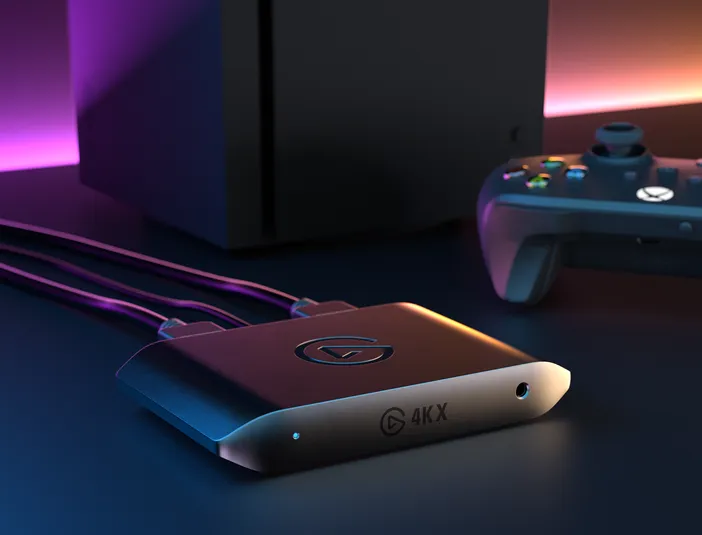
A strong fit for PS5 Pro
If you plan to use PS5 Pro with an HDMI 2.1 TV or monitor, 4K X is a natural fit. PS5 Pro supports 4K120, VRR, and HDR10 over HDMI 2.1, and 4K X passes all of that through without compromise.
4K Pro: Best for dedicated creator setups
4K Pro is the best option if you have a Windows desktop PC and want a more permanent capture setup.
4K Pro is Windows-only and installs inside your desktop using a PCIe 2.0 x4 slot.
Why it's great:
- 8K60 passthrough: Play in 8K60 HDR10 from a compatible PC source while capturing 4K60 HDR10.
- HDMI 2.1 in/out: Record high frame rates up to 240fps in 1080p resolution.
- VRR passthrough: Enjoy smooth gameplay with zero screen tearing.
- Ultra-low latency: Your broadcast and gameplay, perfectly synced.
- Multi-app capture: Record and stream to multiple apps at the same time.
- Onboard tonemapping: 10-bit HDR gameplay, SDR capture.
- Cleaner Setup: Installed right into your desktop for fewer cables.
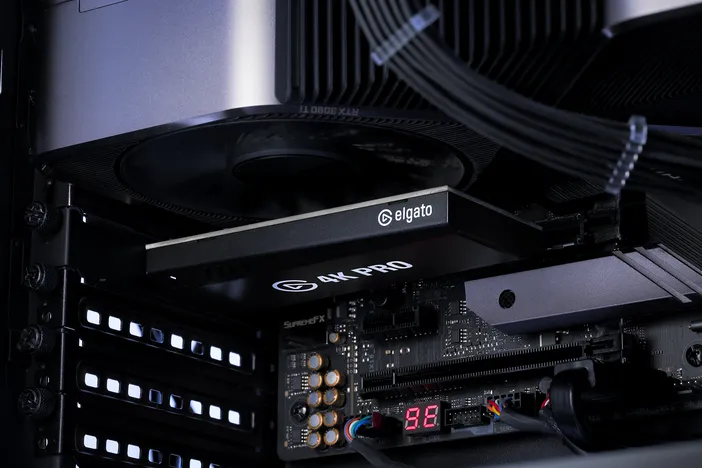
A strong fit for dual-PC gaming
If GTA VI later comes to PC, 4K Pro is especially useful for a dual-PC workflow. In a dual-PC setup, one computer runs the game while another computer handles recording and streaming. 4K Pro lets the streaming PC capture gameplay without placing as much recording workload on the gaming PC.
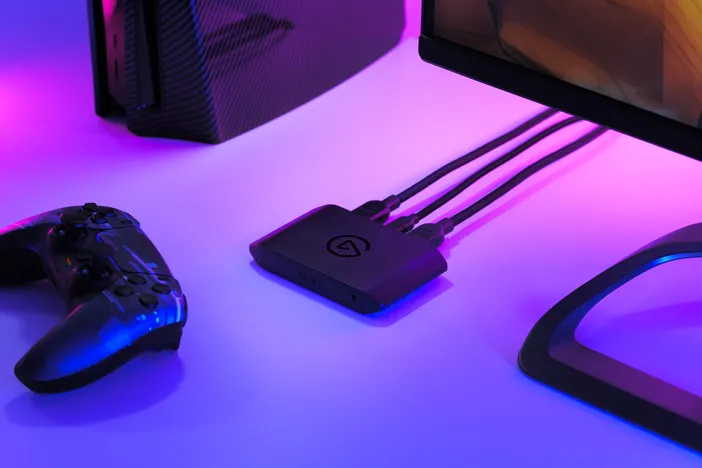
4K S: Best for streamlined 4K60 capture
4K S is a great fit for those who want high-quality GTA VI footage without needing the premium HDMI 2.1 features of 4K X or an internal desktop card like 4K Pro.
Why it's great:
- 4K60 capture: Record crisp PS5 gameplay in up to 4K60 SDR.
- Versatile passthrough: Play in up to 4K60, 1440p120, or 1080p240 with HDR and VRR passthrough on supported setups.
- HDR support: Supports HDR10 passthrough up to 4K60 and HDR capture up to 1080p60 on Windows.
- 3.5mm TRS stereo line-in port: Use a Chat Link Pro cable to capture game and party chat audio
- External USB-C setup: Easy to connect, move, and use with laptops or desktops.
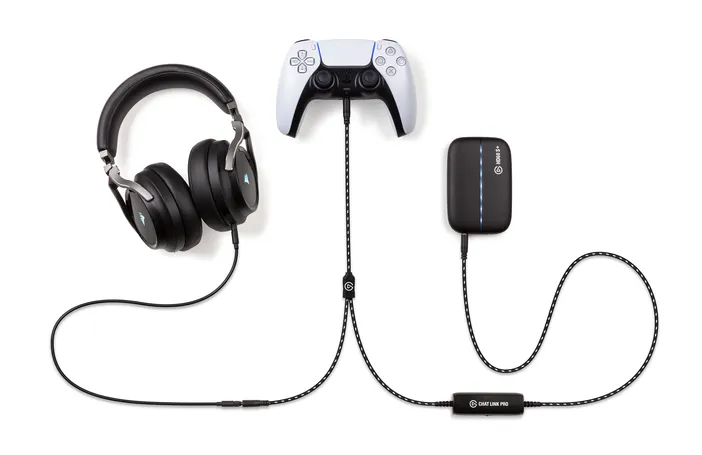
Don't forget multiplayer audio
If you plan to play GTA VI online with friends, audio matters just as much as video. When you connect a headset directly to a console controller, audio may be sent only to the headset rather than through an HDMI capture card. Without an extra audio connect, your recording may capture the game but miss party chat or other headset audio.
Chat Link Pro helps route that audio to your capture setup. It connects your console controller to your wired headset and to the 3.5 mm TRS stereo line-in port on a compatible Elgato capture card (4K S or 4K X). This lets you keep listening through your headset while also sending the audio to your capture card for recording or streaming.
Which Elgato Capture Card should you choose?
| Your Setup | Best Choice |
|---|---|
| Standard PS5, Xbox Series X or S , simple 4K60 recording | 4K S |
| PS5 Pro for high-refresh HDMI 2.1 display | 4K X |
| Laptop-based creator setup | 4K S or 4K X |
| Premium external capture setup | 4K X |
| Windows destop with a dedicated streaming PC | 4K Pro |
| Future dual-PC GTA VI workflow | 4K Pro |
| Multiplayer content with party chat | 4K S or 4K X with Chat Link Pro |
Capture GTA VI your way
The best capture card is the one that fits how you want to play and create. If you're still unsure, check out our Capture Card selector to find the one that fits your setup.
PRODUCTS IN ARTICLE
Stay up to date with Elgato. Get our latest News, Guides, and Product Updates in your Google feeds.
Add Elgato as a preferred source