Wave DX - Forest Green
Dynamic Vocal Microphone
Awards
Editor's Choice
Build your setup
Mix and match audio gear from across the Wave ecosystem—the more you bundle, the more you save.
Start buildingSubtotal
Delivered by 11/10-11/12
Mix and match audio gear from across the Wave ecosystem—the more you bundle, the more you save.
Start buildingSubtotal
Delivered by 11/10-11/12
For pro audio production
Without unwanted background noise
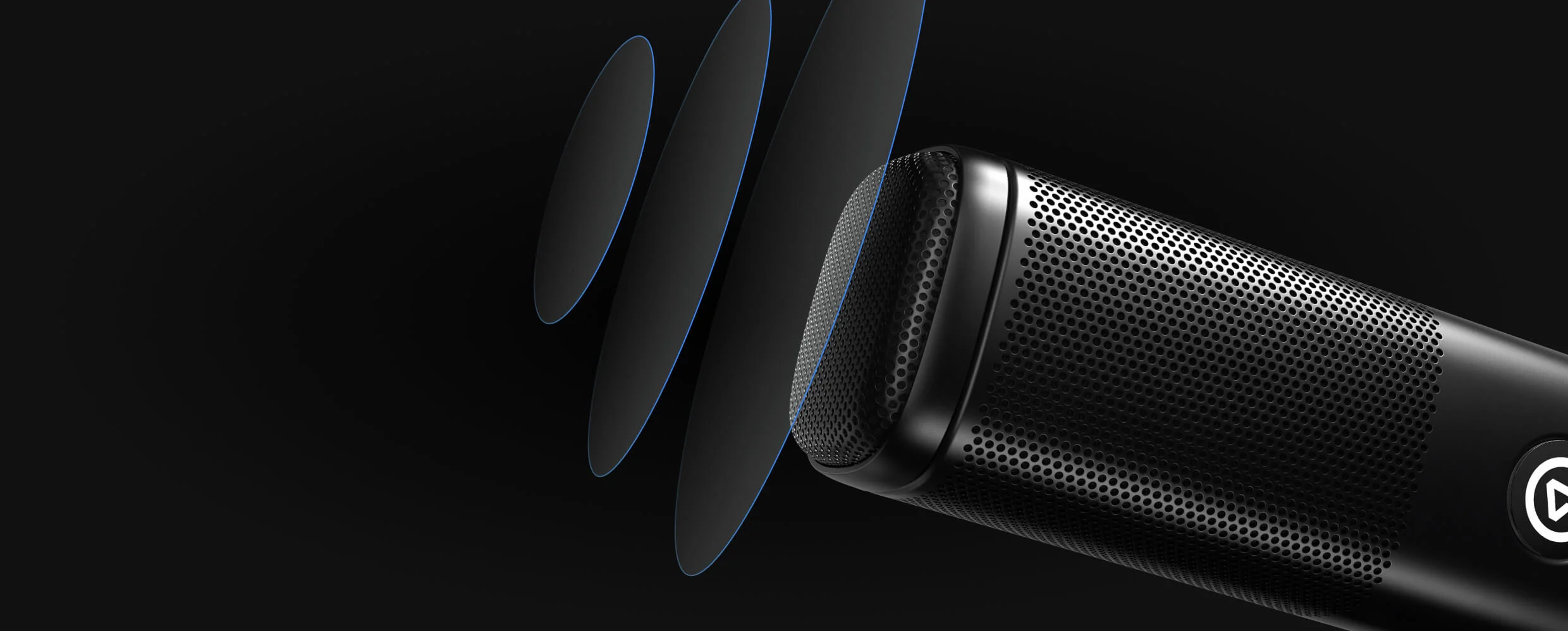
Speak off-axis and still be heard
No booster necessary


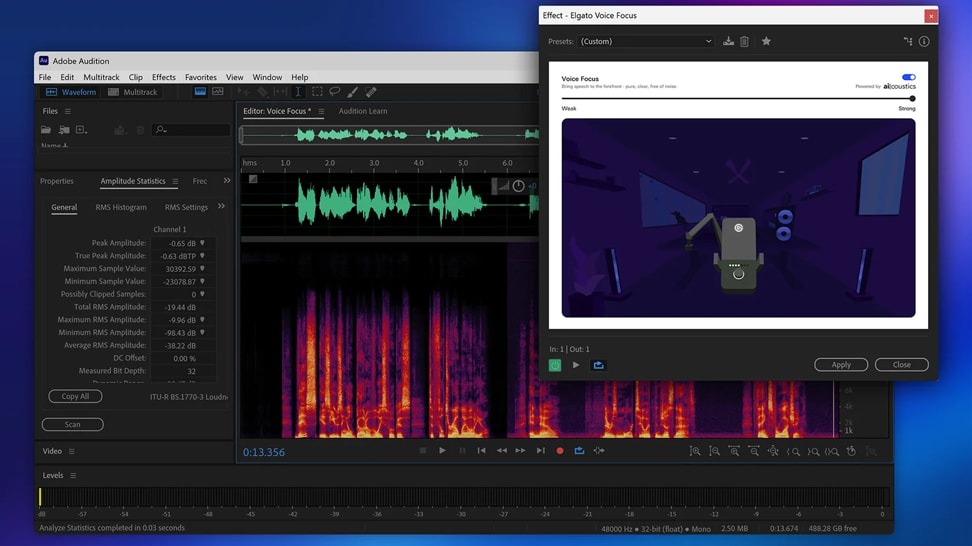
Download a VST3 from Marketplace, install it, and start using pro-level audio effects in Wave Link or your DAW.

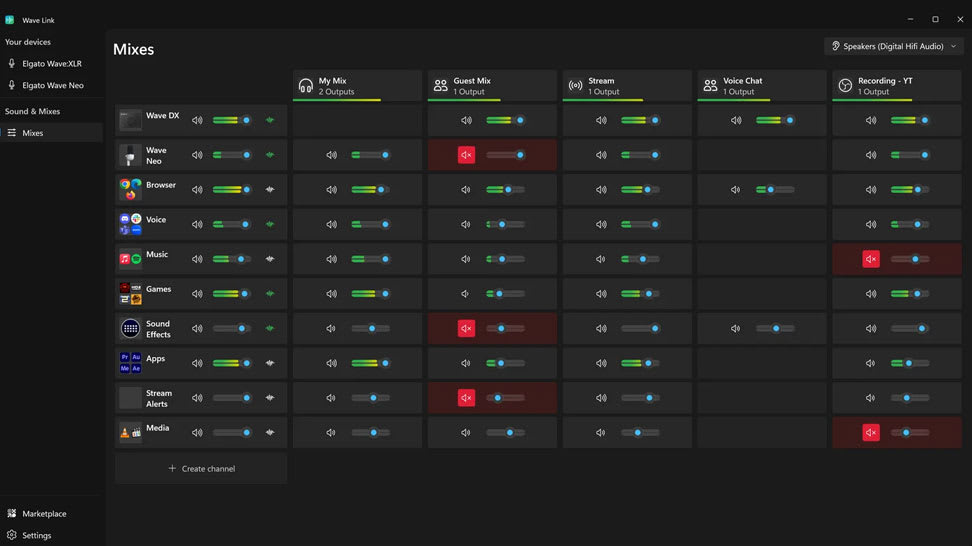
Learn how Wave Link 3.0 transforms your workflow with powerful tools for creators — from advanced routing to streamlined audio control.
/Explorer/Wave_Mic_Arm_MK.2_Article_4.jpg)
Voice Focus is Elgato’s AI-powered audio effect that makes your voice sound clear and professional in any environment. Available as a VST3 and AU plugin.

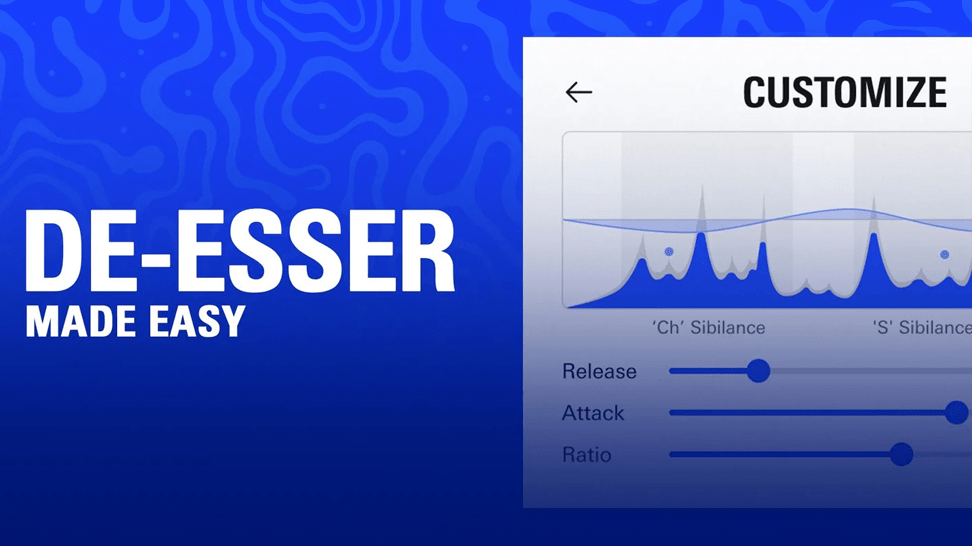
Tired of piercing “S” sounds in streams or podcasts? De‑Esser automatically detects sibilance and softens harsh highs — no complex setup needed. Ideal for beginners and pros alike.

Whether you stream or record, Wave Cast links your gaming PC and streaming PC and routes audio seamlessly — game sound, mic input, alerts or chat — all with minimal delay and no extra hardware.
The most common ones are here.
Can’t find what you’re looking for? Our support team is here to help.
Contact supportHow do I connect Wave DX to my computer?
What cables do I need?
Does it work with any audio interface?
Does it work with Wave Link?
Does it require phantom power?
How much gain should I use?
Will it fit my mic arm or stand?
Which end of the mic should I speak into?
How close should I be to the microphone?
How well does it handle background noise?
Do I need a booster or lifter?
What is the difference between Wave DX and Wave:3?