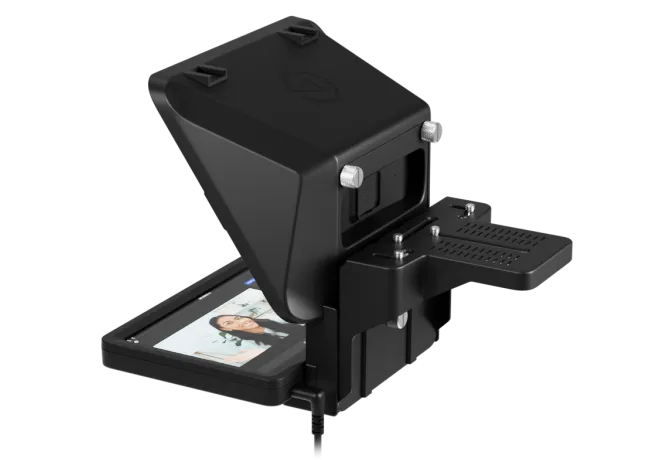
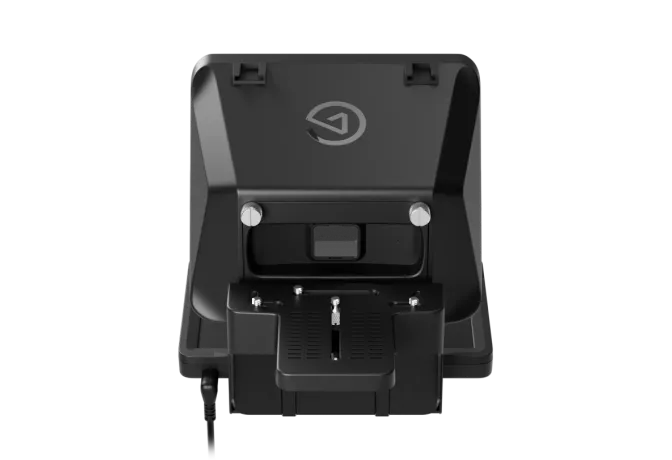
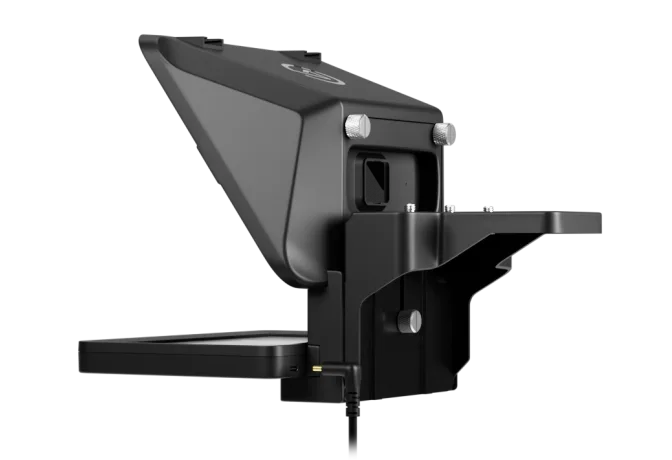
IN ÉÉN OOGOPSLAG
Creëer op
TOPSNELHEID
DRAG & DROP
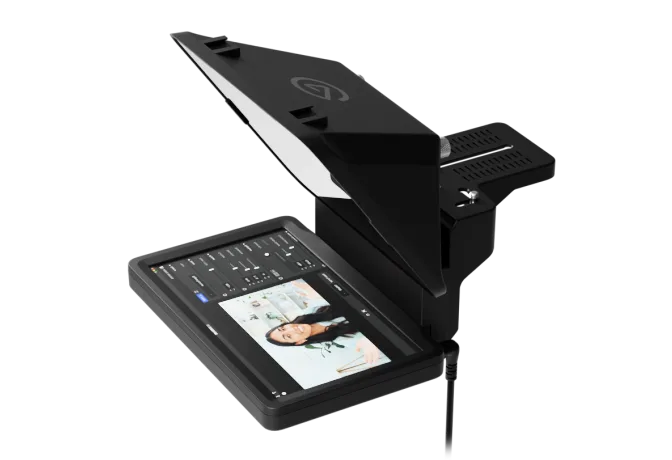
INGEBOUWD SCHERM
Werkt met Stream Deck
ULTRA COMPATIBEL
OOGCONTACT
CREËER OP TOPSNELHEID
MAAK VERGADERINGEN MENSELIJKER
DRAAIT OP STUDIO
EEN ECHTE SCRIPTEDITOR
Schrijf, bewerk en organiseer je scripts op één plek
PRESENTEER ALS PRO
Volledige controle over hoe je script oogt en scrolt
VOICE SYNC
Scrollt met je mee terwijl je praat
ZET ER ALLES OP
Een extra scherm wanneer nodig
HOI, CHAT
Oog in oog met je kijkers
STREAM DECK-CONTROLE
Alsof je je eigen productieteam hebt
EERST PROBEREN
Wil je weten hoe presenteren in Studio aanvoelt? Een ingebouwde Virtual Prompter maakt van elk scherm een teleprompter. Geen hardware nodig.
ULTRA COMPATIBEL
UNIEK ONTWERP
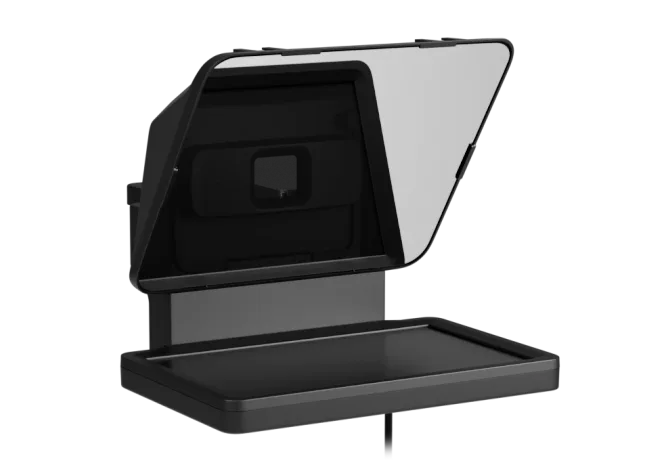
Beamsplitter-glas
Deels reflecterend en deels transparant, speciaal ontworpen voor een haarscherp beeld.
DUIK DIEP
Wat is een teleprompter?
Welke Prompter past bij jouw opstelling?
Elgato Studio 2.0 — De Prompter-ervaring, herbouwd
VERGELIJK
Basisinformatie
Display
Hardware
Compatibiliteit
Software
Systeemvereisten
FAQ
FAQ
The most common ones are here.
Can’t find what you’re looking for? Our support team is here to help.
Contact supportDoes Prompter work with my camera or lens?
Can I use my phone as a camera?
How far away can I read from?
Do I need a phone or tablet?
Does it need an external power supply?
Does it require special software?
What do I need to use Voice Sync?
Can others see what's on my screen?
Does it mirror text and windows?
Does it affect video quality?
Technische specificaties
Specifications
Gewicht
Interface
Scherm
Step-up rings
Afmetingen
In de verpakking

Verantwoorde verpakking
Systeemvereisten
Requirements
OS
Aansluiting
Voice Sync
Software
Requirements
OS
Aansluiting
Voice Sync
Software
DisplayLink (wordt automatisch geïnstalleerd bij de installatie)