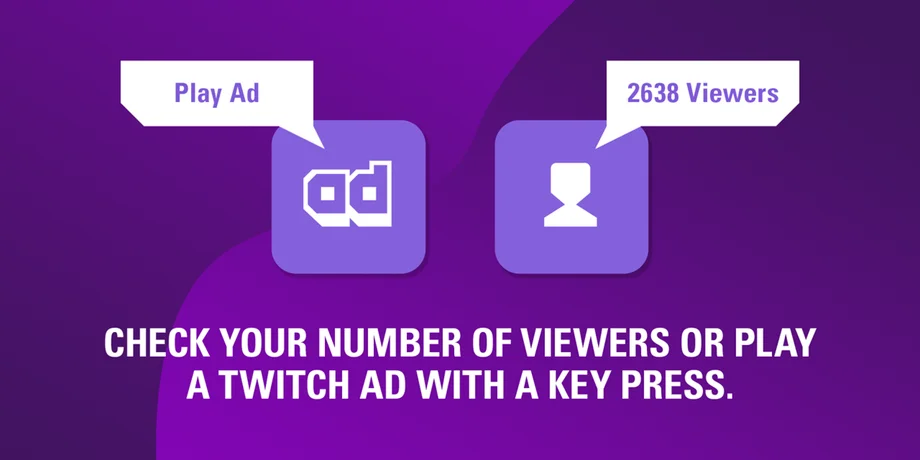
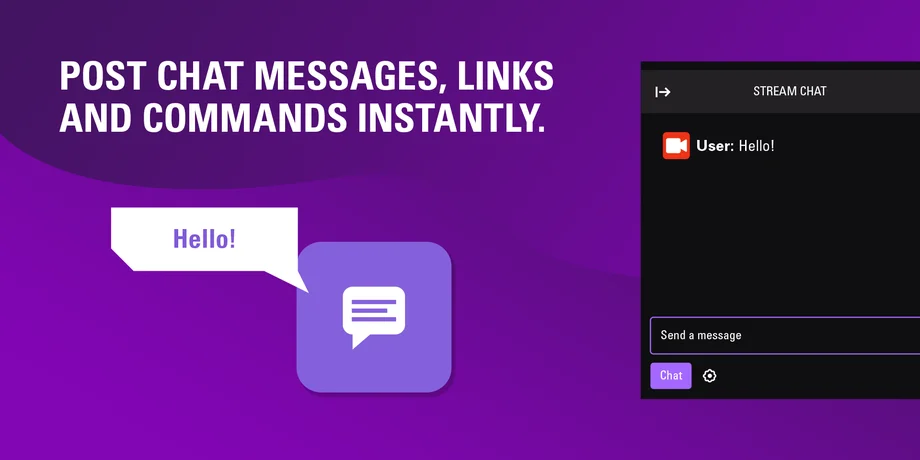
Managing a Twitch stream means handling chat, ads, stream info, and highlights while staying focused on your content. Doing all of that through browser tabs and dashboards quickly breaks your flow.
Stream Deck plugin for Twitch simplifies the entire process. It gives you direct, button-based control over your channel so you can manage your stream without leaving your setup or interrupting what you are doing on screen.
Whether you are new to Twitch or streaming regularly, this plugin helps you run a cleaner, more professional broadcast with less effort.
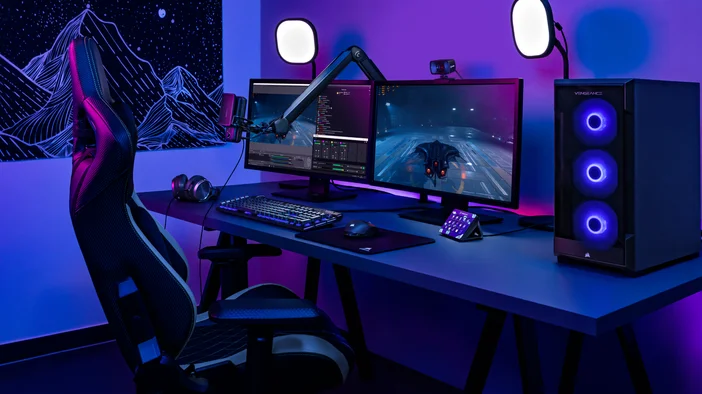
Twitch plugin is Elgato’s official Stream Deck integration for Twitch. It connects your Stream Deck directly to your Twitch account, allowing you to control key stream functions with a single key press.
The plugin is available for free in Stream Deck Store and removes the need to type chat commands, open creator dashboard, or switch windows while live. Instead, essential Twitch actions live directly on your Stream Deck keys or dials.
The goal is simple. Keep your focus on your stream while Stream Deck handles channel management in the background.
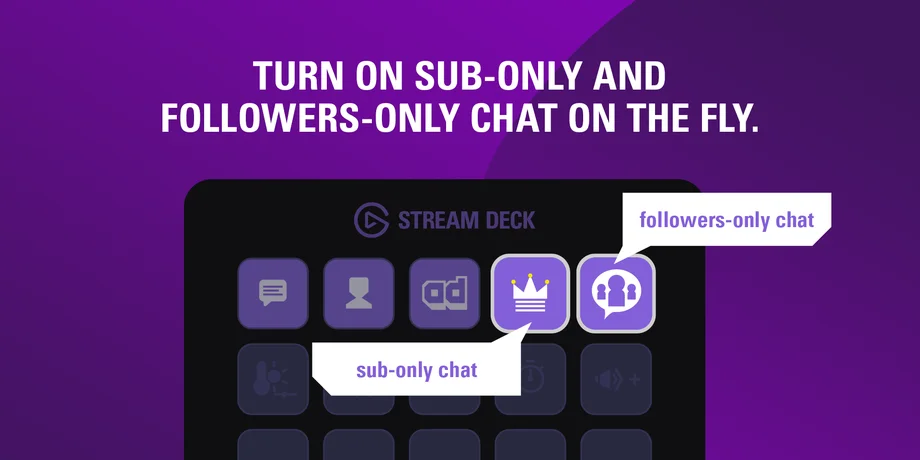
Twitch plugin gives you direct access to essential Twitch controls. Each action can be assigned to a key or dial and updates in real time as your stream changes.
Twitch plugin features real-time status displays on Stream Deck. When you toggle an action like Emote Chat, Followers Chat, or Slow Chat, the key appearance updates immediately to reflect its current state.
This removes guesswork during live streams. You always know which chat modes and controls are active at a glance.
Twitch plugin works seamlessly with Stream Deck Multi Actions. Multi Actions let you trigger several actions at once, even across different plugins.
For example, you can:
All with a single key press.
Multi Actions are ideal for breaks, scene transitions, and end-of-stream routines. You can also use them to trigger on-demand reactions, such as posting a chat message, switching scenes, and playing a sound when you want to acknowledge a moment live. They reduce manual steps and help your stream feel more polished and intentional.
Twitch plugin turns Stream Deck into a dedicated Twitch control center. Chat moderation, ads, clips, and stream updates all happen without leaving your setup.
Install Twitch plugin from Stream Deck Store, connect your Twitch account, and customize your keys to match your workflow. In just a few minutes, you gain faster control, better awareness, and a smoother live experience for both you and your viewers.
PRODUCTS IN ARTICLE