Switching scenes, adjusting audio, and managing recordings mid-stream usually means hunting for shortcuts or clicking through menus while your audience watches. OBS Studio plugin for Stream Deck puts those broadcast controls on physical keys, so everything from scene changes to audio adjustments happens with a single tap.
OBS Studio plugin is available for free on Elgato Marketplace and works on macOS and Windows.
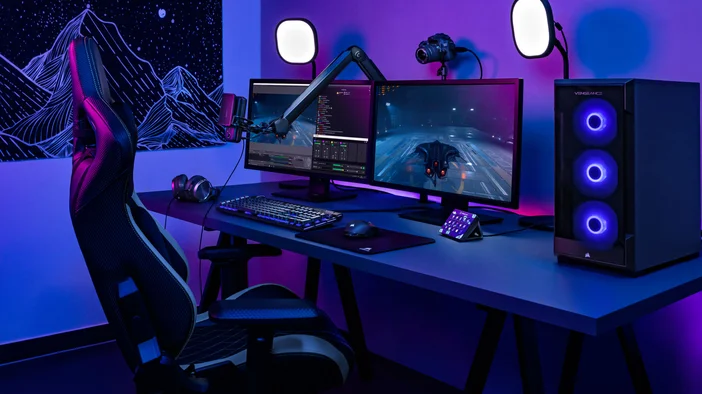
What you get with OBS Studio plugin
OBS Studio plugin connects Stream Deck to OBS Studio and gives you direct control over your broadcast, scenes, and audio. Actions are organized into three areas.
Broadcast controls
These actions handle the core functions of going live, recording, and capturing moments.
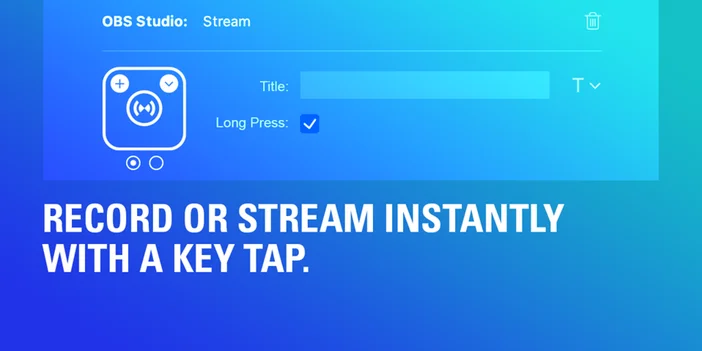
- Stream: Start or stop your live broadcast with a single tap.
- Record: Start or stop recordings. Record Pause lets you pause an active recording without ending it, so you can step away and pick up where you left off.
- Virtual Camera: Toggle OBS Virtual Camera to use your OBS output as a webcam in Zoom, Discord, Teams, or other video call apps.
- Replay Buffer: Start or stop the replay buffer to keep the last few seconds of footage ready to save.
- Save Replay: Save recent footage from the active replay buffer. Useful for capturing highlights or unexpected moments.
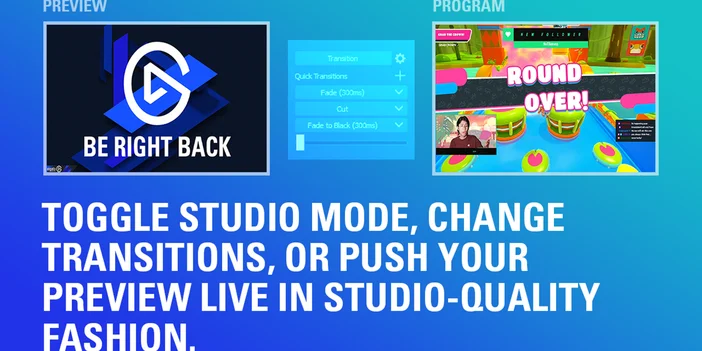
- Studio Mode: Toggle preview-before-live workflows. Queue up your next scene before pushing it live.
- Preview Scene: Push your preview scene live when you are ready. Works with Studio Mode.
- Chapter Marker: Insert markers during recordings for easier editing later.
- Screenshot: Capture your current output scene instantly.
Scene and source management
These actions help you move between layouts and control what appears on screen.
- Scene: Switch between scenes instantly. Useful for transitioning from a starting soon screen to gameplay, or from your main camera to a full-screen capture.
- Scene Collection: Switch between different scene collections. Helpful if you maintain separate collections for streaming, tutorials, or podcasting.
- Profile: Switch between OBS profiles, each with its own settings, encoders, or output configurations.
- Source: Show or hide individual sources in your scenes. Toggle overlays, alerts, or camera feeds without opening OBS Studio.
- Filter: Toggle source filters on or off as needed. Apply color correction or effects mid-stream without breaking focus.
- Transition: Switch between transition effects for scene changes, including cuts, fades, or stingers.
Audio controls
Keep your audio balanced without reaching for the OBS mixer.
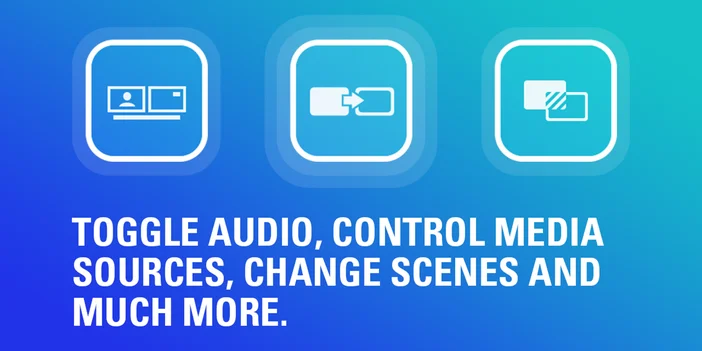
- Mute: Mute or unmute audio sources with options for toggle, push-to-mute, or push-to-talk. Quickly silence your microphone during breaks or when someone walks into the room.
- Media: Control playback for media sources. Start or stop intro videos, background music, or sound effects without switching windows.
- Audio Mixer Volume: On Stream Deck + and GALLEON 100 SD, assign audio controls to a dial and adjust levels by rotating. Fine-tune your microphone or music volume on the fly instead of clicking through the OBS mixer.
Real-time status feedback
OBS Studio plugin keys update in real time to reflect your broadcast state. If you mute a source, the key shows it immediately. If you start recording, the key confirms recording is active.
This removes guesswork and helps avoid common mistakes like streaming with a muted microphone or forgetting to hit record.
Build workflows with Multi Actions
OBS Studio plugin works with Stream Deck Multi Actions, so you can trigger multiple commands with a single tap.
For example, one key could switch to your starting soon scene, start background music, and mute your microphone. Another could end your stream, stop recording, and switch to an offline scene. Multi Actions reduce manual steps and keep your broadcast transitions consistent.
Set up OBS Studio plugin
You can install OBS Studio plugin from Elgato Marketplace or directly within Stream Deck app.
From Stream Deck app:
- Open Stream Deck app.
- In the actions panel on the right, click the Plugins tab.
- Search for OBS Studio.
- Click Get next to OBS Studio by Elgato.
- Once installed, drag any OBS Studio action onto a key.
- Configure the action in the key settings panel.
From Elgato Marketplace:
- Go to OBS Studio plugin on Elgato Marketplace.
- Click Install and follow the prompts to add it to Stream Deck app.
- Open Stream Deck app, then drag any OBS Studio action onto a key.
OBS Studio plugin requires Stream Deck 6.9 or later and works on macOS and Windows.
Tips for getting more out of the plugin
Use profiles for different types of content. Create separate Stream Deck profiles for streaming, recording, or podcast workflows. Smart Profiles can switch automatically when OBS Studio is in focus.
Assign audio controls to dials. On Stream Deck + or GALLEON 100 SD, you can use dials to adjust audio levels in real time by rotating them instead of clicking multiple times.
Add custom icons. Label your keys with clear icons so you can identify actions at a glance. Icon packs are available on Elgato Marketplace, including packs designed for OBS workflows.
Get started
OBS Studio plugin is available for free on Elgato Marketplace. Install it, customize your keys, and try it out during your next stream or recording session.
PRODUCTS IN ARTICLE
Stay up to date with Elgato. Get our latest News, Guides, and Product Updates in your Google feeds.
Add Elgato as a preferred source