MANUAL | QUICK START GUIDE
Elgato Light Remote — Quick Start Guide
Getting Started
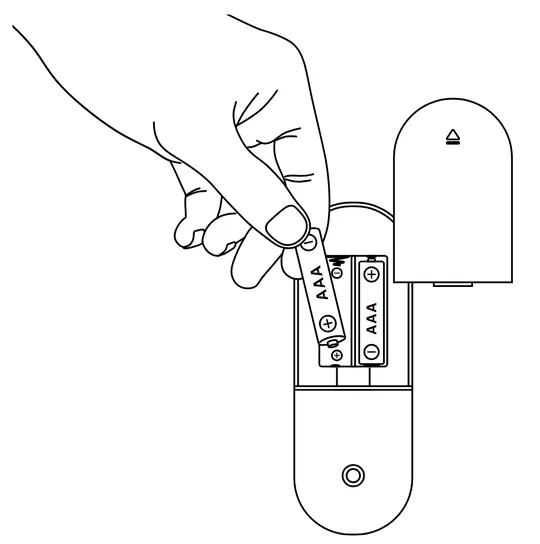
Insert three AAA batteries while paying attention to correct polarity.
Pairing
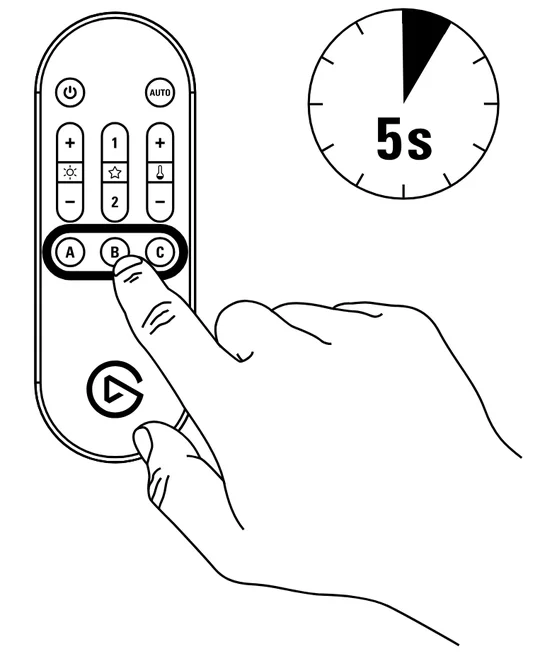
Pushthe PAIR button in the Elgato Control Center app. Press and hold button A,B or C for 5 seconds until the button flashes rapidly.
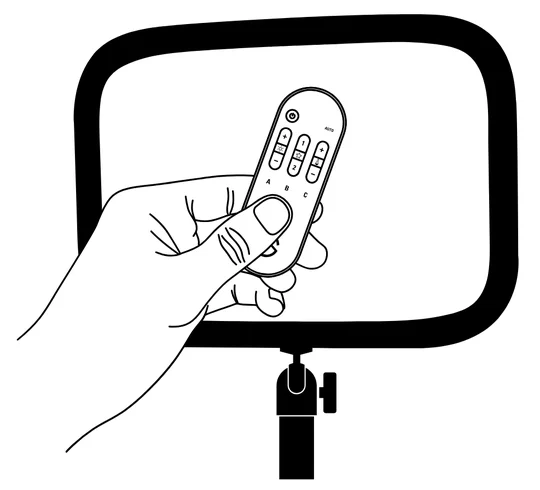
Hold the remote control directly in front of the light and wait until your light flashes once. The remote button will remain illuminated to signal successful pairing (if pairing fails, your light will flash 5x)
Operation
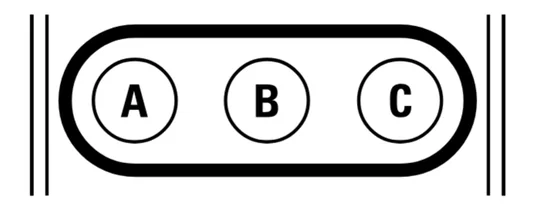
Press button A, B or C to select the light you want to control. The button will remain illuminated for 20 seconds.
Short press + or - to increase/decrease brightness or color temperature, or press and hold to cycle through minimum/maximum settings.
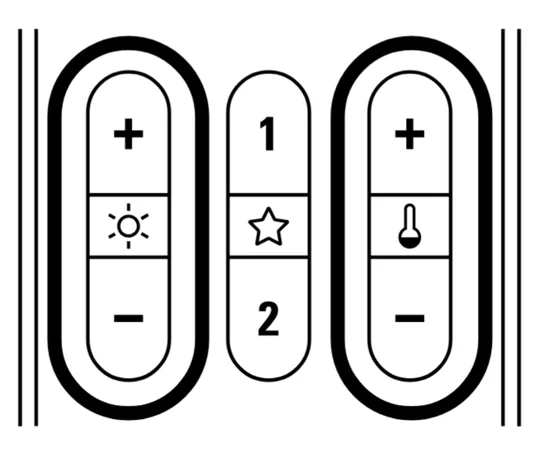
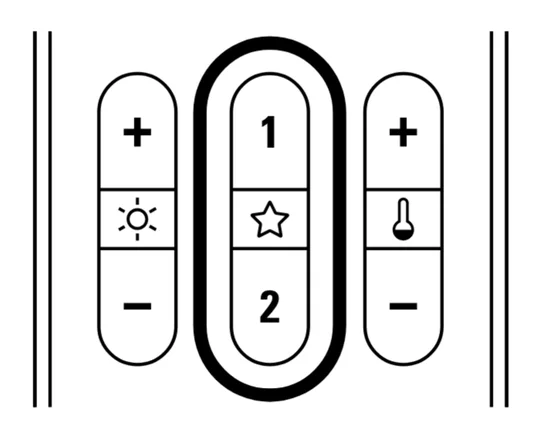
Press and hold Favorite button 1 or 2 for 3 seconds to store current brightness and color temperature settings. Short press Favorite button 1 or 2 to recall your stored settings.
Auto Mode
Your Light Remote can measure ambient light and adjust your light's brightness automatically.
- Open the Control Center app and set your desired target brightness.
- Press button A, B or C to select the light you want to adjust automatically.
- Hold the remote control in front of your face or the object you want to illuminate. Make sure the sensor (located at the bottom of the remote) is aimed directly at the light.
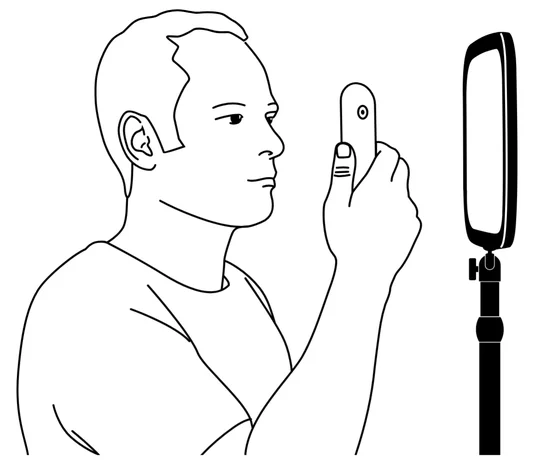
Short press the AUTO button. The adjustment process will start and the light will dim or brighten. During this process, the AUTO button will flash. When complete, your light will flash once and the AUTO button light will turn off.
Cancel Pairing
Press and hold button A, B or C for 10 seconds until it starts flashing fast and your light flashes 5x.