Explorer
DISCOVER

FEATURED ARTICLES
Events
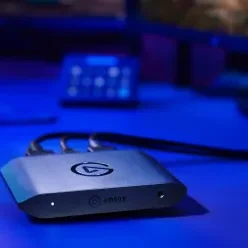
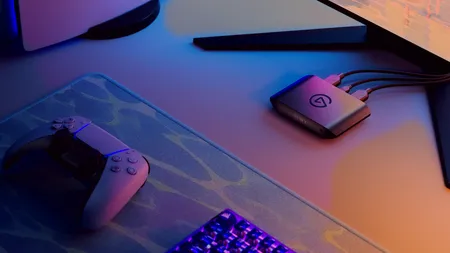
Get live help streaming and recording GTA VI. We’re on Twitch November 19, 9 AM to 6 PM PT, answering your capture card questions.
BLOG
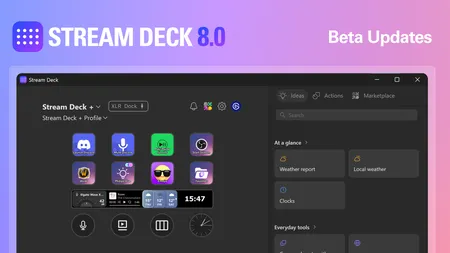
Stream Deck 8.0 adds Ideas, one-click setups for your keys, plus easier AI app setup through MCP. Try the beta now.
BLOG
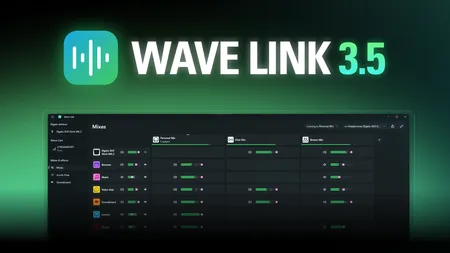
Wave Link 3.5 adds a built-in soundboard, Smart Switch, Audio Flow, and Wave Cast for dual-PC audio. Free for Windows and Mac.
LATEST
BLOG
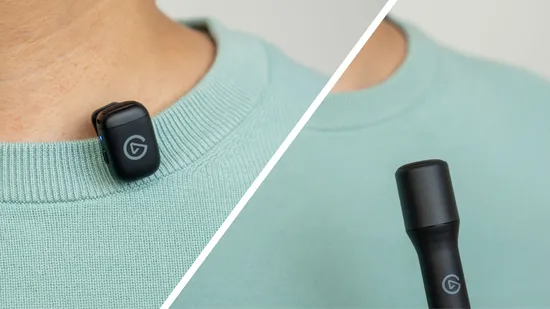
Clip-on and handheld mics each suit different shoots. See when to use each, and how Elgato Wave Go covers both with one convertible mic system.
BLOG
Learn how automatic gain control (AGC) and manual microphone gain work, when to use each, and how to avoid noise and clipping.
BLOG
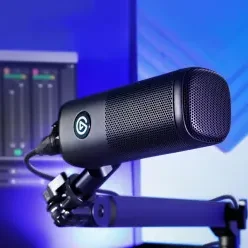
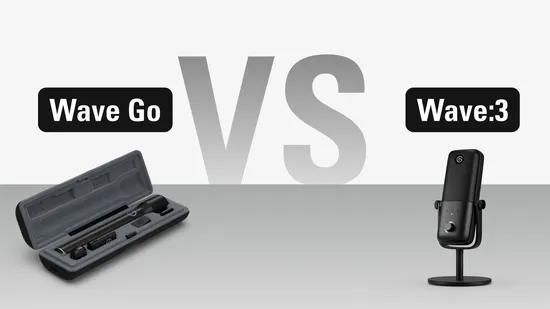
Find the right Elgato microphone: Wave Go for vlogs, interviews, and streams on the move, or Wave:3 MK.2 for streaming and podcasts at your desk.
How To
Set up Wave Go in Wave Link to give your headphones and your audience separate mixes, and use Voice Focus to remove room echo and background noise.
MANUAL
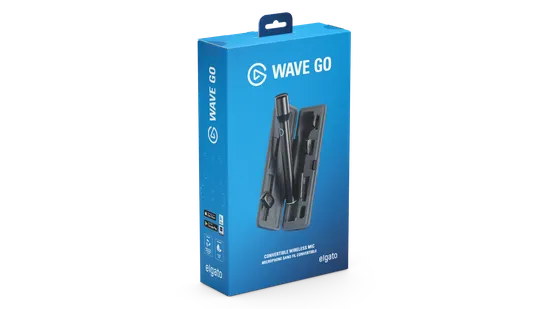
Get started with Elgato Wave Go. Learn the controls, LED status, sound settings, Smart Handle charging, pairing, and how to use Wave Link.
BLOG
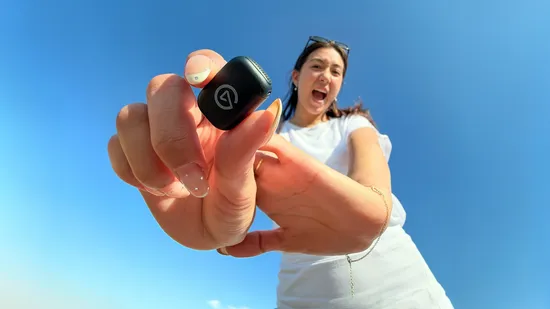
Elgato Wave Go is our first wireless mic, converting between clip-on and handheld with automatic sound processing and up to 48 hours of battery life.
How To
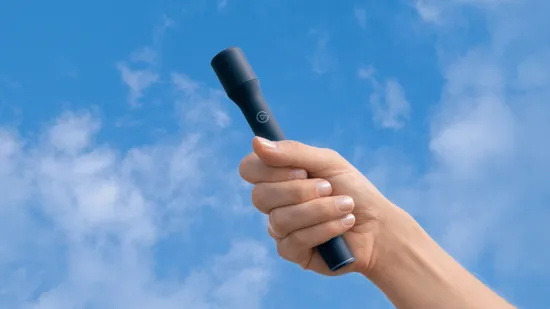
Where to clip your Wave Go and which settings to use for vlogs, interviews, podcasts, live streams, and calls.
How To
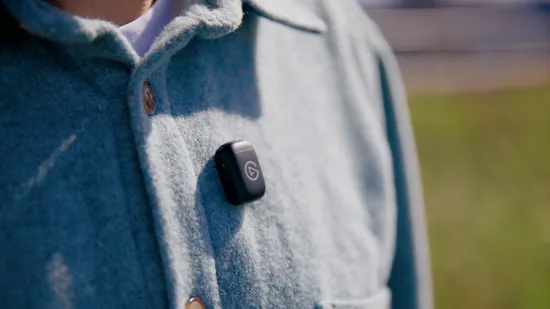
Add a second transmitter to Wave Go for interviews, podcasts, and vlogs. Learn how to pair it, balance two voices, and keep both mics charged.
BLOG
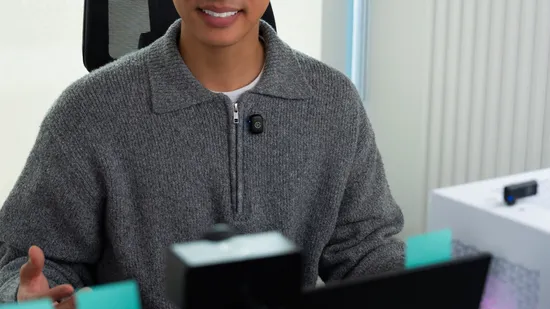
Your mic affects how well ChatGPT, Claude, and Gemini understand you. Learn which mic and setup give you clearer, more accurate AI dictation.
How To
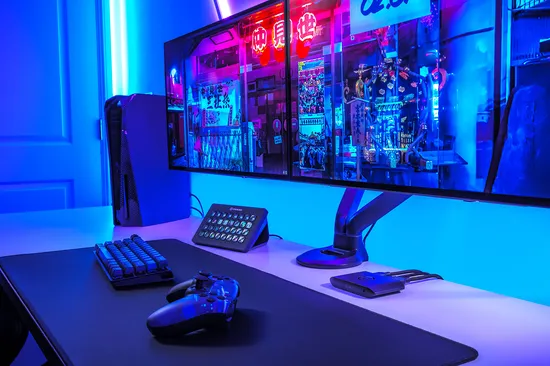
Go live on Twitch or YouTube from your PS5 without a PC. Link your account, set your stream quality, and know when to upgrade.
How To
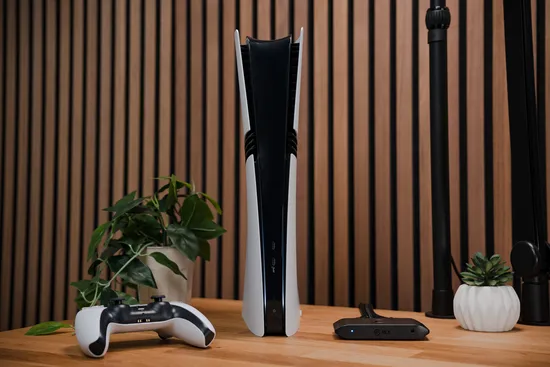
Learn how to stream PS5 gameplay to Twitch using a capture card and OBS Studio, from setup to going live.
BLOG
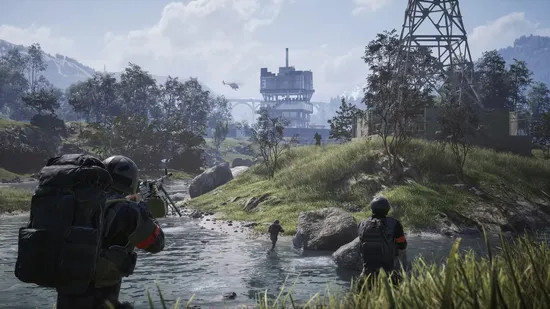
Use Stream Deck with WARDOGS for artillery calculations, squad communication, gameplay recording, and automatic profile switching.