Explorer
DISCOVER
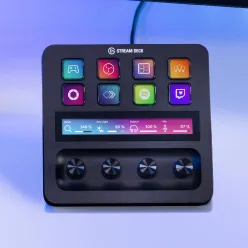

FEATURED ARTICLES
How To
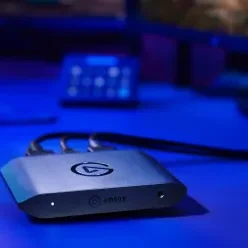
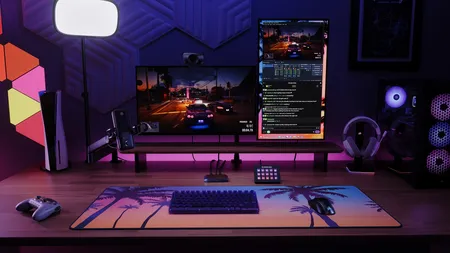
Learn how to stream or record GTA 6 on PS5, PS5 Pro, or Xbox Series X|S with a 4K X capture card, using OBS Studio or Elgato Studio.
Events
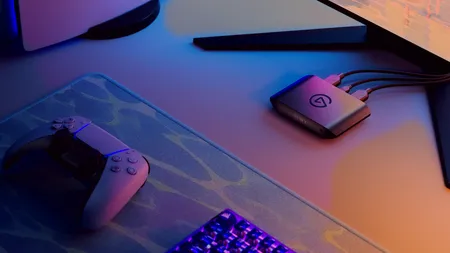
Get live help streaming and recording GTA VI. We’re on Twitch November 19, 9 AM to 6 PM PT, answering your capture card questions.
BLOG
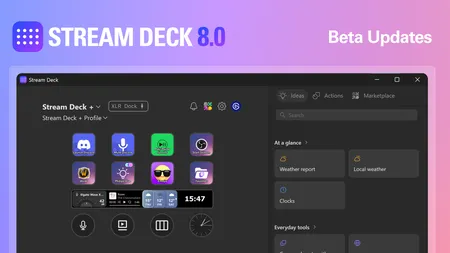
Stream Deck 8.0 adds Ideas, one-click setups for your keys, plus easier AI app setup through MCP. Try the beta now.
LATEST
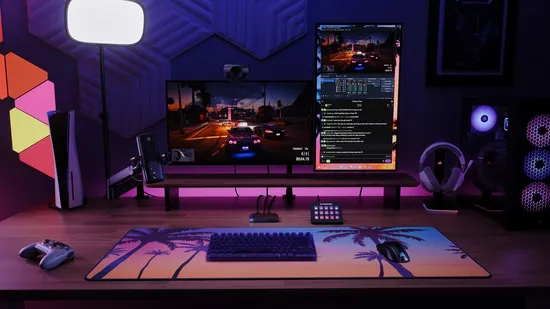
How To
Learn how to stream or record GTA 6 on PS5, PS5 Pro, or Xbox Series X|S with a 4K X capture card, using OBS Studio or Elgato Studio.
Events
Get live help streaming and recording GTA VI. We’re on Twitch November 19, 9 AM to 6 PM PT, answering your capture card questions.
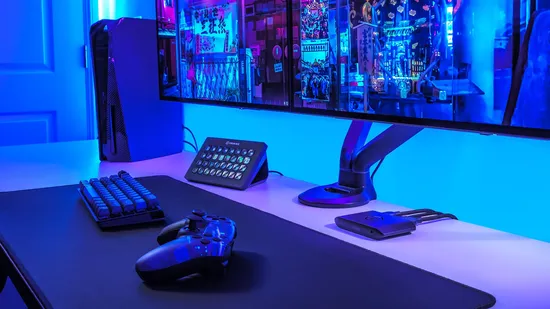
MANUAL
How to stream on Twitch from PS5 with a capture card. Set up 4K X with OBS Studio, and install an MP600 ELITE SSD in your PS5 for more games.
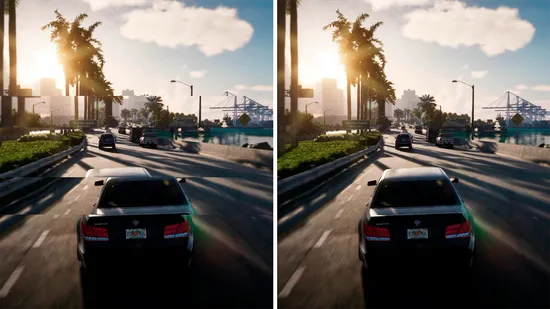
BLOG
Variable refresh rate (VRR) matches your display to your game’s frame rate to stop screen tearing and stutter. See how it works with capture cards.
How To
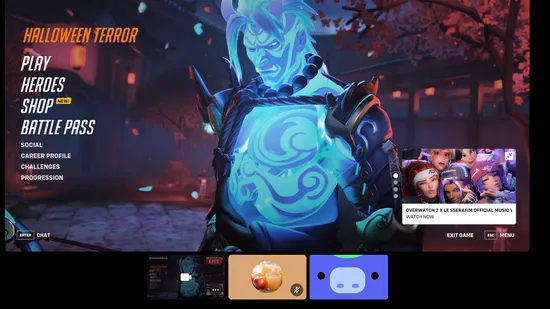
Learn how to stream on Discord from PS5 using a computer, with step-by-step instructions for Remote Play, capture cards, and audio setup.
BLOG
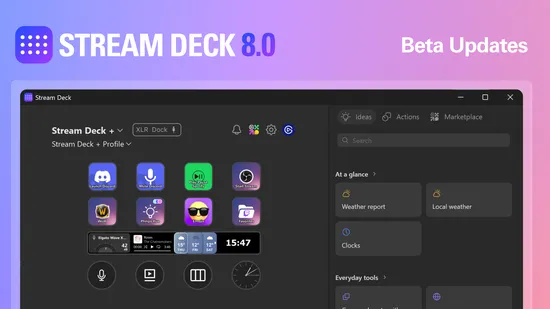
Stream Deck 8.0 adds Ideas, one-click setups for your keys, plus easier AI app setup through MCP. Try the beta now.
BLOG
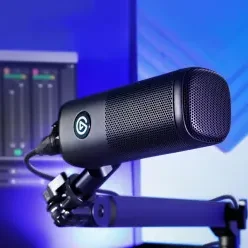
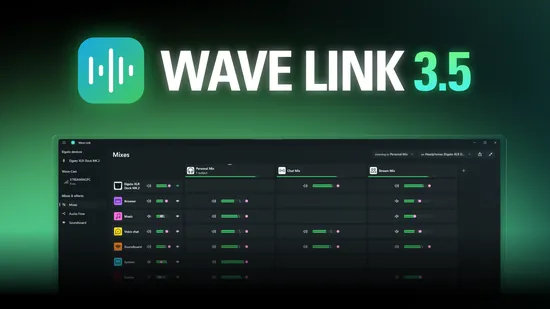
Wave Link 3.5 adds a built-in soundboard, Smart Switch, Audio Flow, and Wave Cast for dual-PC audio. Free for Windows and Mac.
How To
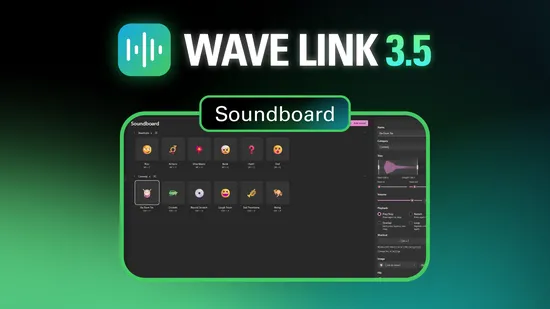
Make a free soundboard on your PC with Wave Link and play sounds in Discord or on stream using shortcuts or Stream Deck.
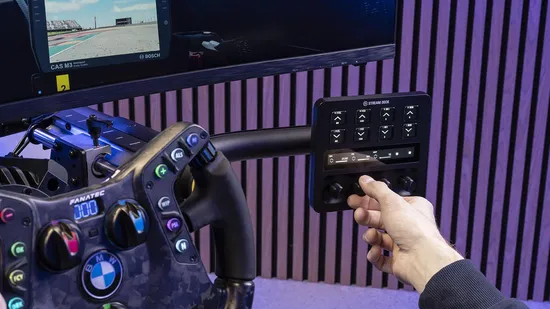
Plugins
Use the free Fanatec plugin to turn Stream Deck into a sim racing telemetry display and adjust wheel settings on the fly.

How To
Set up a capture card to record or stream Ocarina of Time on Switch 2, with HDR and VRR settings explained.
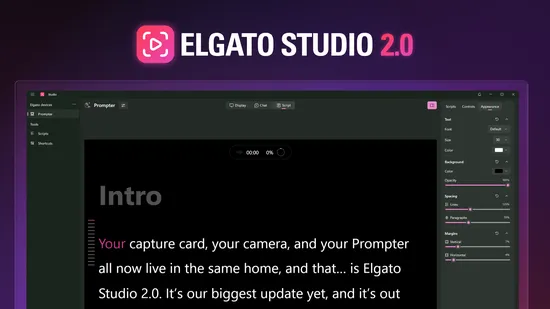
BLOG
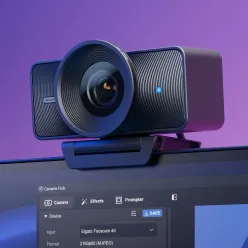
Camera Hub and 4K Capture Utility are now one free app: Elgato Studio 2.0, with Prompter, camera, and capture controls in one place.
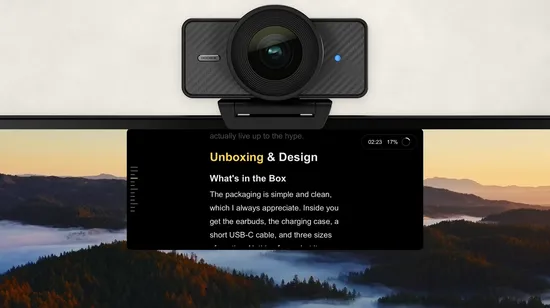
BLOG
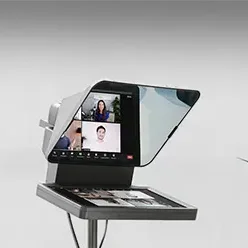
Turn your laptop or monitor into a free teleprompter with Virtual Prompter in Elgato Studio. Set up Docked, and see what Pro adds.