Explorer
DISCOVER
FEATURED ARTICLES
How To
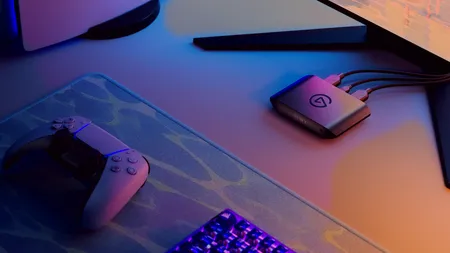
Play GTA 6 at 60 or 120 fps on PS5 or Xbox Series X|S with a capture card and frame generation. Setup for NitLink, Veyra, and Lossless Scaling.
How To
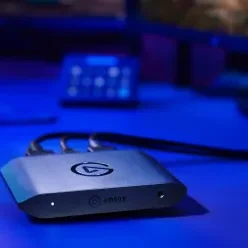
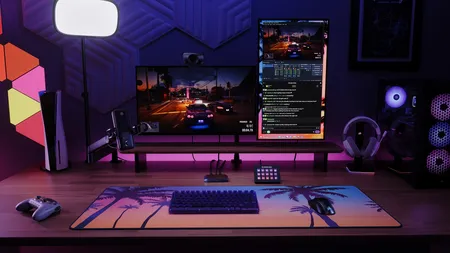
Learn how to stream or record GTA 6 on PS5, PS5 Pro, or Xbox Series X|S with a 4K X capture card, using OBS Studio or Elgato Studio.

BLOG
Save up to 30% on Stream Deck, Wave, Prompter and more this Black Friday. See what’s on sale, when deals end, and when we’re live.
LATEST
BLOG
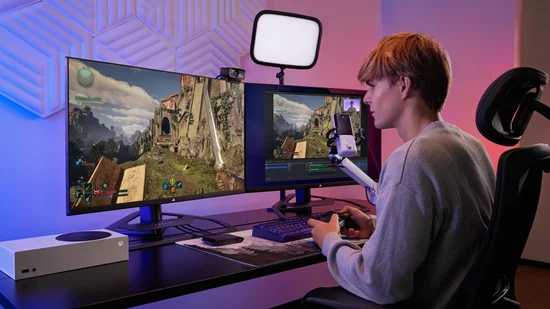
Streaming from a console or PC? Learn when a capture card matters, when it doesn't, and what to look for if you need one.
BLOG
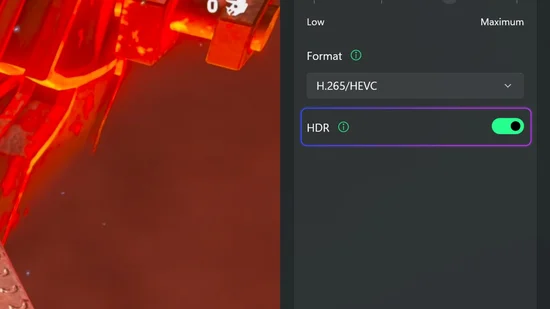
Learn what HDR recording does in Elgato Studio and how it preserves richer colors, brighter highlights, and more detail in your recordings.
BLOG
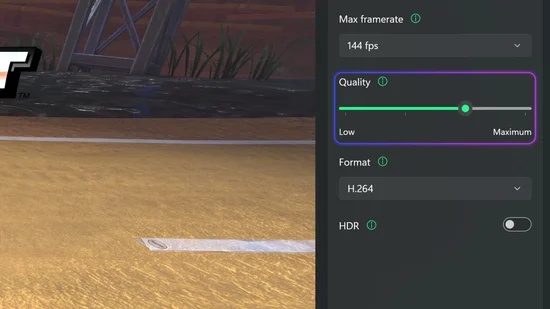
Learn what the recording quality setting does in Elgato Studio and how it affects file size, detail, and storage for your recordings.
BLOG
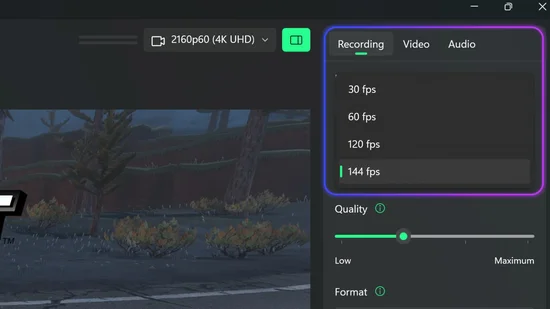
Learn what the max framerate setting does in Elgato Studio and how to choose between 30, 60, 120, and 144 fps for your recordings.
BLOG
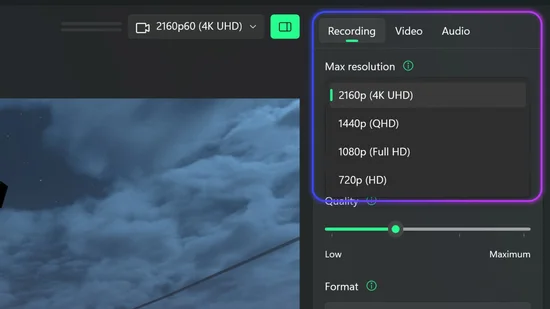
Learn what the max resolution setting does in Elgato Studio and how to choose between 4K, 1440p, 1080p, and 720p for your recordings.
BLOG
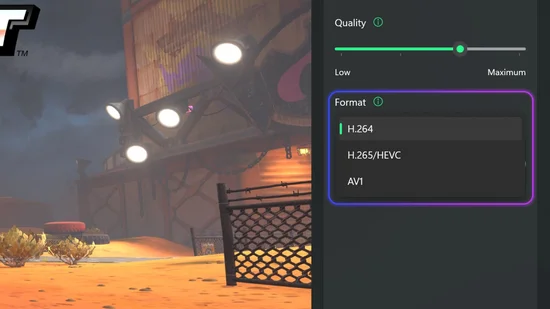
Learn which recording format to use in Elgato Studio. Compare H.264, HEVC, and AV1 for compatibility, file size, and HDR support.
BLOG
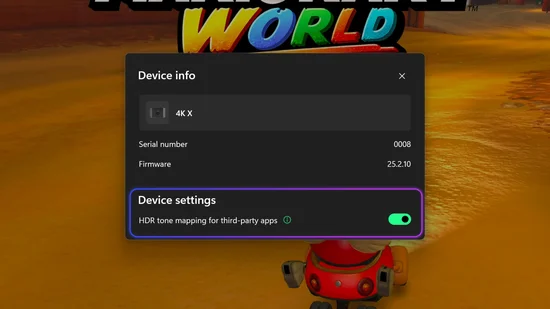
Learn what the tone mapping toggle does in Elgato Studio and how it helps third-party apps display HDR sources.
MANUAL
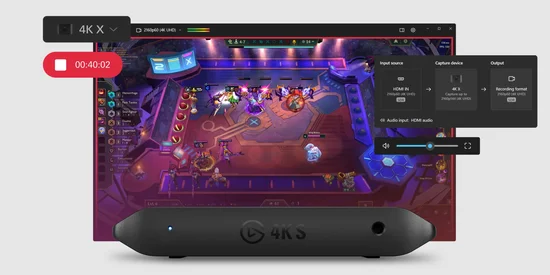
Learn how to set up and use Elgato Studio to preview, record, and capture gameplay on Windows and macOS.

NEWS
Elgato Week runs May 18–24. Save up to 30% on Stream Deck, Wave, capture cards, and more.
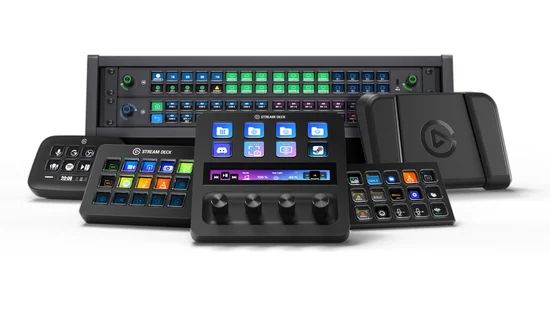
Choosing Your Gear
See every keyboard, controller, and device that works natively with Stream Deck app, from Elgato hardware to CORSAIR keyboards with G-Keys.
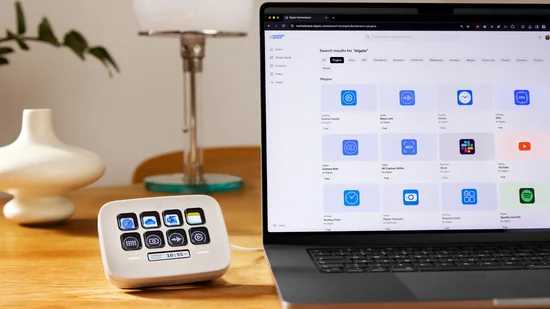
BLOG
Discover the best Stream Deck plugins for work, from PowerPoint and Slack to timers, audio switching, and more.
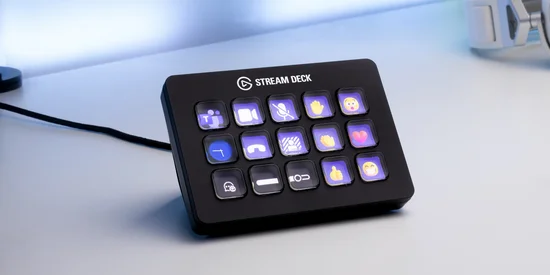
How To
Set up Stream Deck hotkeys to mute, toggle camera, share screen, and control Teams meetings without remembering keyboard shortcuts