Explorer
DISCOVER

FEATURED ARTICLES
How To
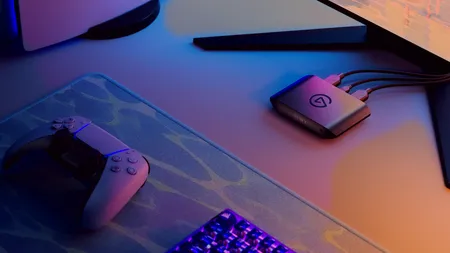
Play GTA 6 at 60 or 120 fps on PS5 or Xbox Series X|S with a capture card and frame generation. Setup for NitLink, Veyra, and Lossless Scaling.
How To
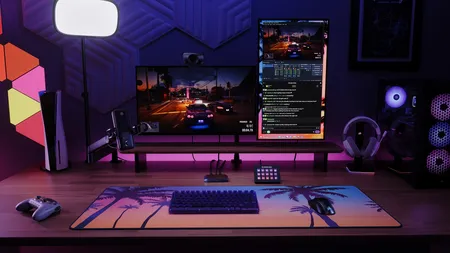
Learn how to stream or record GTA 6 on PS5, PS5 Pro, or Xbox Series X|S with a 4K X capture card, using OBS Studio or Elgato Studio.
BLOG
Save up to 30% on Stream Deck, Wave, Prompter and more this Black Friday. See what’s on sale, when deals end, and when we’re live.
LATEST
BLOG
Save up to 30% on Stream Deck, Wave, Prompter and more this Black Friday. See what’s on sale, when deals end, and when we’re live.
How To
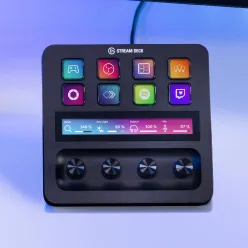
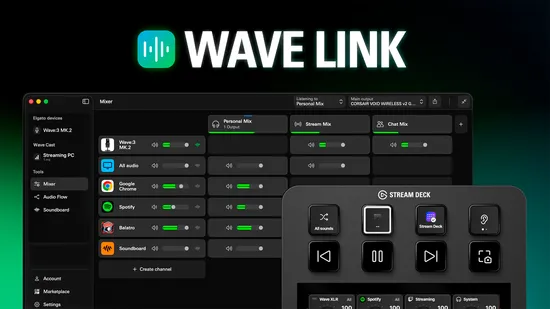
Give each app its own volume control. Tap one Stream Deck key to send a new game or app to the right Wave Link channel.
How To
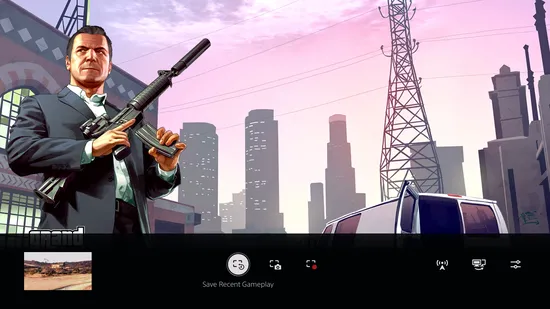
Learn how to save clips and record full gameplay sessions on PS5 using the Create button, no extra hardware needed.
BLOG
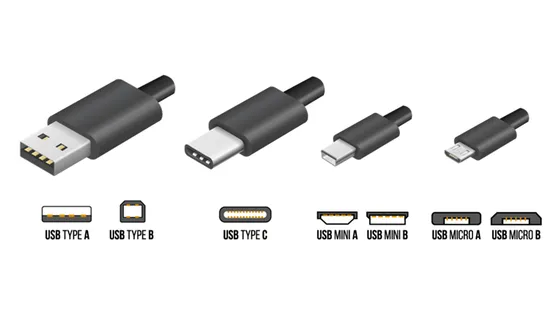
Identify your USB ports, understand USB speed labels, and choose the right port and cable for your devices.
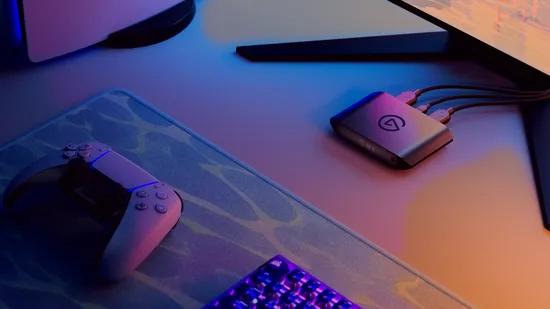
How To
Play GTA 6 at 60 or 120 fps on PS5 or Xbox Series X|S with a capture card and frame generation. Setup for NitLink, Veyra, and Lossless Scaling.
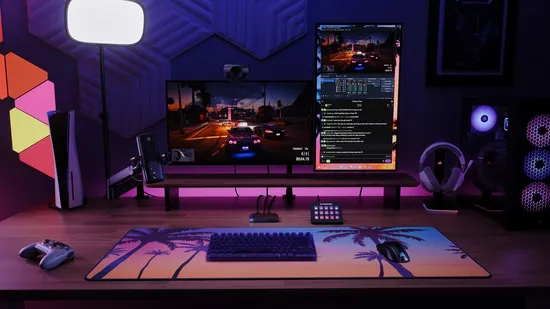
How To
Learn how to stream or record GTA 6 on PS5, PS5 Pro, or Xbox Series X|S with a 4K X capture card, using OBS Studio or Elgato Studio.
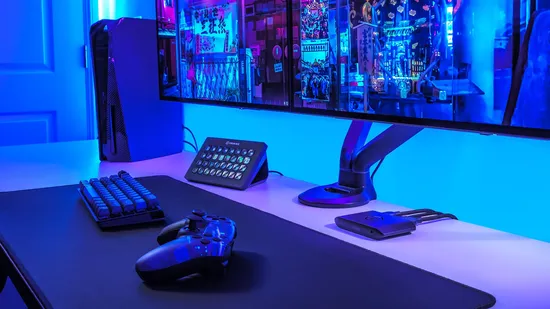
MANUAL
How to stream on Twitch from PS5 with a capture card. Set up 4K X with OBS Studio, and install an MP600 ELITE SSD in your PS5 for more games.
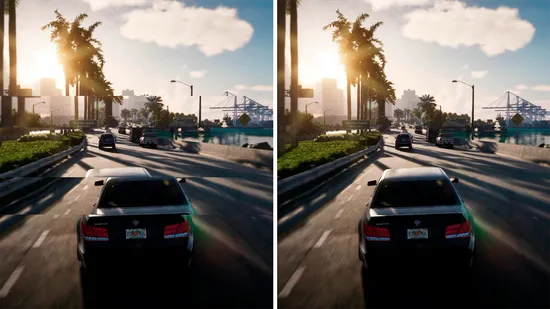
BLOG
Variable refresh rate (VRR) matches your display to your game’s frame rate to stop screen tearing and stutter. See how it works with capture cards.
How To
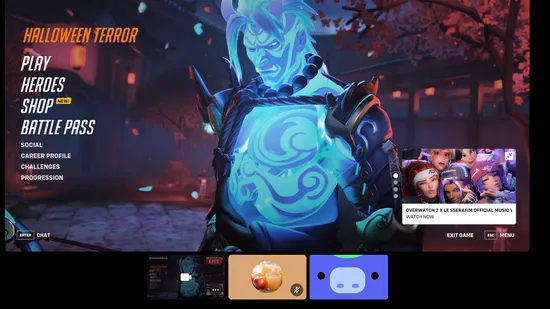
Learn how to stream on Discord from PS5 using a computer, with step-by-step instructions for Remote Play, capture cards, and audio setup.
BLOG
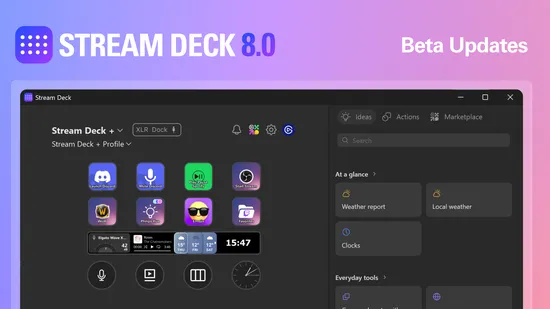
Stream Deck 8.0 adds Ideas, one-click setups for your keys, plus easier AI app setup through MCP. Try the beta now.
BLOG
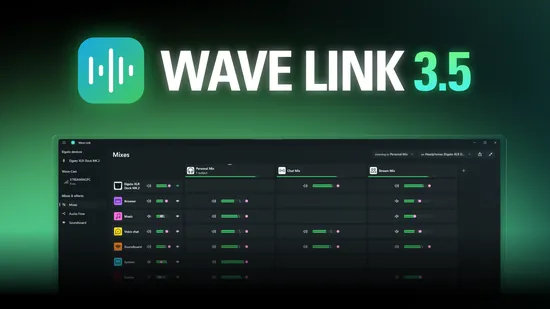
Wave Link 3.5 adds a built-in soundboard, Smart Switch, Audio Flow, and Wave Cast for dual-PC audio. Free for Windows and Mac.
How To
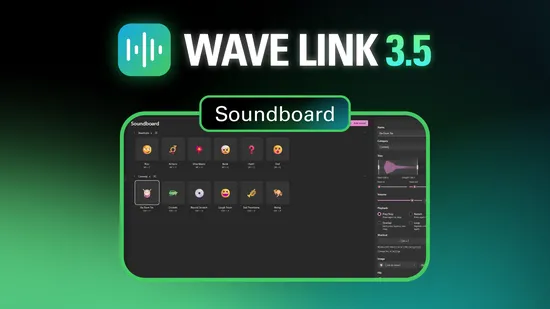
Make a free soundboard on your PC with Wave Link and play sounds in Discord or on stream using shortcuts or Stream Deck.