Yakuza Kiwami 3 & Dark Ties is available on PlayStation®5, PlayStation®4, Nintendo Switch™ 2, Xbox Series X|S, and PC, and we've got you covered on how to record or stream it. Whether you want to go live on Twitch, capture footage for YouTube, or customize your setup with overlays and icon packs, this guide shows you how.
What you need
Before you start recording or streaming, here's everything you'll need for your setup.
- Yakuza Kiwami 3 & Dark Ties
- A supported console (PlayStation 5, PlayStation 4, Nintendo Switch 2, Xbox Series X|S)
- Capture card (such as Elgato 4K S, 4K X, or 4K Pro)
- Two HDMI cables
- A computer with Elgato Studio, OBS Studio, or an iPad with Elgato Capture app
Recording and streaming from a console
How to set up your capture card
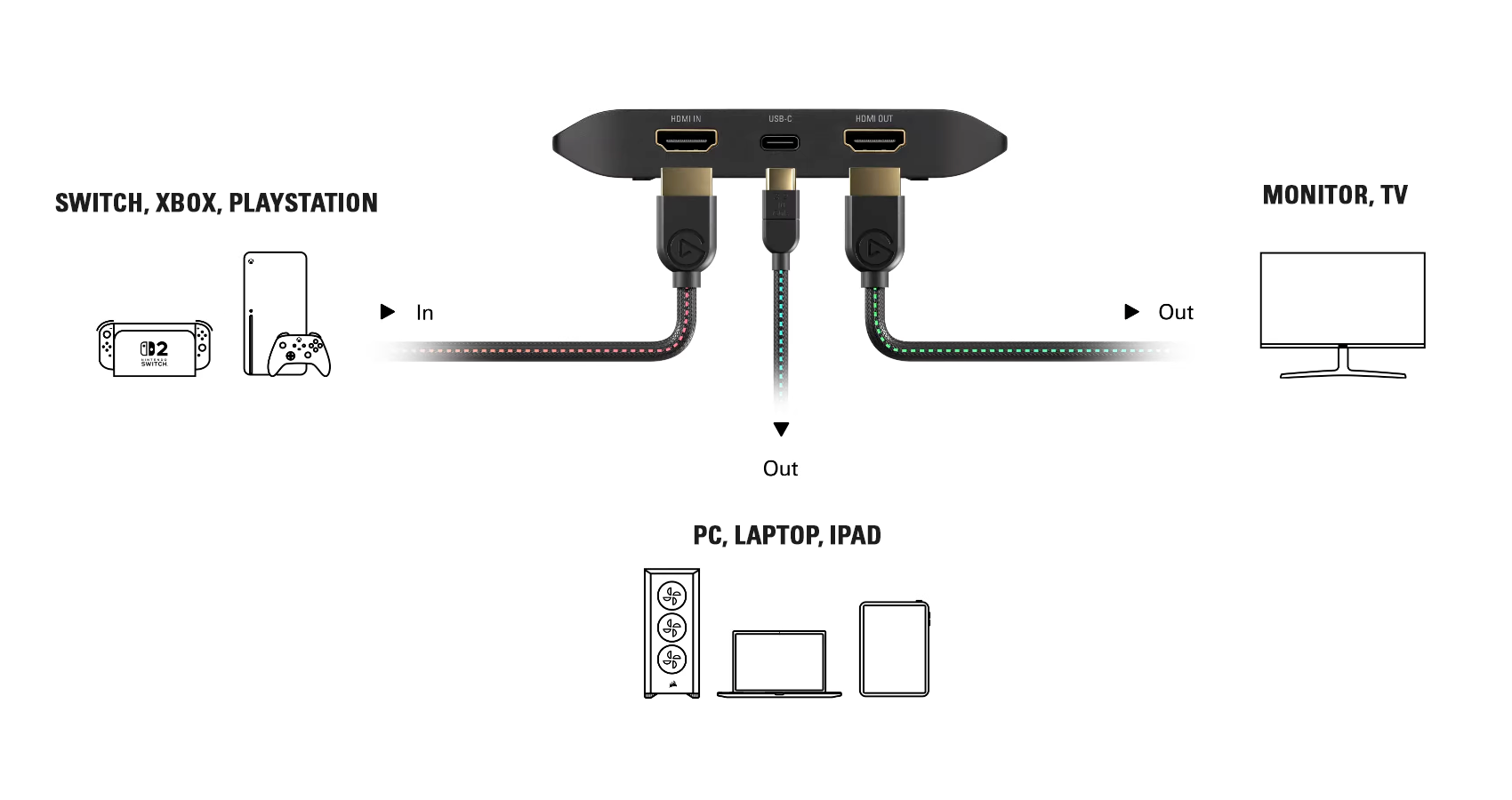
- Connect one HDMI cable from the console to the HDMI In on your capture card.
- Connect another HDMI cable from the HDMI Out on the capture card to your TV or monitor.
- Connect your capture card to your computer using the included USB cable (for 4K X, HD60 X, or Game Capture Neo). If you're using 4K Pro, install it in a PCIe slot.
- Finally, power on your console.
Click the image to view it in full size.
Launch your software
To start recording right away, open Elgato Studio. It detects your capture card and resolution automatically .
If you’re streaming, open OBS Studio, Meld Studio, or similar. Add your capture card as a Video Capture Device before going live.
Set resolution, frame rate, and audio
In Elgato Studio
- Automatically detects resolution and frame rate. Supports passthrough up to 4K60 HDR, with recordings saved in SDR.
In OBS Studio or other streaming software
- Go to Settings > Video and match your output resolution (e.g., 3840x2160).
- Set FPS to 60.
- In your capture card’s Source Properties, set it to Custom and match your resolution and frame rate.
- If HDR looks off, turn HDR off in Switch 2 settings or adjust tone mapping in OBS.
Start recording or streaming
Click Record in Elgato Studio, or Start Streaming in OBS Studio. From here, you can watch your preview, switch scenes, and adjust audio as needed.
If you want to double-check settings for your platform, here are the official guides:
Customize your setup
If you’re building a themed Stream Deck layout, these icon packs bring bold brush strokes, pixel aesthetics, and traditional Japanese design to your keys. Each works across Stream Deck devices and is easy to install from Marketplace.
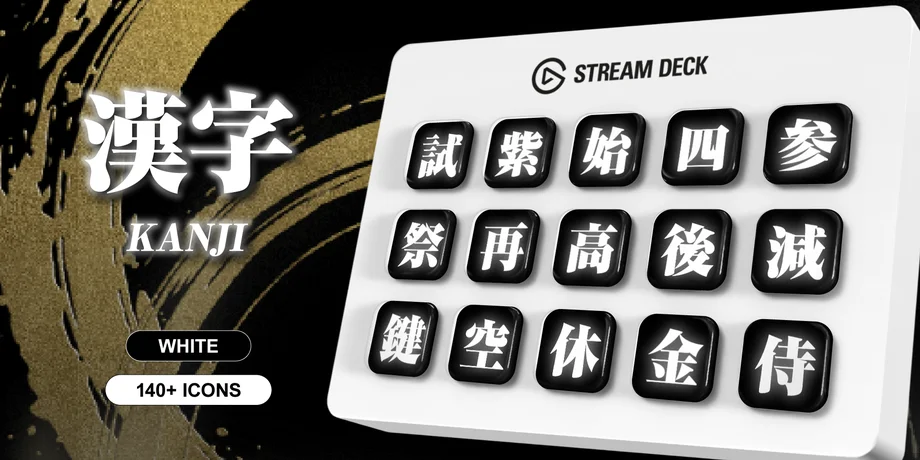
Kanji focuses on bold Japanese characters with minimal backgrounds. This pack is ideal if you prefer a clean, typography-forward layout while keeping a strong cultural theme.
It works well for labeling scenes, stream controls, or commonly used actions in a visually consistent way.
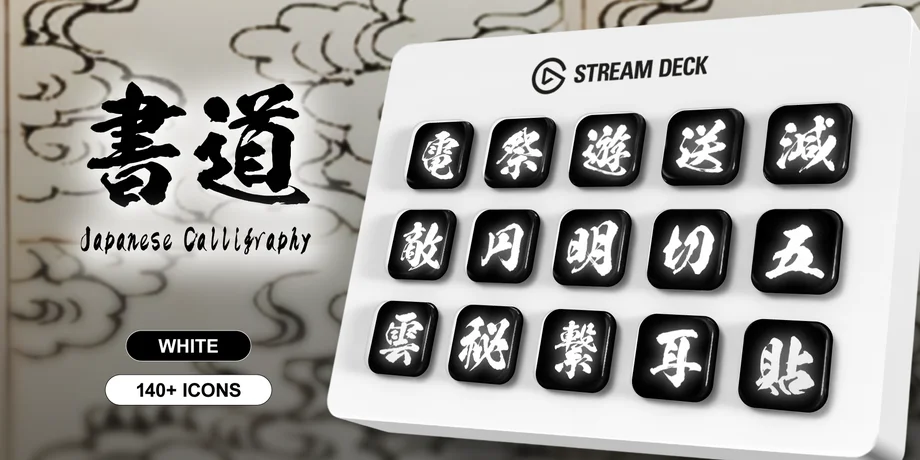
Shodo is inspired by traditional Japanese calligraphy. Each icon feels hand-brushed and expressive, giving your Stream Deck a more artistic and organic look.
This pack pairs nicely with minimalist overlays or live streams that focus on atmosphere and presentation.
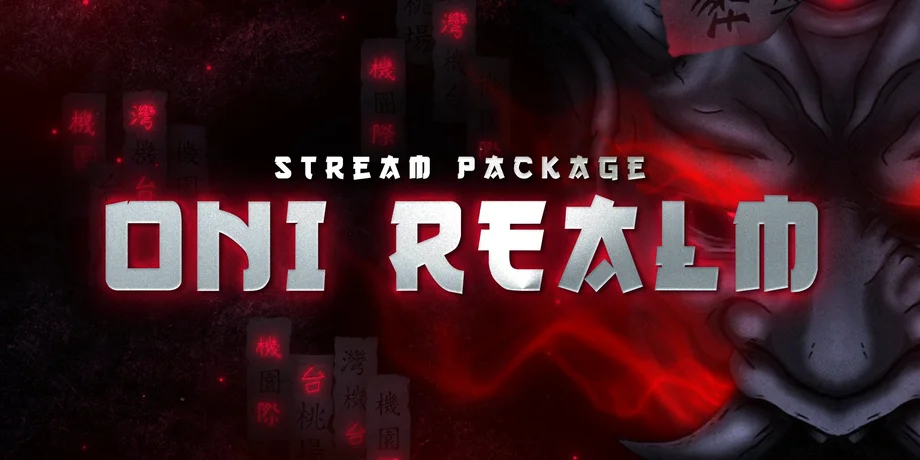
Oni Realm blends dark tones, red accents, and traditional Japanese demon-inspired artwork into a dramatic icon pack. It works well for action-heavy streams, horror games, or cinematic layouts.
The bold shapes and high contrast make actions easy to recognize at a glance, especially during live broadcasts.
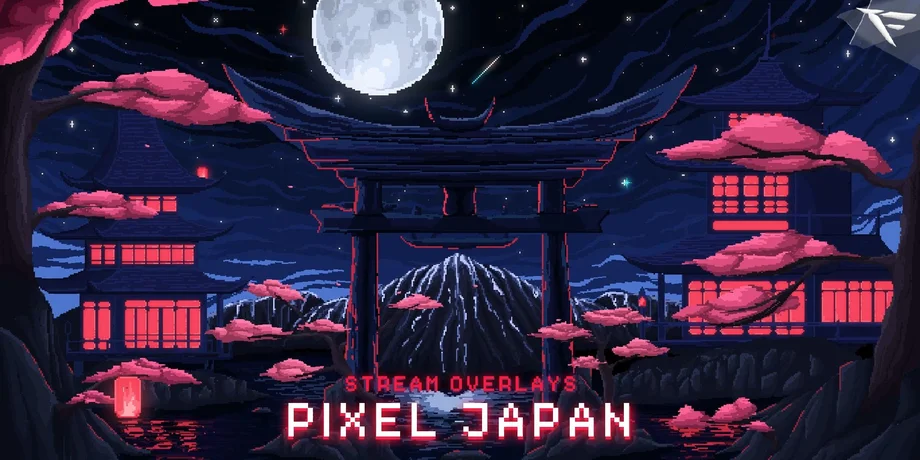
Pixel Japan takes a retro-inspired approach with 8-bit and pixel-style Japanese visuals. It’s a good fit for classic RPGs, arcade streams, or creators who want a nostalgic look.
Despite the pixel aesthetic, icons remain clean and readable on both Stream Deck and Stream Deck +.
More options on Elgato Marketplace
You can also browse more overlays and icon packs on Elgato Marketplace to match the look and feel of your stream.
Looking for a capture card?
If you need a capture card for your console setup, you can explore options like 4K X, 4K S, and 4K Pro on our website. They all support high-quality capture for Yakuza Kiwami 3 & Dark Ties.
You can also use our Capture Card Selector to find the best option for your setup.
PRODUCTS IN ARTICLE