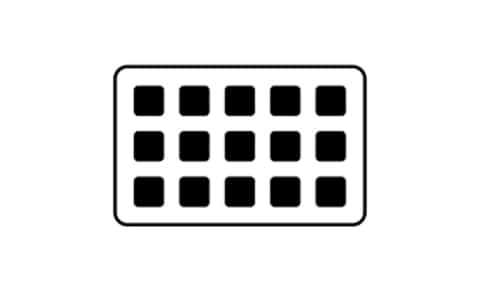
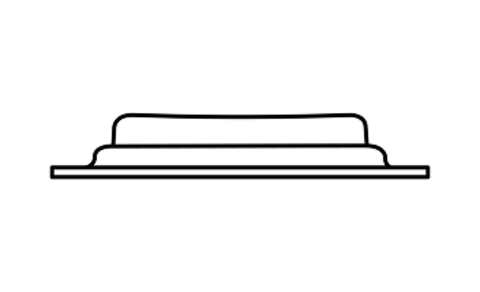
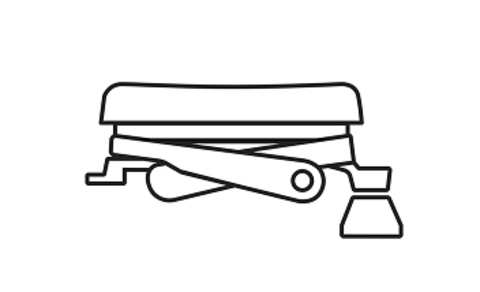
Classic keys use membrane switches for a soft, cushioned press, while scissor keys offer a crisper, more responsive feel with uniform feedback no matter where you press
Key type
Classic or scissor keys
Classic, scissor keys
Classic
Dials
Screen
Additional controls
Stand type
Removable (magnetic)
Integrated
Cable length
1.5 m (5 ft)
1.5 m (5 ft)
Weight
270 g (.6 lb) with stand
160 g (.4 lb)
Dimensions
D x W x H
118 x 84 x 25 mm
(4.6 x 3.3 x 1.0 in)
(without stand)
84 × 60 × 58 mm
(3.3 × 2.4 × 2.3 in)
Software
Software included
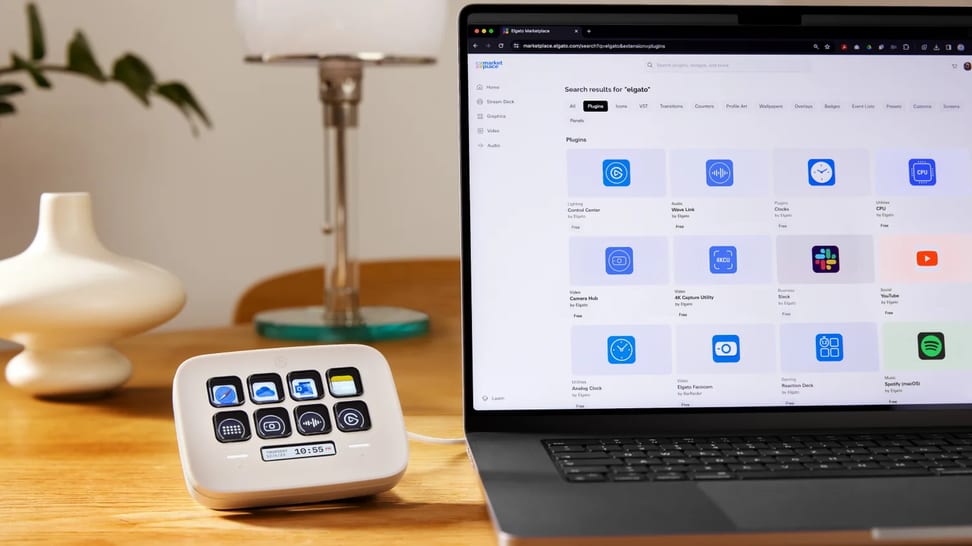
Browse community plugins, profiles, and icons to expand your setup
Marketplace integration
Customizable Stream Deck keys that live right on your screen
Virtual Stream Deck
Free virtual keypad
Extend what Stream Deck can do with direct control of your apps, hardware, and games
Plugins
Third-party integrations
Save layouts for apps and workflows and switch between them automatically or manually
Profiles
Access additional layouts, like having multiple Stream Decks in one
Pages
Nest more actions behind a single key and expand them with a tap
Folders
Trigger a sequence of actions with a single touch
Multi Actions
One key, three actions—assign different behaviors to a press, double-press, or press-and-hold
Key Logic
Compatibility
OS
Windows, macOS
Windows, macOS
Indicates the port type needed for best performance, without using an adapter
Connection type
Recommended USB port
USB 2.0 (or later) Type-A
USB 2.0 (or later) Type-C
Indicates compatibility
Accessories
Faceplates, Network Dock
Network Dock
DIVE DEEP
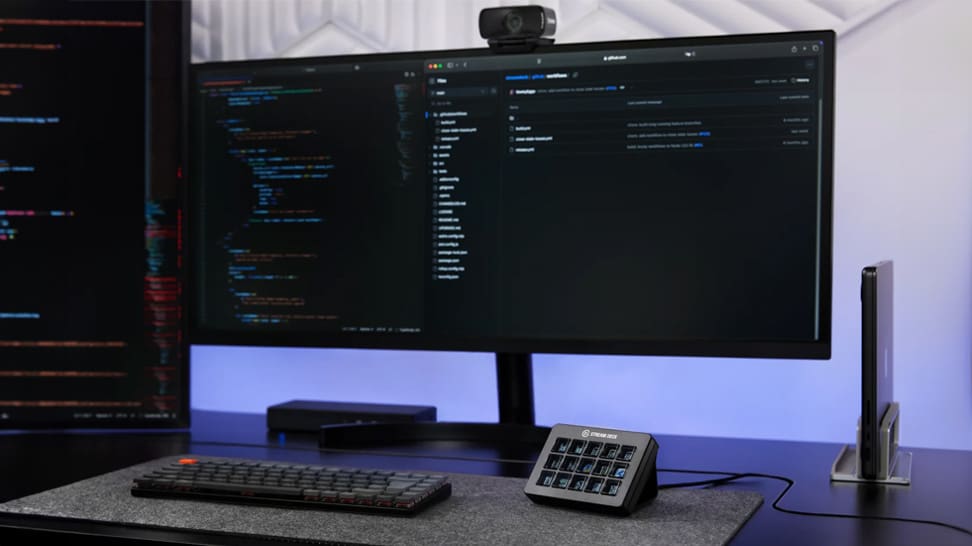
Explore how Stream Deck empowers creators with customizable keys, smart profiles, and seamless app integration — making every workflow faster, smoother, and more creative.