Skip to Main content
CHF 359.90

Wave XLR Pro

Integrated Audio Matrix

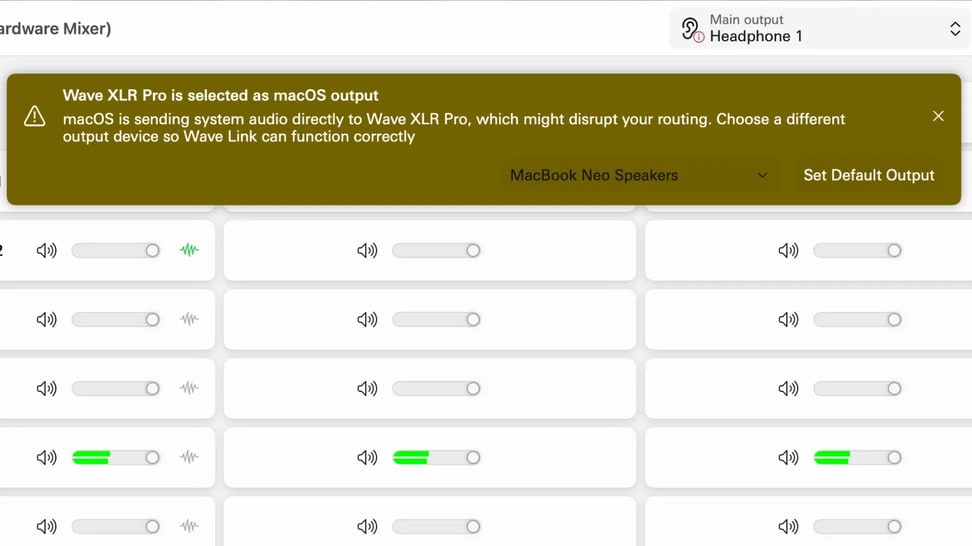
Built for modern workflows, Wave XLR Pro delivers onboard effects with real-time processing, VST effects integration, and full control through Wave Link. Its software-driven architecture gives you the kind of flexibility traditional gear can’t match—all powered by Wave FX Processor.

NOTHING COMES CLOSE

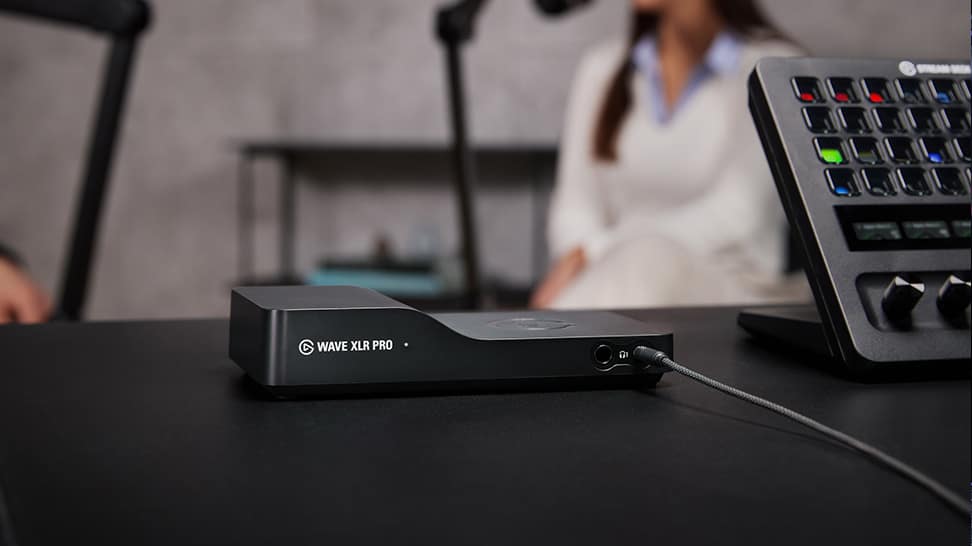
Wave XLR Pro drops a full-sized mixing desk in the palm of your hand. But it’s more than a mixer. It’s a powerful audio matrix that pairs hyper-customizable routing with all the right connections, unlocking capabilities mixers simply can’t match. Creators, podcasters, anyone who’s serious about audio—this is the solution you’ve been waiting for. No workarounds. All flow.

AT A GLANCE

Hardware

GIVE YOUR SETUP SUPERPOWERS

We didn’t just add connections—we added the right ones. For co-hosted studios with remote guests, channels powered by fully stacked setups, and solo projects destined to grow. Whatever your workflow, Wave XLR Pro brings all your gear together.

WAVE FX

The Pro in the Processor

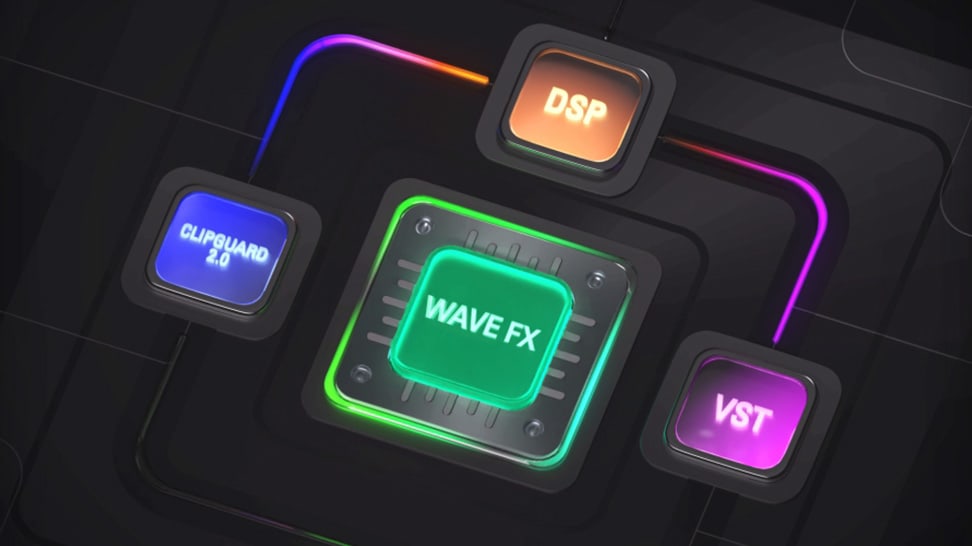
Your voice flows through Clipguard, onboard DSP, and VST effects in one continuous signal path. So you get studio-grade sound with super-responsive monitoring, but none of the routing complexity.

Workflows

ANY SETUP IMAGINABLE

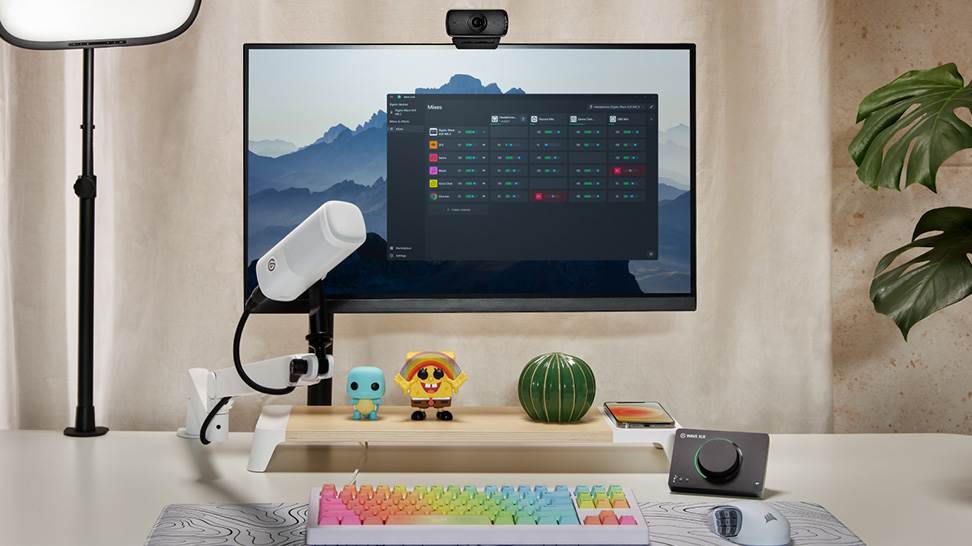
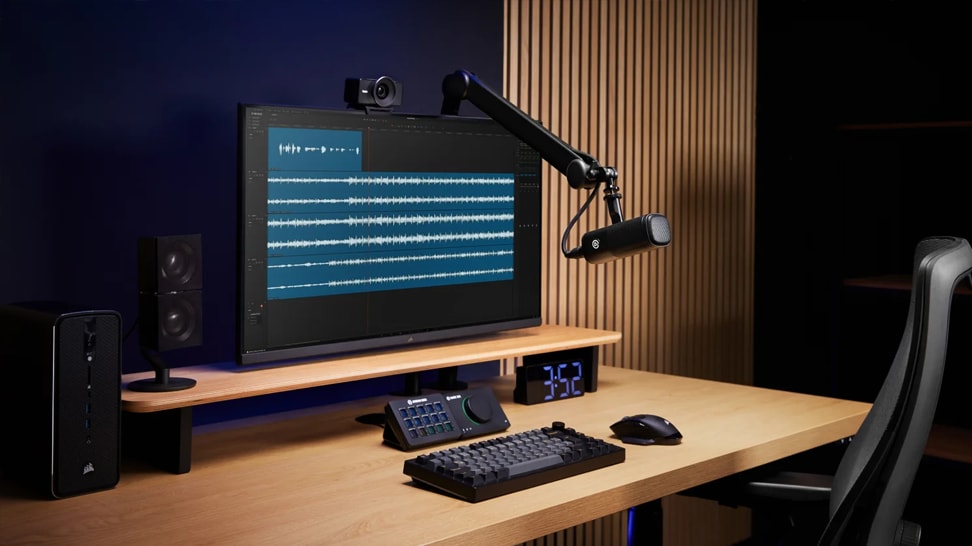
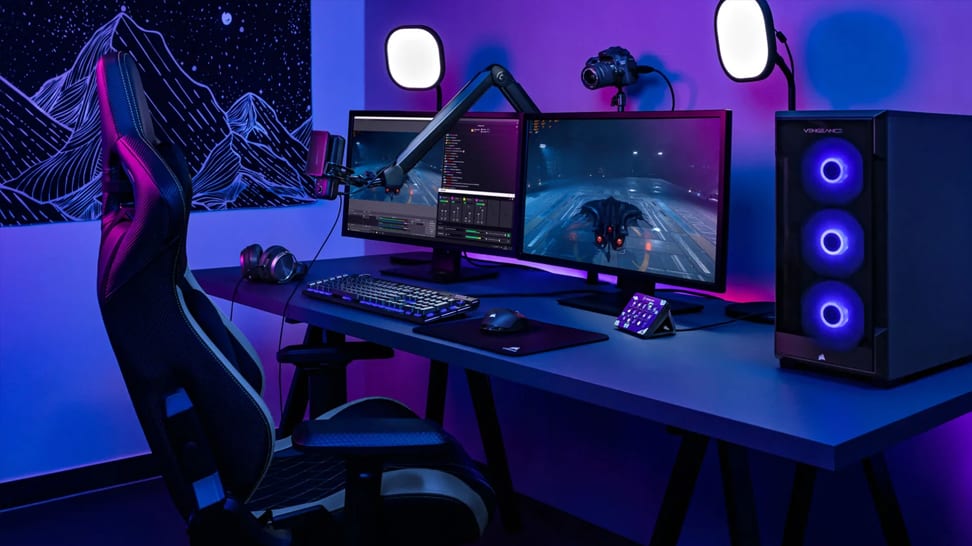
Workflows that require workarounds now connect and scale without friction. From dual-mic setups to complex production studios, your gear becomes a seamlessly integrated ecosystem. So what once felt hacked together now feels streamlined and fully under your control. Everything just works.

With stream deck

TACTILE CONTROL, PERFECTED

Paired with Wave XLR Pro, Stream Deck + XL becomes the tactile controller for your entire signal chain. And because it’s a Stream Deck, it extends far beyond audio to lighting, video, apps, everything. Two devices. One surface. Universal control.

ECOSYSTEM

THIS IS WAVE

A new generation of audio tools for creators. Hardware and software working together as one, taking the friction out of great sound. Welcome to the new standard.

FROM THE BLOG

Explore tips and techniques to help you get the most from Wave XLR Pro.
Give Your Setup Superpowers

Give Your Setup Superpowers

Two mics, five mixes, eight onboard effects, and routing that handles any workflow. Meet Wave XLR Pro.

GoXLR vs Wave XLR Pro: What You Need to Know

GoXLR vs Wave XLR Pro: What You Need to Know

Comparing GoXLR to Wave XLR Pro. Two XLR inputs, five mixes, VST support, and dual USB-C in one device.

Wave XLR Pro and Dual-PC Streaming, Explained

Wave XLR Pro and Dual-PC Streaming, Explained

Connect your gaming and streaming PC through a single device. Here's how Wave XLR Pro handles audio routing across two machines.

Wave XLR Pro: What's the difference between USB Host and USB Aux

Wave XLR Pro: What's the difference between USB Host and USB Aux

How USB Host, USB Aux, and line I/O work together on Wave XLR Pro.

How Elgato Wave XLR Pro's Standalone Mode Works

How Elgato Wave XLR Pro's Standalone Mode Works

Wave XLR Pro can run without a PC — here's what Standalone Mode does, how to set it up, and when to use it.

How to connect your Console to Wave XLR Pro

How to connect your Console to Wave XLR Pro

Connect PlayStation 5, Xbox Series S|X, or Nintendo Switch to Wave XLR Pro. Which port to use, how to set it up, and how to route audio back to your console.

Software Overview

Software Overview

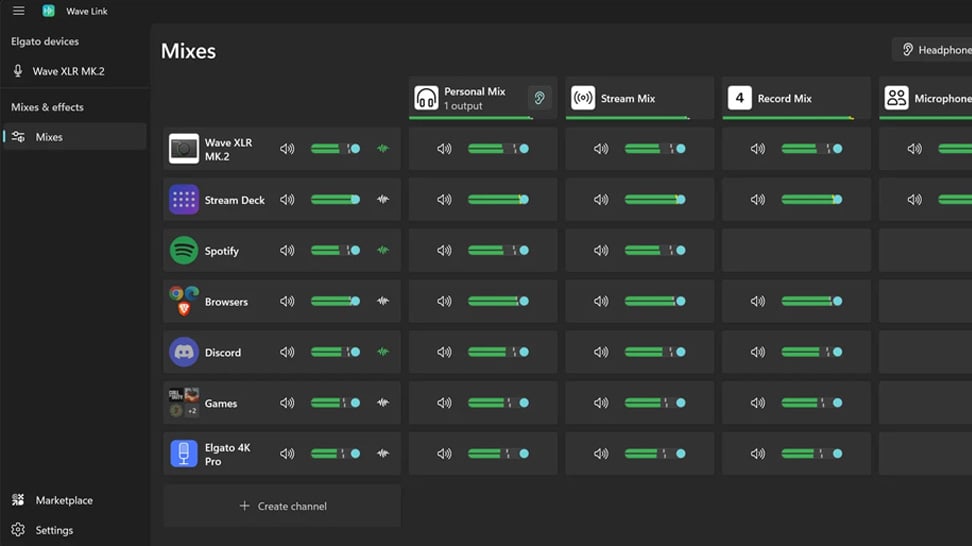
Mix, route, and apply effects to all your audio with Wave Link 3.0. Free for Windows and macOS and works with any mic.

Wave FX: Studio-grade sound from your mic

Wave FX: Studio-grade sound from your mic

Learn what Wave FX does for your audio. Clipguard 2.0, onboard DSP effects, and VST Inserts deliver consistent sound across all apps.

What Is Clipguard 2.0? How Elgato Prevents Audio Clipping

What Is Clipguard 2.0? How Elgato Prevents Audio Clipping

Learn how Clipguard 2.0 prevents audio distortion at the hardware level, so your stream or recording stays clean no matter what.

How to Install and Use Audio Effects from Marketplace

How to Install and Use Audio Effects from Marketplace

Learn which USB microphones, XLR setups, and audio interfaces are compatible with Wave Link—and how to start mixing right away.

Wave Link 3.0: Soundboard and Music for Voice Chat and Gaming

Wave Link 3.0: Soundboard and Music for Voice Chat and Gaming

Learn how to play music and sound effects through in-game VOIP with Wave Link. Route any audio into proximity chat. Free on Windows and macOS.

Which Microphones work with Wave Link

Which Microphones work with Wave Link

Wave Link supports any USB mic, XLR interface, or headset your PC recognizes. Mix, route, and add effects. No Elgato hardware required.

Wave Link 3.0: How to use it for Productivity

Wave Link 3.0: How to use it for Productivity

Organize meetings, music, and notifications into separate channels you control. Wave Link 3.0 is free and works with any mic.

Wave Link Plugin for Stream Deck: Hands-On Control for Your Audio Mix

Wave Link Plugin for Stream Deck: Hands-On Control for Your Audio Mix

Control your entire audio mix from Stream Deck. Adjust volume, mute channels, toggle effects, and switch outputs with Wave Link plugin.

Voice Tune: What It Is and How to Use It

Voice Tune: What It Is and How to Use It

Voice Tune makes your audio sound more consistent and polished. Learn how it works and how to adjust it on compatible Wave devices.

What is VST Insert? Audio Effects That Work in Every App

What is VST Insert? Audio Effects That Work in Every App

Learn how VST Insert integrates audio effects into your hardware signal flow so every app gets the same processed mic audio.

Upgrading from Wave Link 2.0 to Wave Link 3.0

Upgrading from Wave Link 2.0 to Wave Link 3.0

Moving from Wave Link 2.0 to 3.0? Here's what to expect, what to set up again, and how to get running quickly.

What does a compressor actually do?

What does a compressor actually do?

Learn how compression balances your audio by reducing loud peaks and boosting quieter sounds—so your voice stays clear, consistent, and professional.

What is a Cloudlifter?

What is a Cloudlifter?

Learn how a Cloudlifter boosts low-output microphones with clean gain—giving you stronger, clearer audio without added noise.

Play sounds through your mic

Play sounds through your mic

Trigger sound effects, memes, or voice clips directly through your microphone using Stream Deck—perfect for streams, chats, and calls.