Explorer
ONTDEK

AANBEVOLEN ARTIKELEN
How To
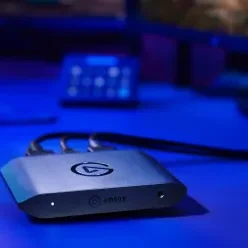
Play GTA 6 at 60 or 120 fps on PS5 or Xbox Series X|S with a capture card and frame generation. Setup for NitLink, Veyra, and Lossless Scaling.
How To
Ontdek hoe je GTA 6 op de PS5, PS5 Pro of Xbox Series X|S kunt streamen of opnemen met een 4K X-opnamekaart, met behulp van OBS Studio of Elgato Studio.
BLOG
Bespaar tot 30% op geselecteerde Elgato-producten. Vroege Black Friday-aanbiedingen zijn live op elgato.com. Kijk bij uw regio om te zien wat er momenteel in de aanbieding is.
LAATSTE
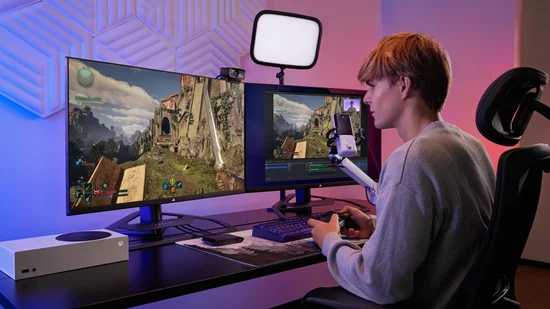
BLOG
Streamen vanaf een console of pc? Ontdek wanneer een opnamekaart nodig is, wanneer niet, en waar je op moet letten als je er een nodig hebt.
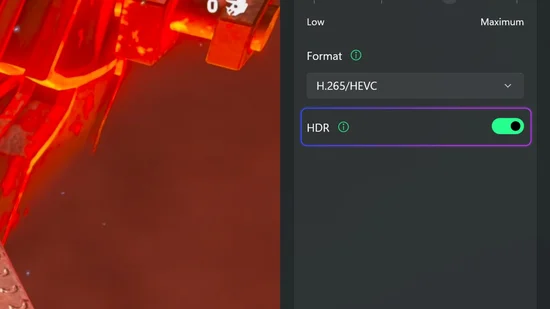
BLOG
Ontdek wat HDR-opnames in Elgato Studio doen en hoe ze zorgen voor rijkere kleuren, helderdere hoge lichten en meer detail in je opnames.
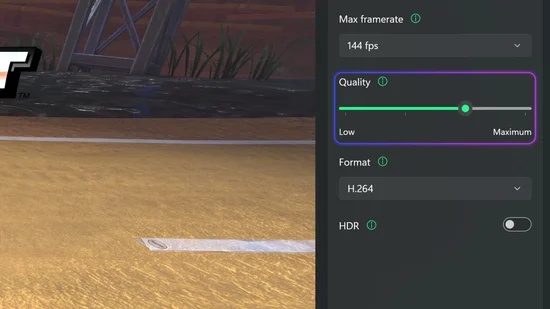
BLOG
Ontdek wat de instelling voor opnamekwaliteit in Elgato Studio doet en hoe deze van invloed is op de bestandsgrootte, de detailweergave en de opslagruimte voor je opnames.
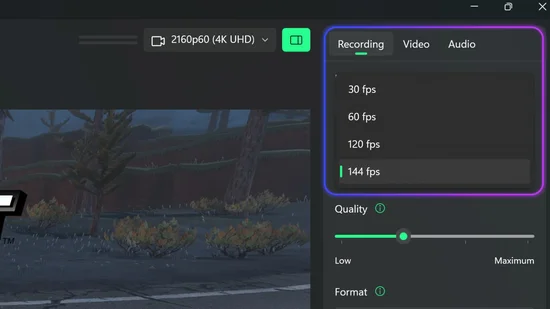
BLOG
Ontdek wat de instelling voor de maximale framerate in Elgato Studio doet en hoe je voor je opnames kunt kiezen tussen 30, 60, 120 en 144 fps.
BLOG
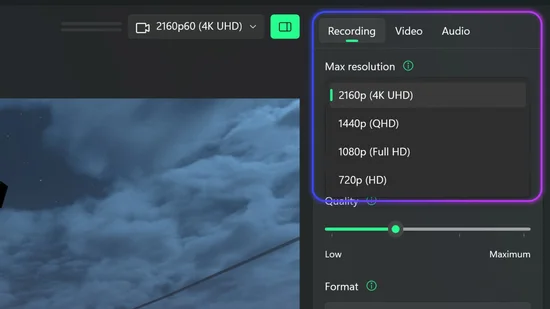
Ontdek wat de instelling voor de maximale resolutie in Elgato Studio doet en hoe je voor je opnames kunt kiezen tussen 4K, 1440p, 1080p en 720p.
BLOG
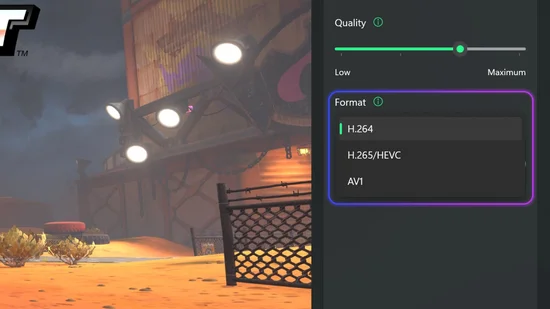
Ontdek welk opnameformaat je in Elgato Studio moet gebruiken. Vergelijk H.264, HEVC en AV1 op het gebied van compatibiliteit, bestandsgrootte en HDR-ondersteuning.
BLOG
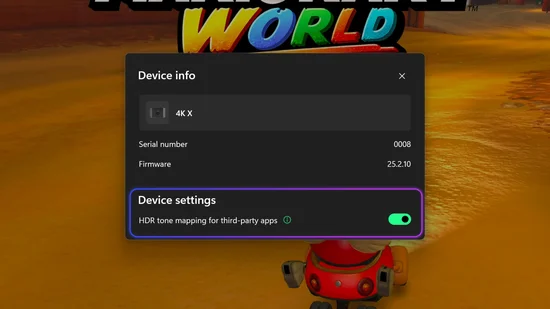
Ontdek wat de schakelaar voor toonmapping in Elgato Studio doet en hoe deze ervoor zorgt dat apps van derden HDR-bronnen correct weergeven.
MANUAL
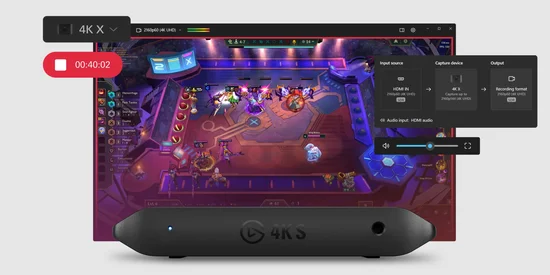
Ontdek hoe je Elgato Studio instelt en gebruikt om gameplay te bekijken, op te nemen en vast te leggen op Windows en macOS.
NEWS
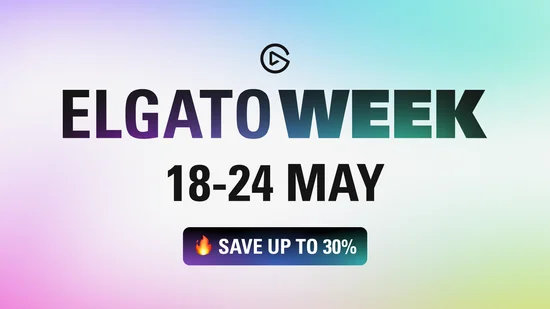
Elgato Week runs May 18–24. Save up to 30% on Stream Deck, Wave, capture cards, and more.
Choosing Your Gear
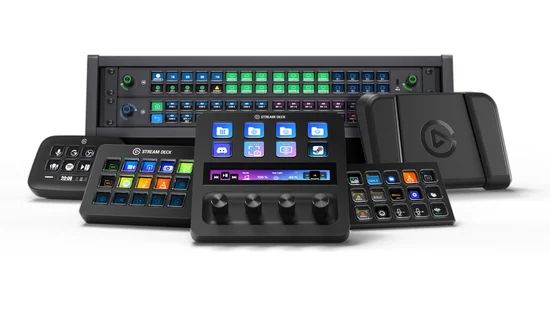
Bekijk alle toetsenborden, controllers en apparaten die standaard compatibel zijn met de Stream Deck-app, van Elgato-hardware tot CORSAIR-toetsenborden met G-Keys.
BLOG
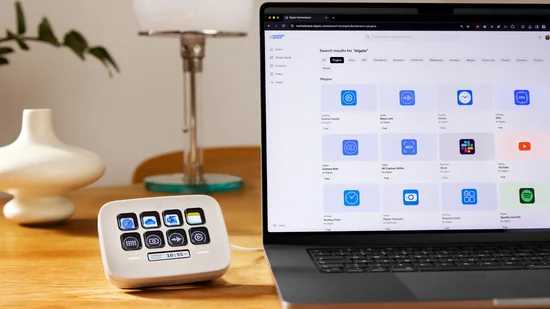
Ontdek de beste Stream Deck-plug-ins voor je werk, van PowerPoint en Slack tot timers, audio-omschakeling en nog veel meer.
How To
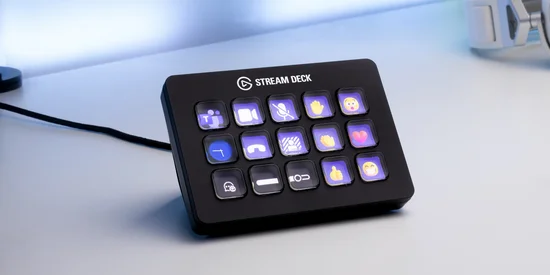
Stel Stream Deck-sneltoetsen in om het geluid te dempen, de camera in of uit te schakelen, je scherm te delen en Teams-vergaderingen te bedienen, zonder dat je de toetsencombinaties hoeft te onthouden