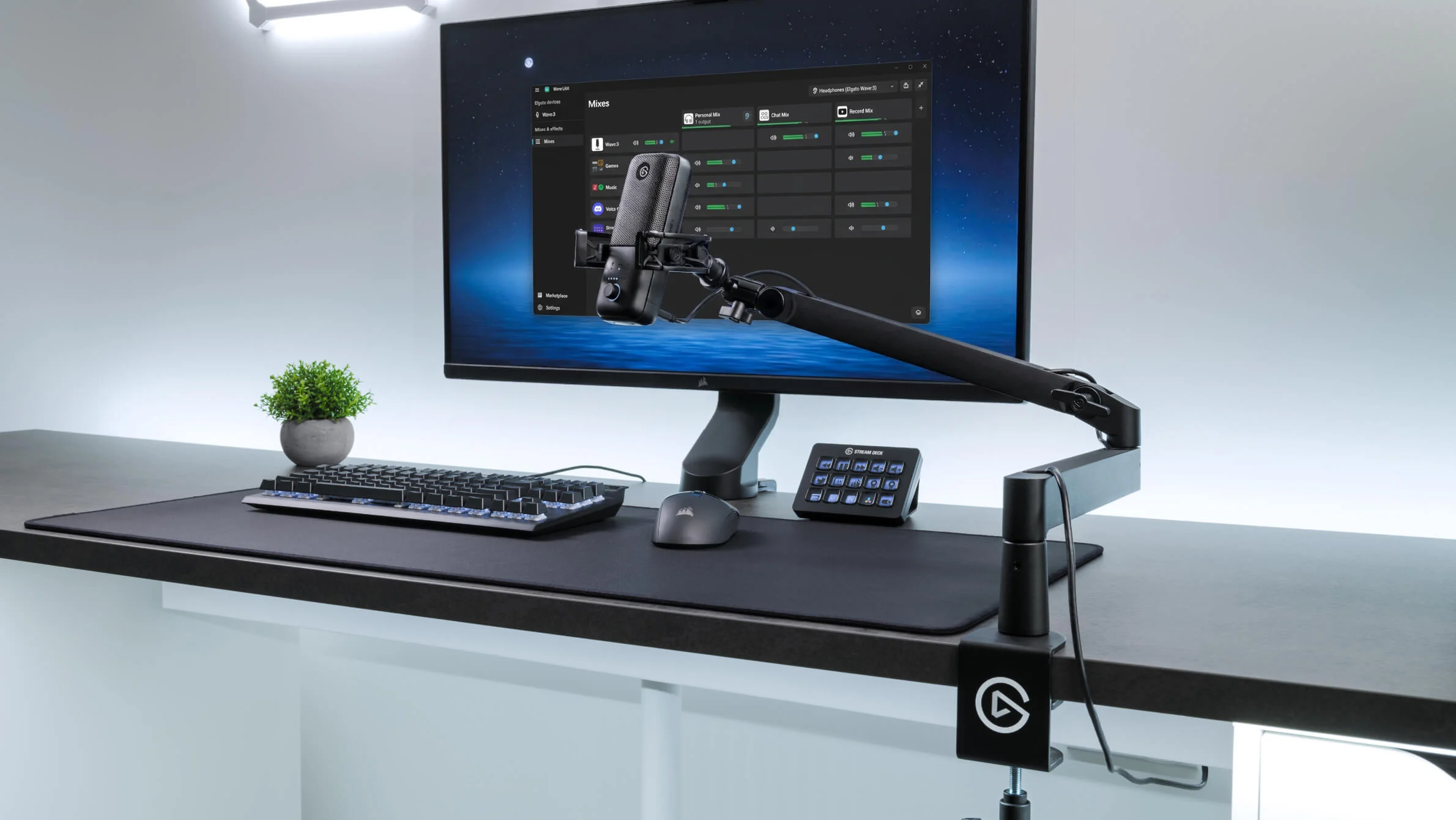
Wave Mic Arm LP - Weiß
Low Profile Mikrofonarm
4.6(68 reviews)
Wave Mic Arm LP ist ein niedriger Schwenkarm in Studioqualität für Premium-Mikrofone, der unter Schulterniveau bleibt und dir freie Sicht lässt.


Voice Focus is Elgato’s AI-powered audio effect that makes your voice sound clear and professional in any environment. Available as a VST3 and AU plugin.
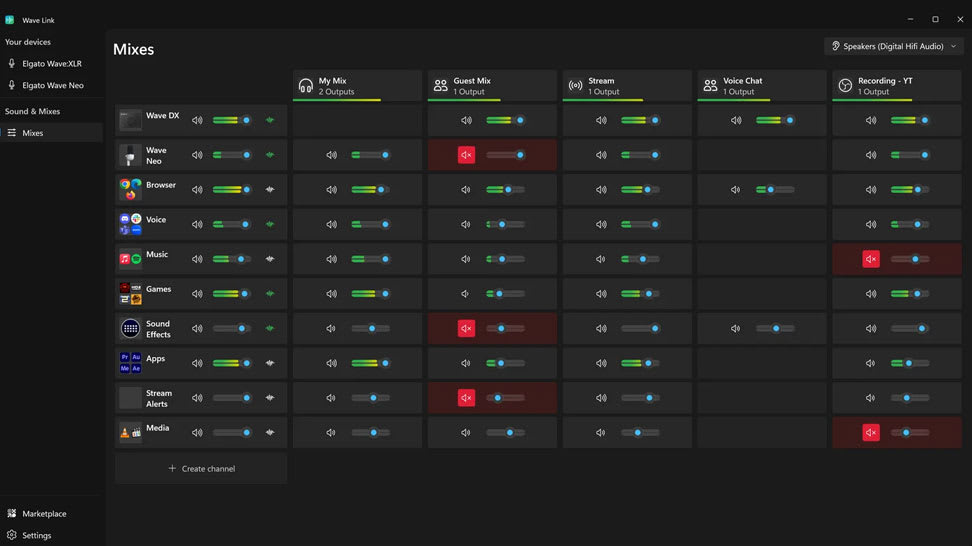
Learn how Wave Link 3.0 transforms your workflow with powerful tools for creators — from advanced routing to streamlined audio control.
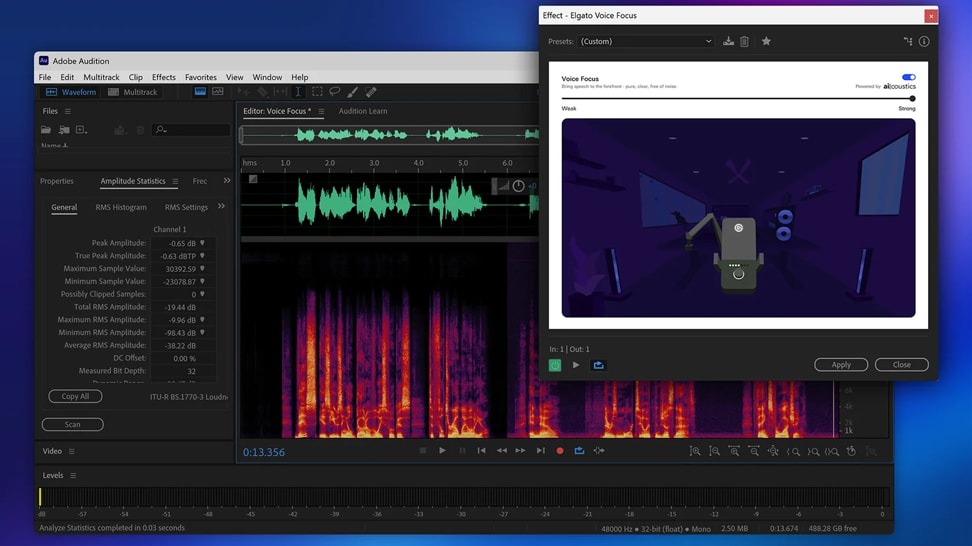
Download a VST3 from Marketplace, install it, and start using pro-level audio effects in Wave Link or your DAW.
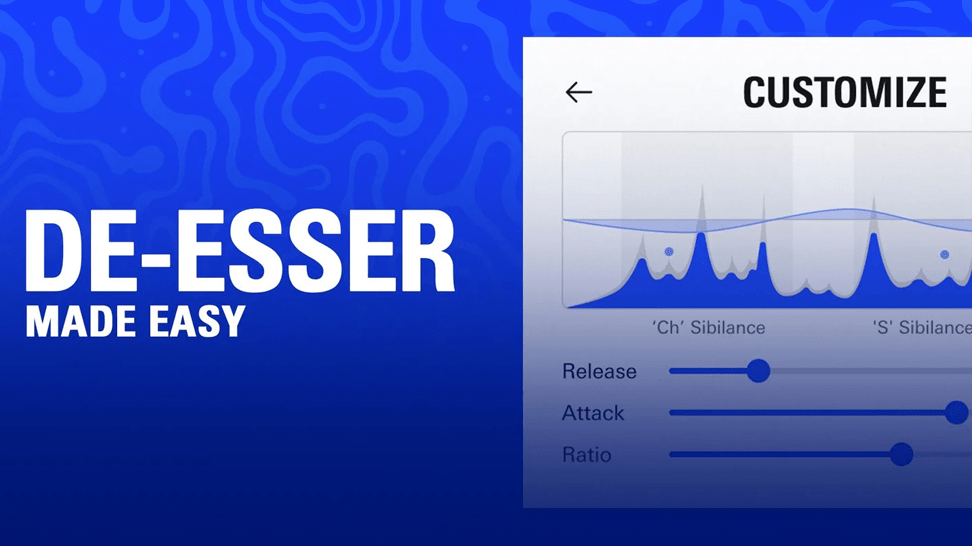
Tired of piercing “S” sounds in streams or podcasts? De‑Esser automatically detects sibilance and softens harsh highs — no complex setup needed. Ideal for beginners and pros alike.

Whether you stream or record, Wave Cast links your gaming PC and streaming PC and routes audio seamlessly — game sound, mic input, alerts or chat — all with minimal delay and no extra hardware.
The most common ones are here.
Can’t find what you’re looking for? Our support team is here to help.
Contact supportWas bedeutet "Low Profile"?
Funktioniert er an meinem Schreibtisch oder Tisch?
Kann ich es woanders als am Tischrand befestigen?
Wie viel Platz wird unter einem Monitor benötigt?
Ist es mit meinem Mikrofon kompatibel?
Kann ich weiterhin meinen Shockmount verwenden?
Kann ich auch andere Geräte als ein Mikrofon montieren?
Hat es Kabelmanagement?
Was ist der Unterschied zwischen Wave Mic Arm LP und Wave Mic Arm?
Was ist der Unterschied zwischen Wave Mic Arm LP und Wave Mic Arm Pro?