Stream Deck
EXPLORER LES PRODUITS ET L'EXPERTISE
How To
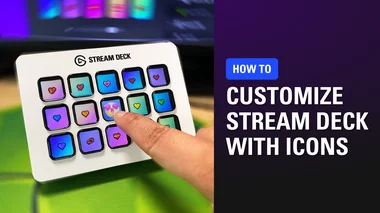
Apprenez à ajouter des icônes Stream Deck, téléchargez gratuitement des packs d'icônes depuis Elgato Marketplace et créez vos propres designs personnalisés.
How To
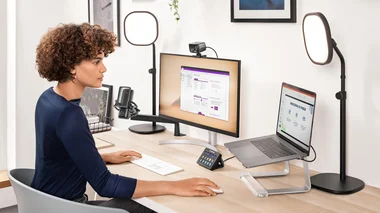
Vous souhaitez déployer des profils Stream Deck sur un réseau ? Voici comment procéder en quelques étapes simples.
How To
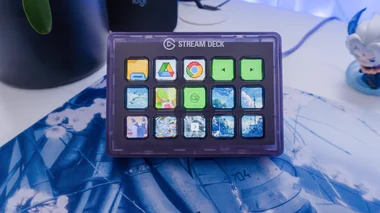
Apprenez à configurer des profils intelligents sur Stream Deck afin que la disposition de vos touches change automatiquement lorsque vous passez d'une application à l'autre.
How To
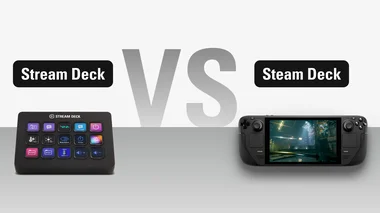
Même nom « Deck », appareils totalement différents. Découvrez comment Stream Deck optimise la création de contenu et la productivité, tandis que Steam Deck vous permet d'emporter vos jeux PC partout avec vous.
How To
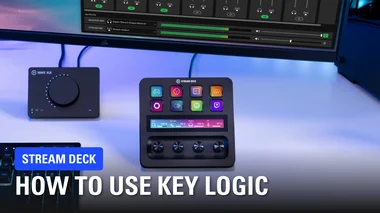
Attribuez jusqu'à trois actions à une seule touche grâce à la fonction Key Logic dans Stream Deck 7.0 ou version ultérieure.
Plugins
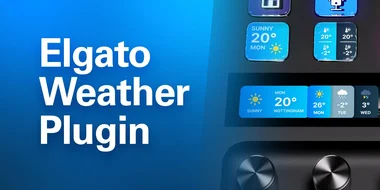
Obtenez des mises à jour météo en temps réel sur votre Stream Deck, Stream Deck +, Neo ou Virtual Stream Deck. Vérifiez les conditions actuelles et les prévisions sans quitter votre flux de travail.
How To
Utilisez Stream Deck pour changer de scène, basculer entre les caméras et gérer les enregistrements dans Camo Studio pour iPad. Guide complet des actions prises en charge.

How To
Stream Deck Mobile vous offre six touches gratuitement. Essayez-le dès aujourd'hui sur iOS ou Android.

How To
Stream Deck est officiellement certifié Zoom. Découvrez ce que cela signifie, comment cela peut vous aider lors de vos réunions et quels appareils Stream Deck sont pris en charge.

How To
Prenez le contrôle de vos appels Zoom grâce au plugin Stream Deck. Coupez le son, partagez, réagissez, enregistrez et bien plus encore, du bout des doigts.

How To
Découvrez comment un fan d'Elgato a construit un Stream Deck entièrement fonctionnel dans Minecraft à l'aide de redstone, de capteurs sculk, de Node.js et d'un peu de magie.

How To
Faut-il utiliser des raccourcis clavier ou des plugins avec Stream Deck ? Découvrez les différences.