Explorer
DÉCOUVRIR

ARTICLES EN VEDETTE
How To
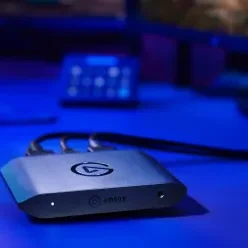
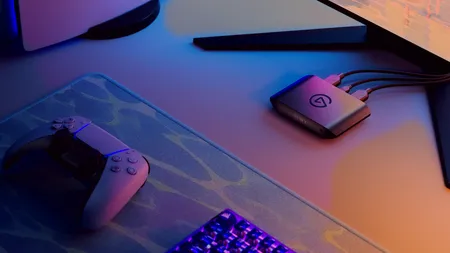
Play GTA 6 at 60 or 120 fps on PS5 or Xbox Series X|S with a capture card and frame generation. Setup for NitLink, Veyra, and Lossless Scaling.
How To
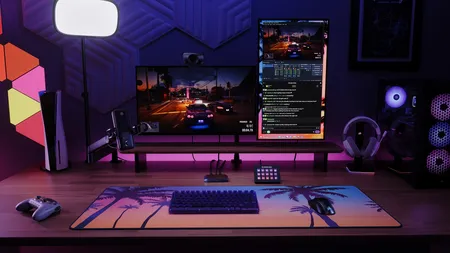
Découvrez comment diffuser ou enregistrer GTA 6 sur PS5, PS5 Pro ou Xbox Series X|S à l'aide d'une carte d'acquisition 4K X, en utilisant OBS Studio ou Elgato Studio.
BLOG
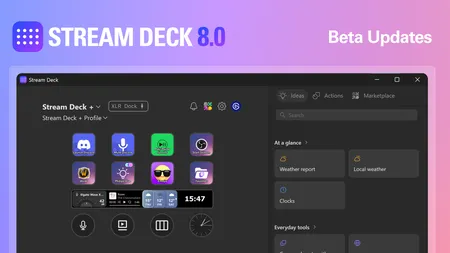
Stream Deck 8.0 intègre la fonctionnalité « Ideas », qui permet de configurer vos touches en un seul clic, ainsi qu’une configuration simplifiée des applications d’IA via MCP. Essayez la version bêta dès maintenant.
DERNIERES

How To
Trouvez la meilleure carte d'acquisition Elgato pour PlayStation 5.