


Facecam
Premium 1080p60 Webcam
Awards
Best Streaming Equipment
BUILD YOUR SETUP
Bundle video gear and save more with every piece you add.
Start buildingSubtotal
Bundle video gear and save more with every piece you add.
Start buildingSubtotal


A custom prime lens and state-of-the-art Sony® sensor work together to capture more light, creating an image that's as detailed as it is true-to-color. It's a powerful duo that keeps you looking clear, even in dim conditions.
/Facecam-_General_---Explorer---Article-4.jpg)
Learn how to connect and set up your Elgato webcam for live reactions, video calls, and streaming directly from your Nintendo Switch.
/Facecam-_General_---Explorer---Article-1.jpg)
Learn how to balance highlights and shadows with Camera Hub's Dynamic Range control for crisp, detailed video in any lighting.
/Facecam-_General_---Explorer---Article-2-.jpg)
Learn how to reduce image grain with Camera Hub's Noise Reduction feature for cleaner, sharper video.
/Facecam-_General_---Explorer---Article-3-.jpg)
See how Camera Hub's Low Light Mode automatically adjusts your Facecam settings to deliver bright, detailed video — even after dark.

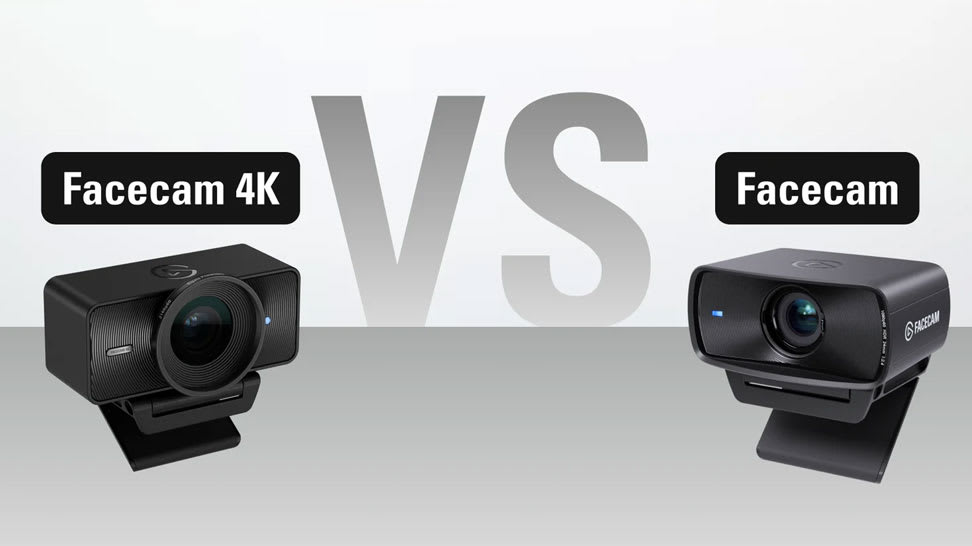
Learn how Facecam 4K and Facecam differ in specs, performance, and price — helping you choose the perfect camera for your setup.
/Explorer/Conferencing_Kit_Article_07b.jpg)
Compare Elgato Facecam Neo, Facecam MK.2, and Facecam 4K for video calls. See which webcam fits your meeting setup, plus the all-in-one Conferencing Kit +.
The most common ones are here.
Can’t find what you’re looking for? Our support team is here to help.
Contact supportWhat’s the difference between Facecam and Facecam MK.2?
Is it fixed focus or autofocus?
Can I adjust the field of view?
Is there a built-in microphone?
Does it work with USB 2.0?
Do I need any special software?
Do my settings stay saved?
Does it work with the Switch 2?
Does it support Windows Hello?