Macropads and Stream Deck both add extra controls next to your keyboard, but they work in fundamentally different ways. A macropad gives you programmable mechanical keys that send shortcuts. Stream Deck gives you LCD keys that show what each one does and connect directly to your apps through plugins.
This guide breaks down how they compare, where each one is stronger, and which one fits the way you work or play.
A macropad is a small, standalone input device with programmable mechanical keys. They range from compact 3x3 grids to full numpad-sized boards, and some include rotary encoders for volume or scrolling.
Most macropads run open-source firmware like QMK or VIA, which lets you remap keys, record macros, and set up multiple layers directly on the device. Once programmed, the keymap is stored on the macropad itself, so it works without any software running in the background.
Common use cases include gaming hotkeys, video editing shortcuts, DAW control, and quick-access macros for coding or design tools.
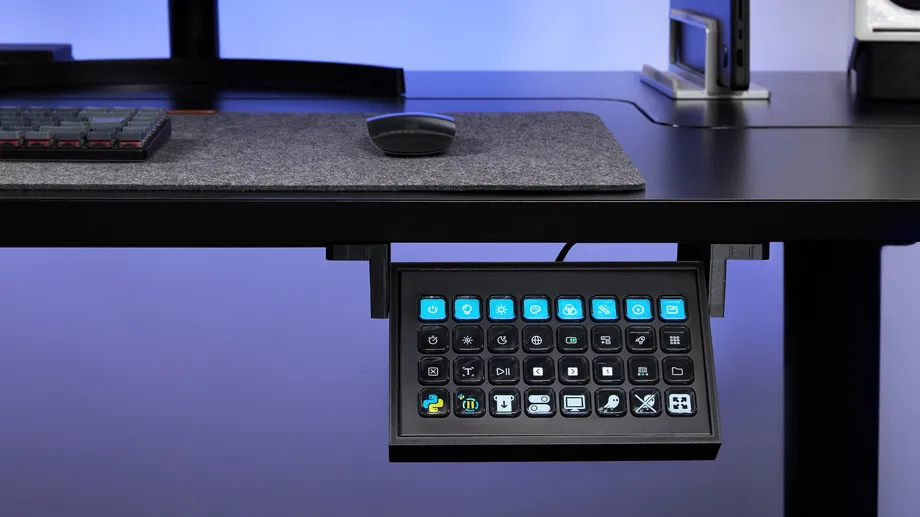
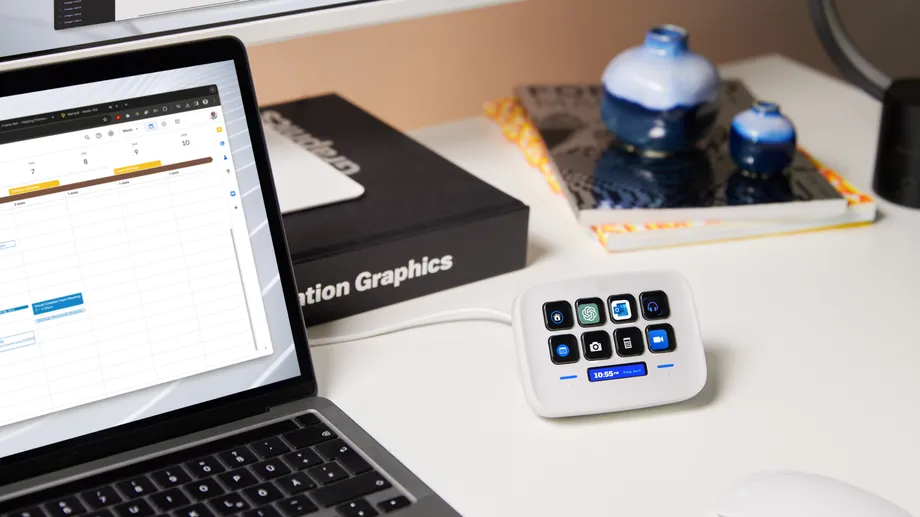
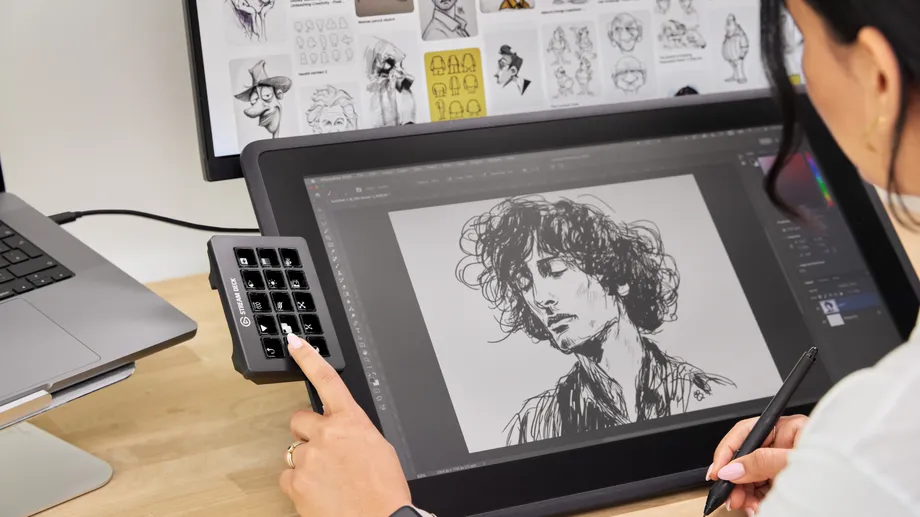
Stream Deck is a line of control surfaces where every key is a small LCD screen. Instead of a static keycap, each key displays a custom icon, label, or live status that updates in real time based on what you’re doing.
Setup happens in Stream Deck app through drag-and-drop. Actions, profiles, and pages are all configured visually, and hundreds of plugins on Elgato Marketplace add direct integration with apps like OBS Studio, Spotify, Discord, Zoom, Philips Hue, and many others.
The lineup includes devices from 6 keys up to 36, with some models adding dials and touch strips for fine-grained adjustments. Stream Deck + and Stream Deck + XL pair LCD keys with rotary dials, and GALLEON 100 SD builds Stream Deck directly into a full mechanical keyboard.
A macropad sends keystrokes. That covers a lot of ground, since most apps support keyboard shortcuts, but the macropad has no awareness of the app it’s controlling. The keycaps are static, so once you start using layers, there’s no on-device indication of which layer is active or what each key currently does. You rely on memory.Stream Deck keys show exactly what each one does at any given moment. Icons update in real time, and Smart Profiles automatically swap the layout when you switch apps. Instead of simulating keystrokes, plugins communicate directly with the app’s API, giving you deeper, more reliable control without leaving what you’re doing. Our guide on hotkeys vs. plugins walks through the differences.
Macropads give you depth through layers and hardware customization. QMK supports dozens of layers, so you can assign different functions to the same physical key depending on which layer is active. Hot-swappable PCBs let you choose your preferred switch type, and the tactile feedback of real mechanical switches is a genuine advantage for people who care about key feel. The trade-off is that layers are invisible, and the keys don’t change to show what’s on them.
Stream Deck gives you visible depth through profiles, pages, and folders, all displayed on the keys themselves. Icons and icon packs make layouts easier to scan at a glance. Profiles can switch automatically through Smart Profiles, and Multi Actions let you trigger a sequence of commands from a single key. The keys feel softer than a mechanical switch, which is a trade-off most users accept for the visual feedback. Models with dials (Stream Deck +, Stream Deck + XL, GALLEON 100 SD) add a more tactile control option for things like volume, timeline scrubbing, or brush size.
Macropads generally start lower. Basic options with 9 to 12 keys can be found for well under the cost of a Stream Deck Mini, and even premium aluminum QMK boards with hot-swap switches and rotary encoders tend to land below mid-range Stream Deck pricing.
Stream Deck’s price reflects the LCD screens, software platform, and plugin ecosystem built into every device. That includes the full Stream Deck app, access to Elgato Marketplace, and hundreds of free plugins out of the box. The lineup scales from compact, entry-level models up to large-format professional units. Our Stream Deck Device Comparison Guide breaks down what each model offers if you want to compare across the lineup.
The line between macropads and Stream Deck has been narrowing. GALLEON 100 SD combines a full mechanical keyboard (with MLX Pulse switches and 8,000 Hz polling) with 12 Stream Deck LCD keys, two dials, and a built-in 5-inch display. It’s a single device that delivers mechanical key feel for gaming alongside dynamic LCD keys for everything else. If you’ve been weighing one against the other, our GALLEON 100 SD overview covers how that integration works in practice.
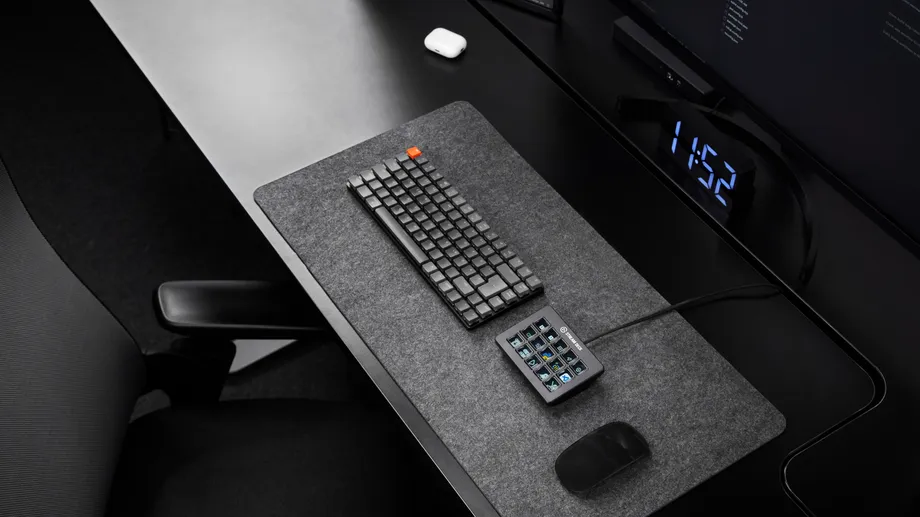
Some users also pair the two: a macropad for fast, fixed gaming inputs and Stream Deck for app control and production workflows. There’s no rule that says you have to pick one.
If you need a handful of reliable shortcut keys and you value mechanical feel, a macropad is a practical choice. If you want your controls to adapt to what you’re doing, show you real-time information, and integrate with the apps you use every day, Stream Deck gives you more room to build. Gamers can explore setups for specific titles in our guide on using Stream Deck for gaming.
Browse plugins, profiles, and icons on Elgato Marketplace to see what’s possible, or compare the full lineup in our Stream Deck device comparison guide to find the right fit.
PRODUCTS IN ARTICLE
Stay up to date with Elgato. Get our latest News, Guides, and Product Updates in your Google feeds.
Add Elgato as a preferred sourceThanks for helping us improve this article.