快速启动指南
Elgato Game Capture 4K S — 快速入门指南
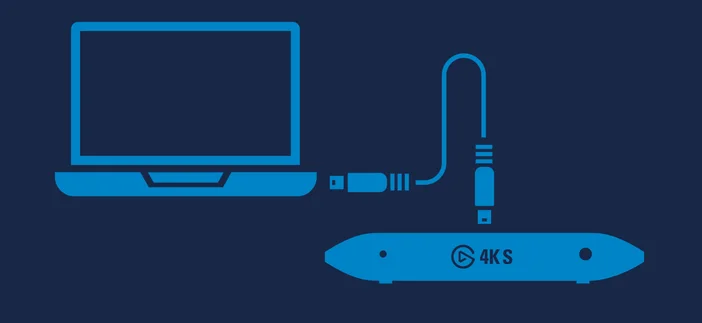
1. 使用随附的 USB 线将 Game Capture 4K S 连接到计算机。
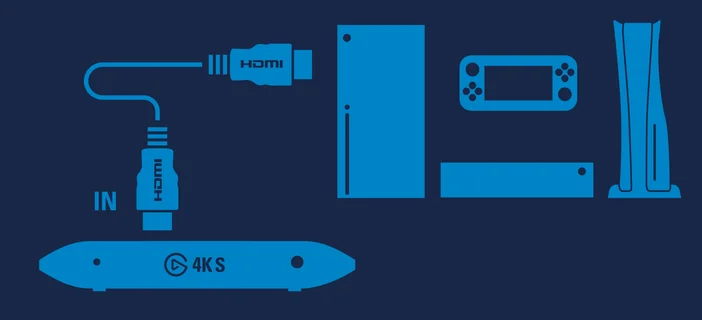
2. 将您的游戏主机或视频信号源连接到 Game Capture 4K S 上的 HDMI 输入端口 (IN)。
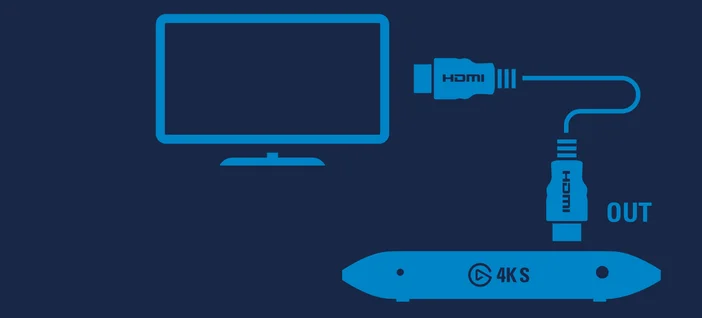
3. 将 Game Capture 4K S 的 HDMI 输出端口 (OUT) 连接至显示设备。
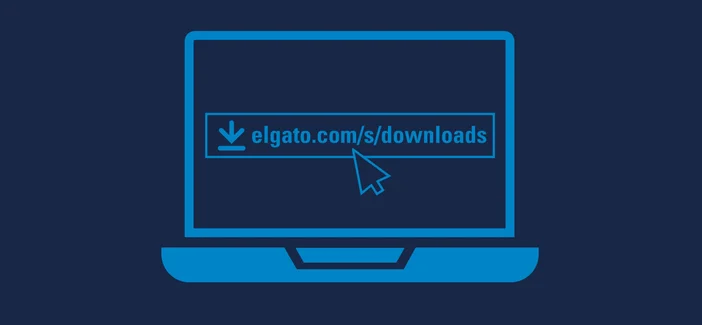
4. 下载并安装Elgato Studio。