If you are looking for a Stream Deck, you might be wondering which one is right for you. Some have more keys, some add dials and a touch strip, there is one built directly into a keyboard, and there is even a mobile option.
With several models available, here is what each one offers and how to figure out which one fits your setup.
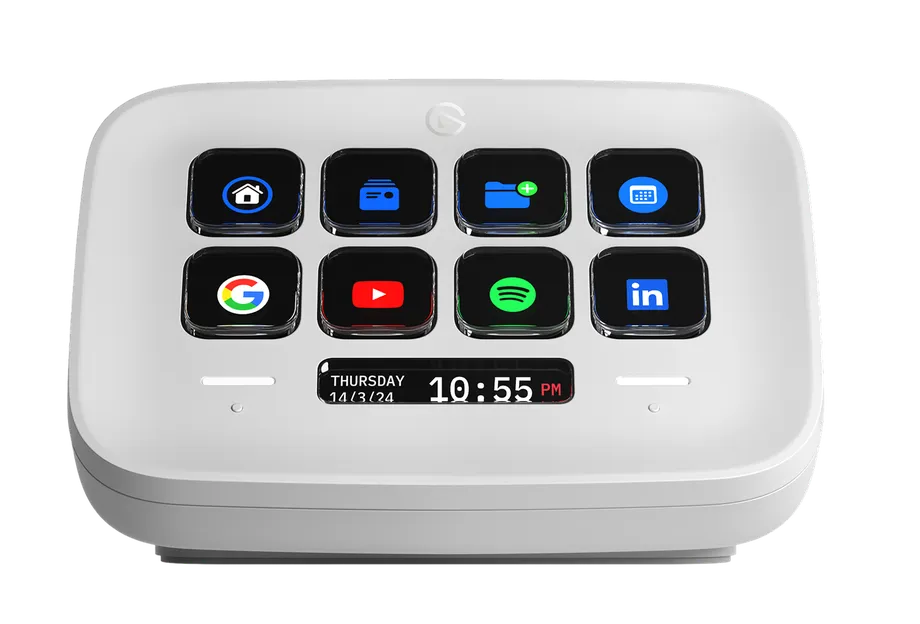
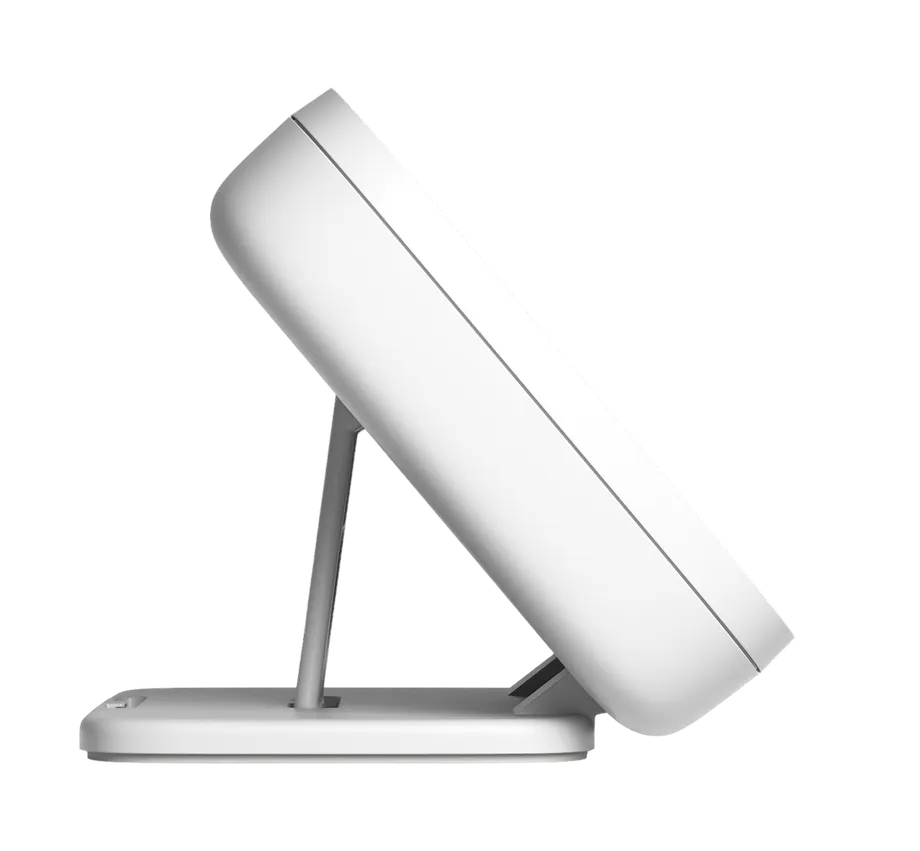
Stream Deck Neo is great if you want something simple but still powerful.
Neo keeps things simple. You get enough keys to cover core shortcuts, app controls, or streaming tools, and the touch points make it easy to flip between pages when you need more.


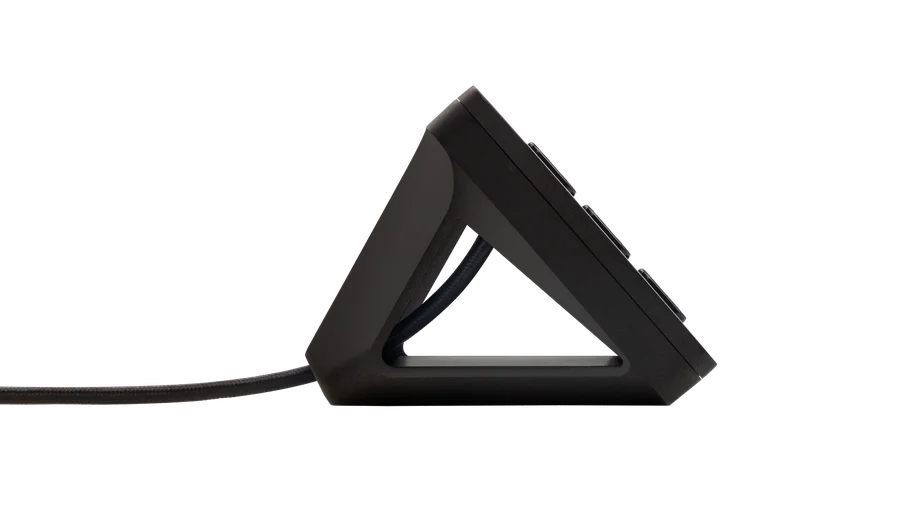

With 15 keys, Stream Deck MK.2 gives you more room to build out your layout.
This model is a solid middle ground. You have enough keys for multiple workflows, and the swappable faceplates let you change the look of the device over time. It works well for streaming, productivity, or general desk use where you want visible shortcuts without taking up too much space.
If you like customizing how your gear looks, this is the only model with interchangeable faceplates.
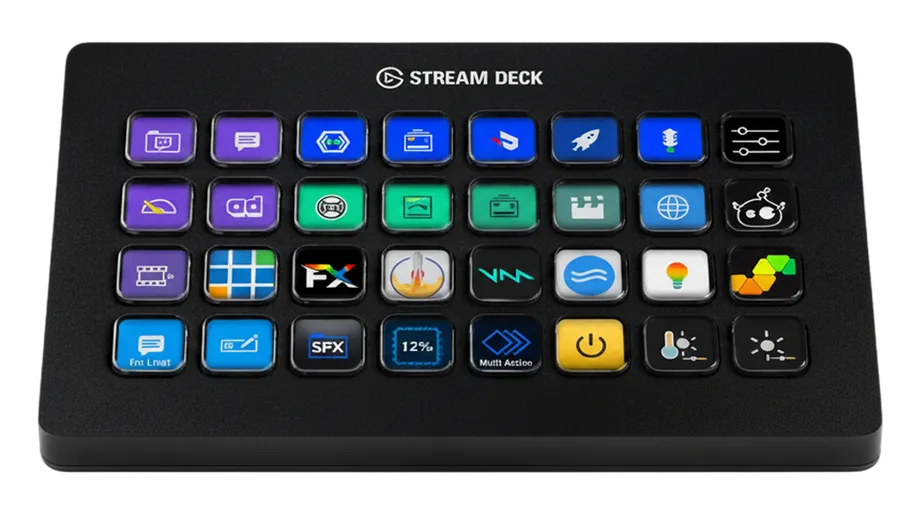
Stream Deck XL has 32 keys arranged in an 8x4 grid, giving you one of the largest key layouts in the lineup.
With 32 keys, you can spread actions across a single page instead of relying on folders or multiple pages to find what you need. That makes a difference when you are managing a live stream, running a broadcast, or working across several apps at once.
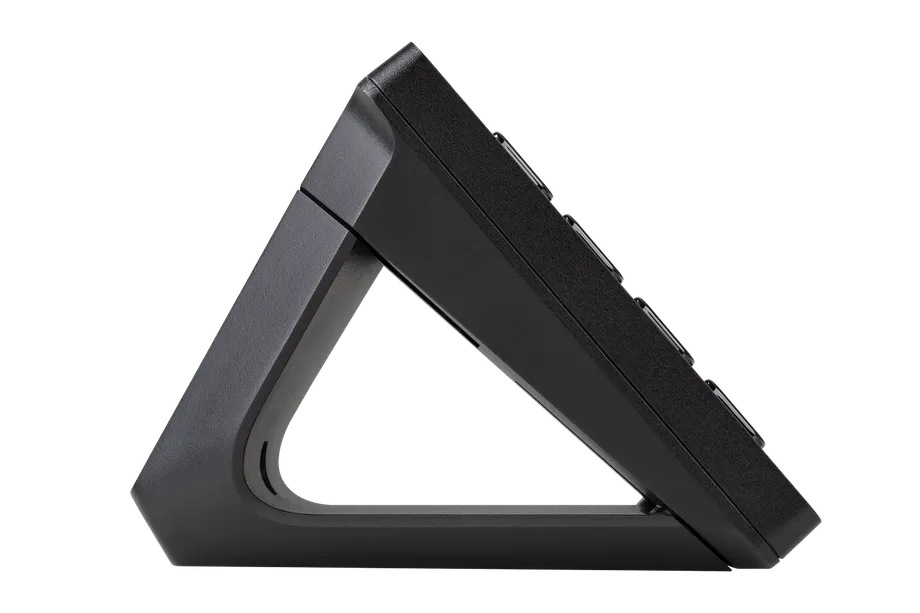
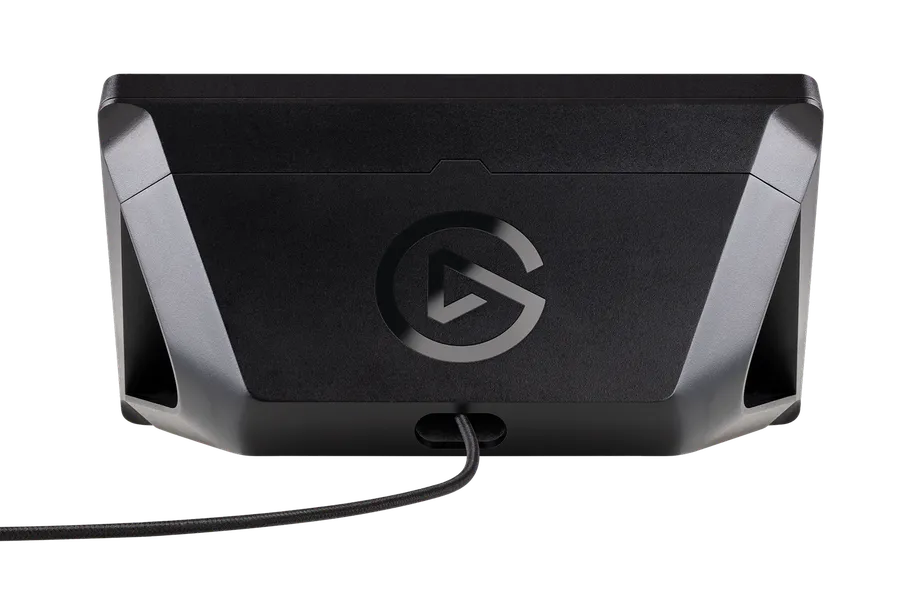


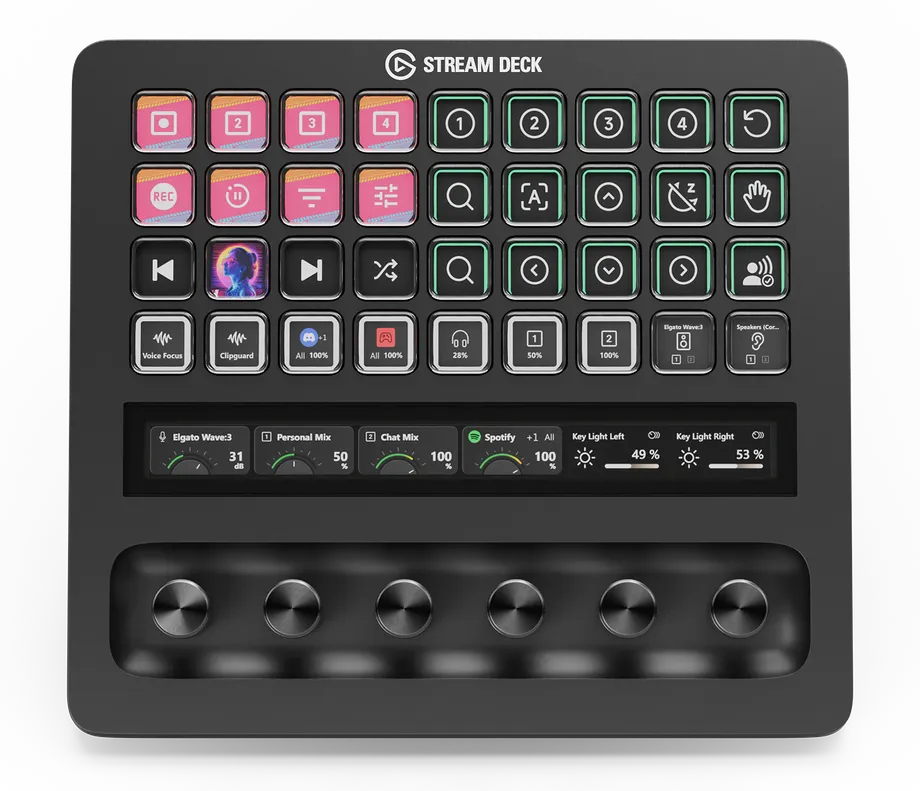
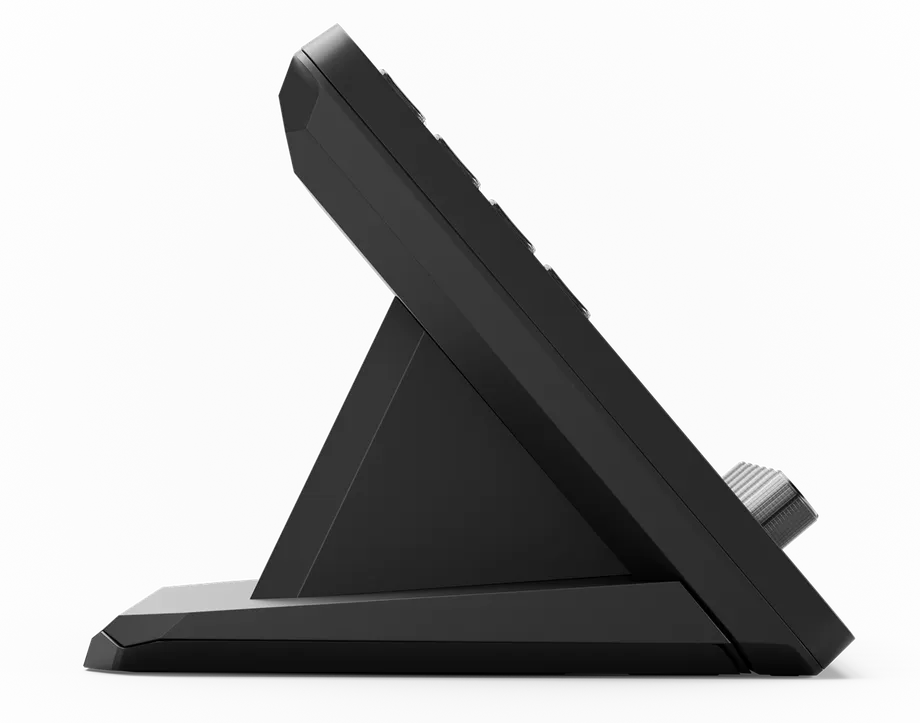
Stream Deck + gives you dials and a touch strip for even more control.
Dials are useful for anything that benefits from gradual adjustment: volume, brightness, scrolling through timelines, or scrubbing through audio. Each dial can be turned, pressed, or assigned multiple functions using Dial Stack or Action Trigger.
If you manage audio sources, work with lighting, or want fine control over settings alongside your keys, Stream Deck + is built for that. It also supports two optional accessories: XLR Dock adds an XLR mic interface with onboard effects, and USB Hub adds extra ports and laptop charging.
Stream Deck + XL is the largest Stream Deck in the lineup, combining 36 keys, 6 dials, and a touch strip in a single device.
This is the model built for larger productions and workflows where you need more simultaneous controls. With 36 keys and 6 dials, you can keep entire systems visible and reachable without paging through layers of actions.
Stream Deck + XL uses the same app, plugins, and profiles as every other Stream Deck, so your existing setup carries right over. You just have significantly more room to build with.
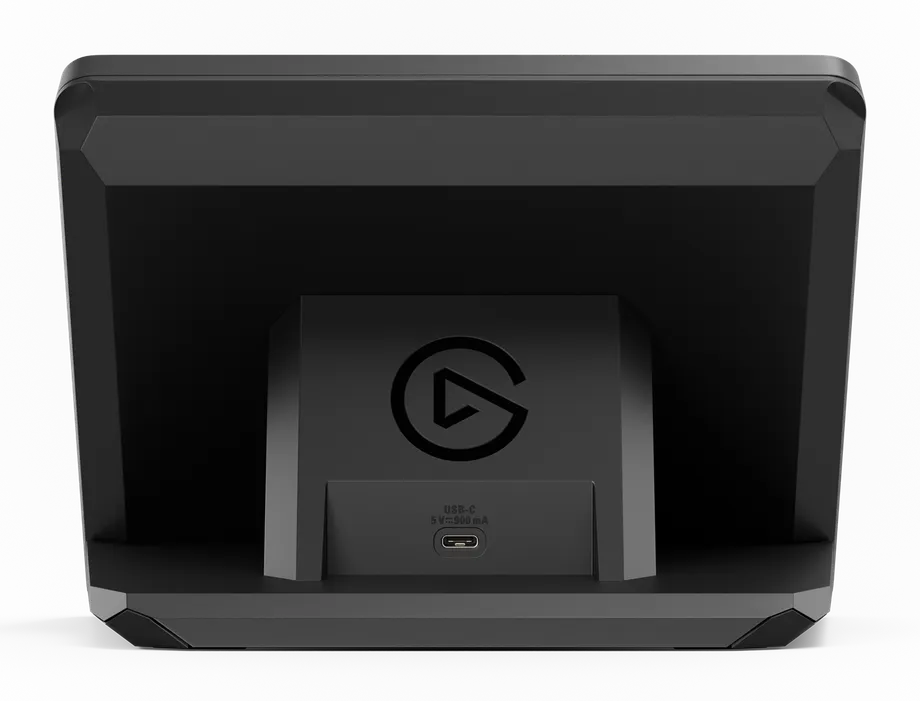
GALLEON 100 SD takes a different approach by building Stream Deck directly into a full-size mechanical keyboard.
Instead of adding a separate device to your desk, GALLEON 100 SD puts Stream Deck controls right next to your keyboard keys. The Stream Deck section replaces the traditional numpad area, so in-game bindings, media controls, or app shortcuts stay visible and within reach while you type or play.
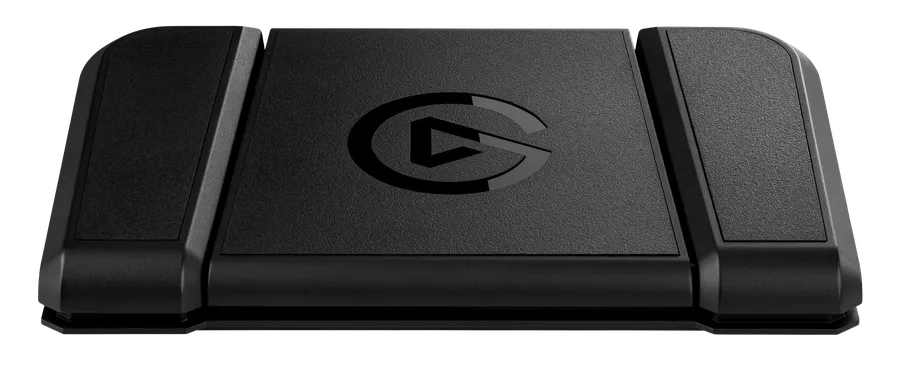
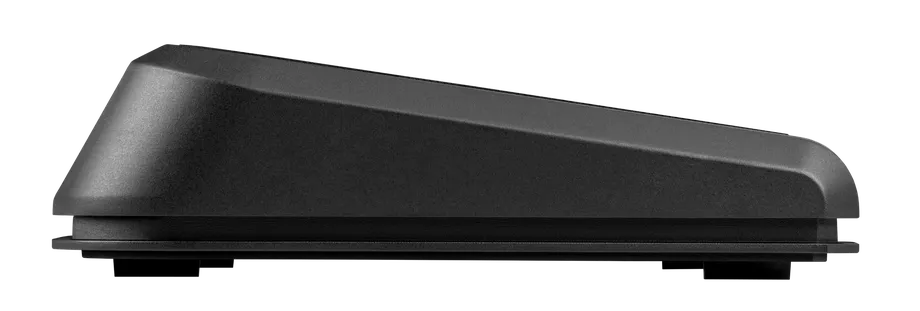
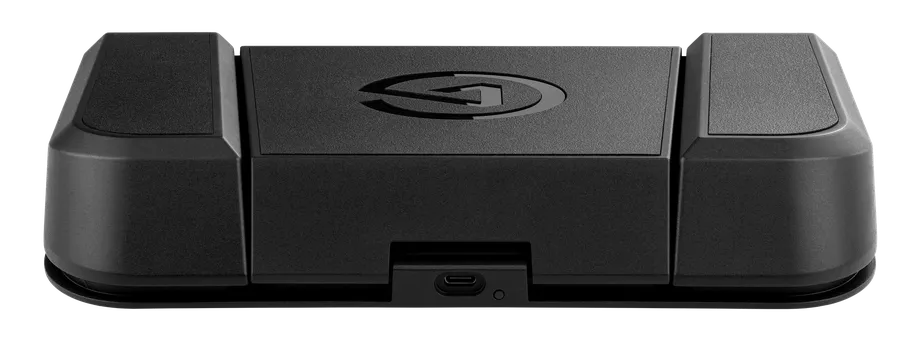
Stream Deck Pedal adds hands-free control with three foot-operated triggers.
Pedal is useful when your hands are busy (playing guitar, presenting, gaming) and you still need to trigger actions like muting your mic, switching scenes, or advancing slides.
Each pedal supports the same actions, Multi Actions, and profiles as any Stream Deck key, and Smart Profiles switch automatically based on the active app.
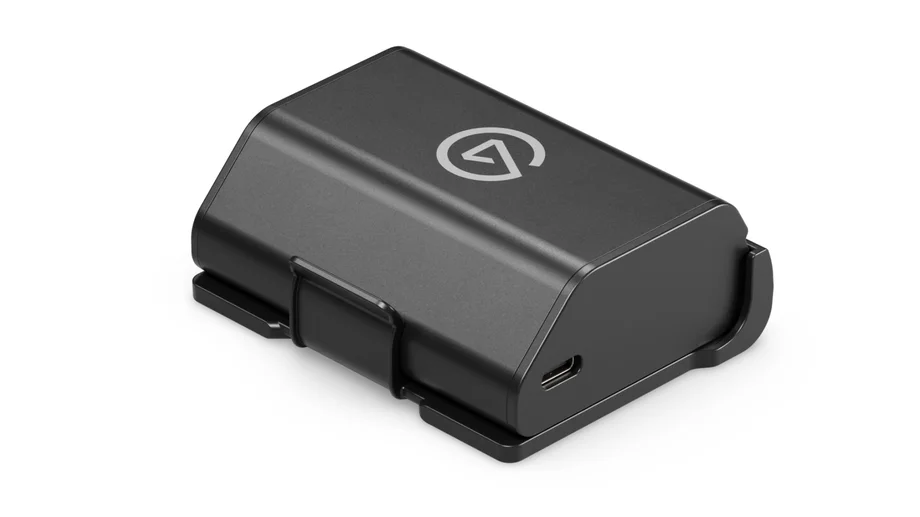
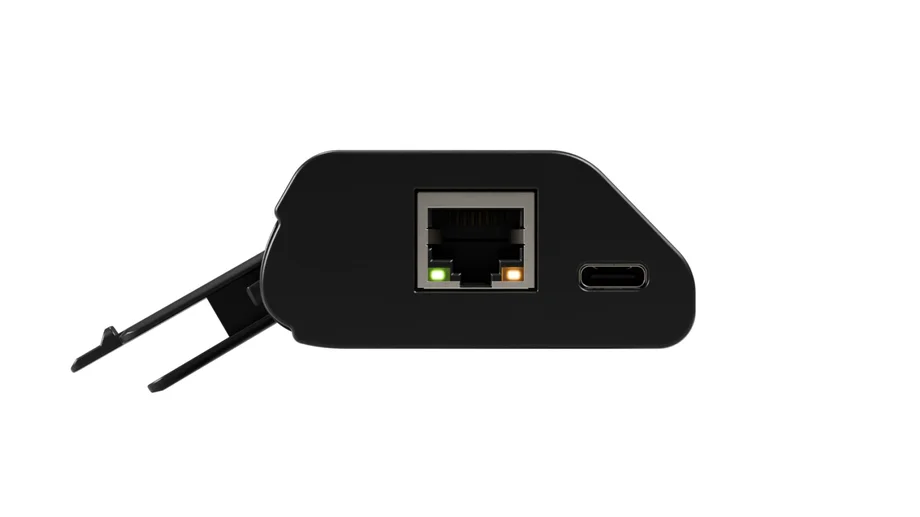
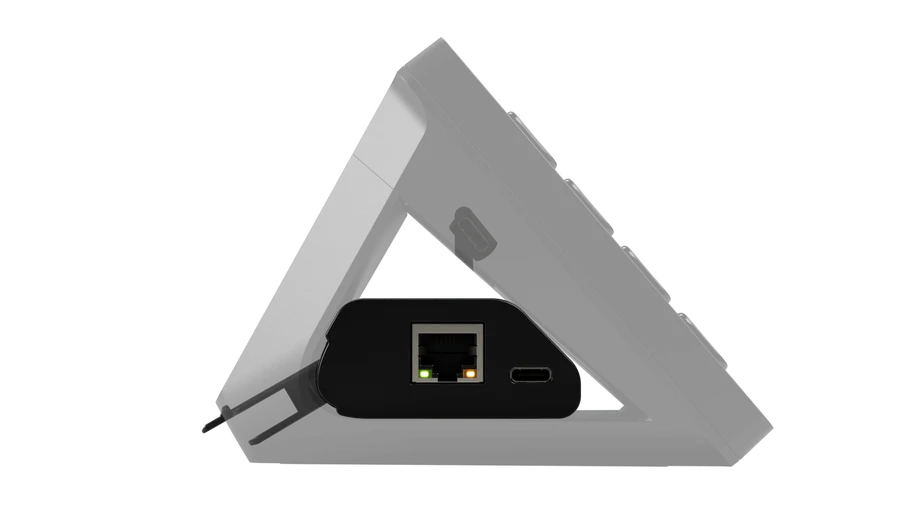
Network Dock adds Ethernet connectivity to your Stream Deck, so you can place it anywhere on your network instead of being limited by USB cable length. Power it via PoE or USB, mount it wherever you need it, and set it up directly on the Stream Deck screen.
Network Dock is compatible with:
If you just want to try out a Stream Deck, Stream Deck Mobile is a good place to start.
Install the app, connect to your computer, and start building layouts on your phone or tablet. It runs the same Stream Deck app and supports the same plugins as every hardware model.
Stream Deck Mobile is a good way to get a feel for how profiles, actions, and plugins work before deciding on a physical device.
All models run the same Stream Deck app and support the same Elgato Marketplace plugins and profiles. For a full spec-by-spec breakdown, see our Stream Deck Device Comparison Guide.
PRODUCTS IN ARTICLE
Stay up to date with Elgato. Get our latest News, Guides, and Product Updates in your Google feeds.
Add Elgato as a preferred sourceThanks for helping us improve this article.