Explorer
DISCOVER

FEATURED ARTICLES
Plugins
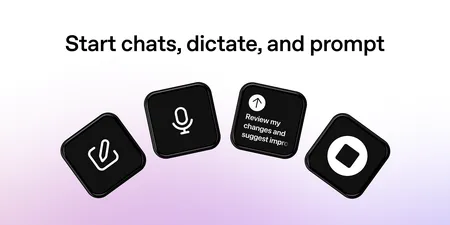
Control ChatGPT and Codex from Stream Deck: track chats, send prompts, steer tasks, and manage models or panels from your keys and dials.
BLOG
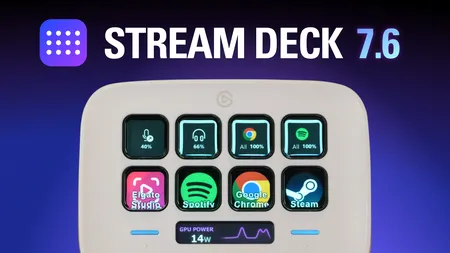
Stream Deck 7.6 lets you put live information on Stream Deck Neo's Infobar. Here's what you can add and how to set it up.

Choosing Your Gear
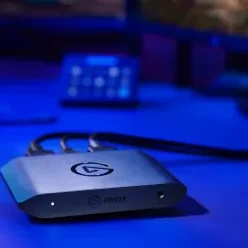
Which Elgato capture card is right for GTA 6? Compare 4K S, 4K X, and 4K Pro to find the best fit for your console setup.
LATEST
How To
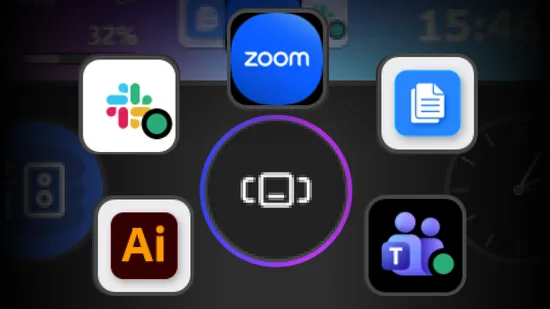
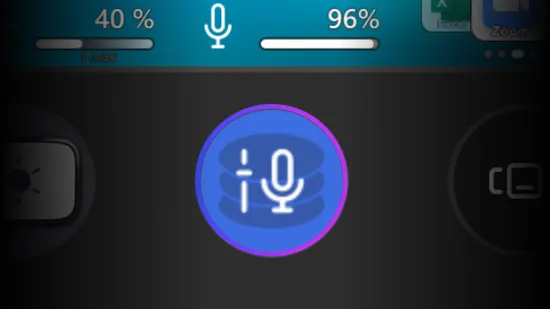
Learn how to use Action Wheel for Stream Deck dials to stack multiple key actions and optimize your setup.
How To
Learn how to use Dial Stacks to control multiple settings with a single dial and streamline your setup.
BLOG
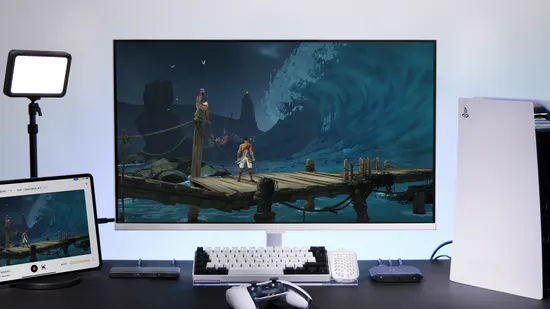
Compare live streaming on console and PC across video quality, overlays, audio control, recording, and platform support to find the right setup.
How To
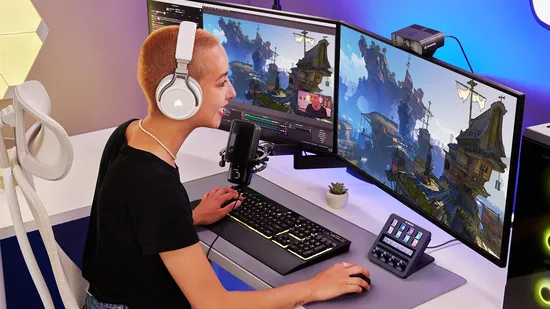
Set up Stream Deck for gaming: add hotkeys, build game profiles, and use Smart Profiles to switch layouts automatically between games.
BLOG
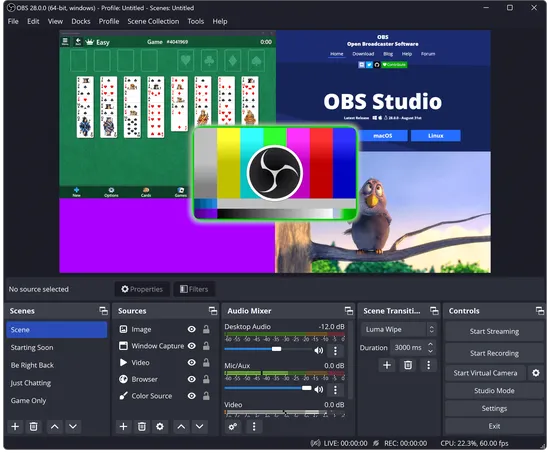
Yes, OBS Studio is safe. See how to verify it yourself, what permissions it needs, and the one real risk: fake download sites, not the software.
BLOG
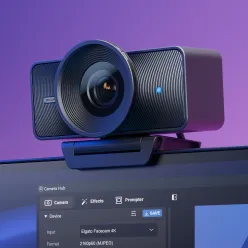
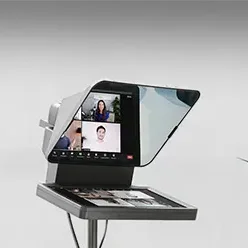
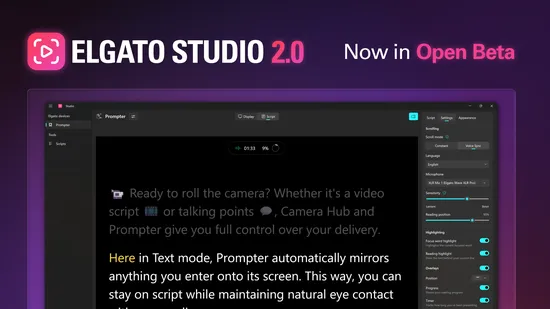
Elgato Studio 2.0 rebuilds the Prompter experience with a new script editor, Voice Sync 2.0, and full device controls. Try the beta now.
BLOG
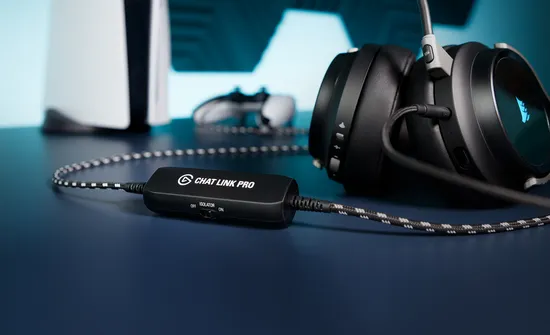
Missing party or lobby chat in your recordings? Chat Link Pro captures voice and game audio from PS5, Xbox, and Switch in one cable.

Choosing Your Gear
Which Elgato capture card is right for GTA 6? Compare 4K S, 4K X, and 4K Pro to find the best fit for your console setup.

BLOG
Pick the right capture card and display for GTA 6 on PS5 and Xbox Series X|S before launch day.

NEWS
Shop Elgato Prime Day deals on Amazon, June 23 through 26. Save up to 30% on Stream Deck, Wave, capture cards, and more.
How To
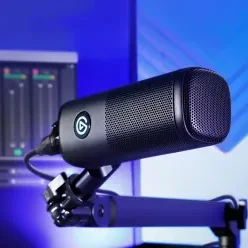
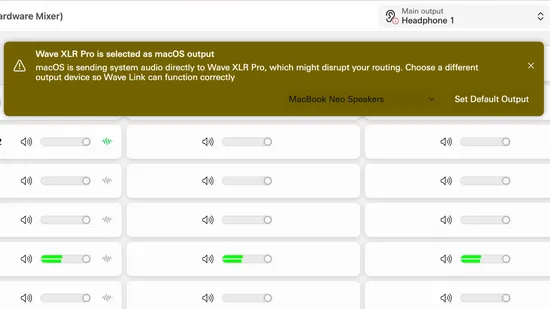
Learn how audio routing works with Wave XLR Pro on macOS and how Wave Link manages your mixes and outputs.
How To
Learn how to add hotkeys to a Stream Deck key and dial, enter multiple keys, and use Hotkey Switch to control your favorite apps with one tap.