Explorer
DISCOVER

FEATURED ARTICLES
How To
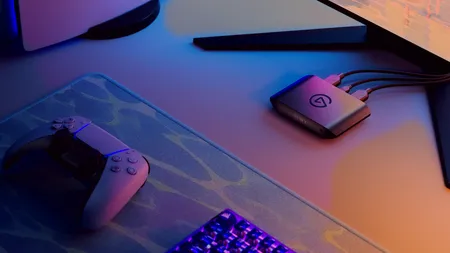
Play GTA 6 at 60 or 120 fps on PS5 or Xbox Series X|S with a capture card and frame generation. Setup for NitLink, Veyra, and Lossless Scaling.
How To
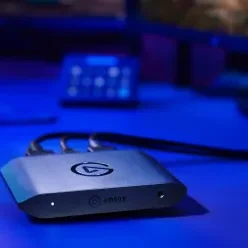
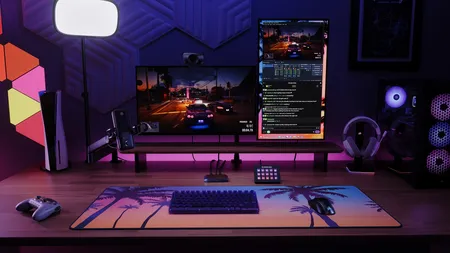
Learn how to stream or record GTA 6 on PS5, PS5 Pro, or Xbox Series X|S with a 4K X capture card, using OBS Studio or Elgato Studio.
BLOG
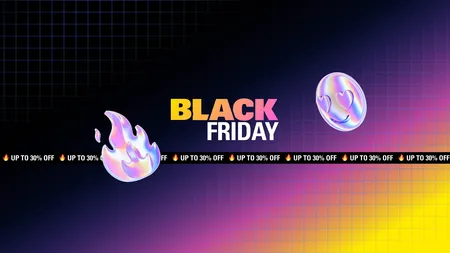
Save up to 30% on Stream Deck, Wave, Prompter and more this Black Friday. See what’s on sale, when deals end, and when we’re live.
LATEST

How To
Compare 4K X vs. 4K Pro. Learn the key differences in HDR, frame rates, USB vs. PCIe, capture quality, and which card fits your setup best.
How To
Learn how much upload speed you need to stream on Twitch, YouTube, Kick, and more.

How To
Learn how to build your own Stream Deck plugin using Elgato’s free SDK.

How To
Slay in style with Elgato and DOOM: The Dark Ages. Explore custom gear, epic audio, and tools forged for creators ready to conquer the battlefield.

How To
Control Discord with a tap using the Stream Deck plugin. Mute, join channels, share your screen, and adjust audio instantly, no alt-tabbing required.

How To
Don’t lose your livestreams. Learn how to archive, save, and repurpose your streams for YouTube, social media, and future highlights with or without OBS Studio.

Events
Discover Elgato’s new lineup at Computex 2025, including Stream Deck Scissor Keys, Virtual Stream Deck, and Network Dock. Designed to enhance pro workflows across hardware and software.

How To
Compare Stream Deck MK.2 and Scissor Keys. Same layout, same features—just a different feel.

How To
If you've been searching for how to add an on-screen Stream Deck display to your computer, you've found it — it's called Virtual Stream Deck.

BLOG
Connect Stream Deck over Ethernet with Network Dock. No USB needed. Supports Bitfocus Buttons, Companion, and Stream Deck software.

How To
Discover tips and tricks to optimize your Wi-Fi network for optimal performance

How To
Learn how Stream Deck controls your apps using powerful plugins and hotkeys for real-time control and customization.