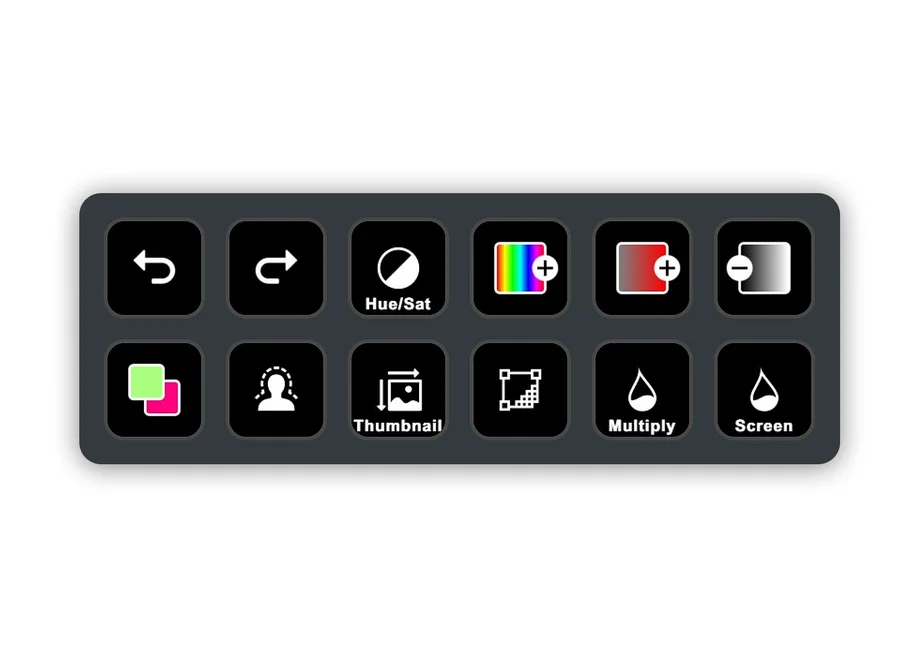
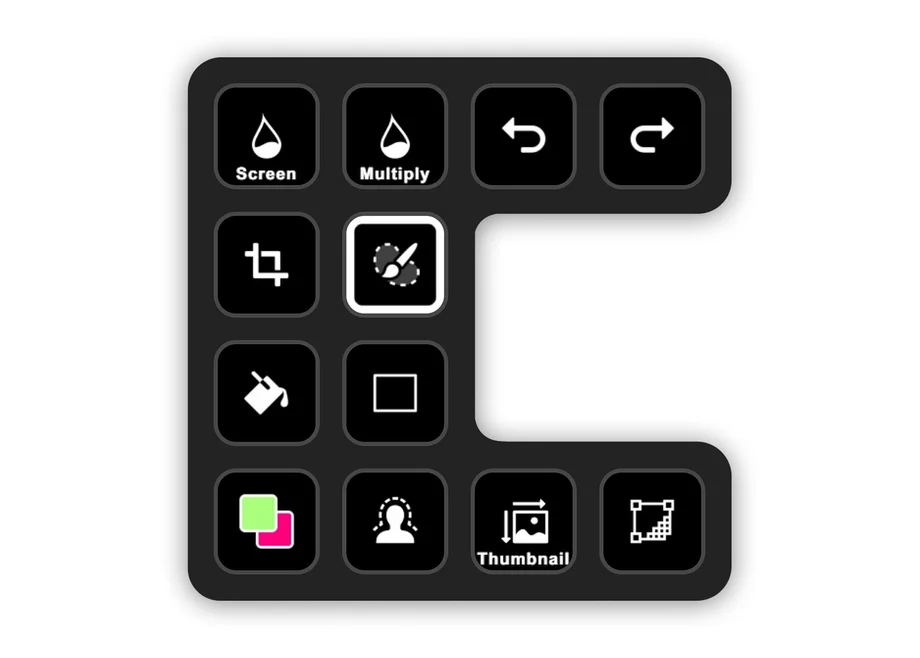
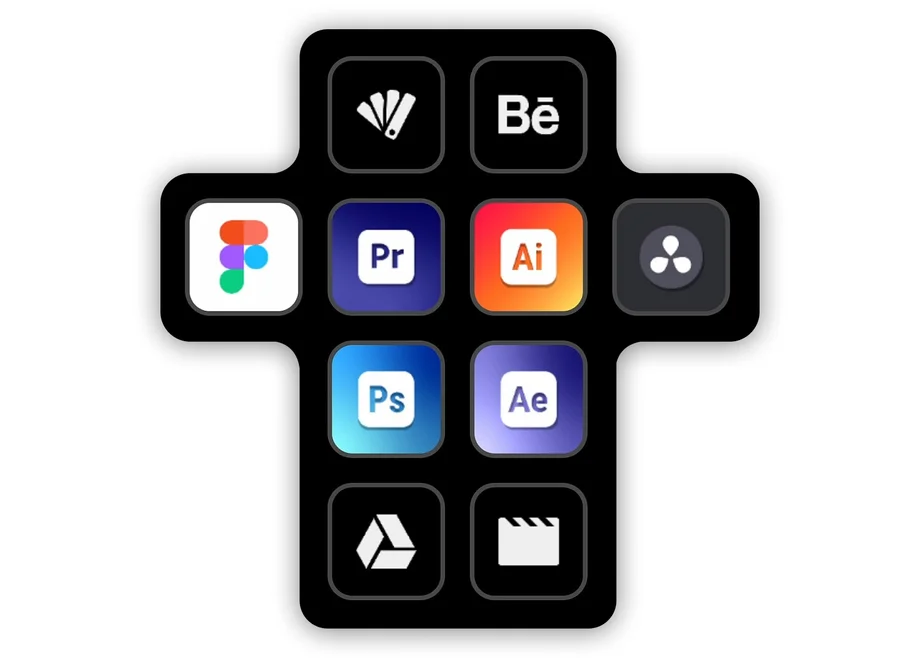
Virtual Stream Deck puts a customizable Stream Deck layout directly on your screen. Each virtual key can trigger actions, open apps, control tools, or display information at a glance. It becomes a fast, visual shortcut panel for your entire workflow—accessible with a click of your mouse or trackpad.
Ready to dive right in? Learn how to setup Virtual Stream Deck.
Below are ten practical ways to put Virtual Stream Deck to work.
Keeping track of Discord during sessions can be tough. Virtual Stream Deck simplifies it to a few on-screen keys: mute your mic, deafen when chaos hits, trigger soundboard moments, or toggle your camera. You can also join channels with a tap and even see who’s already chatting before you hop in—all without leaving the game with the Discord plugin.
In games like World of Warcraft, you’re constantly juggling abilities, items, and skills. Place Virtual Stream Deck where your mouse is—like a temporary radial menu—click the ability you need, and it disappears again. It’s ideal for MMOs, flight sims, and space sims with large hotkey lists and complex rotations.
Use a game's specific plugin like Call of Duty: Black Ops 7 or configure simple hotkeys for games like Star Citizen and Microsoft Flight Simulator.
Turn Virtual Stream Deck into a workspace hub. Add keys that open project folders, essential files, dashboards, and web tools. Create a simple “control panel” that stays on-screen while you work. Add world clocks for teammates across time zones so you’re never guessing who’s online.
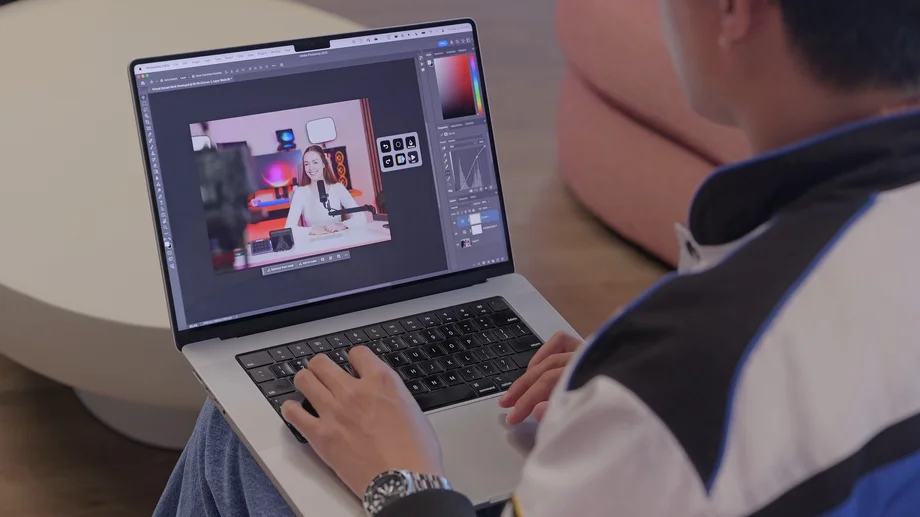
Designers and editors rely on repetitive actions—selecting layers, adding effects, switching tools, triggering macros. With Virtual Stream Deck, those controls sit right beside your canvas. Use the Photoshop plugin, or build your own hotkey layout for apps like Davinci Resolve and Adobe Premiere without native integrations. Custom icons help keep everything visual and memorable.
Moving from work to play often means switching sound sources. With the Audio Switcher plugin, one key toggles between headphones and speakers. No digging through menus, no system tray hunting—just immediate control when you’re ready to relax, hop into a meeting, or change your setup.
Virtual Stream Deck becomes a digital light switch. With Control Center or Philips Hue plugins, you can turn lights on or off, set a mood, adjust brightness, or switch presets. Group them in a folder to keep your layout clean—perfect for starting a stream, wrapping up for the night, or dialing in the right atmosphere.
Treat Virtual Stream Deck as a mini command center. Use plugins like HWiNFO, System Vitals or iCUE to see CPU and GPU temperatures, system load, fan speeds, or RAM usage. For wireless gear, plugins like Batterius show battery levels so you know exactly when to recharge headphones or accessories.
Meeting controls rarely stay in the same place on-screen. Virtual Stream Deck solves that. Add keys for mute, camera toggle, screen share, and call join/leave. It works consistently across Zoom, Teams, Slack, and other meeting tools—your controls stay fixed even if the software UI moves.
With Twitch Tools, Virtual Stream Deck can display when streamers you follow are live—complete with names, game titles, and viewer counts. Tap to open the stream instantly. With YouTube ticker, you can track new uploads from your favorite channels, including thumbnails and video lengths.
If AI is part of your workflow, you can bring it closer. Add a key that opens your preferred AI chat page, then use text actions to paste common prompt templates. Pages let you organize prompt libraries for writing, coding, planning, editing, or brainstorming.
Virtual Stream Deck comes unlocked when you connect a Stream Deck device or supported CORSAIR hardware. If you prefer a touchscreen interface, CORSAIR XENEON EDGE creates an ideal always-visible spot for it. If you want access without hardware, subscribing to (or purchasing) Stream Deck Mobile Pro on iOS or Android also unlocks Virtual Stream Deck.
Check out all the ways to unlock Virtual Stream Deck.
Find Your Own Way to Use It
These examples only scratch the surface. Virtual Stream Deck is fully customizable: pages, folders, profiles, layouts, icons—everything adapts to your workflow. Keep it always visible or set it to appear only when you need it. Use one panel or several.
How you use it is up to you. The key is that it’s flexible, fast, and always ready.
Download Elgato Stream Deck and start using Virtual Stream Deck, today!
A CIKKBEN SZEREPLŐ TERMÉKEK
Stay up to date with Elgato. Get our latest News, Guides, and Product Updates in your Google feeds.
Add Elgato as a preferred sourceThanks for helping us improve this article.