Games today ask players to manage more than WASD. As updates are released, menus, communication, and situational actions evolve, it can be challenging to keep track of where everything is mapped. After a while, it’s less about learning new inputs and more about remembering where things live.
GALLEON 100 SD is built around that reality. By bringing Stream Deck directly into the keyboard, it gives secondary and more complex key bindings a clear place to live. Instead of relying on memory or stretching for keys you do not use often, those actions stay visible and easier to reach while you play.
That difference becomes clear once you spend time in different games.
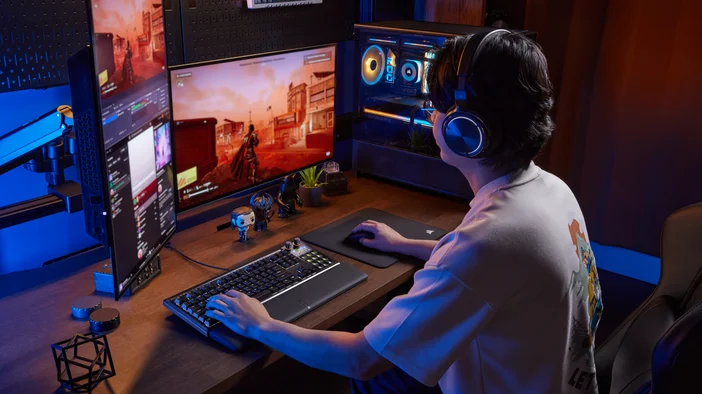
Star Citizen
Star Citizen is built around layered systems, from ship operation and navigation to communication and system management. Many of those actions are used occasionally but still need to be available quickly, which makes them easy to forget between sessions.
Stream Deck profiles let those systems live in dedicated layouts. Common ship actions like landing mode, quantum travel, camera controls, and communication functions can be grouped in ways that make sense as situations change. You can also use Pages within Stream Deck app to help separate different ship systems, so you are not digging through long keybind lists mid-flight.
When there are this many systems in play, being able to see what you have mapped makes a difference.
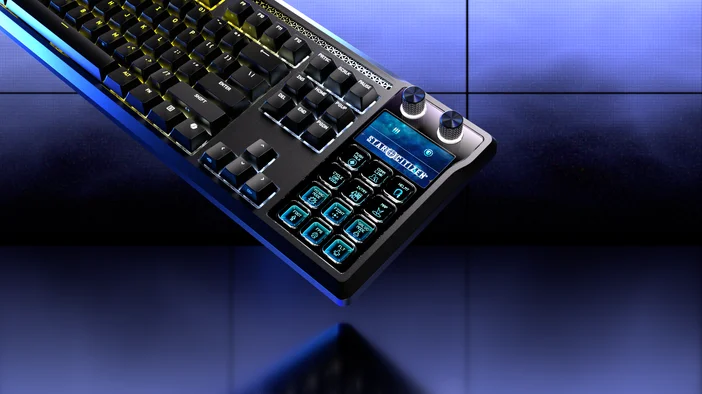
Microsoft Flight Simulator
Microsoft Flight Simulator puts constant emphasis on system management. Landing gear, flaps, trim, lighting, camera views, and communication controls are often spread across function keys or modifier-based shortcuts that are easy to forget if you do not use them often.
Stream Deck keys make those cockpit tasks easier to reach, while dials work well for adjustments you make repeatedly, like trim or fine control changes. With clear labels on your keys, it is easier to confirm what you are adjusting without stopping to check a control menu.
It tends to get the most use during takeoff, landing, or longer flights, when you are adjusting systems without wanting to stop and think about keybinds.
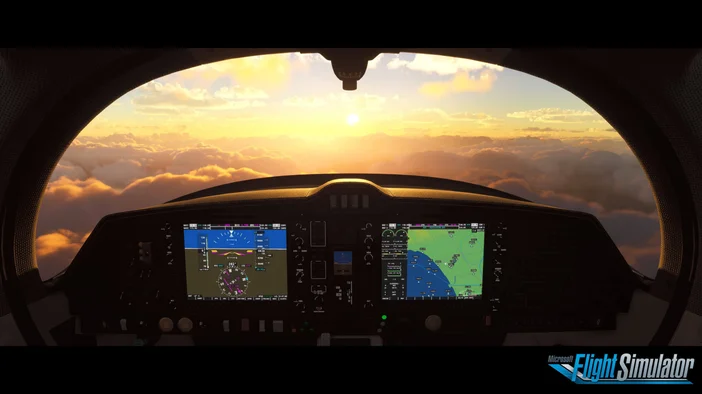
Helldivers 2
As Helldivers 2 ramps up, missions start asking you to juggle more than just movement and shooting. Objectives shift, stratagems need to be called in, communication matters, and even emotes become part of how your squads coordinate.
Using Stream Deck keys for things like stratagems gives those actions a clear place to live. Instead of trying to remember inputs under pressure or misclicking, you can glance down and trigger what you need when the moment calls for it.
In Helldivers 2, those split-second decisions matter, whether you’re calling in support or hitting the right emote for democracy.
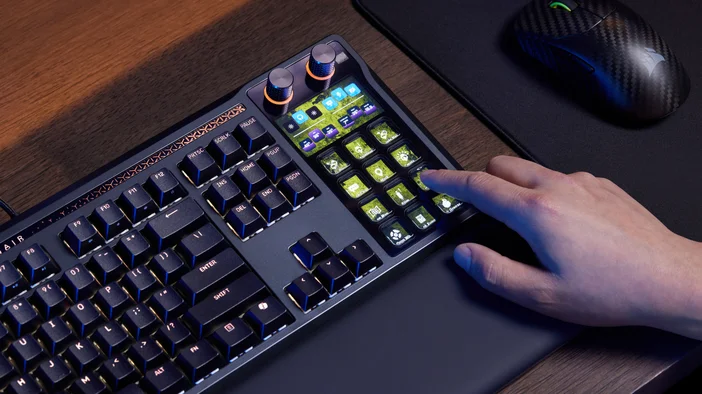
World of Warcraft
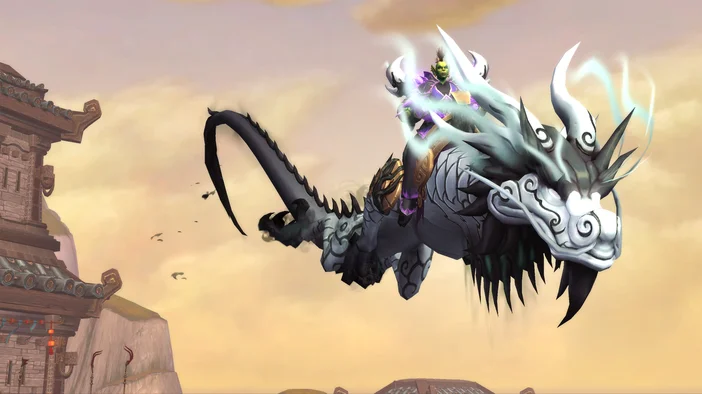
World of Warcraft is a good example of how controls expand over time. Heartstone, mounts, consumables, pet actions, and interfaces all add up, and keeping track of where everything is mapped can become more complex than the gameplay itself.
Moving those secondary actions onto Stream Deck keys keeps them visible and easier to find, without touching your core rotation. These actions can live in a consistent spot, so you are not relying on modifiers or memory every time you need them.
Go beyond the game
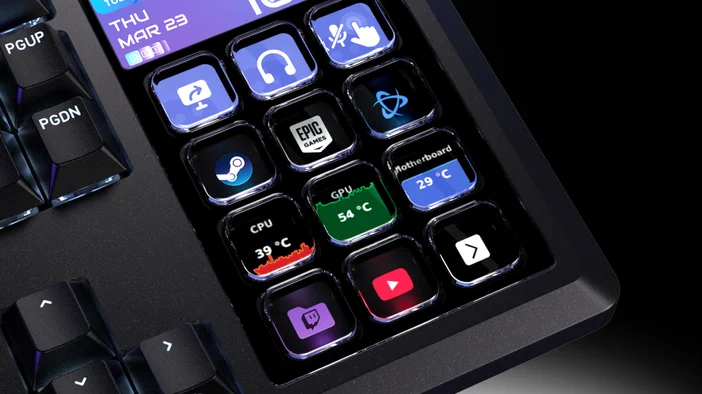
Not everything that matters during a game happens on screen. System performance, your ping, and background apps can all affect how a session feels, especially over longer playtime.
Stream Deck keys on GALLEON 100 SD can be used for things like system temperatures, viewer count while streaming on Twitch, or even to check your ping without having to alt-tab out of your game. That information stays visible on the keyboard, making it easier to notice issues early without pulling focus away.
Keeping complex key bindings organized
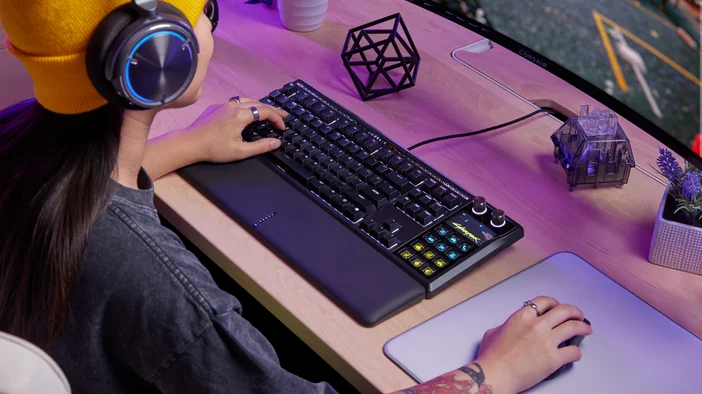
GALLEON 100 SD is built for games that ask for more than basic movement keys. By giving complex and secondary actions a clear place to live, it helps reduce mental overhead and keeps your focus where it belongs during play.
You can customize layouts per game or explore profiles on Elgato Marketplace.
TUOTTEET ARTIKLASSA