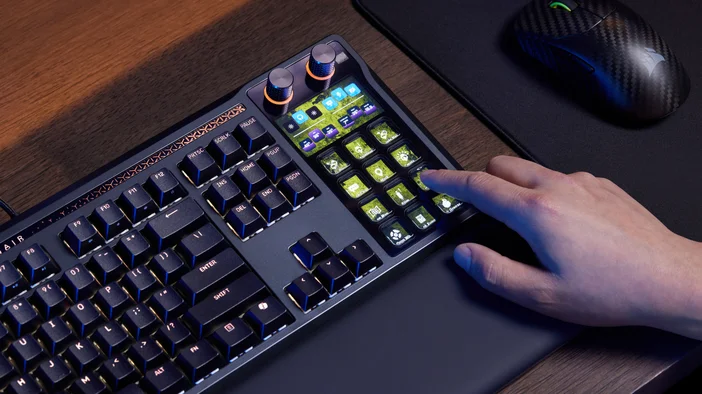
GALLEON 100 SD brings Stream Deck technology into a full-size mechanical keyboard. With 12 customizable keys, two rotary dials, and a built-in LCD screen, Stream Deck controls are part of the keyboard itself, ready for quick access whenever you need them.
These Stream Deck controls can be used for in-game actions, app shortcuts, audio adjustments, or keeping an eye on system stats or stream activity. Alongside Stream Deck, GALLEON 100 SD is built as a high-performance gaming keyboard, with features like fast 8,000 Hz polling, FlashTap SOCD, and smooth MLX Pulse switches.
In this article, we’ll take a closer look at how Stream Deck works on GALLEON 100 SD.
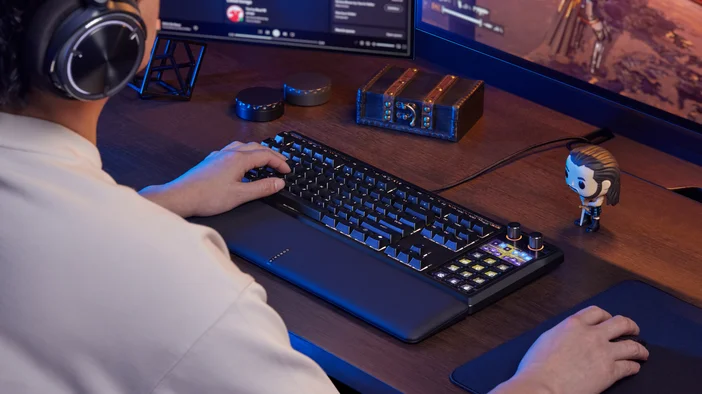
Stream Deck, built into the keyboard
Stream Deck is built around simple, one-touch control. Each key or dial can be assigned to a specific action, whether that’s launching an app, triggering an in-game command, adjusting audio, or checking system information.
Setup happens in Stream Deck app. You drag actions onto keys or dials, customize them, or create profiles for different games or apps. Once configured, those controls are always available directly on the keyboard.
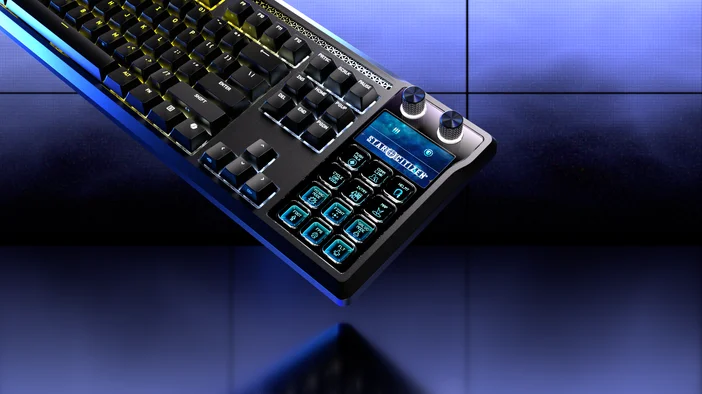
Keeping control in-game
With Stream Deck on the keyboard, common in-game actions are easier to access. You can map keys to hotkeys, shortcuts, or Multi Actions and keep those commands right where you need them, without needing to alt-tab out.
For example, in World of Warcraft, this could be your Heartstone, mounts, or menu shortcuts. In Star Citizen, ship systems like landing mode, camera controls, or communication functions can be grouped together. In Microsoft Flight Simulator, common cockpit actions such as landing gear, lighting, or camera views can live in one place instead of being spread across function keys and modifiers.
Keeping those actions on the keyboard makes it easier to spot rarely used bindings or more complex inputs at a glance.
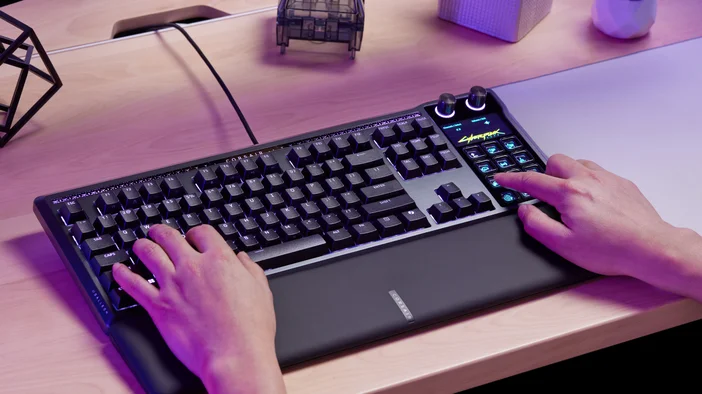
How the screen and dials work together
The built-in LCD screen on GALLEON 100 SD is divided into four quadrants, with each Stream Deck dial mapped to one side of the screen.
Turning the dial adjusts the active action, while pressing the dial activates the action. Each dial controls on-screen actions shown on the LCD display. To switch between them, you press and hold the dial, which switches focus between the top and bottom quadrant on that side and highlights the active action on the screen.
With two dials controlling four actions, GALLEON 100 SD keeps everything compact and easy to follow. You can see what’s active at a glance and make adjustments without reaching for another device or looking away from what you’re doing.
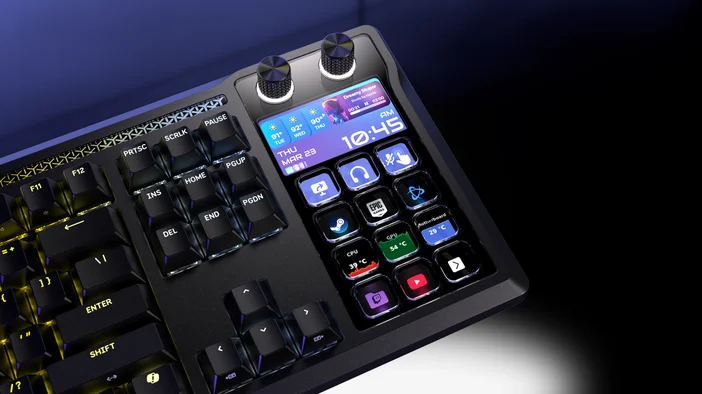
App and audio control at your fingertips
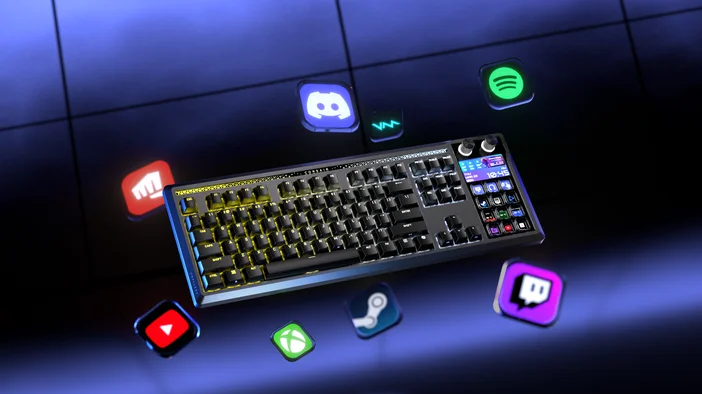
Stream Deck plugins add another layer of control. Apps like Discord and Spotify can be managed with a single press, letting you mute, deafen, change tracks, or adjust volume without pulling you out of the game.
Plugins, icons, and profiles are available through Elgato Marketplace and can be added directly inside Stream Deck app, just like with any other Stream Deck setup.
Profiles that adapt as you go
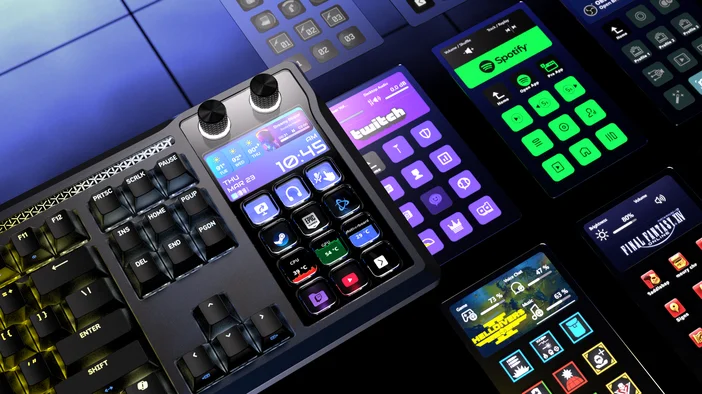
Profiles tell Stream Deck what each key or dial should do. You can create different profiles for games, apps, or workflows, so the controls on the keyboard change based on what you’re using.
Smart Profiles can switch automatically when a game or app comes into focus. The keys update on their own, keeping the layout in sync with what’s on screen without manual switching.
If you need more room, folders let you group related actions and open them only when needed. This keeps the main layout focused on the controls you use most often.
You can build profiles from scratch or explore ready-made layouts shared by the community on Elgato Marketplace.
Pro tip: Multi Actions let a single key perform several steps in sequence. One press can handle actions like opening a menu and selecting an option, which is useful for multi-step tasks without taking up multiple keys.
Learn more about the keyboard
Beyond Stream Deck, GALLEON 100 SD is a full-size mechanical keyboard built with performance and comfort in mind. It uses MLX Pulse linear switches, supports high polling rates, and features a gasket-mounted design with hot-swappable switches.
For a closer look at the keyboard hardware, including typing feel, acoustics, and customization, CORSAIR’s complete overview provides more information.
Explore GALLEON 100 SD
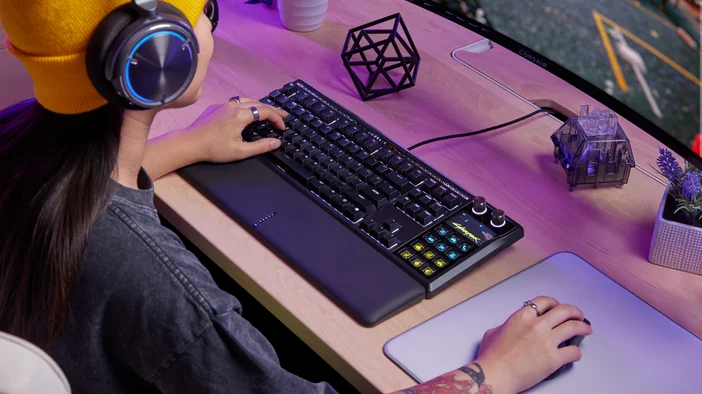
By building Stream Deck directly into the keyboard, GALLEON 100 SD keeps Stream Deck controls closer to where they are used most. Keys, dials, and the display stay within reach while you play, stream, or work, without altering your setup.
Stream Deck itself has not changed. It is simply integrated into the keyboard.
TUOTTEET ARTIKLASSA