KÄSIKIRJA | PIKAOPAS
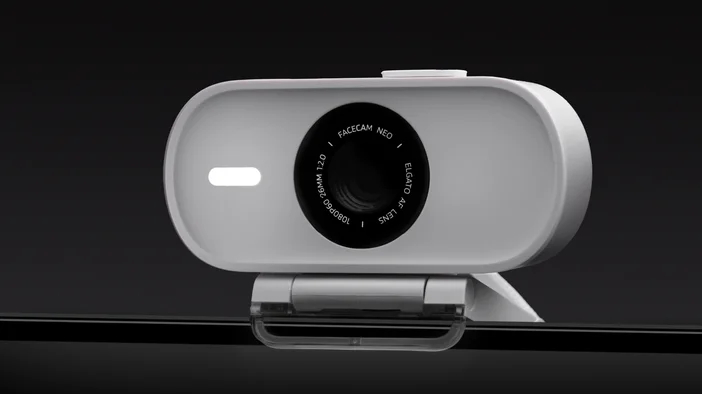
Elgato Facecam Neo — Quick Start Guide
Setup Steps
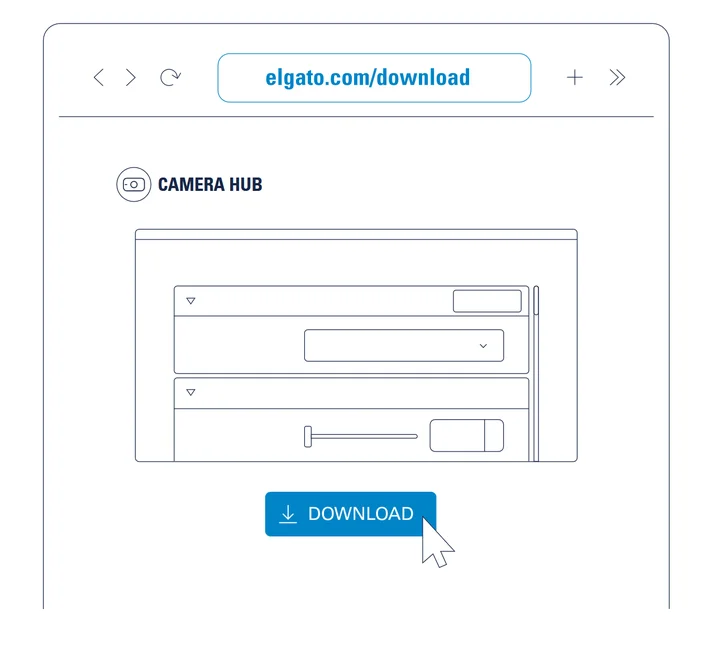
Step 1
Download and install the Elgato Camera Hub.
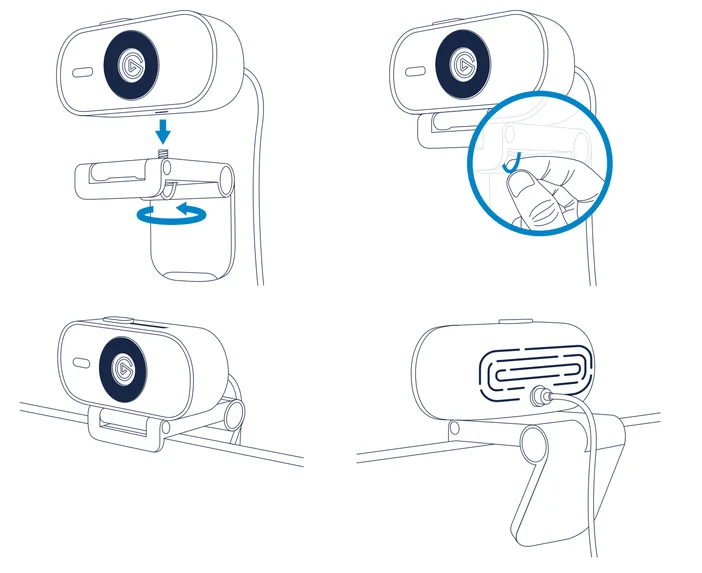
Step 2
Mount Facecam Neo on your monitor.
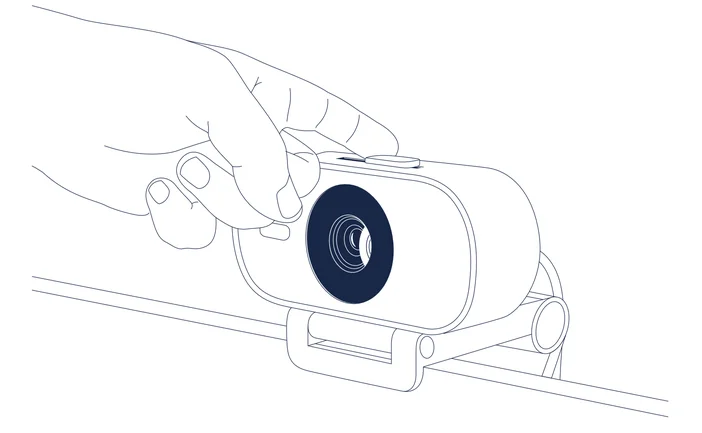
Step 3
Open the privacy shutter.
Step 4
Connect Facecam Neo directly to a USB-C port on your PC or Mac – do not use a USB hub.
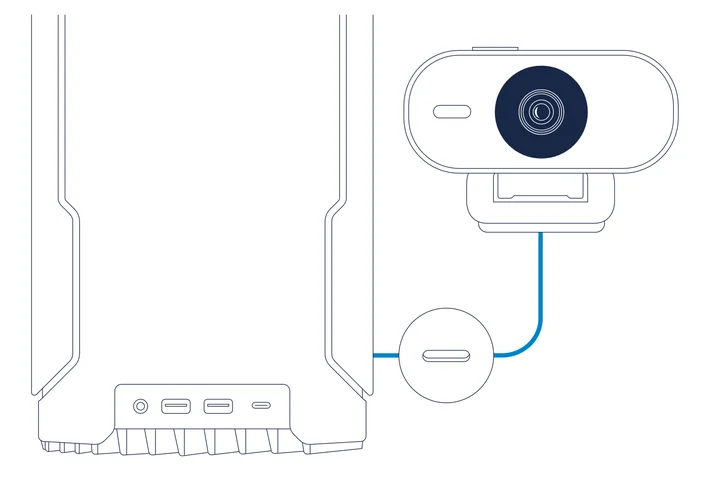
Step 5
Clean the lens with a microfiber cloth. Do not use paper towels or detergents.
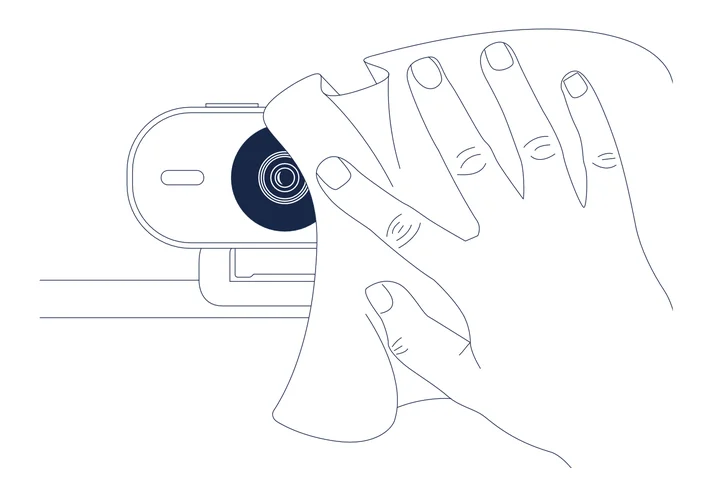
Step 6
Enjoy using Facecam Neo with your favorite streaming and video conferencing apps: Zoom, Skype, Teams, Slack, OBS, Google Meet, FaceTime, or any other application supporting the UVC standard.

Regulatory
Federal Communication Commission Interference Statement: This device complies with Part 15 of the FCC Rules. Operation is subject to the following two conditions: (1) This device may not cause harmful interference, and (2) this device must accept any interference received, including interference that may cause undesired operation.
This device complies with Industry Canada license-exempt RSS standard(s). Operation is subject to the following two conditions: (1) this device may not cause interference, and (2) this device must accept any interference, including interference that may cause undesired operation of the device.
The declaration of conformity for Elgato products is available at www.elgato.com/doc
Rating: 5 V, 500 mA
Company Information
Elgato, a division of: Corsair Memory Inc., 115 North McCarthy Blvd, Milpitas, CA 95035, USA
Copyright 2023 Corsair Memory Inc. All rights reserved. Elgato and the Elgato logo are trademarks of Corsair Memory Inc., registered in the U.S. and other countries. All other trademarks belong to their respective owner.
Part: 51WAE9901